What Is The Best CPU For Rendering In Blender?
For Blender rendering, the best CPUs prioritize high core and thread counts, high clock speeds, and large cache sizes. Rendering is a massively parallel task, meaning it can efficiently utilize many CPU cores simultaneously. Therefore, multi-core performance is the most critical factor. Modern Intel Core i5, i7, and i9 processors from the 12th generation and newer, featuring a mix of Performance (P) and Efficient (E) cores, offer excellent rendering performance. Key specifications to look for include a minimum of 6 physical cores (12 threads), high boost clock speeds (over 4.0 GHz), and substantial L3 cache (e.g., 18MB+).
Key Technical Specifications For Blender Performance
When selecting a CPU for a Blender workstation, focus on these technical details:
-
Core Count: More cores directly translate to faster render times. For professional work, aim for 10 cores or more.
-
Thread Count: Hyper-Threading or similar technology doubles the number of logical processors, significantly improving performance in multi-threaded renders.
-
Clock Speed: While core count is king for final rendering, higher single-core clock speeds (Boost/Turbo) improve responsiveness in the 3D viewport during modeling and animation.
-
Cache: A large L3 cache (e.g., 24MB or more) allows the CPU to store more scene data close at hand, reducing latency and speeding up calculations.
-
Thermal Design Power (TDP): High-performance rendering CPUs have higher TDPs (65W to 125W+), requiring robust cooling solutions for sustained performance.
Recommended CPU Tiers For Blender
| Use Case | Recommended CPU Series | Ideal Core Count | Key Features |
|---|---|---|---|
| Entry-Level / Learning | Intel Core i5 | 6 Cores / 12 Threads | Good balance for viewport and light rendering. |
| Professional / Freelance | Intel Core i7 / i9 | 10+ Cores / 20+ Threads | High core count for efficient production rendering. |
| High-End Studio / Server | Intel Core i9 | 14+ Cores / 28+ Threads | Maximum multi-core performance for complex scenes. |
Applications and Use Cases
A powerful CPU is essential for various Blender workflows:
-
Cycles & Eevee Rendering: Final frame and animation rendering heavily leverages all available CPU cores.
-
Simulations: Physics, fluid, and smoke simulations are computationally intensive and benefit from high thread counts.
-
Complex Modeling & Sculpting: While more GPU-dependent for viewport performance, certain modifiers and operations utilize CPU power.
-
Background Rendering: The ability to render while continuing to work in another scene is a major productivity boost enabled by multi-core CPUs.
Thinvent Industrial PCs For Blender Rendering
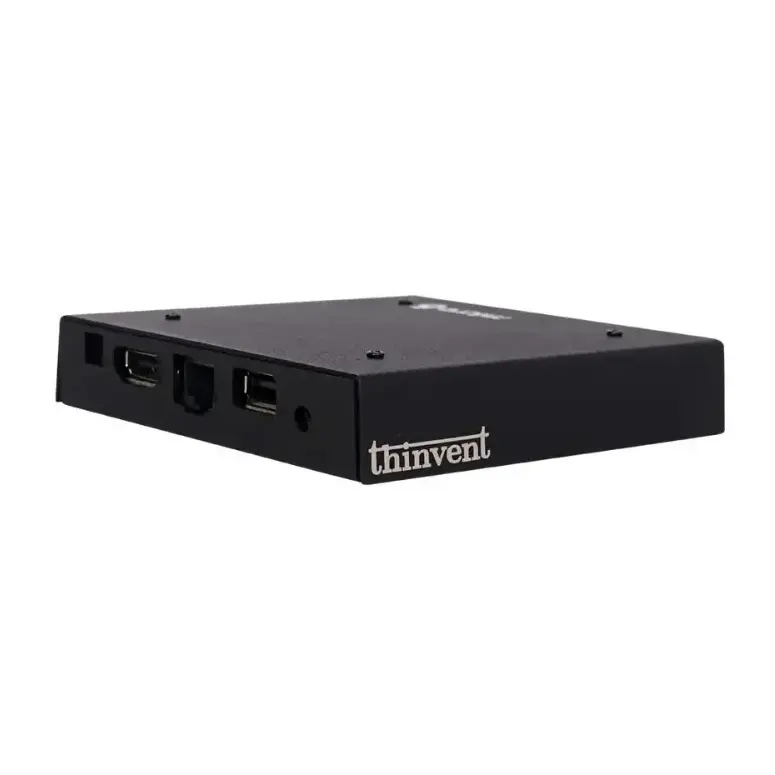
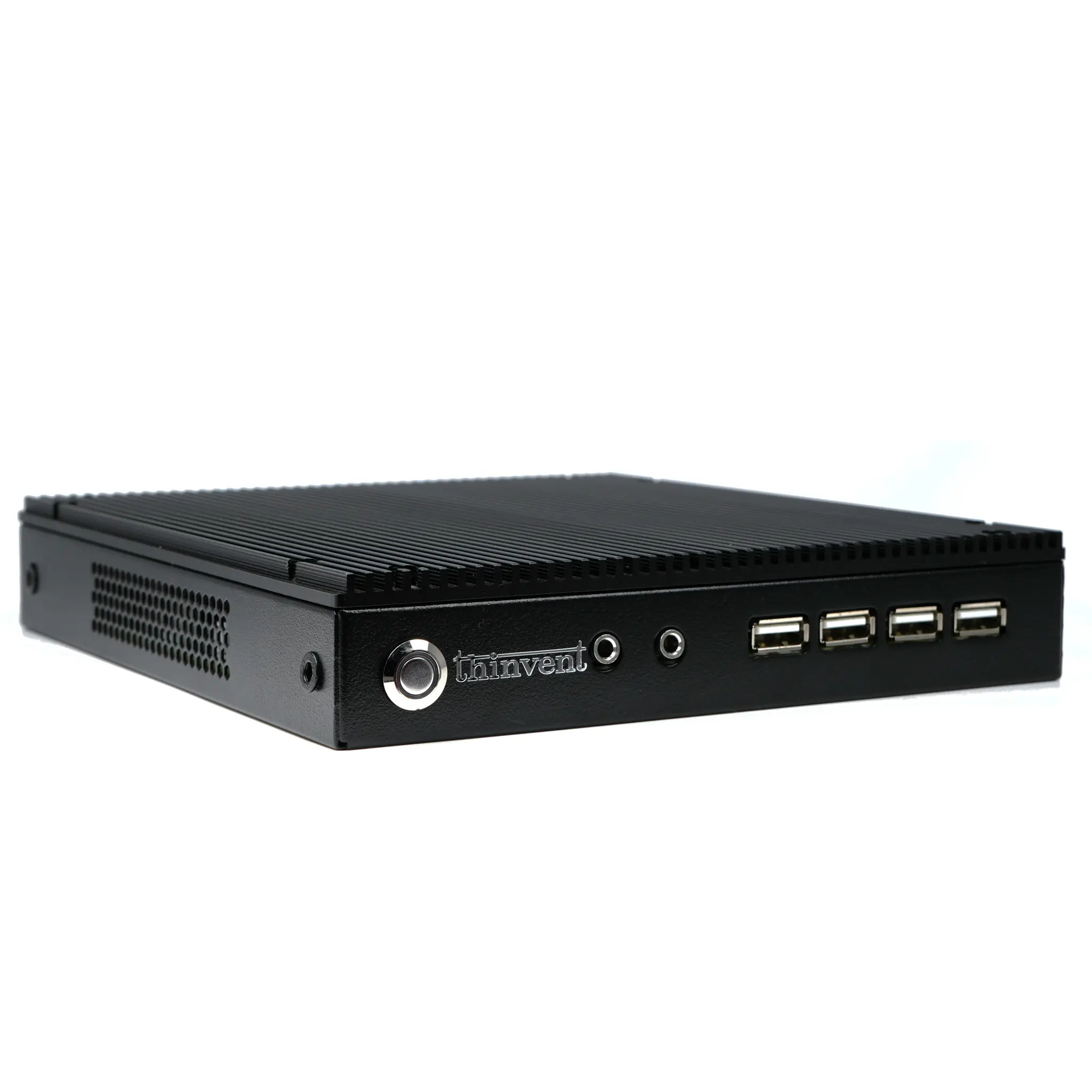
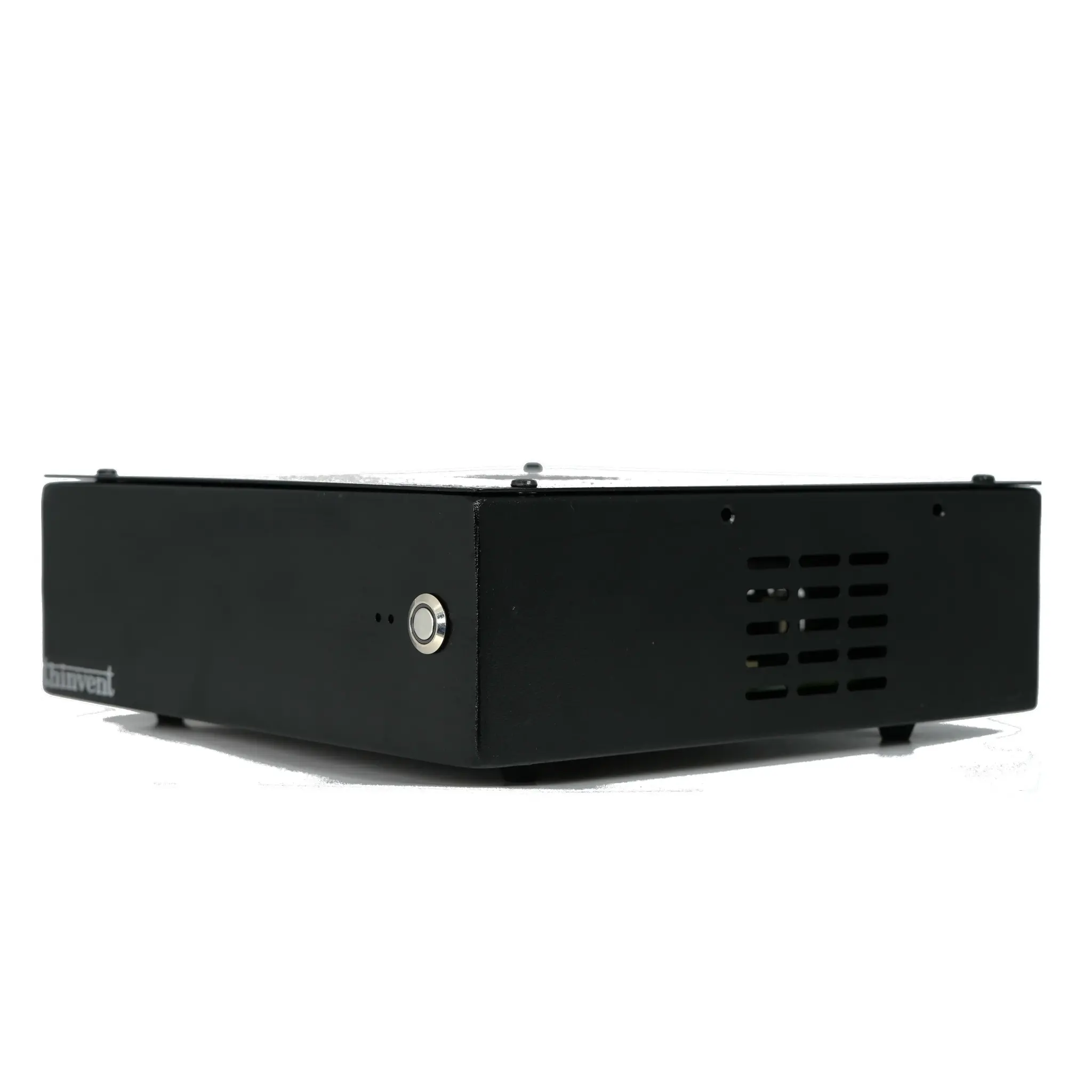
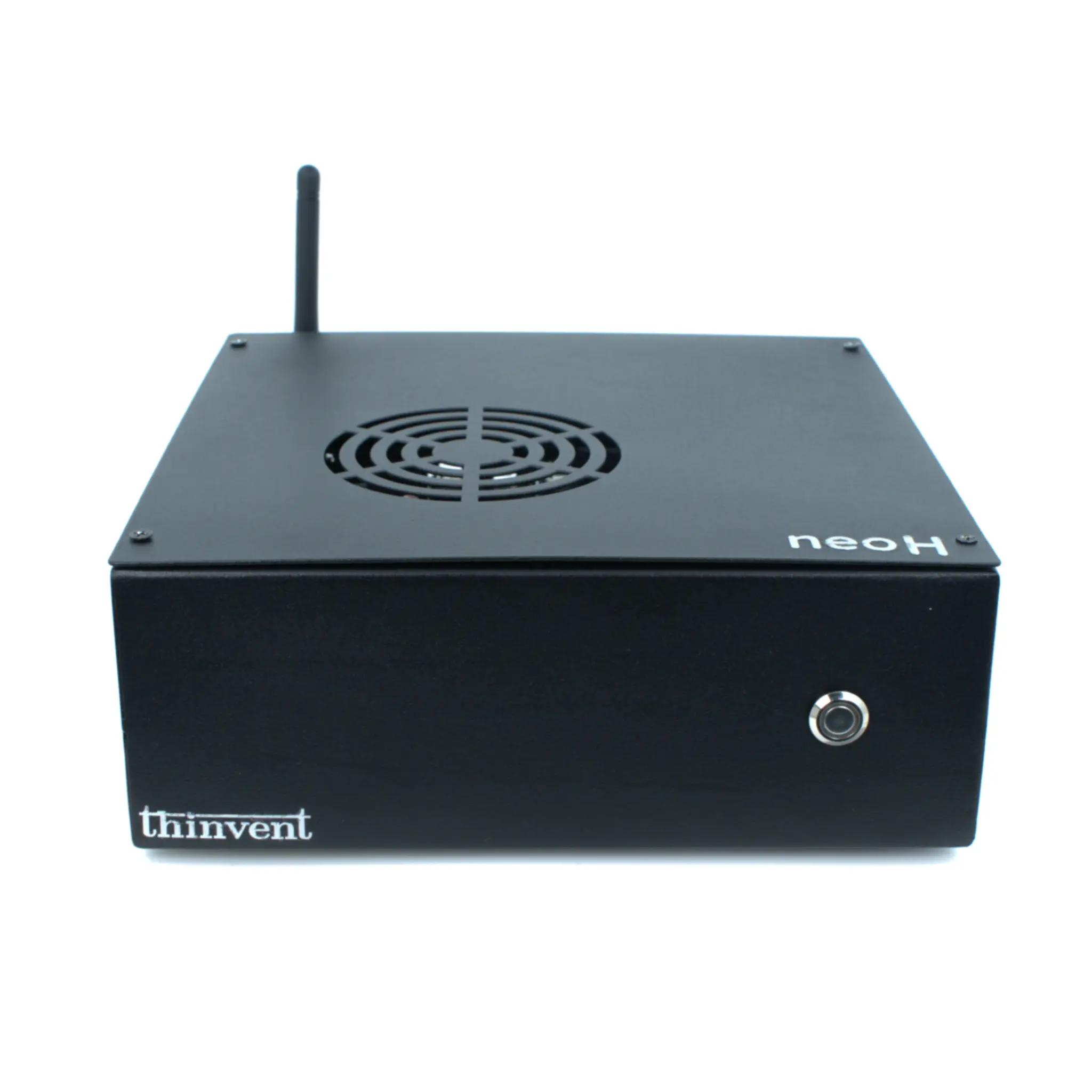
Thinvent offers a range of robust industrial computing solutions that can be configured as reliable Blender workstations. Our systems are built for 24/7 operation in demanding environments, featuring fanless designs for silent operation and superior dust resistance—ideal for studio settings. While the sample products on this page feature efficient Intel N-series processors suitable for light tasks, our broader product portfolio includes configurations with high-performance Intel Core i5, i7, and i9 processors from the latest generations. These systems can be equipped with ample DDR4/DDR5 RAM (32GB, 64GB, or more) and fast NVMe SSD storage to create a complete, durable rendering node or primary workstation capable of handling professional 3D content creation.