What is the Best CPU for Study?
The best CPU for study is a modern, efficient processor that provides reliable performance for everyday academic tasks without unnecessary cost or complexity. For most students, this means a balanced quad-core CPU from Intel's latest generations, such as the 12th Gen Intel N100 or an Intel Core i3/i5 from the 13th or 14th generation. These processors offer excellent performance for web research, document editing, video lectures, and light multitasking, while maintaining low power consumption and quiet, fanless operation ideal for libraries and dorm rooms.
Key Specifications for Study PCs
A study-optimized computer should prioritize efficiency, reliability, and adequate performance. Key specifications to look for include:
-
Processor: A modern 4-core to 6-core CPU (e.g., Intel N100, Core i3-1215U, Core i5-1335U) provides ample power for productivity suites, web browsers with multiple tabs, and video conferencing.
-
Memory (RAM): 8GB is the minimum for smooth operation, but 16GB is recommended for future-proofing and handling more demanding applications or research software.
-
Storage: A 256GB SSD provides fast boot times and quick application loading, with enough space for documents, presentations, and a moderate media library. 512GB offers more comfort for long-term projects.
-
Connectivity: Reliable Gigabit Ethernet and multiple USB ports (including USB-C) are essential for connecting peripherals like external drives, webcams, and printers.
-
Operating System: Windows 11 Pro offers broad software compatibility, while Linux distributions like Ubuntu are excellent for computer science students or those preferring open-source tools.
Use Cases and Applications
The right CPU supports a wide range of academic activities:
-
General Productivity: Writing papers in Word, creating presentations in PowerPoint, and managing spreadsheets in Excel.
-
Research & Browsing: Running dozens of browser tabs for online journals, library databases, and educational websites simultaneously.
-
Communication: Seamless video calls via Zoom, Teams, or Google Meet for online classes and group project meetings.
-
Light Content Creation: Editing photos for projects, creating simple graphics, or compiling code for introductory programming courses.
-
Media Consumption: Streaming educational videos, lectures, and tutorials without stuttering or lag.
Recommended CPU Tiers for Different Study Needs
| Study Profile | Recommended CPU Tier | Typical Use Cases | Key Benefits |
|---|---|---|---|
| Basic & Efficient | Intel N-series (N95, N100) | Note-taking, web research, document editing, video calls. | Ultra-low power, fanless & silent, very cost-effective. |
| Balanced & Versatile | Intel Core i3 / i5 (12th-14th Gen) | All of the above, plus light coding, statistical software, multi-tasking with many apps. | Excellent performance-per-watt, handles moderate workloads with ease. |
| Advanced & Demanding | Intel Core i5 / i7 (13th-14th Gen, 10+ cores) | Engineering software (CAD), data analysis, video editing for media projects, virtual machines. | High multi-core performance for specialized academic software. |
Thinvent Products Featuring Study-Optimized CPUs
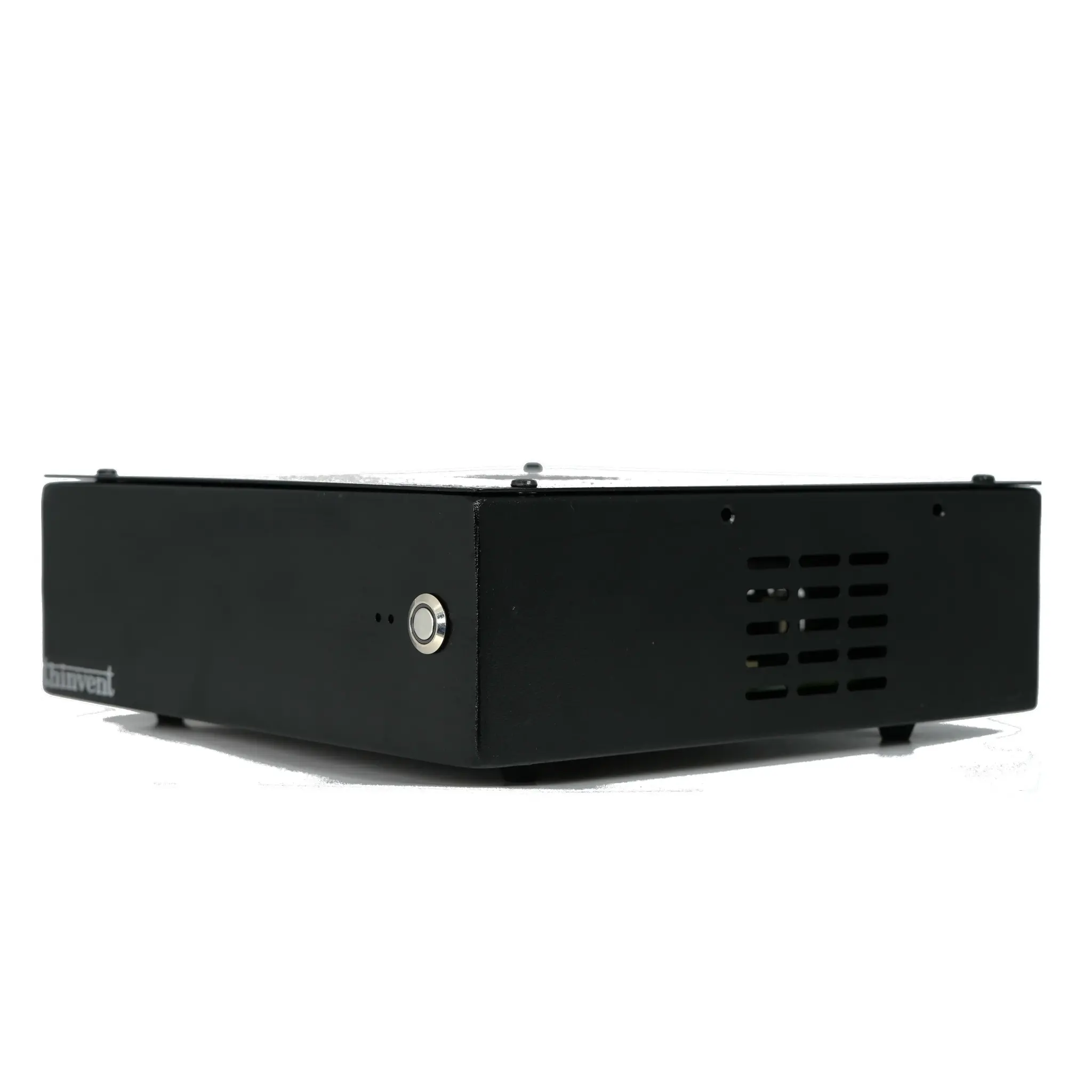
Thinvent's range of industrial-grade mini PCs and thin clients are perfectly suited for academic environments, combining the recommended efficient processors with rugged, reliable designs. Our Aero Mini PC series, for example, features the Intel N100 processor—a top choice for basic to moderate study tasks. It delivers capable quad-core performance in a compact, fanless chassis that operates silently in any study space. For students requiring more power, our industrial PCs equipped with 13th Gen Intel Core i3 and i5 processors provide a robust platform for more demanding applications, all while maintaining the durability and low maintenance that Thinvent is known for. Explore our catalog to find a system that matches your specific academic workload and budget.