What is the Best Desktop Computer for AutoCAD?
The best desktop computer for AutoCAD is a high-performance workstation with a powerful multi-core CPU, dedicated professional-grade graphics, ample RAM, and fast SSD storage. AutoCAD is a CPU-intensive application that benefits significantly from high single-core clock speeds for 2D drafting and multiple cores for 3D modeling, rendering, and complex calculations. A system with robust thermal management ensures sustained performance during long design sessions.
Key Specifications for AutoCAD
For optimal AutoCAD performance, focus on these technical specifications:
-
Processor: A modern Intel Core i5 or i7 processor (12th generation or newer) is recommended. Higher clock speeds (boost frequencies above 4.0 GHz) improve 2D performance, while more cores (6 or more) benefit 3D workflows.
-
Graphics: While AutoCAD can run on integrated graphics, a dedicated GPU (from NVIDIA Quadro or AMD Radeon Pro series) dramatically accelerates 3D visual styles, real-time panning/zooming of complex models, and rendering.
-
Memory (RAM): 16GB is the absolute minimum; 32GB or more is ideal for handling large drawings, point clouds, and multi-tasking with other applications.
-
Storage: A fast NVMe SSD (512GB or larger) is essential for quick software launch, file loading, and saving. A secondary HDD or SSD can be used for project archives.
-
Operating System: 64-bit Microsoft Windows 11 Pro is the standard and fully supported platform for AutoCAD.
Use Cases and Applications
A desktop optimized for AutoCAD is crucial for professionals across industries:
-
Architecture & Engineering: Creating detailed architectural plans, structural models, and MEP (Mechanical, Electrical, Plumbing) systems.
-
Manufacturing & Product Design: Developing precise 2D schematics and complex 3D assemblies for machinery and consumer products.
-
Construction & Civil Engineering: Drafting site plans, topographic maps, and infrastructure projects.
-
Facilities Management: Maintaining accurate as-built drawings and space planning layouts.
Recommended System Comparison
| Use Case | Recommended CPU (Series/Gen) | Recommended RAM | Recommended Storage | Graphics Recommendation |
|---|---|---|---|---|
| Entry-Level / 2D Drafting | Intel Core i5 (12th Gen+) | 16 GB | 512 GB NVMe SSD | Integrated Intel UHD Graphics |
| Professional 3D Modeling | Intel Core i7 (13th/14th Gen) | 32 GB | 1 TB NVMe SSD | Dedicated Professional GPU |
| Advanced Rendering & Large Assemblies | Intel Core i7/i9 (14th Gen) | 64 GB+ | 1 TB+ NVMe SSD | High-End Dedicated Professional GPU |
Thinvent Industrial Computers for AutoCAD
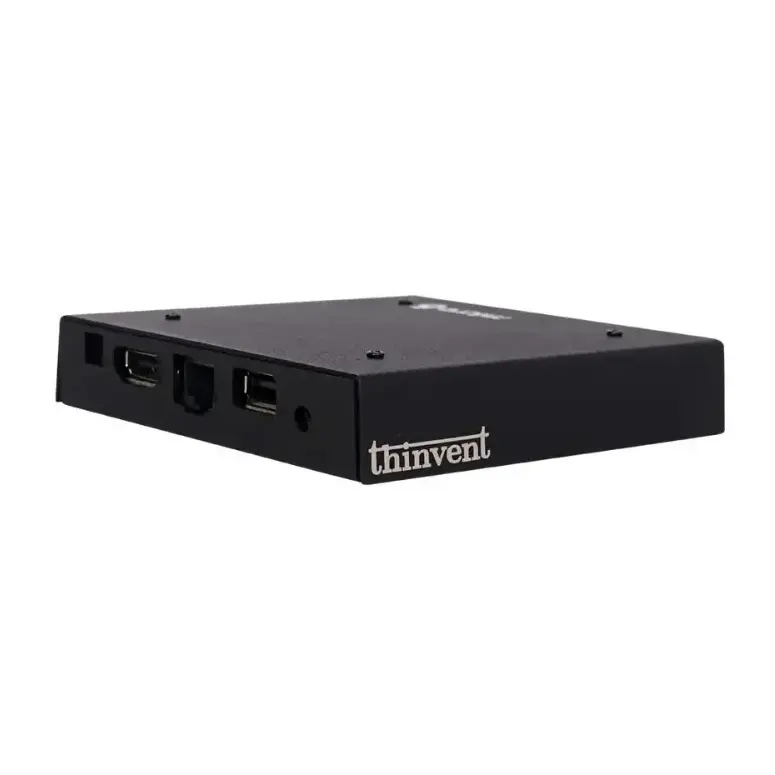
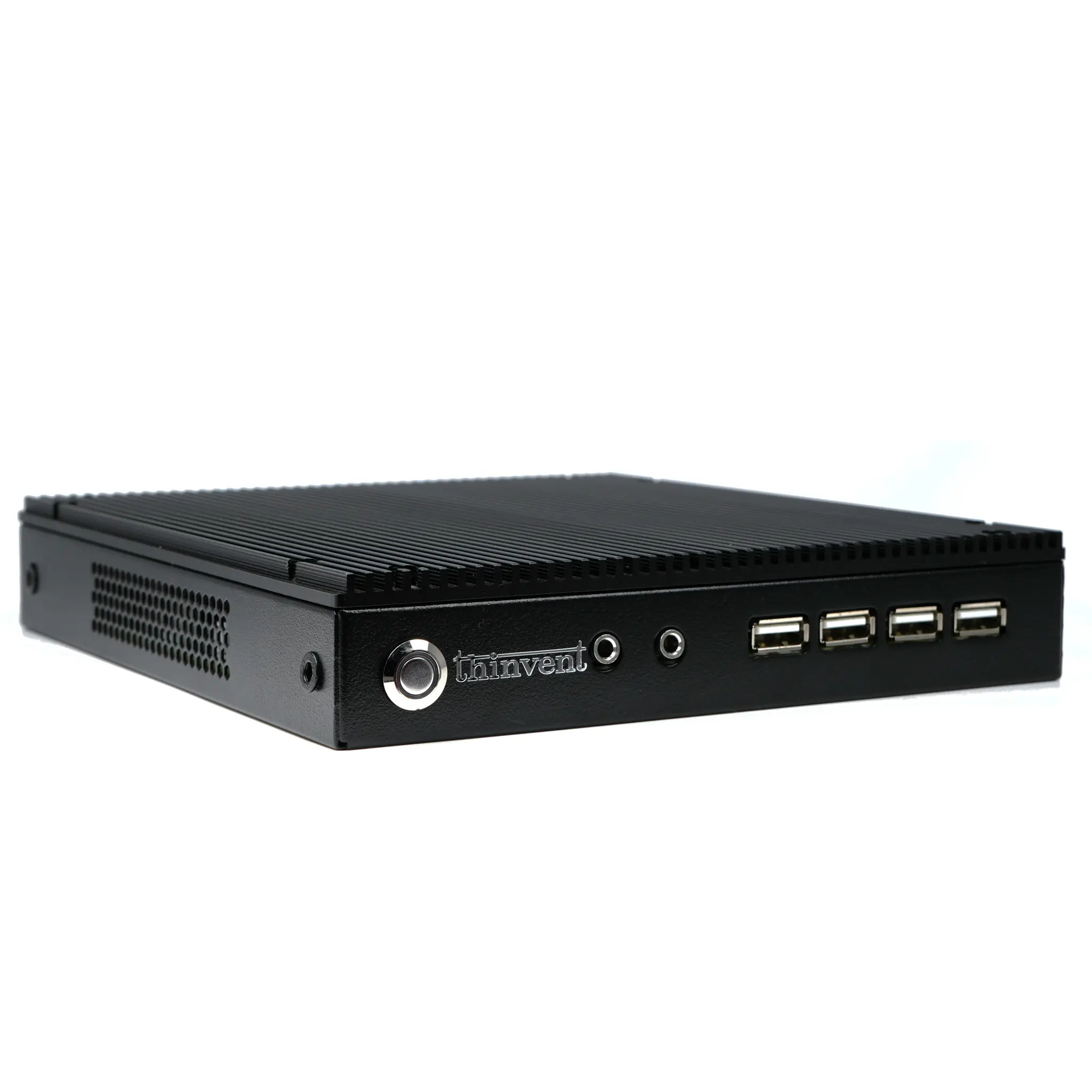
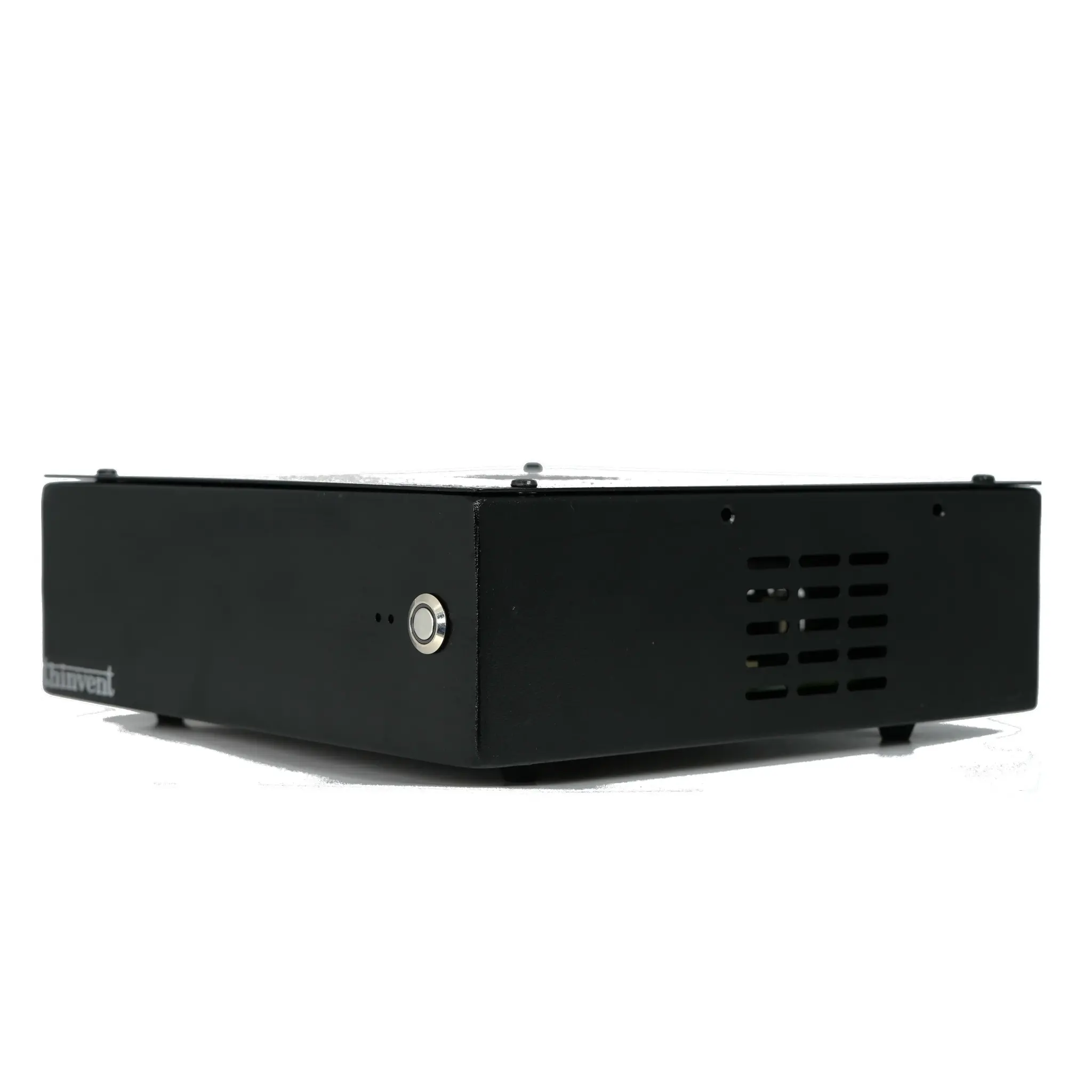
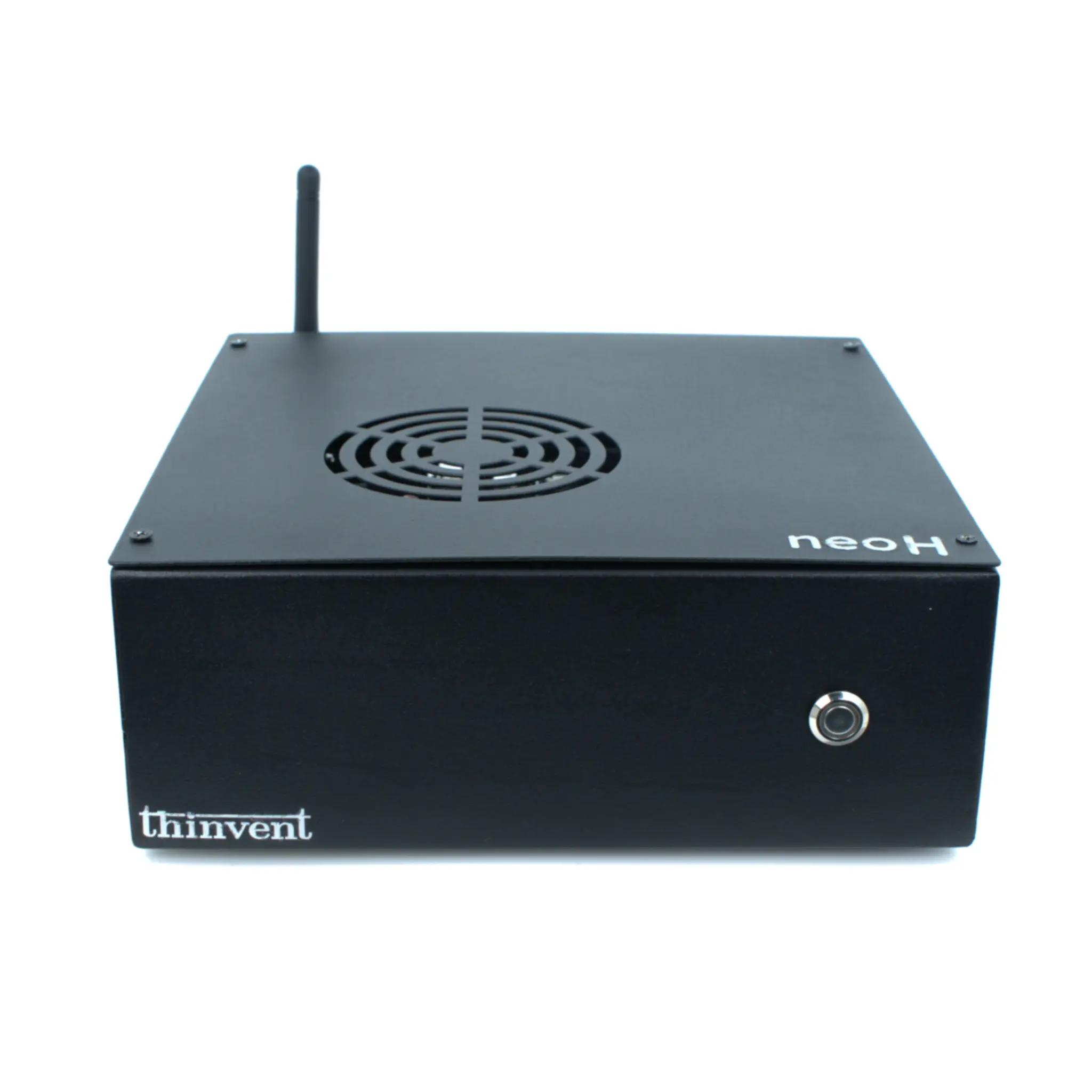
Thinvent offers a range of robust, fanless industrial computers that provide the stable, high-performance foundation required for demanding CAD work. Our systems are built for reliability in challenging environments, featuring efficient cooling for sustained CPU performance. For AutoCAD users, we recommend exploring our industrial PCs and workstations equipped with the latest Intel Core processors, configurable with high-capacity RAM and fast SSD storage. Their compact, durable form factors make them an excellent choice for design studios, factory floors, and engineering offices where space, silence, and dependability are critical.