What Makes a Great Desktop for Solidworks?
The best desktop for Solidworks is a high-performance workstation engineered for the demands of 3D CAD, simulation, and rendering. Solidworks is a CPU-intensive application that benefits significantly from fast single-core performance for modeling tasks and multiple cores for simulations and rendering. A dedicated professional-grade GPU is also highly recommended for real-time viewport manipulation, complex assemblies, and visual effects. Key requirements include a powerful multi-core Intel Core i5 or i7 processor (or equivalent), a minimum of 16GB RAM (32GB+ recommended for large assemblies), a fast NVMe SSD for storage, and a workstation-class graphics card for optimal stability and performance.
Key Specifications and Technical Details
For professional Solidworks use, prioritize these specifications:
-
Processor (CPU): Intel Core i5 or i7 series from the 12th generation or newer. High clock speeds (boost over 4.0 GHz) are crucial for modeling, while more cores (6+) aid in rendering.
-
Graphics (GPU): A certified professional GPU (e.g., NVIDIA Quadro/RTX A-series or AMD Radeon Pro) is ideal for guaranteed driver stability and performance in Solidworks. High-end consumer GPUs can work but lack official certification.
-
Memory (RAM): 16GB is the absolute minimum. 32GB or 64GB is recommended for handling large assemblies, simulations, and running other applications simultaneously.
-
Storage: A 512GB or 1TB NVMe SSD provides fast boot, application load, and file access times. A secondary HDD or larger SSD is useful for project archives.
-
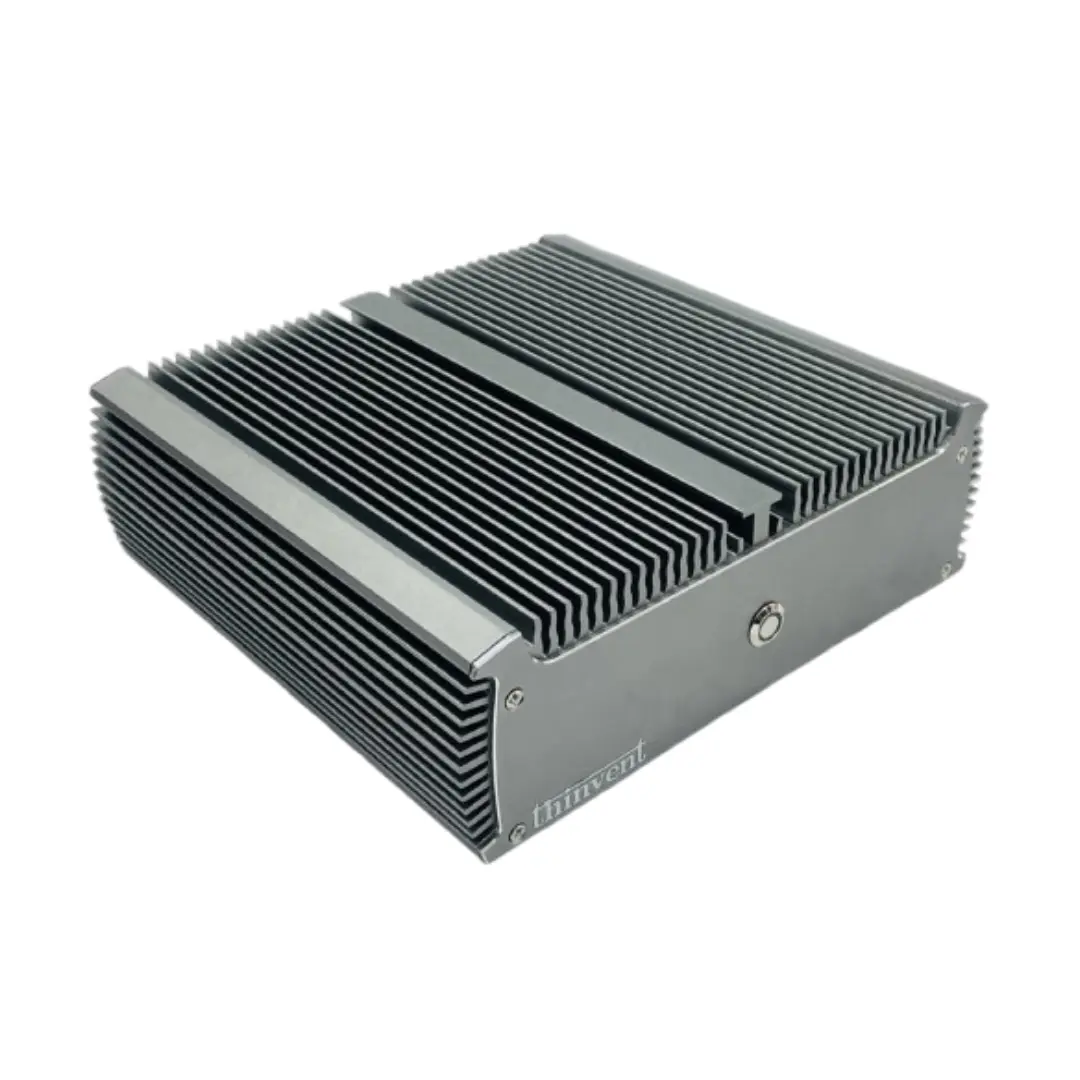
Reliability: Industrial-grade components, efficient cooling (often fanless for dust resistance), and robust power supplies ensure 24/7 operation in demanding environments.
Use Cases and Applications
A Solidworks-optimized desktop is essential across multiple industries:
-
Mechanical Engineering & Product Design: For creating detailed part and assembly drawings, tolerance analysis, and prototyping.
-
Industrial Automation: Designing machinery, robotic cells, and production line layouts.
-
Aerospace & Automotive: Modeling complex components, performing fluid dynamics (CFD) and finite element analysis (FEA) simulations.
-
Architecture & Construction (AEC): For MEP (Mechanical, Electrical, Plumbing) system design and integration within Building Information Modeling (BIM) workflows.
Recommended System Tiers for Solidworks
| Use Case | Recommended CPU (Series/Gen) | Recommended RAM | Recommended Storage | GPU Priority |
|---|---|---|---|---|
| Entry-Level / Learning | Intel i5 / 12th Gen+ | 16 GB | 256 GB SSD | Integrated / Entry-Level Discrete |
| Professional Design | Intel i5 / i7 / 13th Gen+ | 32 GB | 512 GB NVMe SSD | Certified Professional (e.g., NVIDIA T400/T1000) |
| Advanced Simulation & Large Assemblies | Intel i7 / i9 / 14th Gen+ | 64 GB+ | 1 TB+ NVMe SSD | High-End Professional (e.g., NVIDIA RTX A2000/A4000) |
Thinvent Industrial Workstations for Solidworks
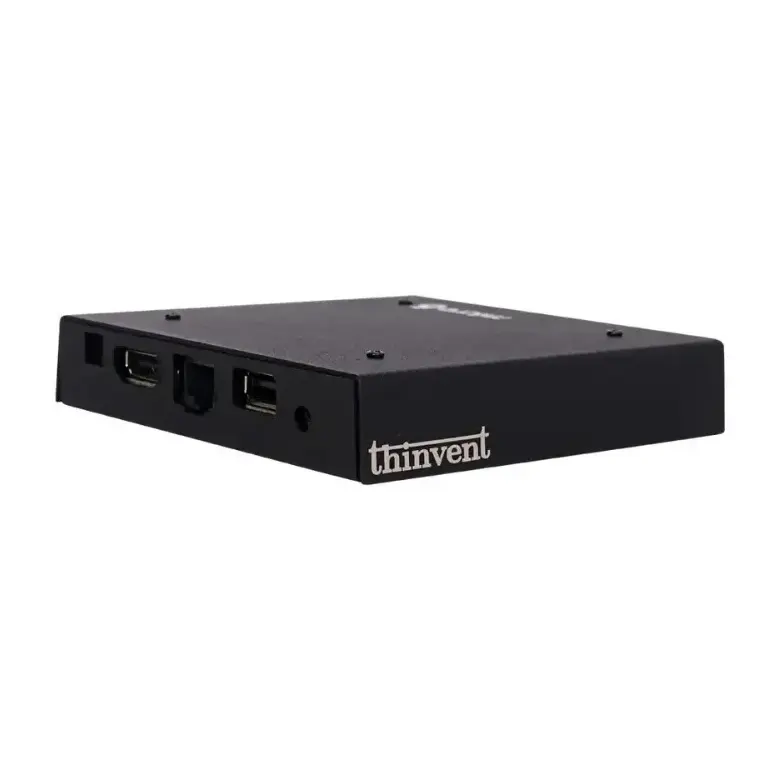
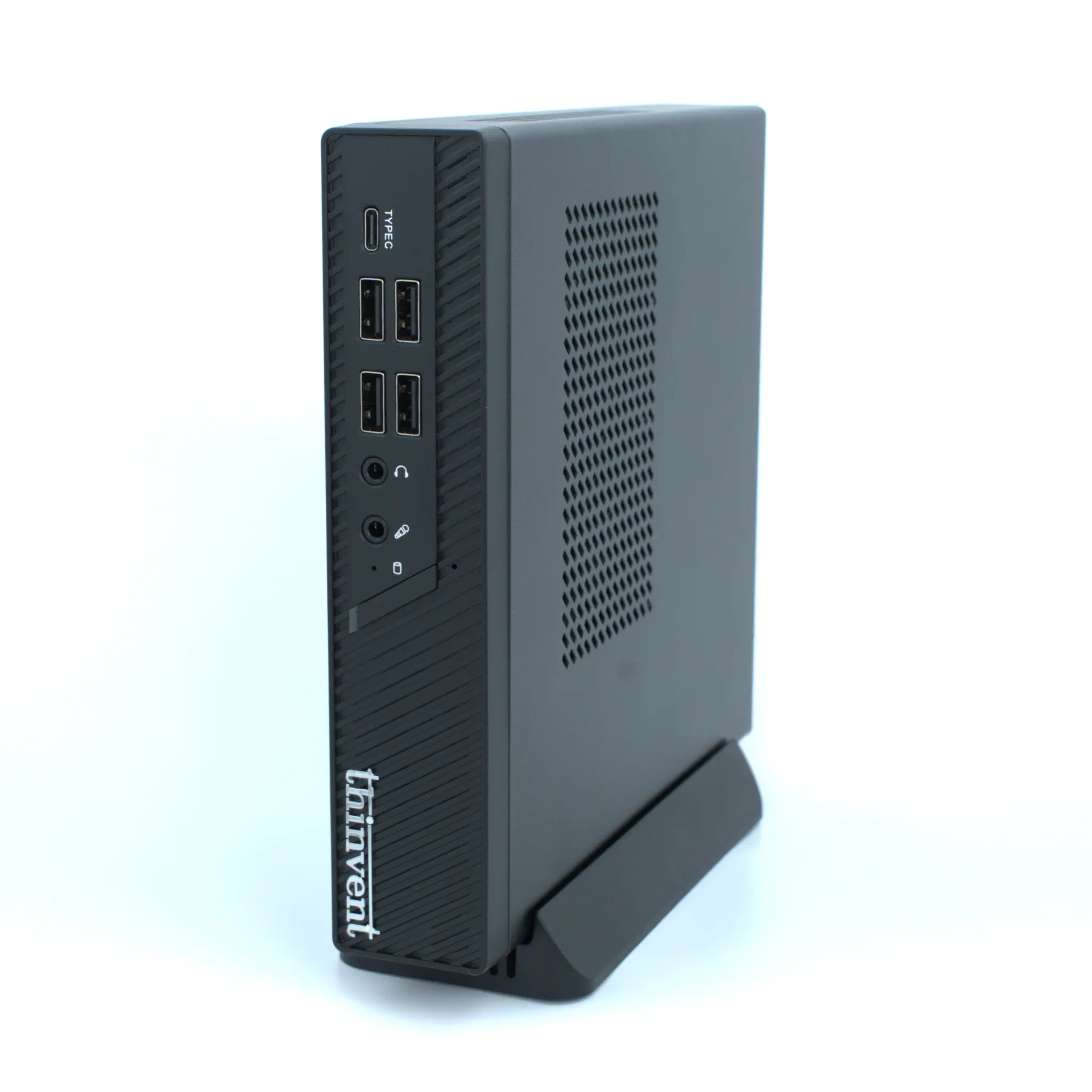
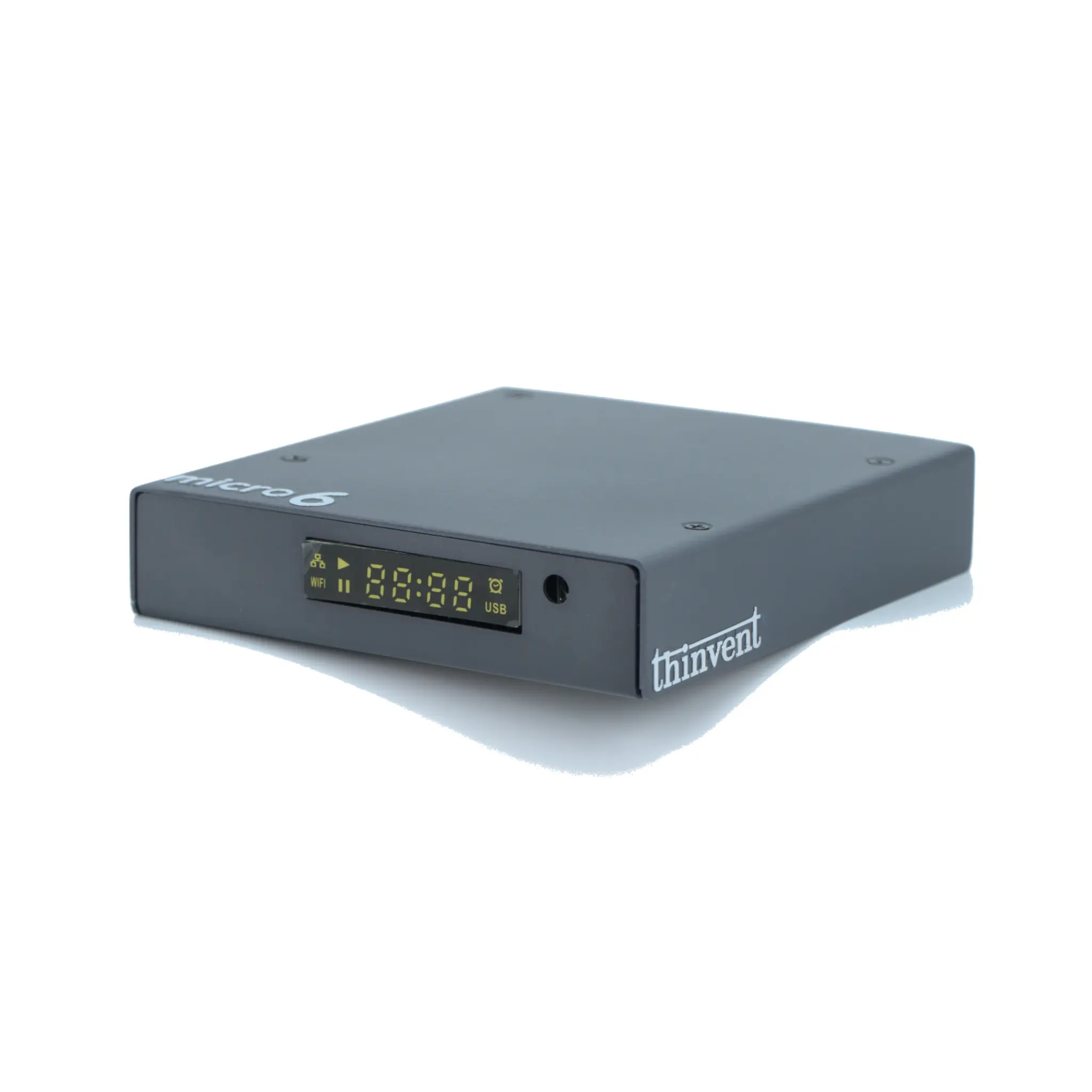
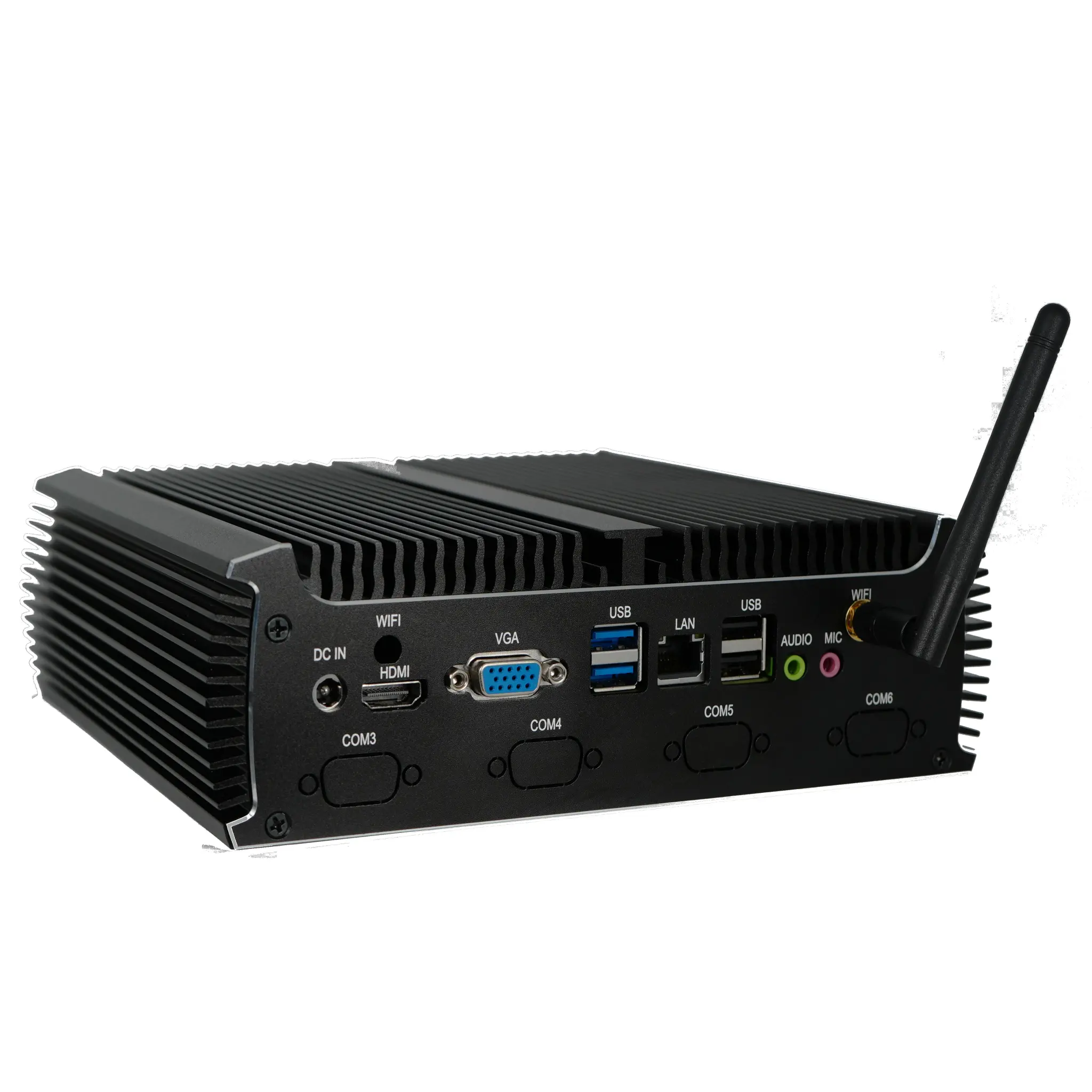
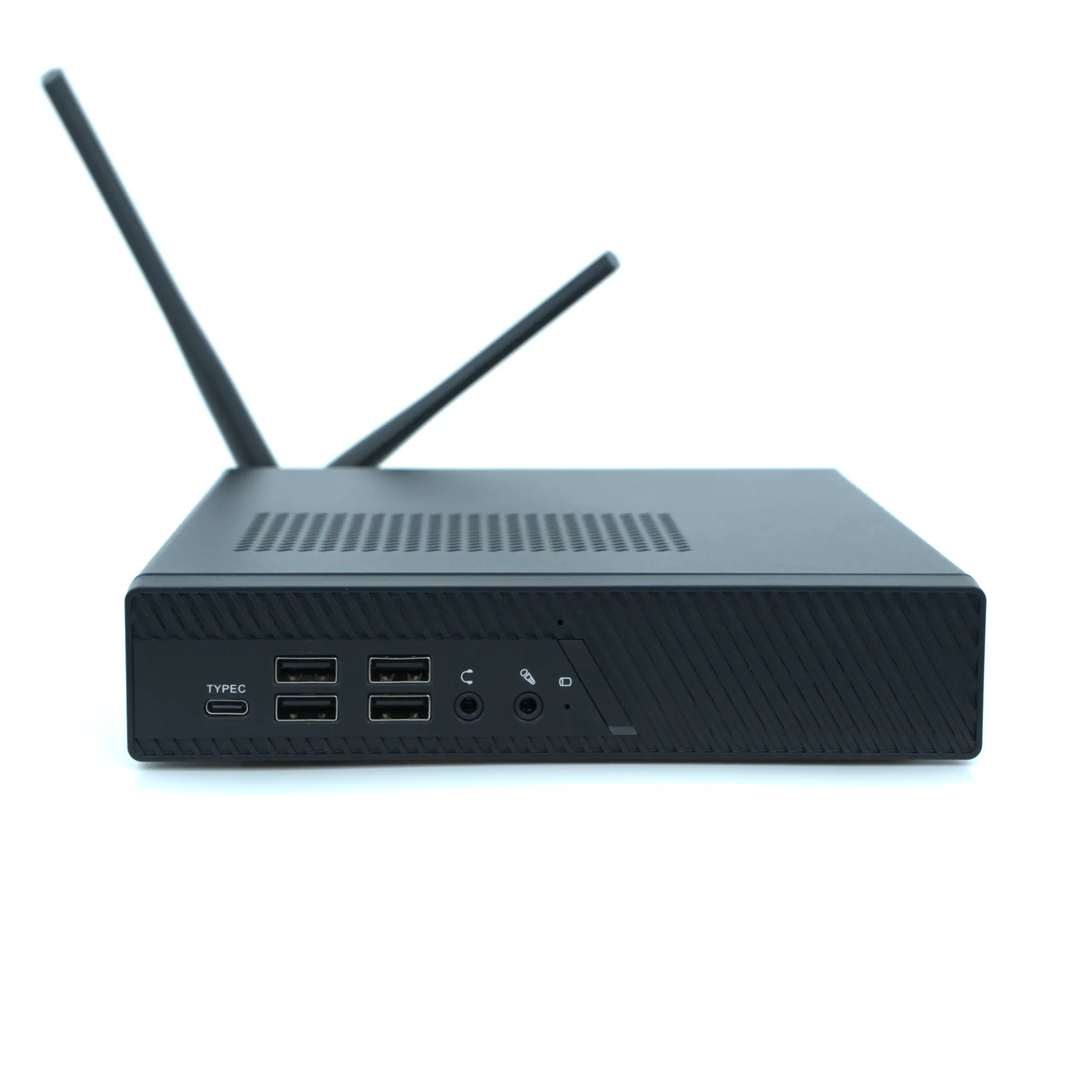
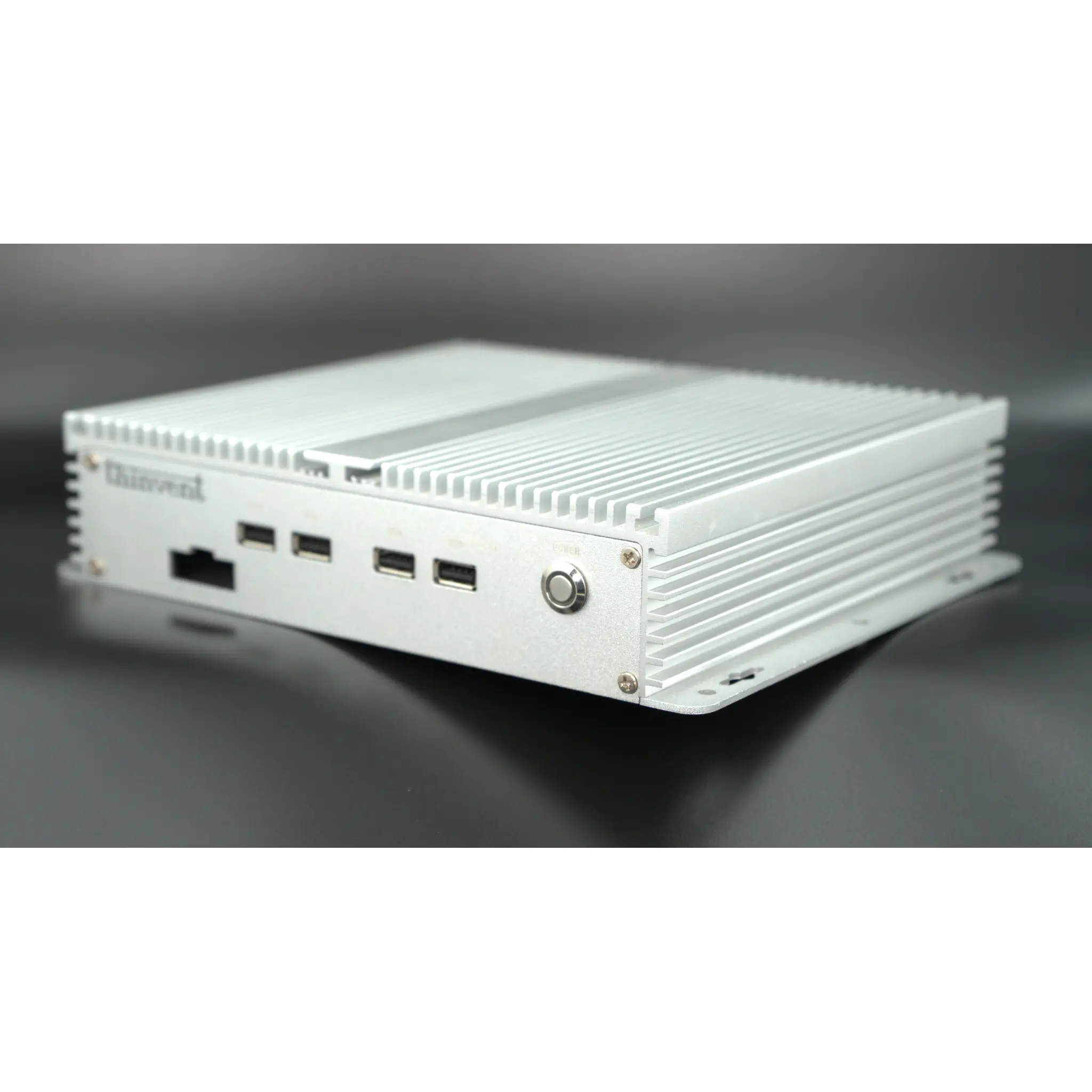
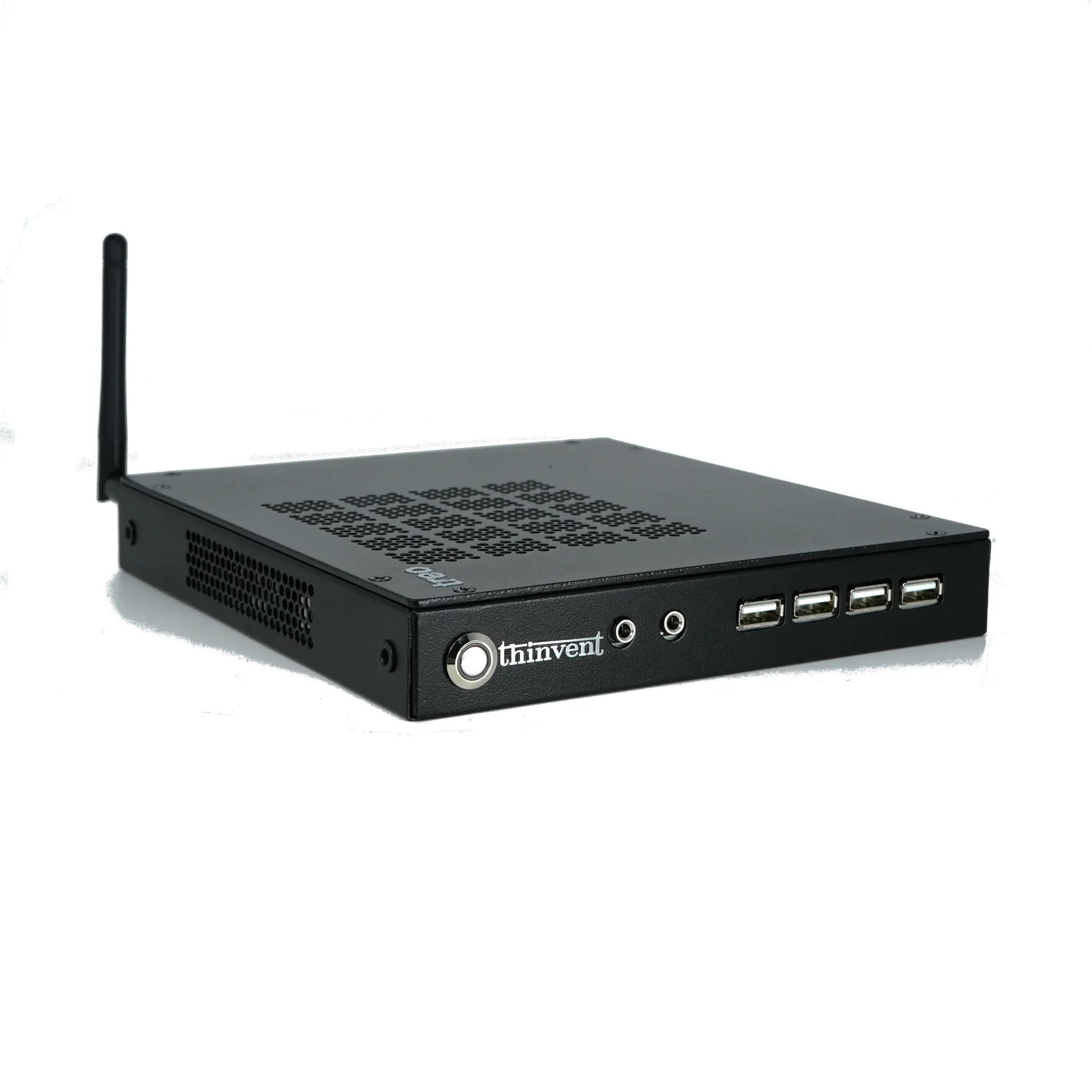
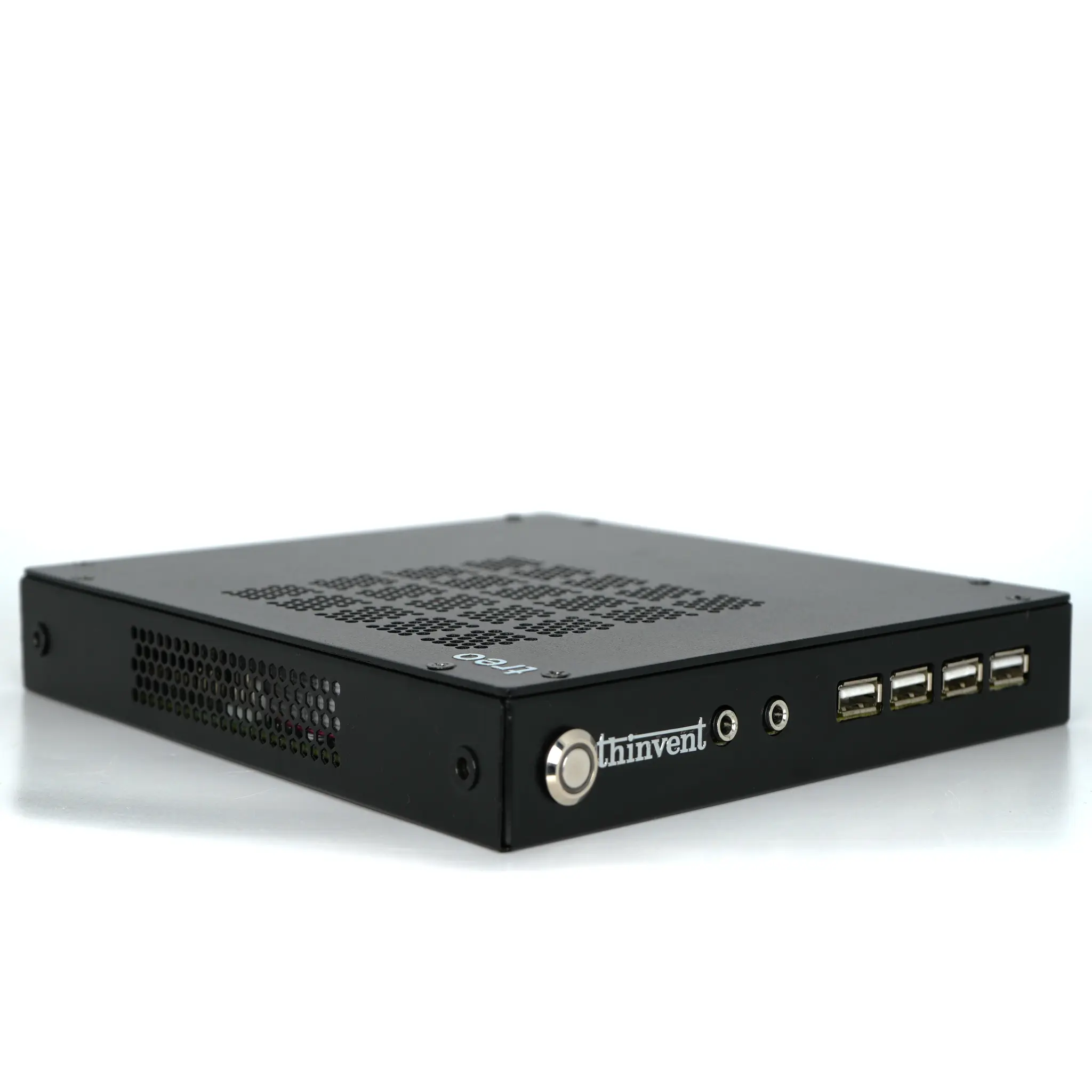
Thinvent offers a range of robust, industrial computing solutions that form an excellent foundation for a Solidworks workstation. While many of our systems are GPU-less by default, their powerful Intel Core processor platforms, high RAM capacity, and fast storage options are designed for integration with professional add-in cards. Our fanless and ruggedized Industrial PCs provide the reliability and consistent performance needed for long design sessions in challenging environments. For a complete solution, our technical team can advise on compatible professional GPU options to pair with our hardware, ensuring a stable and powerful CAD workstation tailored to your specific Solidworks workload.