What Does "Buy Personal Cloud Storage" Really Mean?
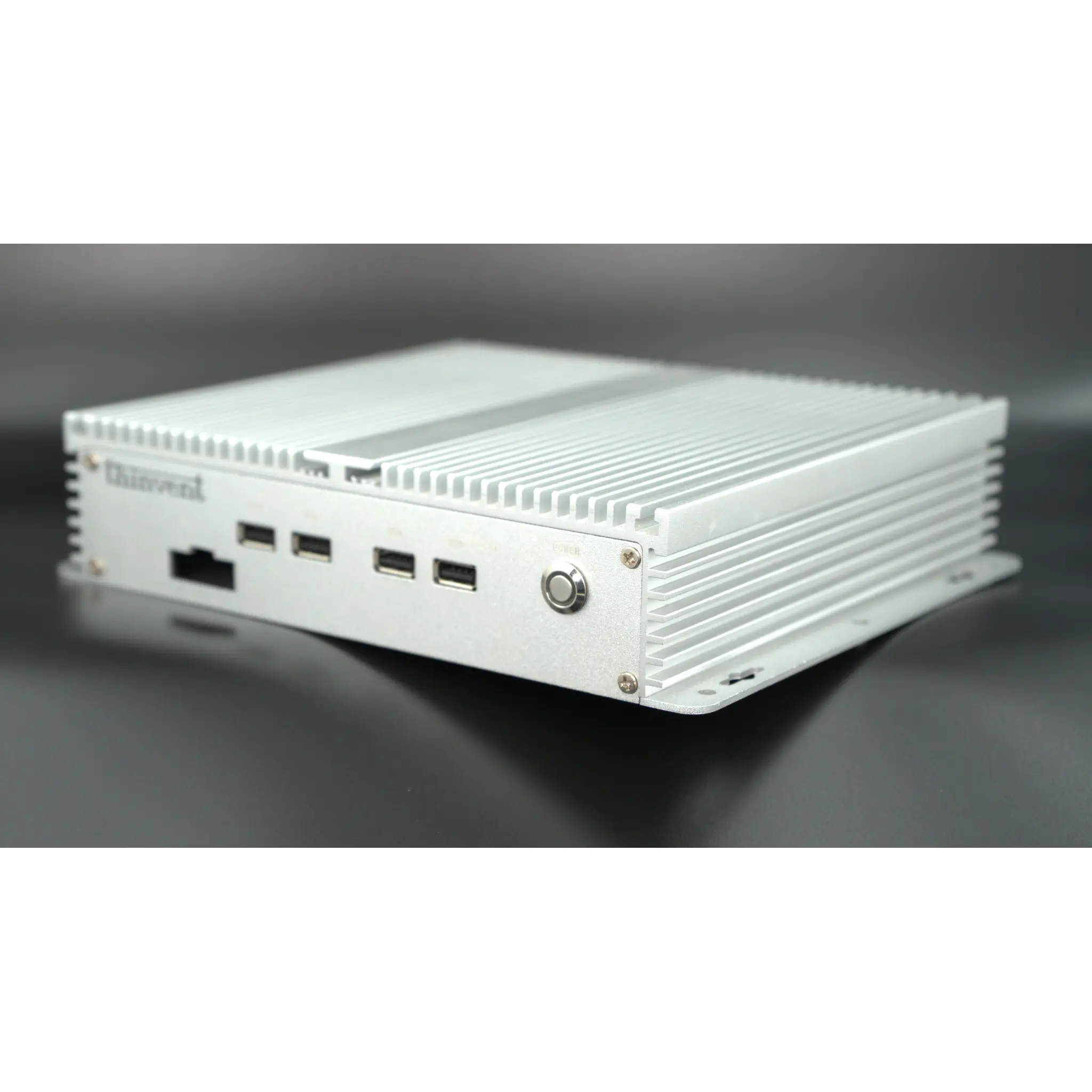
Personal cloud storage is a private, self-hosted alternative to public cloud services. Instead of renting space on someone else's servers, you run the storage software on hardware you own — typically a compact, always-on computer — and access your files from anywhere over the internet. The hardware is the foundation: it must run continuously, stay quiet, and survive being left on for years at a time. That is why fanless mini PCs and industrial-grade computers have become the preferred platform for home and small-office personal clouds.
The Hardware Behind a Personal Cloud
A personal cloud server needs four things: enough processing power to run file-sharing and media services, sufficient RAM to keep those services responsive, ample SSD storage for your data, and reliable networking. Modern low-power Intel® processors handle this comfortably while drawing very little electricity. A typical configuration looks like this:
| Component | Typical Personal Cloud Spec | Why It Matters |
|---|---|---|
| Processor | Intel® Celeron®, N-series, or Core™ i3 | Runs file sync, media streaming and backup tasks |
| Cores | 4 to 6 | Handles multiple simultaneous users and services |
| Memory | 8 GB to 16 GB DDR4 | Keeps web apps, databases and sync clients responsive |
| Storage | 256 GB to 1 TB SSD | Fast access to files; SSD is silent and shock-resistant |
| Ethernet | Gigabit (1000 Mbps) | Fast local transfers and smooth remote streaming |
| Cooling | Fanless | Dust-proof, silent, no moving parts to wear out |
| OS | Ubuntu Linux, Windows 11 Pro, or embedded Linux | Hosts Nextcloud, Samba, Plex, Jellyfin and similar software |
Software That Turns a Mini PC Into a Personal Cloud
Popular self-hosted platforms include Nextcloud and ownCloud for file sync and sharing, Samba for network drives, Jellyfin and Plex for media libraries, and rsync or Duplicati for automated backups. Linux distributions such as Ubuntu Linux are the most common host operating system because they are free, stable and light on resources, while Windows 11 Pro suits users who prefer a familiar interface or need to run Windows-based backup tools. An embedded Linux build keeps the footprint small and the system maintenance-free.
Where Personal Cloud Servers Are Used
Home users deploy them for photo and document backup, media streaming and remote file access. Small businesses use them as private file servers, replacing recurring subscription storage with a one-time hardware purchase. Branch offices, clinics and workshops value fanless industrial computers because they tolerate dust, heat and vibration while running quietly in a corner. Because the data stays on hardware you control, personal cloud storage also appeals to anyone with privacy or compliance requirements.
Choosing the Right Hardware
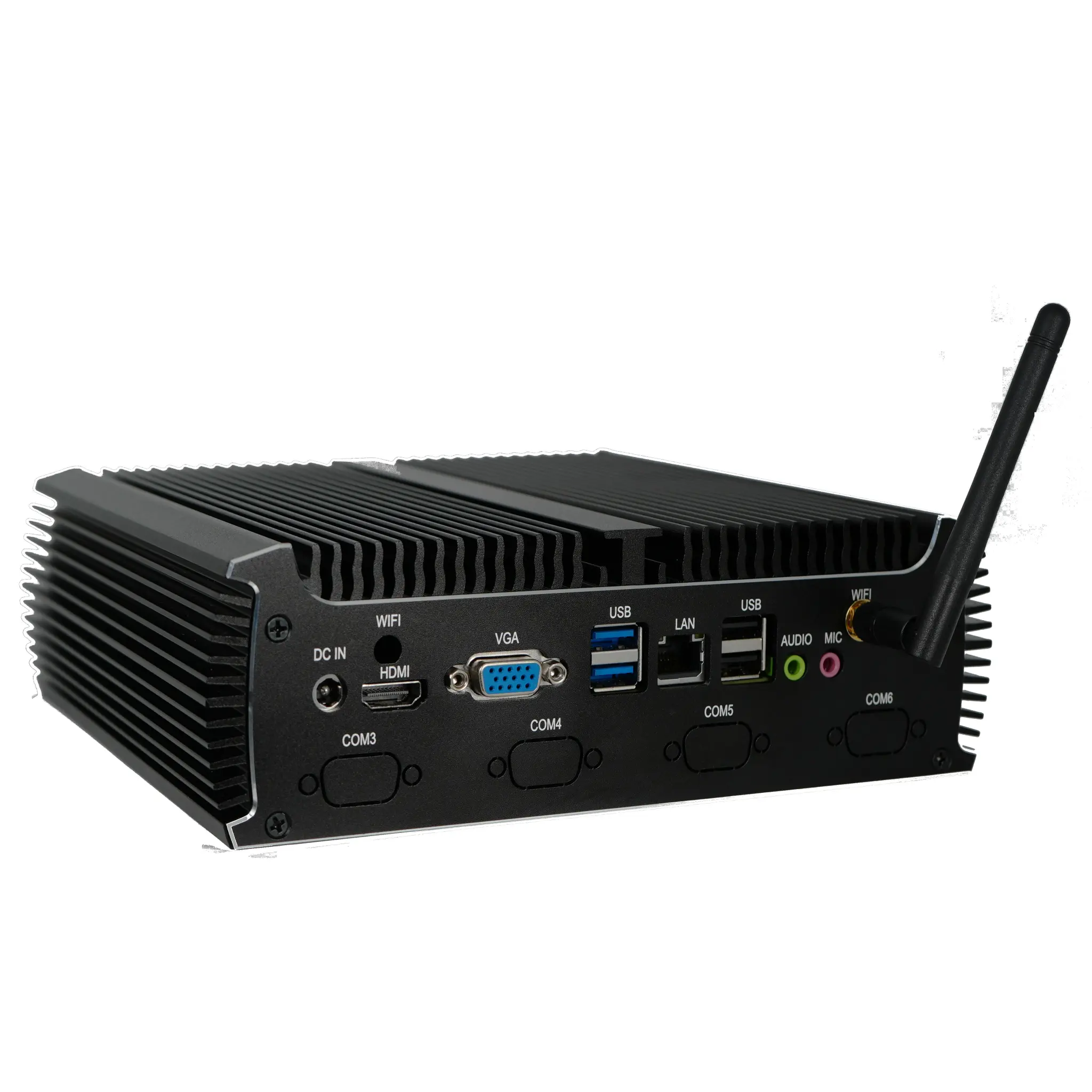
Look for a fanless design with a wide-temperature tolerance, dual Ethernet ports if you plan to separate storage and management traffic, and enough USB and HDMI ports for expansion and local access. A solid-state drive is preferable to a spinning disk in a fanless enclosure, since there are no moving parts and no noise. Memory should be expandable so the system can grow with your library. Power draw matters too — a low-wattage processor keeps a 24/7 server inexpensive to run.
Thinvent Products for Personal Cloud Storage
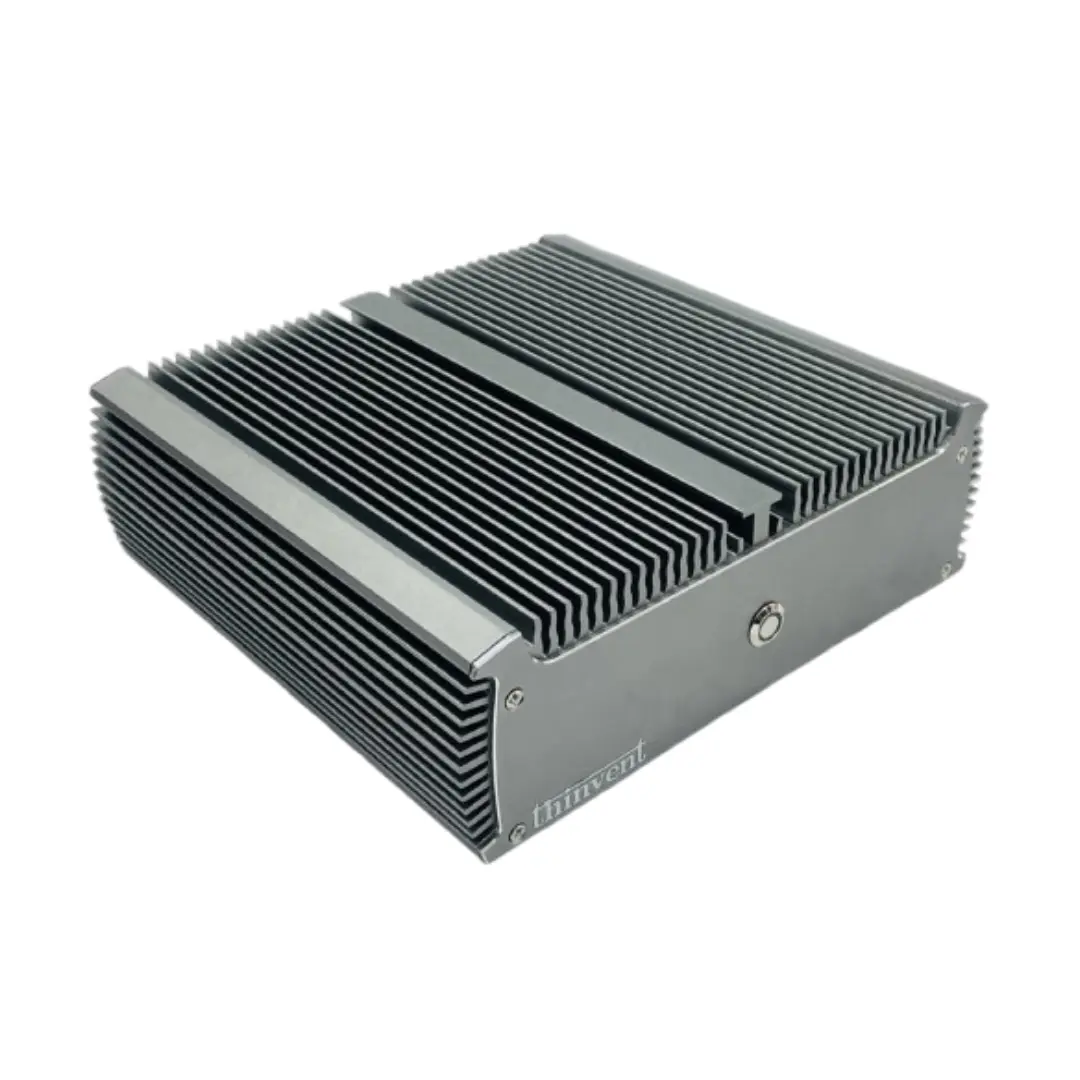
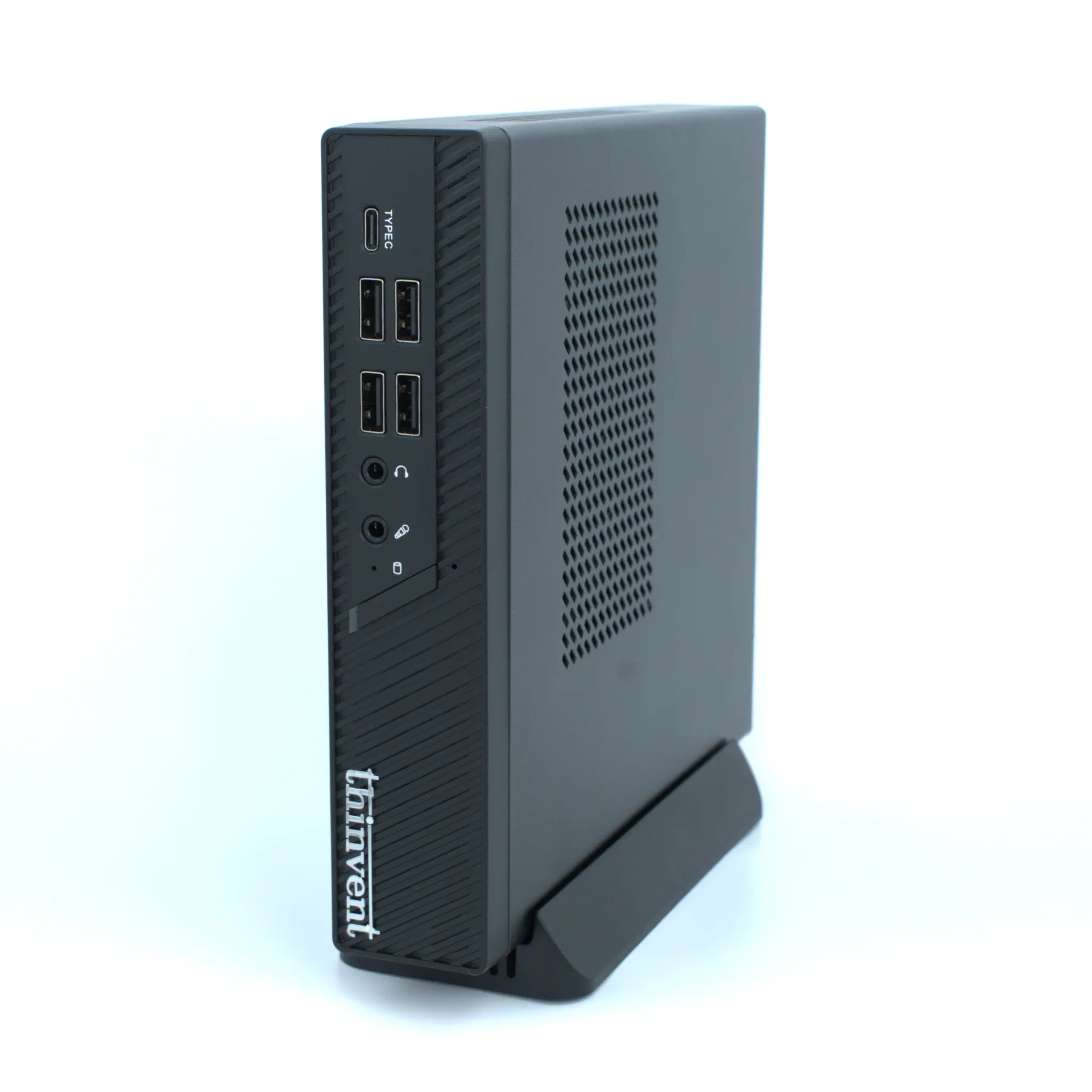
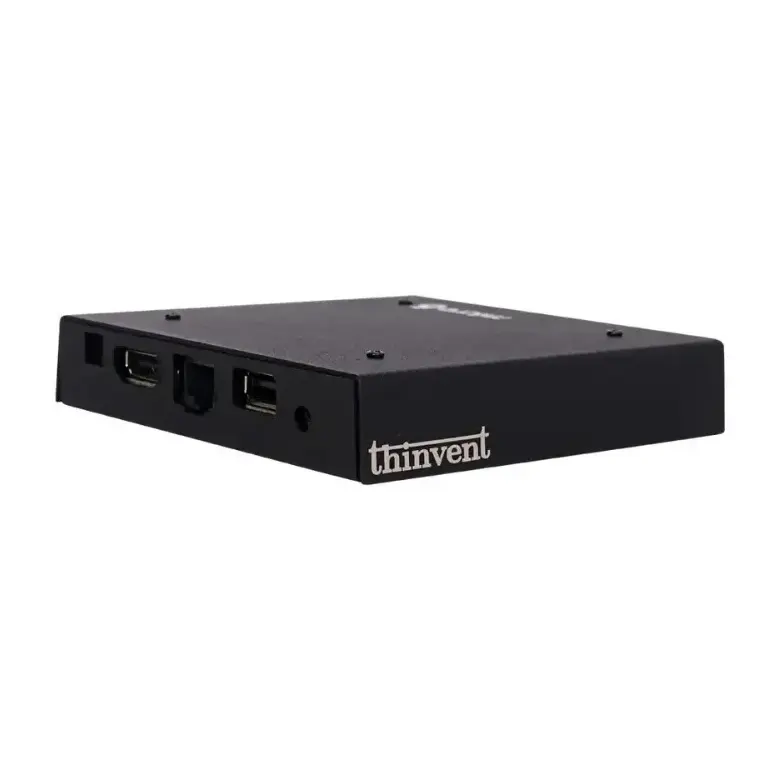
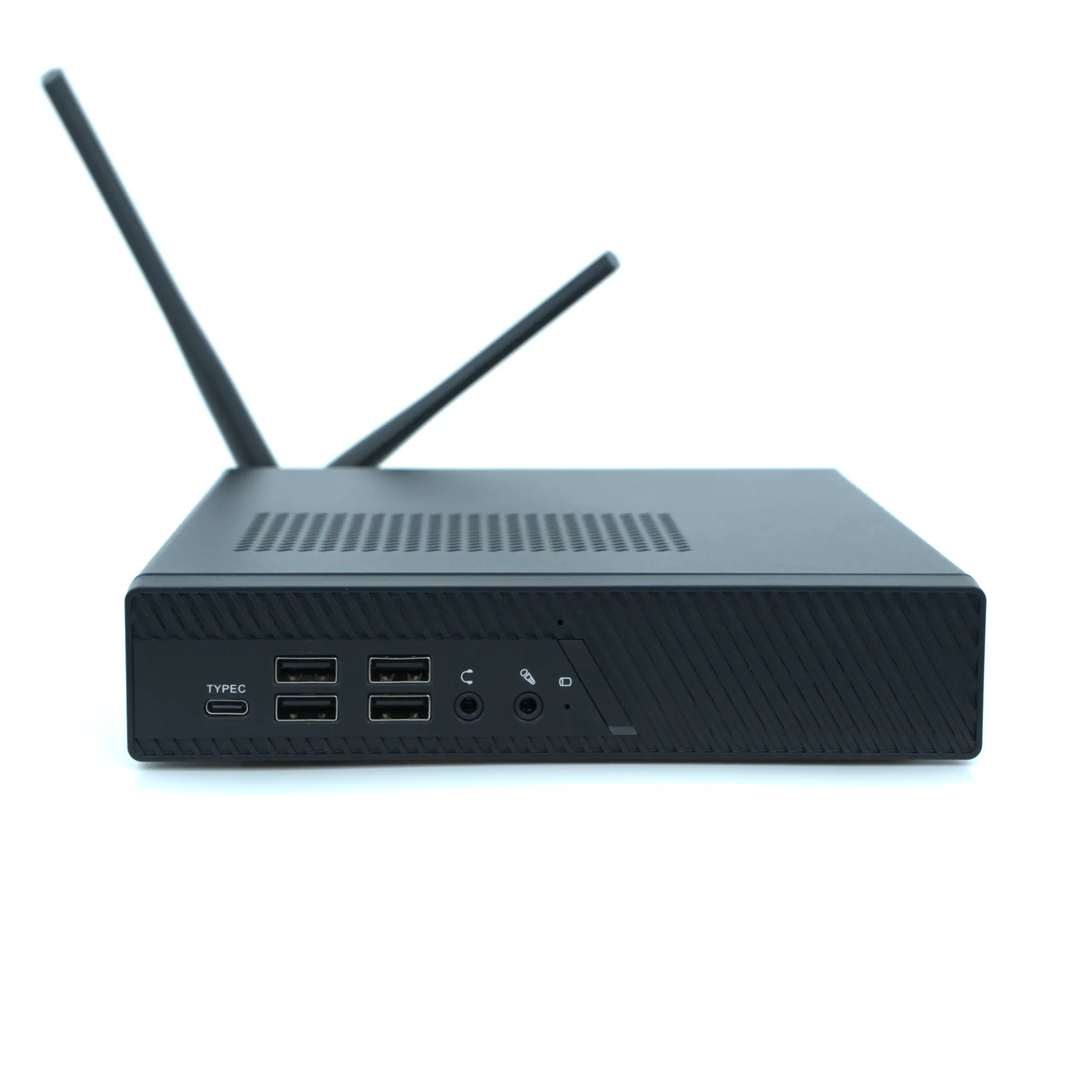
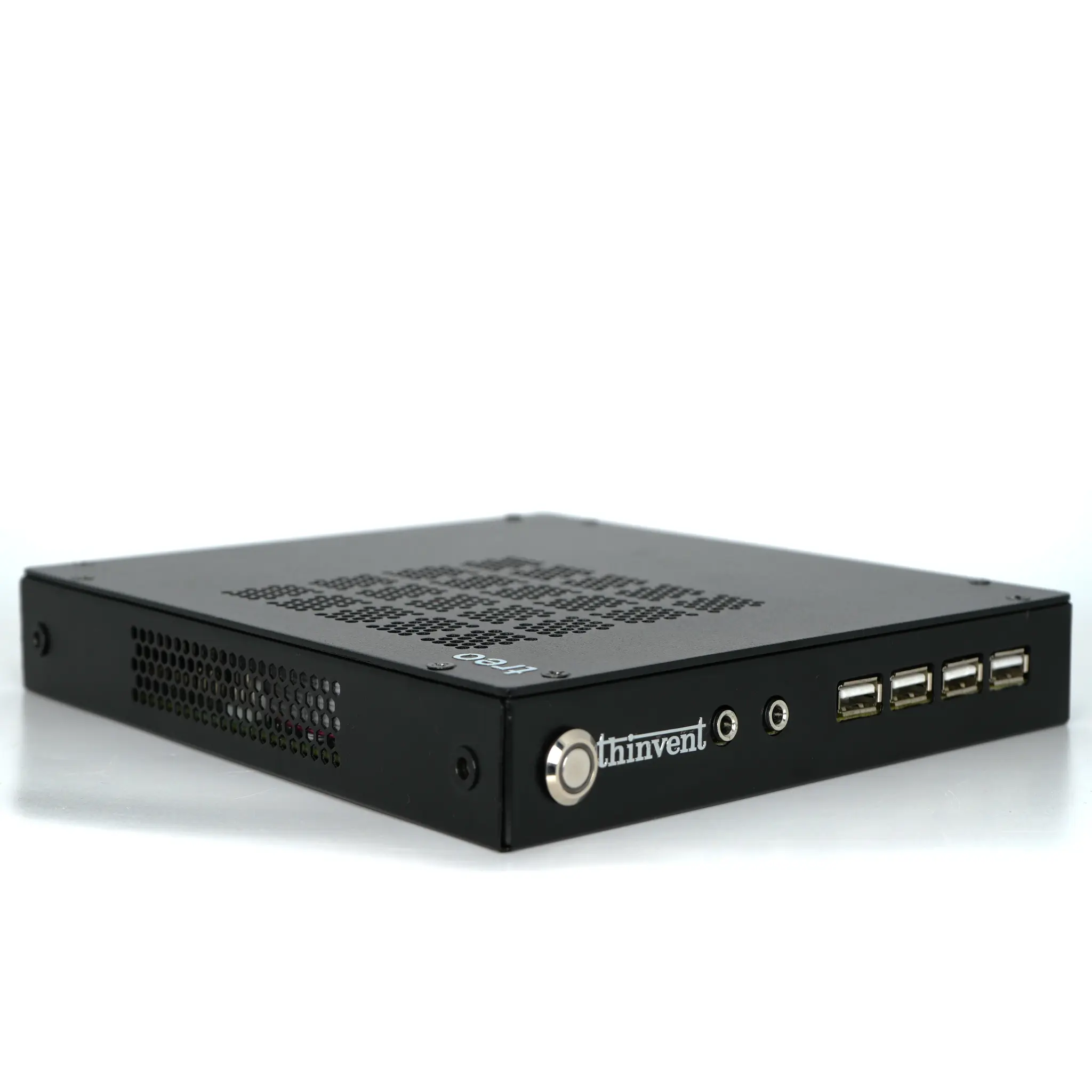
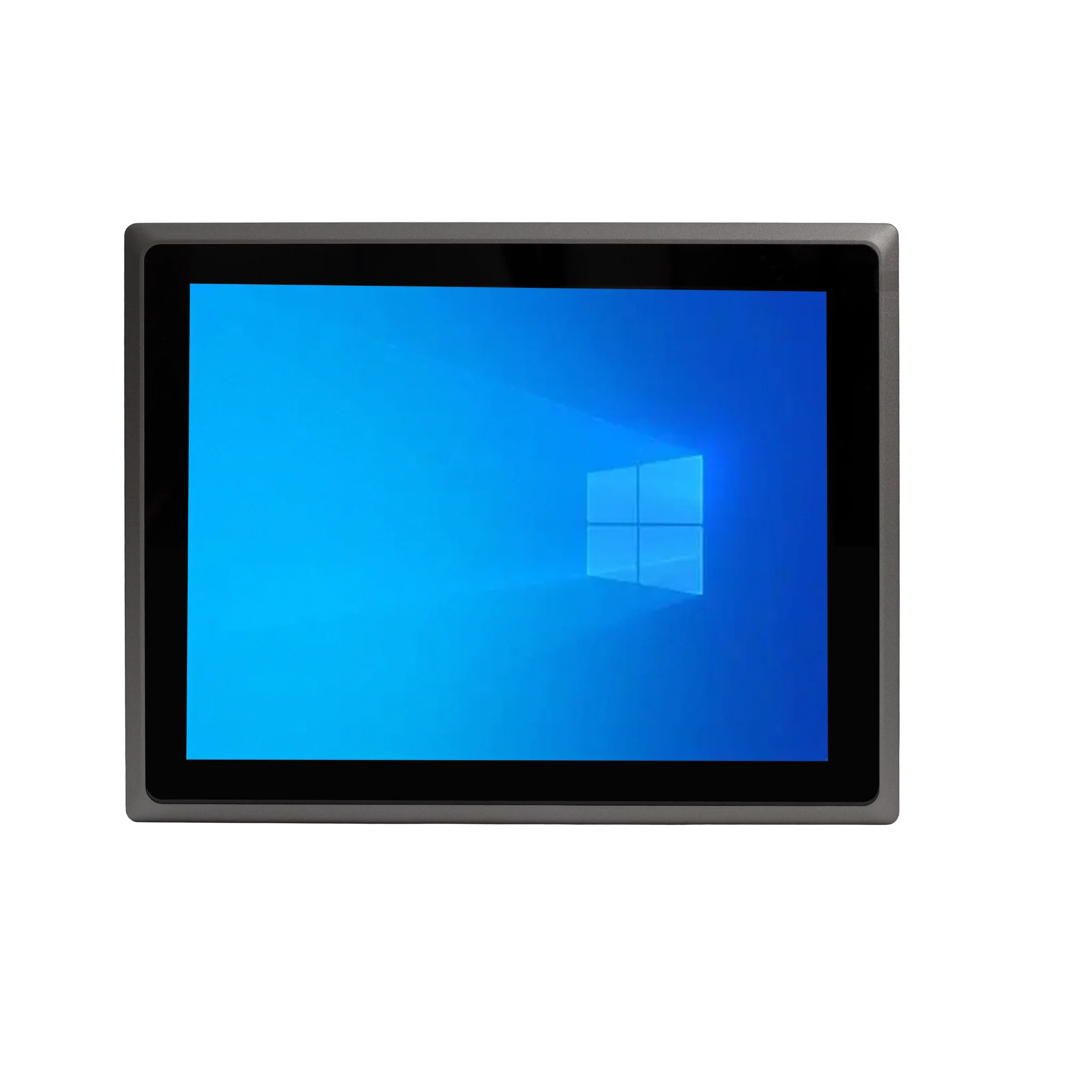
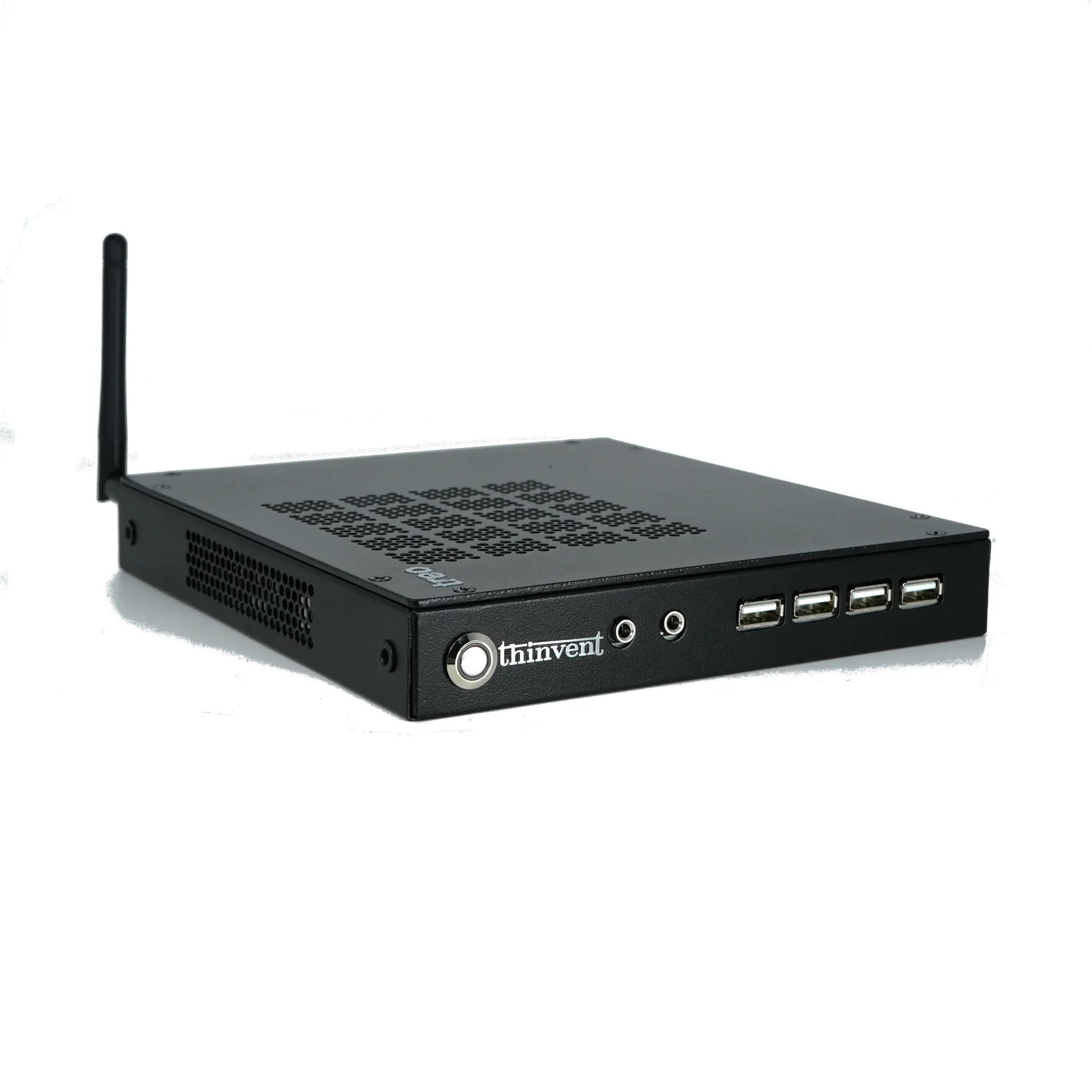
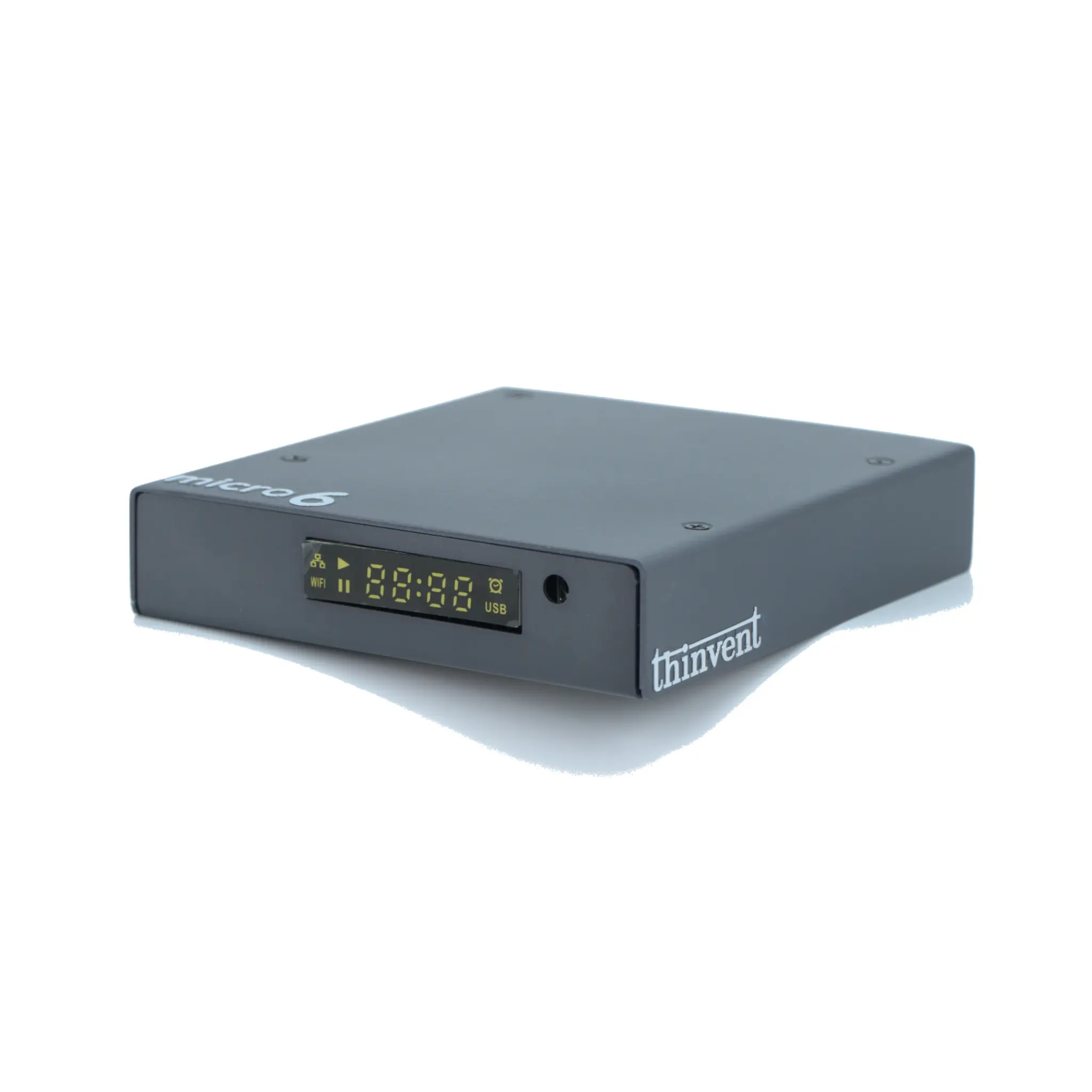
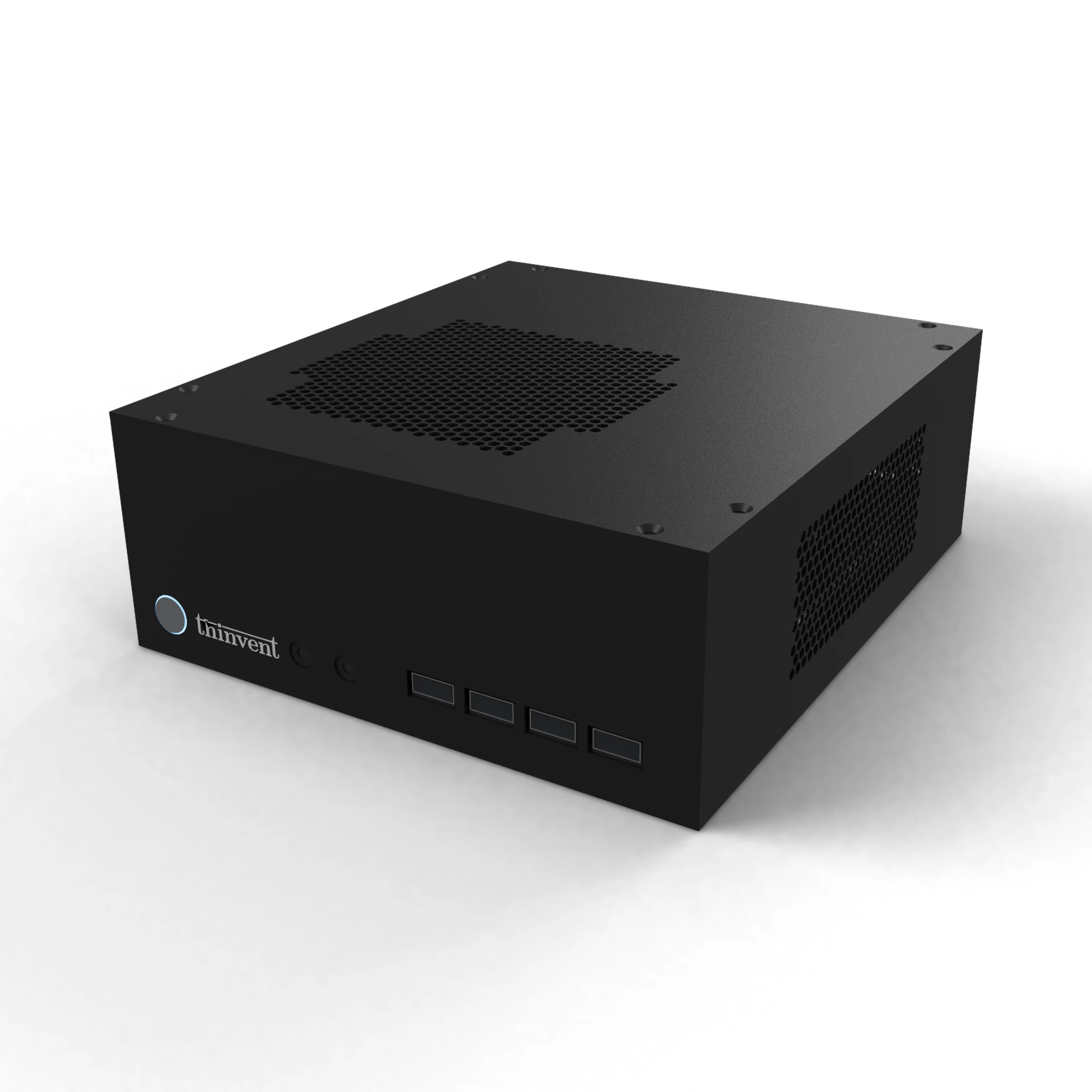
Thinvent builds fanless industrial computers, mini PCs, thin clients and all-in-one PCs suited to always-on personal cloud roles. Our industrial PC range pairs Intel® Core™ i3 processors with up to 16 GB DDR4 memory and 1 TB SSD storage, gigabit Ethernet and fanless cooling, and is available with Windows 11 Pro, Ubuntu Linux, embedded Linux or without an operating system so you can install the personal cloud platform of your choice. For lighter home setups, our mini PC and thin client lines offer compact, quiet and energy-efficient alternatives that run file-sharing and backup services around the clock.