How to Compare Industrial Computers
Comparing industrial computers means looking well beyond the processor name on the box. Two systems can share the same Intel® Core™ i3-1215U and still differ enormously in serial ports, mounting options, thermal design, operating system, and long-term supply commitments. The right way to compare is to line up the specifications that actually affect your deployment — CPU cores and clock speed, memory and storage, I/O and expansion, cooling method, power input, and OS support — and then weigh them against the environment the machine will live in.
Key Specifications to Line Up
Start with the processor. Modern industrial systems commonly use Intel® Celeron®, Intel® N-series (N95, N100, N150), or Intel® Core™ i3/i5 parts such as the 1215U, 1315U, and 1335U. Core count, base and boost frequency, and cache size determine how the machine handles multi-tasking workloads like SCADA polling, database logging, and local dashboards. Next, check memory and storage: 8 GB is adequate for a single HMI application, 16 GB suits multi-application edge nodes, and 32–64 GB is appropriate for virtualization or vision workloads. SSD capacity from 128 GB to 1 TB covers most deployments.
| Specification | Entry Level | Mid Range | High Performance |
|---|---|---|---|
| Processor | Intel® Celeron® / N95–N150 | Intel® Core™ i3-1215U | Intel® Core™ i5-1335U |
| Cores | 4 | 6 | 10 |
| Memory | 4–8 GB | 16 GB | 32–64 GB |
| Storage | 128–256 GB SSD | 512 GB–1 TB SSD | 1 TB+ SSD |
| Typical Use | HMI, kiosk, signage | Edge gateway, SCADA | Vision, virtualization, multi-app |
Cooling, Power and Physical Fit
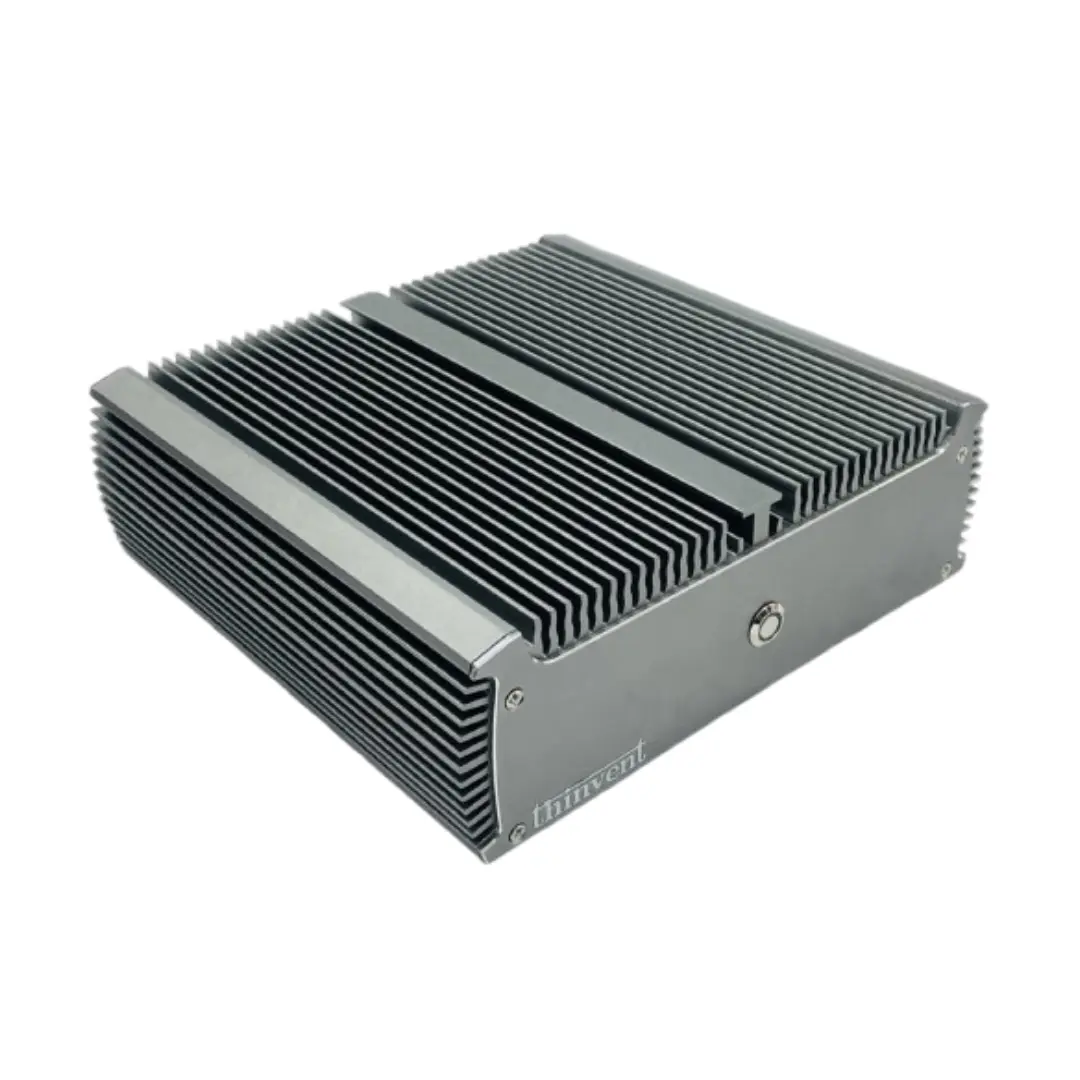
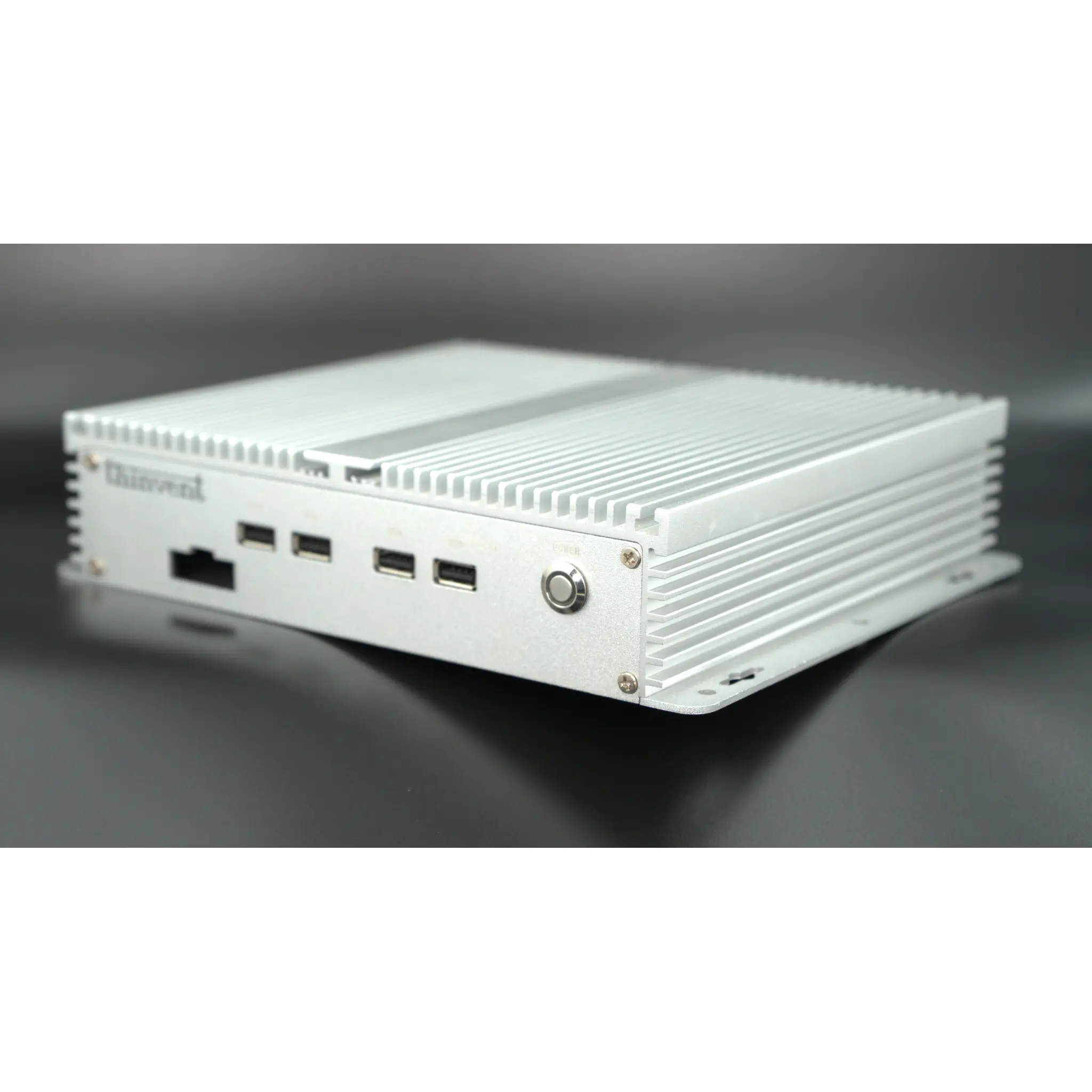
Cooling method is one of the most important comparison points and one of the most overlooked. Fanless designs remove the single most common mechanical failure point in dusty, hot, or vibration-heavy sites, and they eliminate the airflow path that pulls conductive dust into the chassis. Compare operating temperature ranges, not just room-temperature benchmarks, and confirm the power input — 12 V DC adapters are common in industrial cabinets, while DIN-rail and wide-input DC options suit control panels. Also compare mounting: VESA, wall bracket, or DIN rail changes how the unit fits into an existing enclosure.
I/O, Connectivity and Operating System
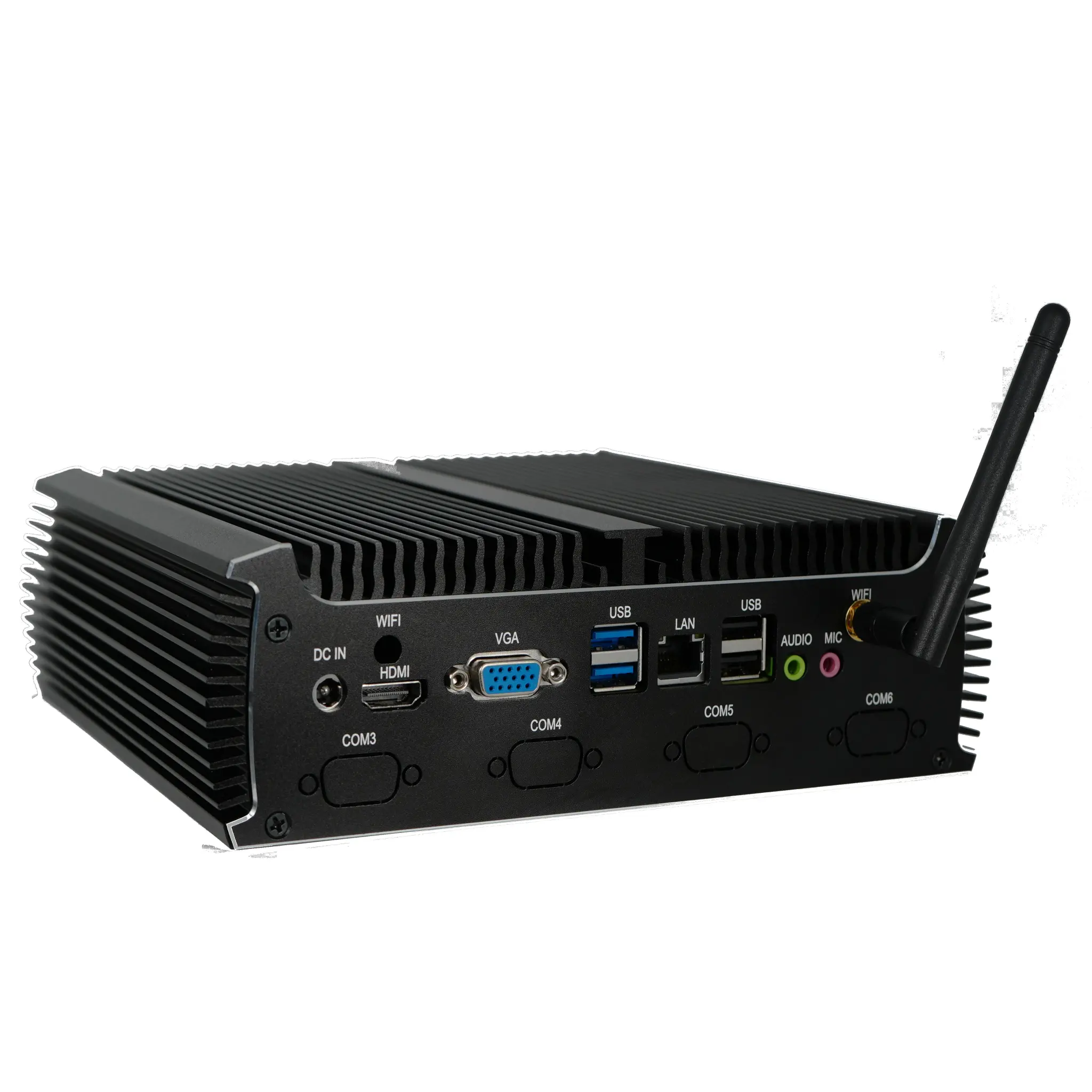
Count the ports that matter to your project rather than the total port count. Serial DB9 ports are still essential for PLCs, weighbridges, and legacy instruments; dual Gigabit Ethernet supports network segmentation between OT and IT networks; HDMI outputs drive local displays. On the software side, compare Windows 11 Pro and Windows 11 IoT Value for long-term servicing, Ubuntu Linux 24.04 LTS for open-source stacks, and FreeDOS or no-OS units for customers who deploy their own image. Finally, compare supply longevity: industrial buyers should ask how long a model and its spare parts will remain orderable, because a control cabinet is expected to run for years.
Thinvent Products for Industrial and Edge Deployment
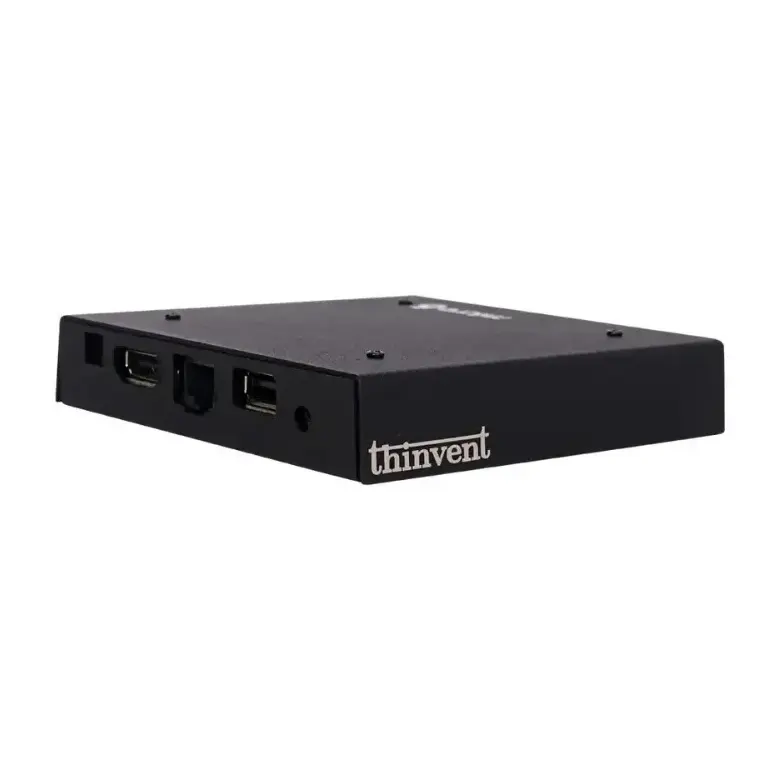
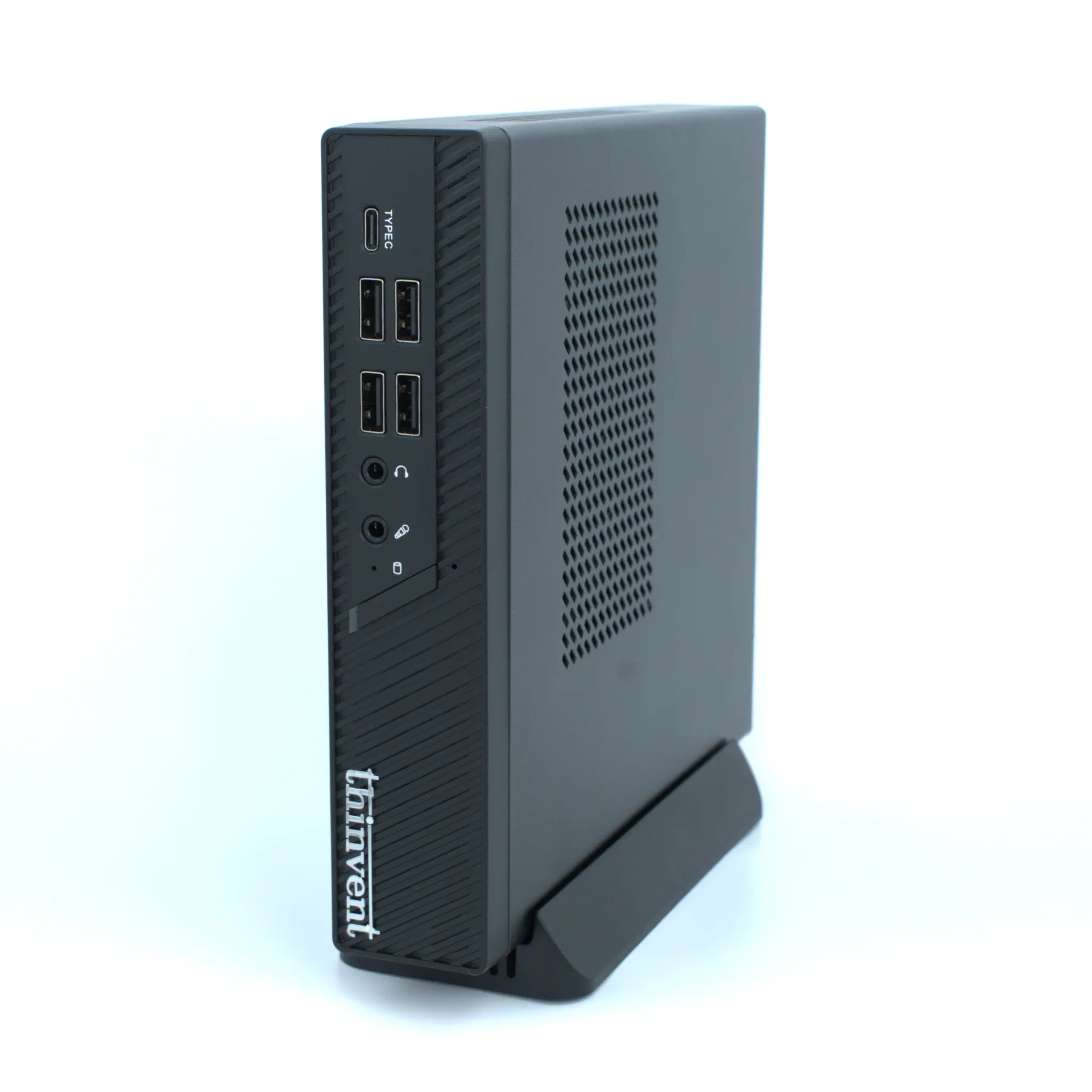
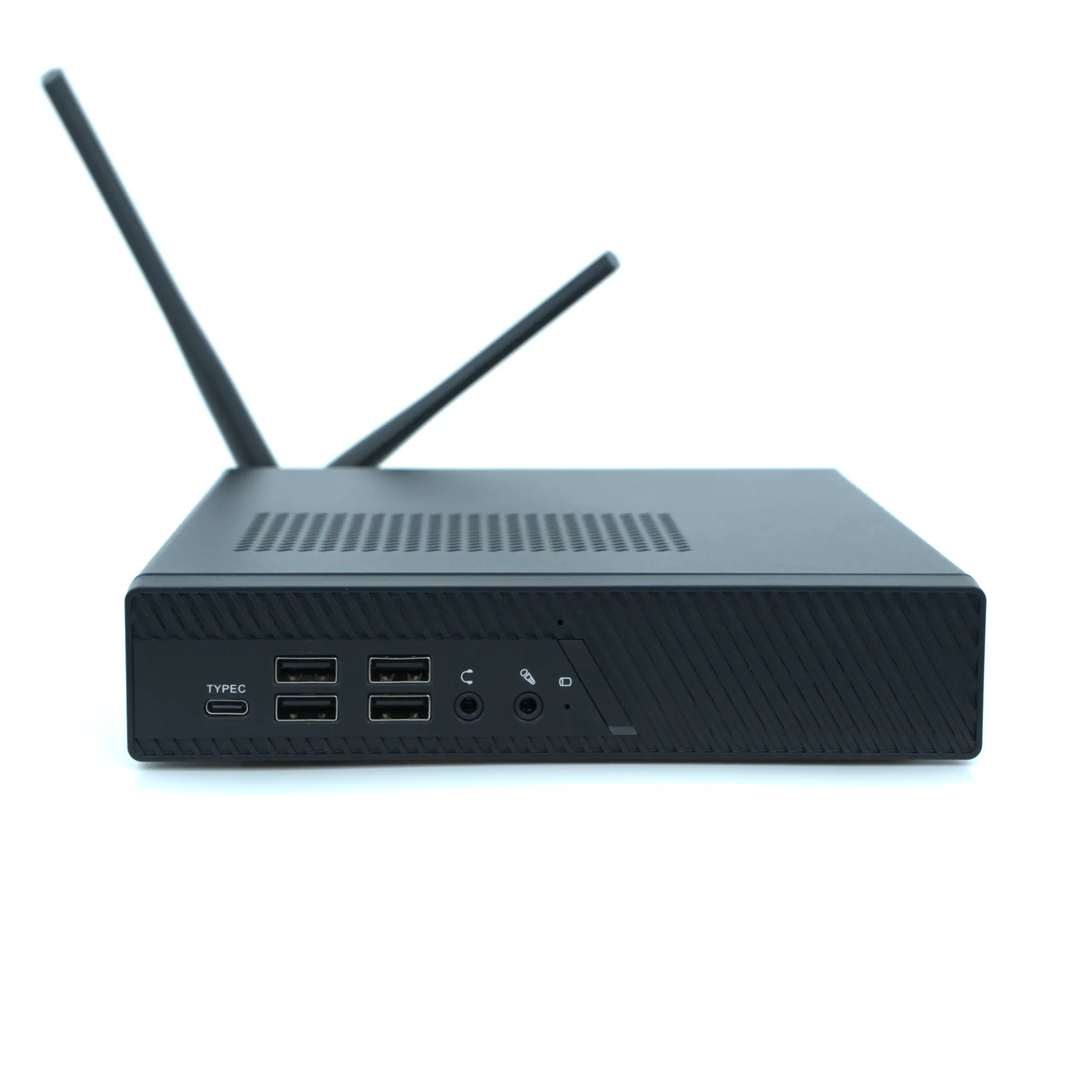
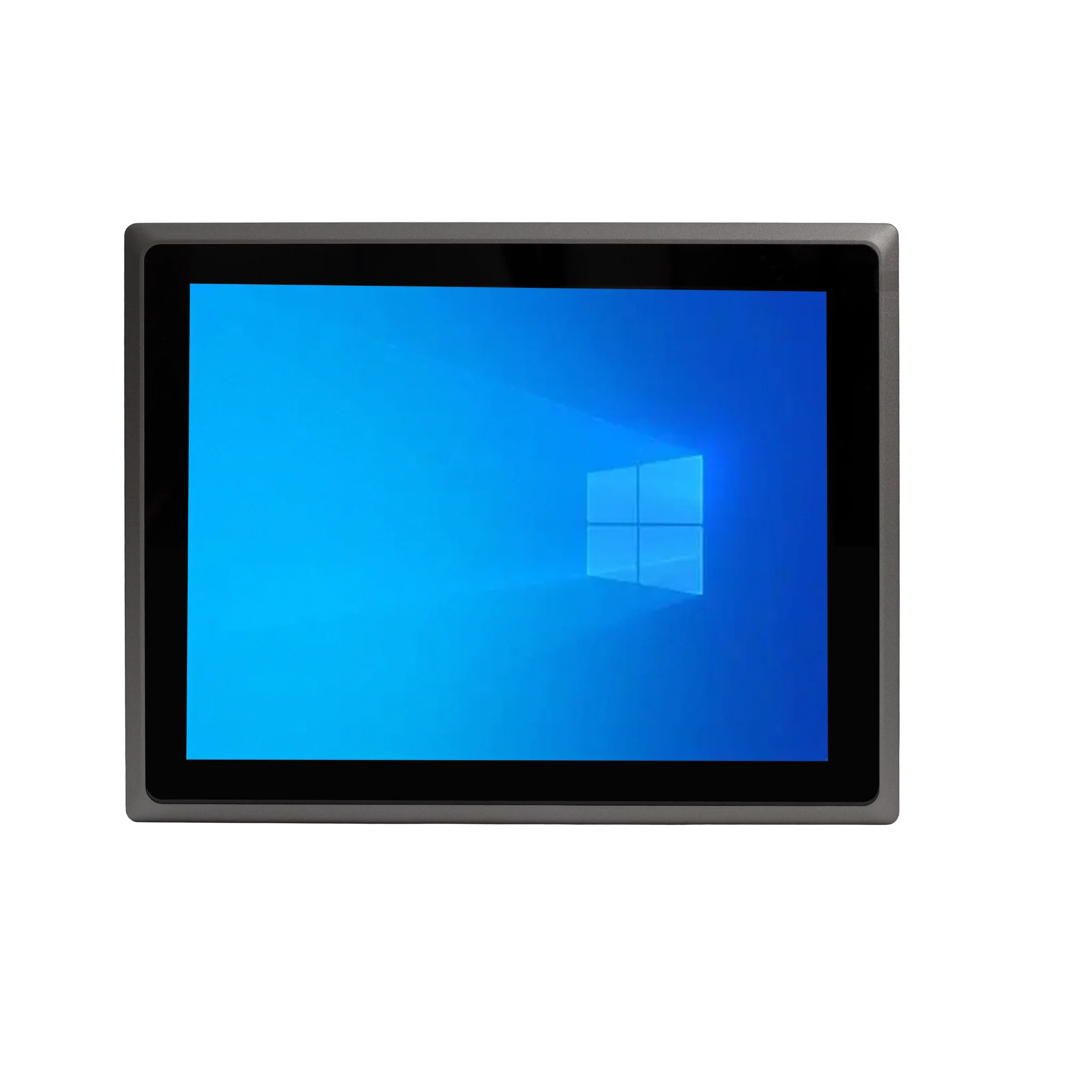
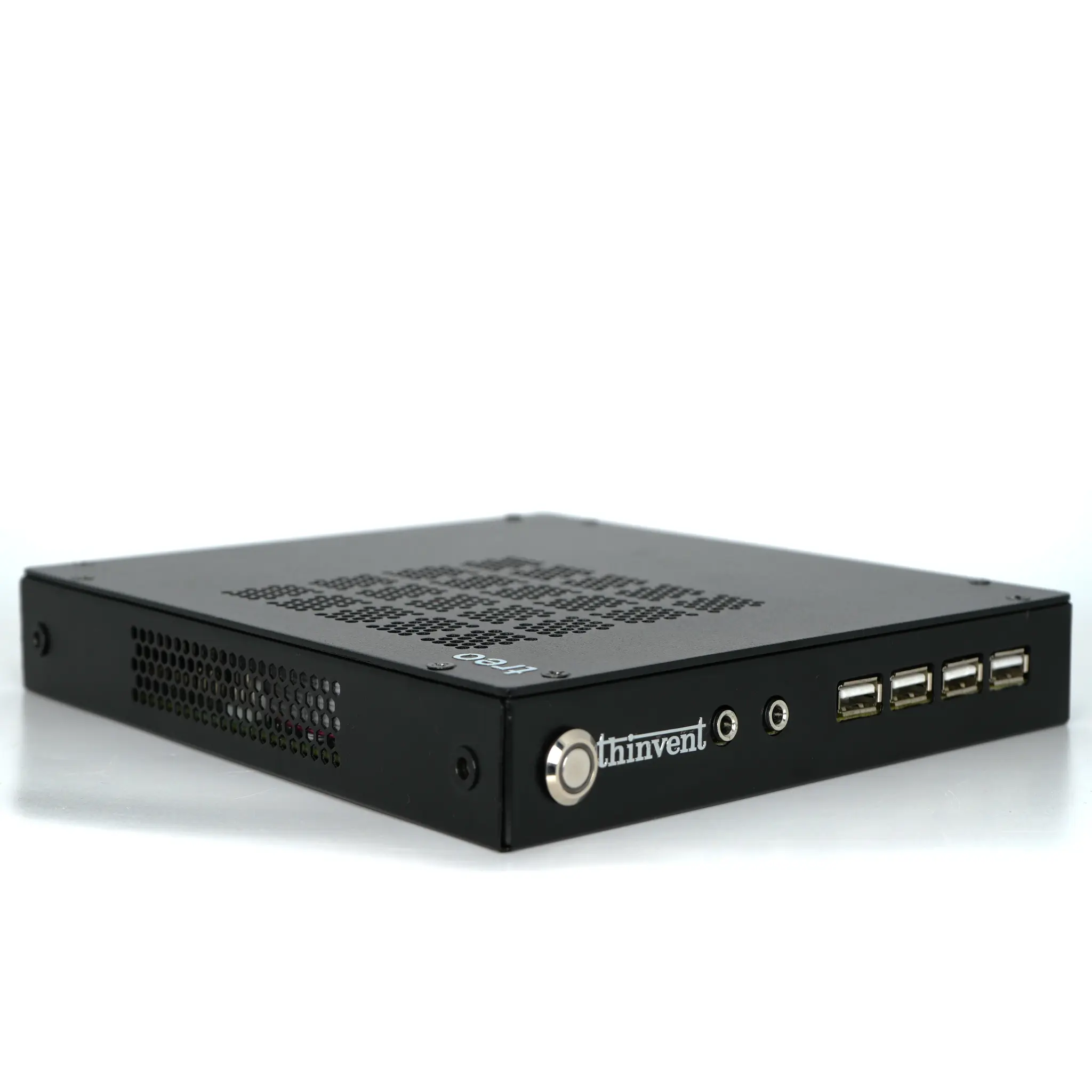
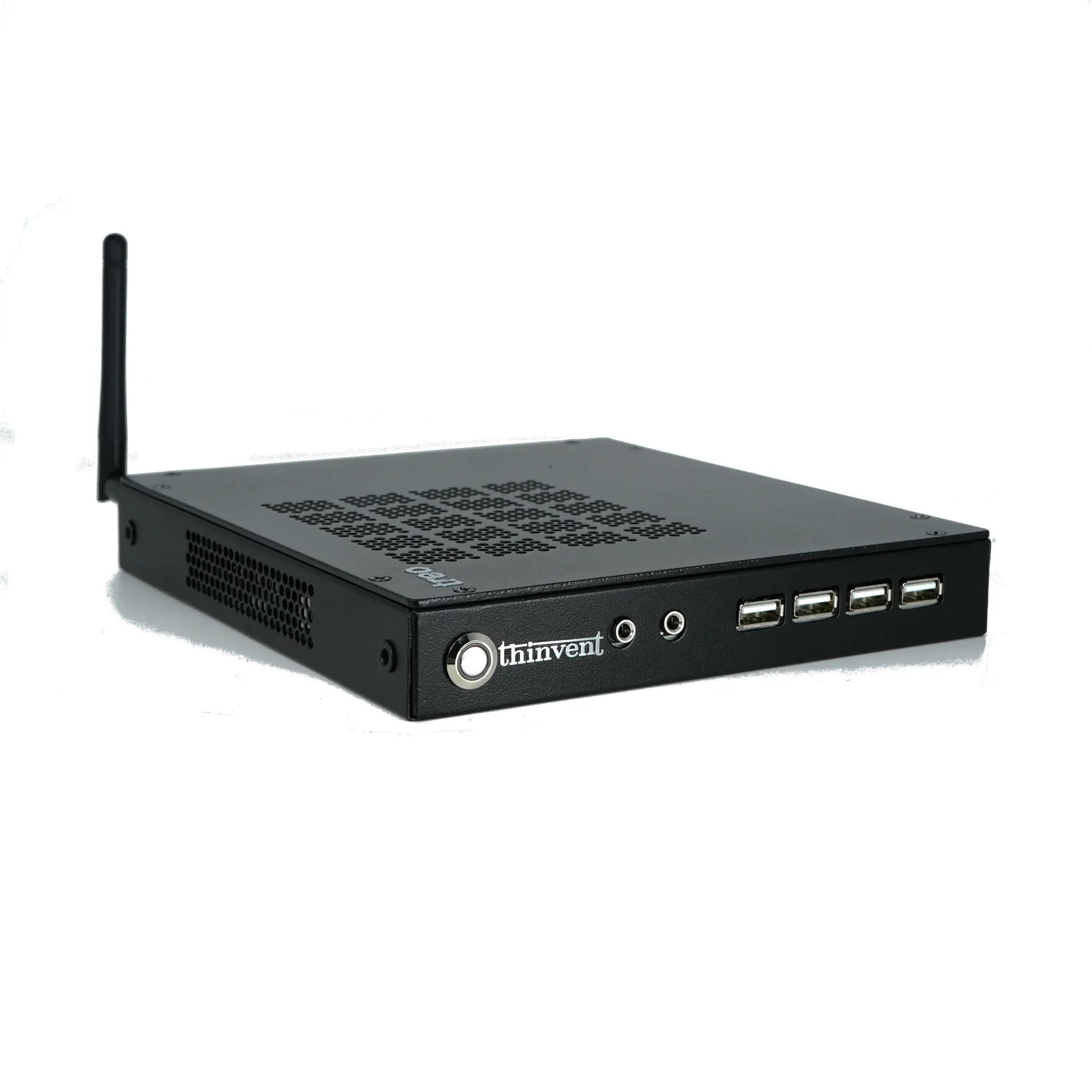
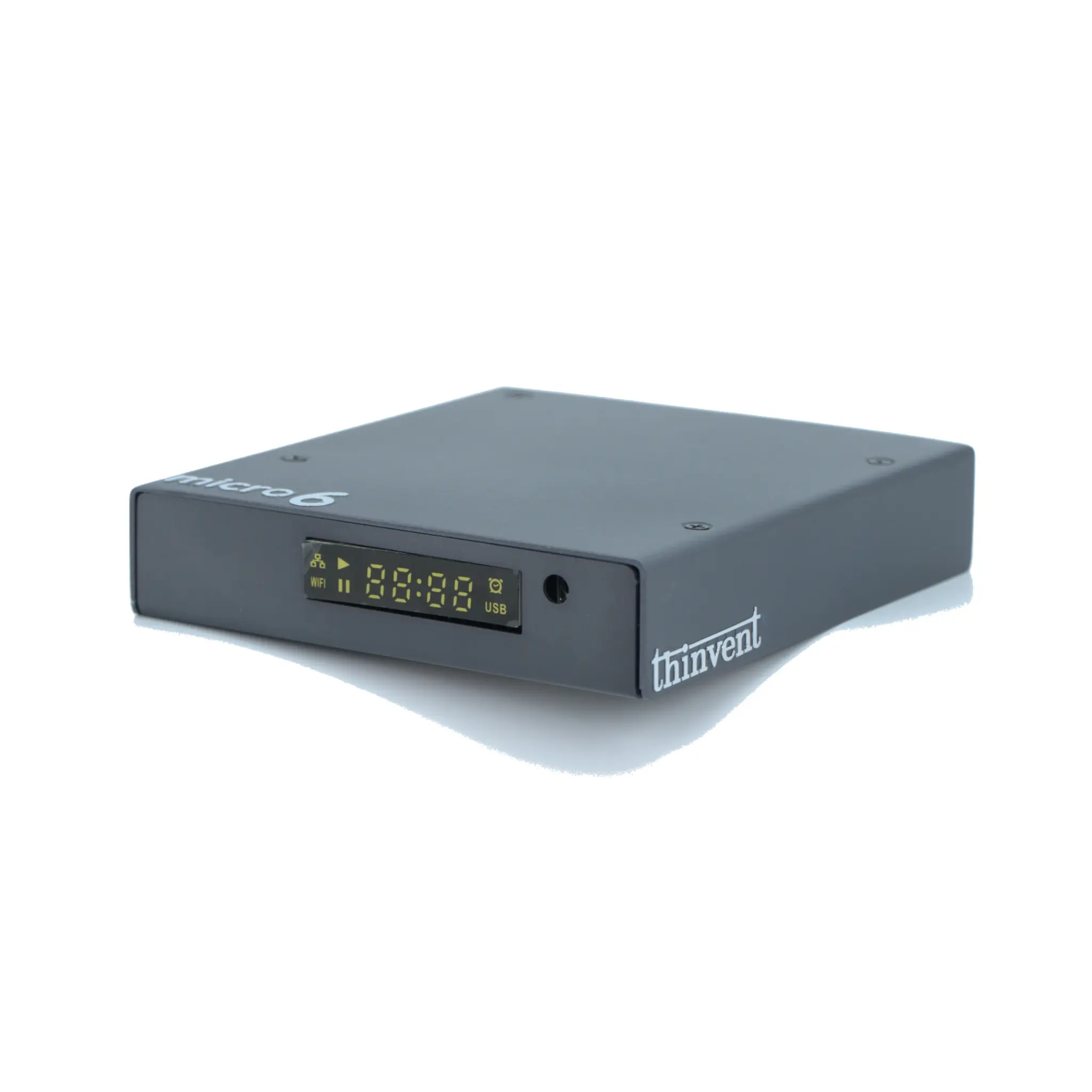
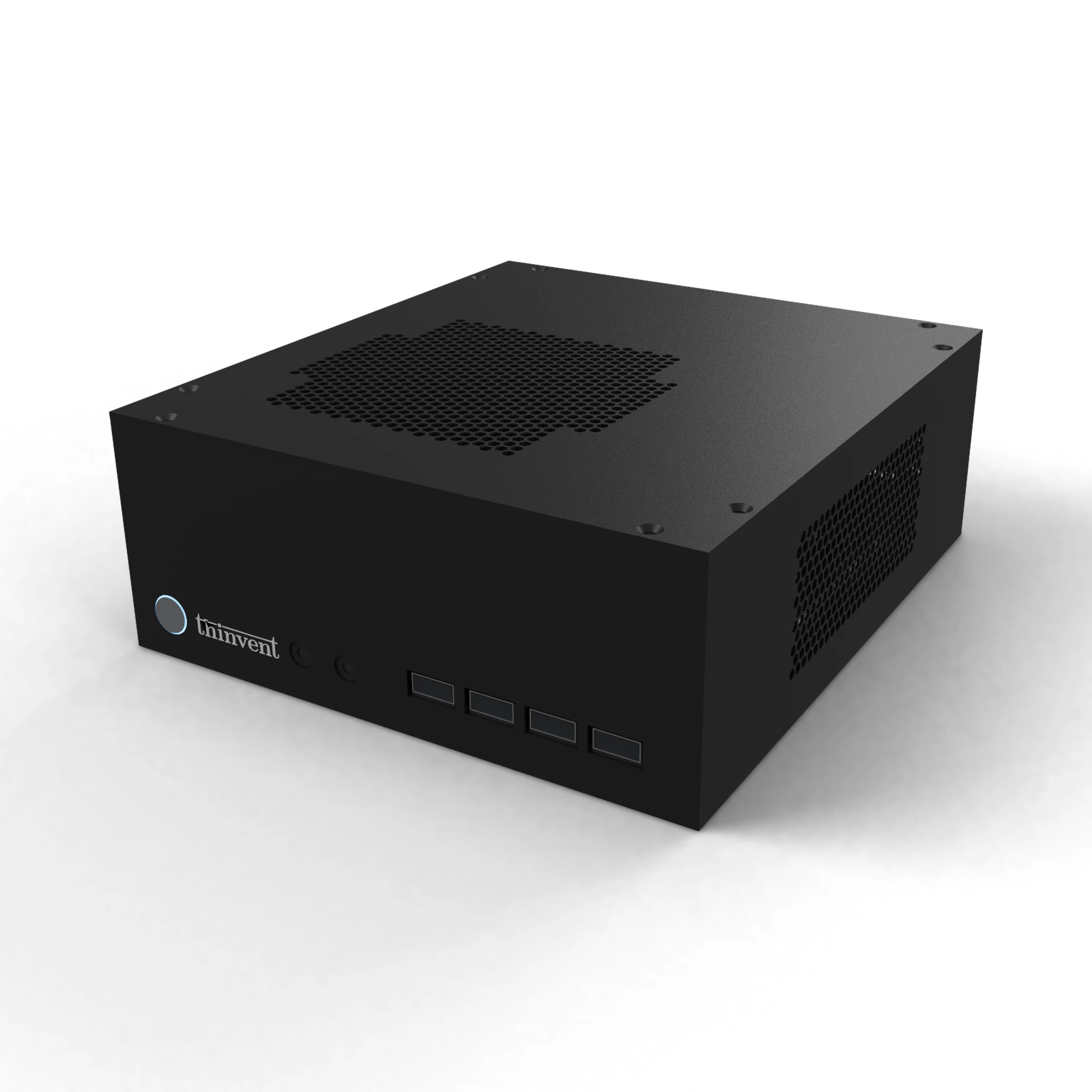
Thinvent builds industrial computers, mini PCs, thin clients, and all-in-one PCs designed for continuous operation in factories, utilities, retail, and logistics environments. The IPC3 range pairs Intel® Core™ i3-1215U processing with 16 GB DDR4 memory, 1 TB SSD storage, and a 12 V 7 A adapter, and is available with dual Gigabit Ethernet, HDMI output, and configurations offering Quad DB9 serial ports for multi-device installations. Operating system options span Windows 11 Pro, Windows 11 IoT Value, DOS, and Thinux™ Embedded Linux, so integrators can standardize on the platform that matches their software stack. For lighter workloads, Thinvent's Celeron and N-series mini PCs and thin clients deliver fanless, low-power operation, while all-in-one models combine the compute and display in a single panel-mount unit.