What is a Computer Monitor with Built-in Speakers?
A computer monitor with built-in speakers, often referred to as an All-in-One (AIO) PC in the industrial context, is a display unit that integrates both visual output and audio output into a single, compact device. This eliminates the need for separate external speakers, saving space, reducing cable clutter, and simplifying setup. These systems are designed for environments where reliability, space efficiency, and clean integration are paramount.
Key Specifications and Technical Details
Industrial-grade monitors with audio are built to more rigorous standards than consumer displays. Key features include:
-
Display Technology: Typically utilizing IPS panels for wide viewing angles and consistent color, crucial for control rooms and public information displays.
-
Audio Output: Integrated speakers, usually ranging from 2W to 10W per channel, sufficient for alarms, notifications, voice communication, and multimedia playback in office or light industrial settings.
-
Touchscreen Options: Many models offer projected capacitive (PCAP) or resistive touchscreens for interactive kiosks, point-of-sale systems, or control panels.
-
Robust Construction: Featuring fanless designs for silent operation and dust resistance, metal chassis for durability, and wide operating temperature ranges.
-
Connectivity: Standard ports include HDMI, DisplayPort, multiple USB ports (often including USB 3.2 for peripherals), and Ethernet for network connectivity. Audio ports (line-in/out) are also common.
Applications and Use Cases
These integrated systems are ideal for applications where a streamlined, reliable solution is needed:
-
Digital Signage & Kiosks: For retail, museums, and transportation hubs, providing both visual content and audio announcements.
-
Industrial Control Rooms: Monitoring systems where audio alerts for alarms or process status are essential.
-
Point-of-Sale (POS) & Hospitality: Streamlining checkout counters or hotel concierge desks with a single, tidy unit.
-
Telemedicine & Conferencing: Providing a complete communication station for video calls and consultations.
-
Light Industrial Workstations: For quality control, assembly line instructions, or data entry where basic audio feedback is useful.
Comparison: Integrated Audio vs. Separate Components
| Feature | Monitor with Built-in Speakers | Separate Monitor & Speakers |
|---|---|---|
| Setup Complexity | Simple, single device. | More complex, requires extra cables and power. |
| Space Efficiency | Excellent, minimal footprint. | Requires additional desk or mounting space. |
| Audio Quality | Adequate for basic alerts, notifications, and voice. | Superior, with options for high-fidelity or powerful sound. |
| Maintenance & Cable Management | Simplified with fewer components. | More points of failure and cable clutter. |
| Ideal For | Space-constrained, clean environments, standard audio needs. | Applications requiring high-quality audio or specific acoustic performance. |
Thinvent All-in-One PCs with Audio Solutions
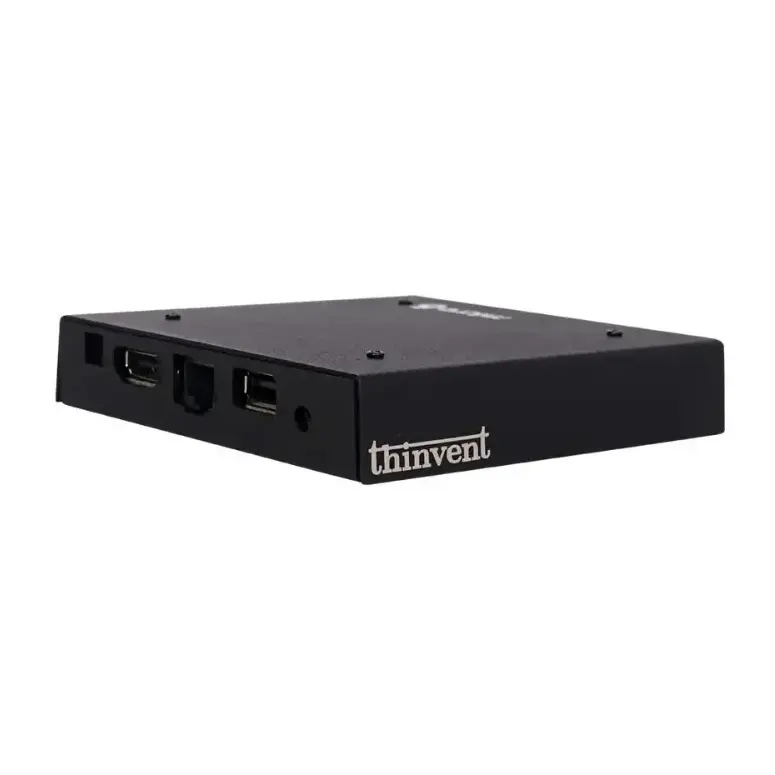
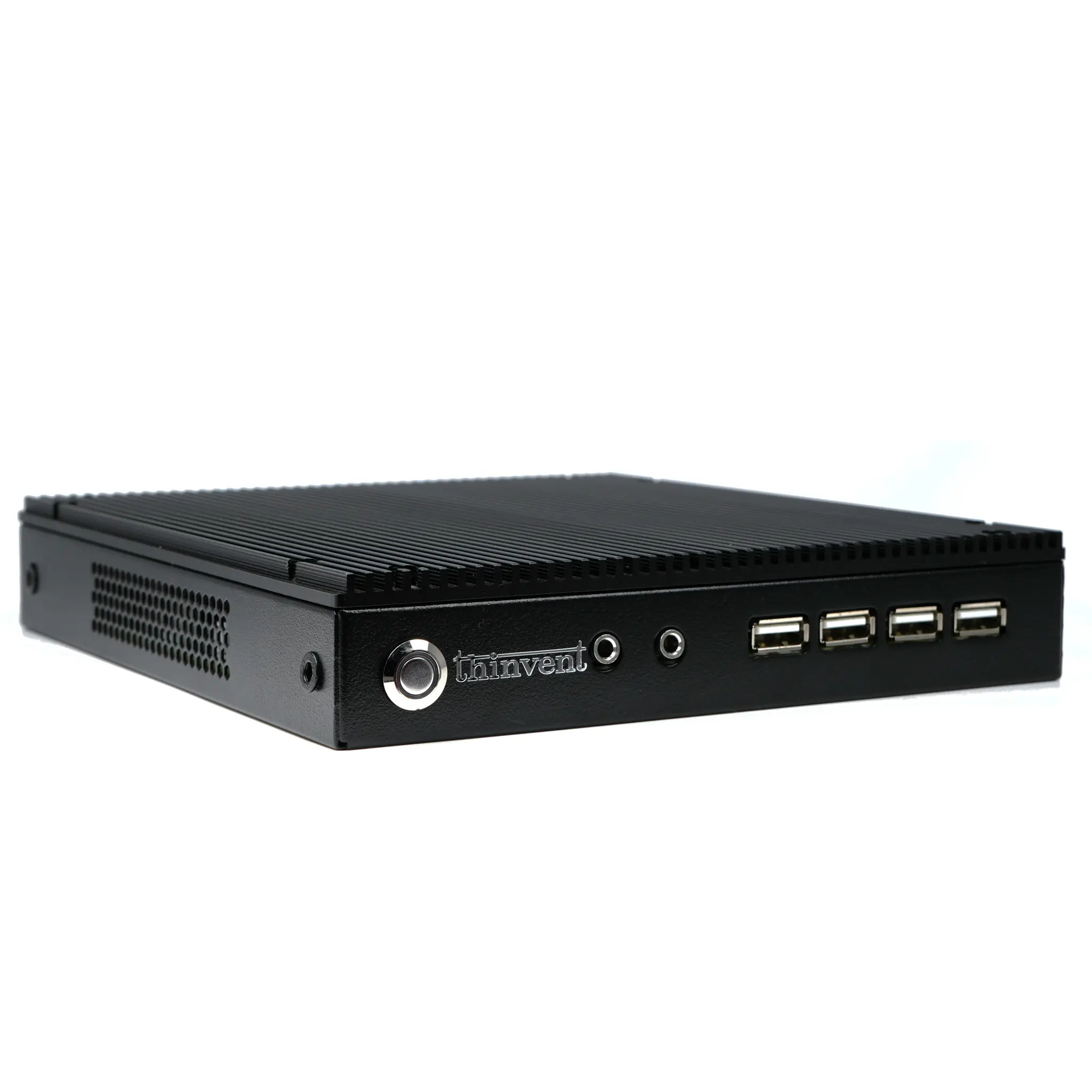
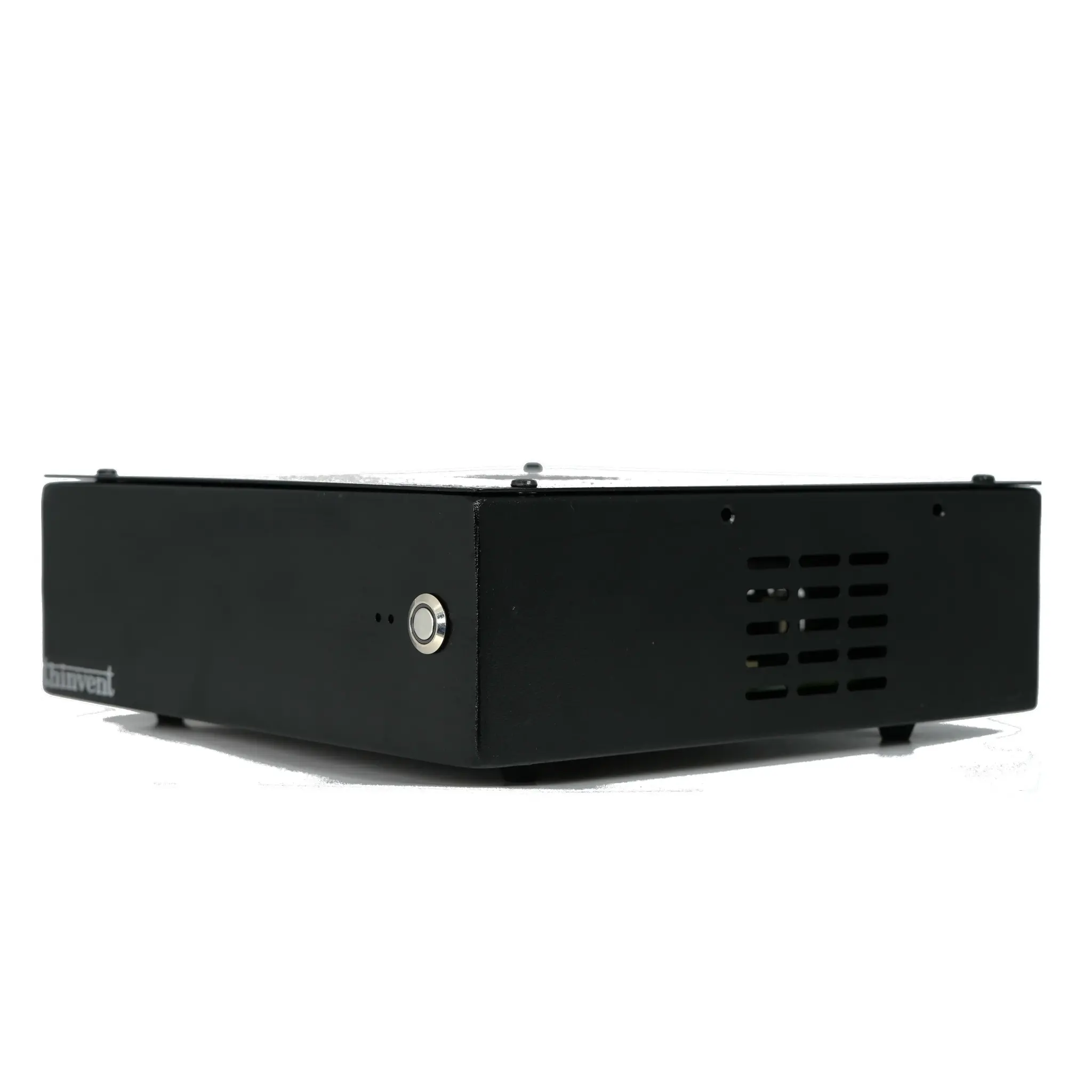
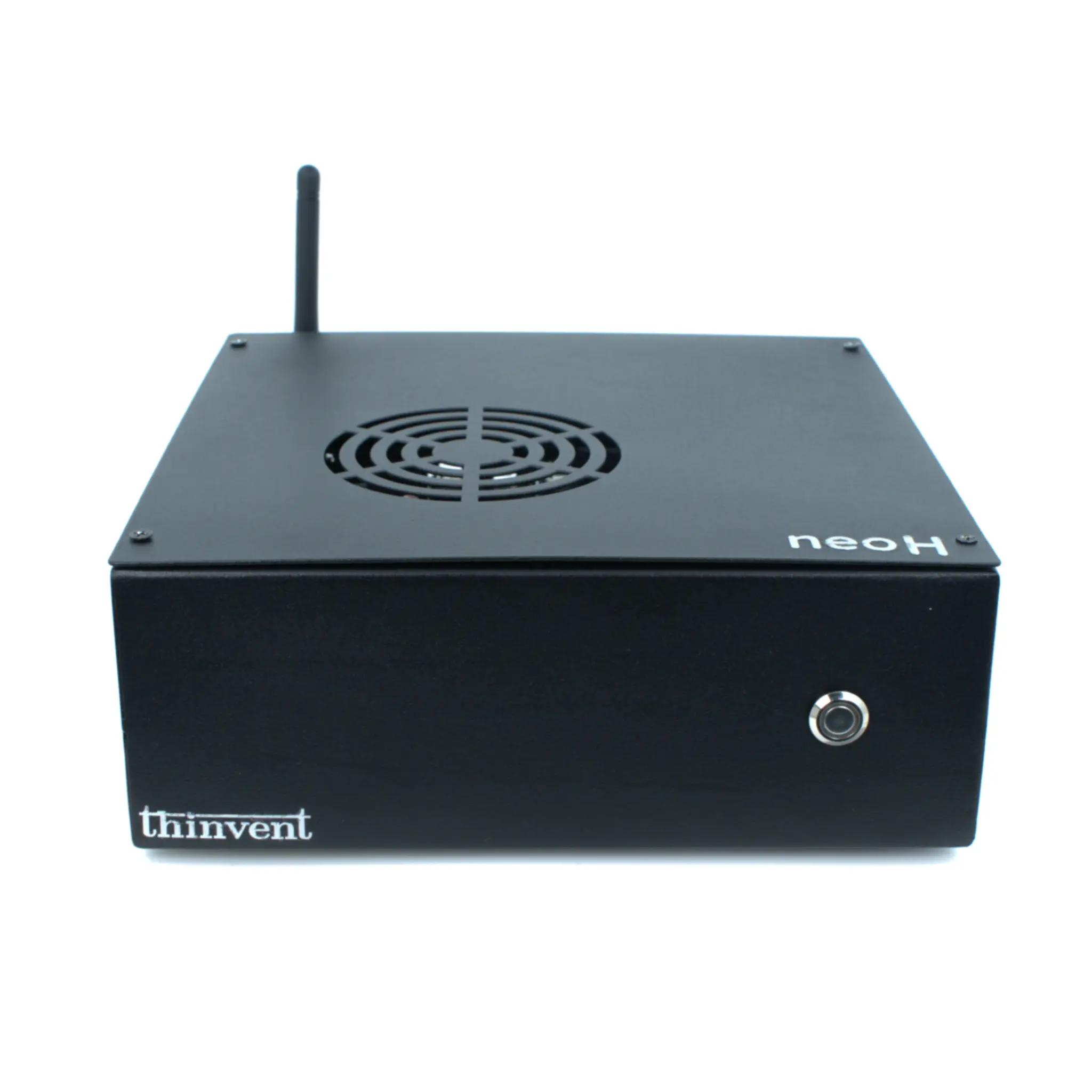
While Thinvent specializes in compact, fanless industrial computing solutions like the Aero Mini PC series, our product ecosystem is designed for integration. For a complete "monitor with speakers" solution, Thinvent industrial-grade mini PCs are the perfect computing core. They can be seamlessly paired with a vast range of industrial panel PCs and monitors featuring integrated audio from our partners. Thinvent computers provide the reliable, low-power, and durable processing power, while the display handles the visual and audio output, creating a robust, integrated system for any professional environment. Our mini PCs support all major operating systems, ensuring compatibility with your chosen display hardware.