What Actually Determines the Price of a Computer
There is no single "price of a computer" — the number on the tag is the sum of a handful of hardware and software decisions. The processor class usually sets the floor and ceiling: an entry-level Intel® Celeron® or N-series chip costs a fraction of a 12th or 13th generation Intel® Core™ i3 or i5. Around that, memory (4 GB vs 32 GB DDR4), storage (128 GB vs 1 TB SSD), graphics, chassis material, cooling design and the operating system licence each add their own line item. Two machines that look identical on the outside can differ by a wide margin inside.
The Specification Levers That Move Cost Most
| Component | Lower Cost | Higher Cost | Why It Matters |
|---|---|---|---|
| Processor | Celeron®, N95/N100 | Core™ i3/i5, 12th–14th gen | Cores, cache and clock speed |
| Memory | 4–8 GB DDR4 | 16–32 GB DDR4 | Multitasking, VMs, databases |
| Storage | 128 GB SSD | 512 GB–1 TB SSD | Capacity and endurance |
| Operating System | FreeDOS, Without OS | Windows 11 Pro, Ubuntu LTS | Licence and support terms |
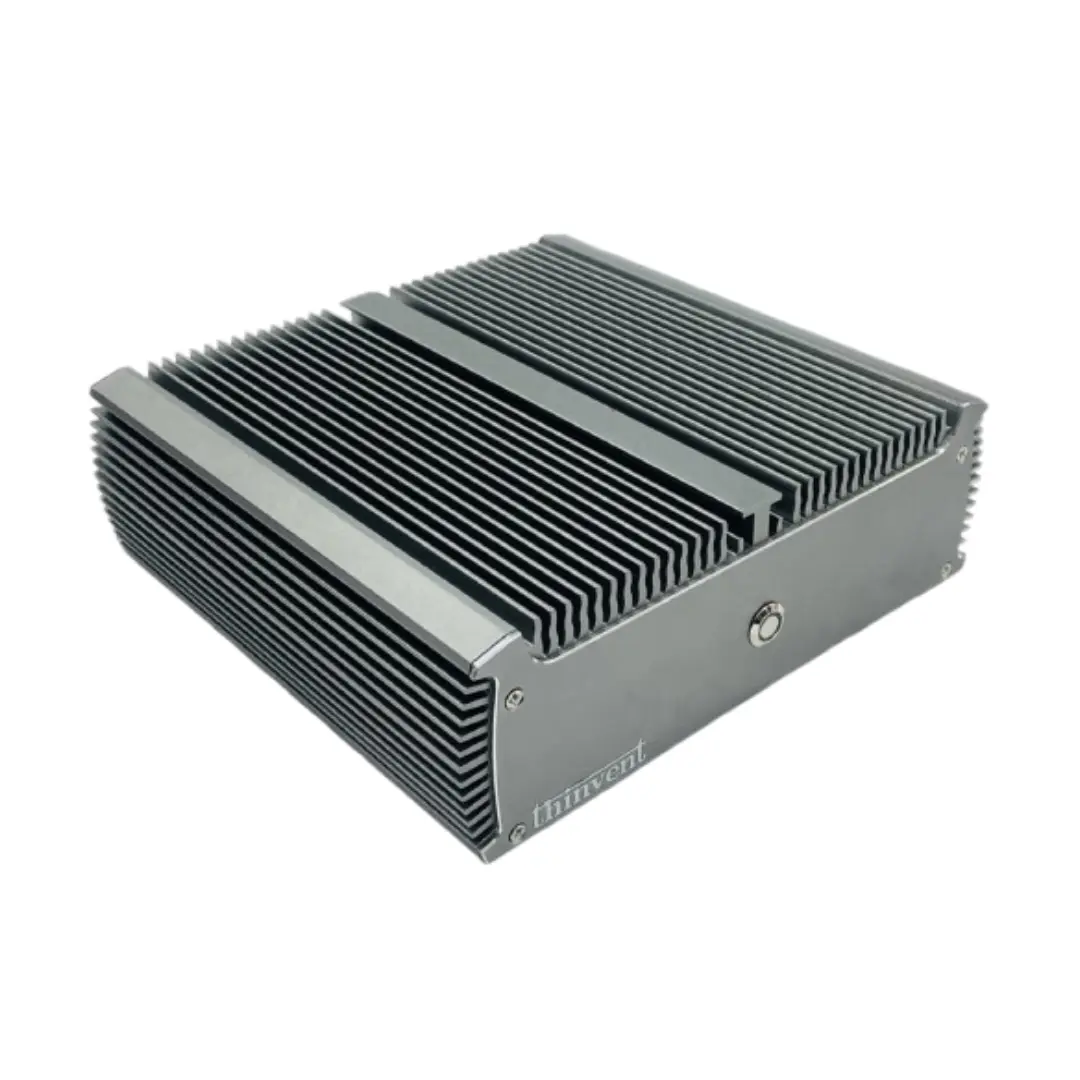
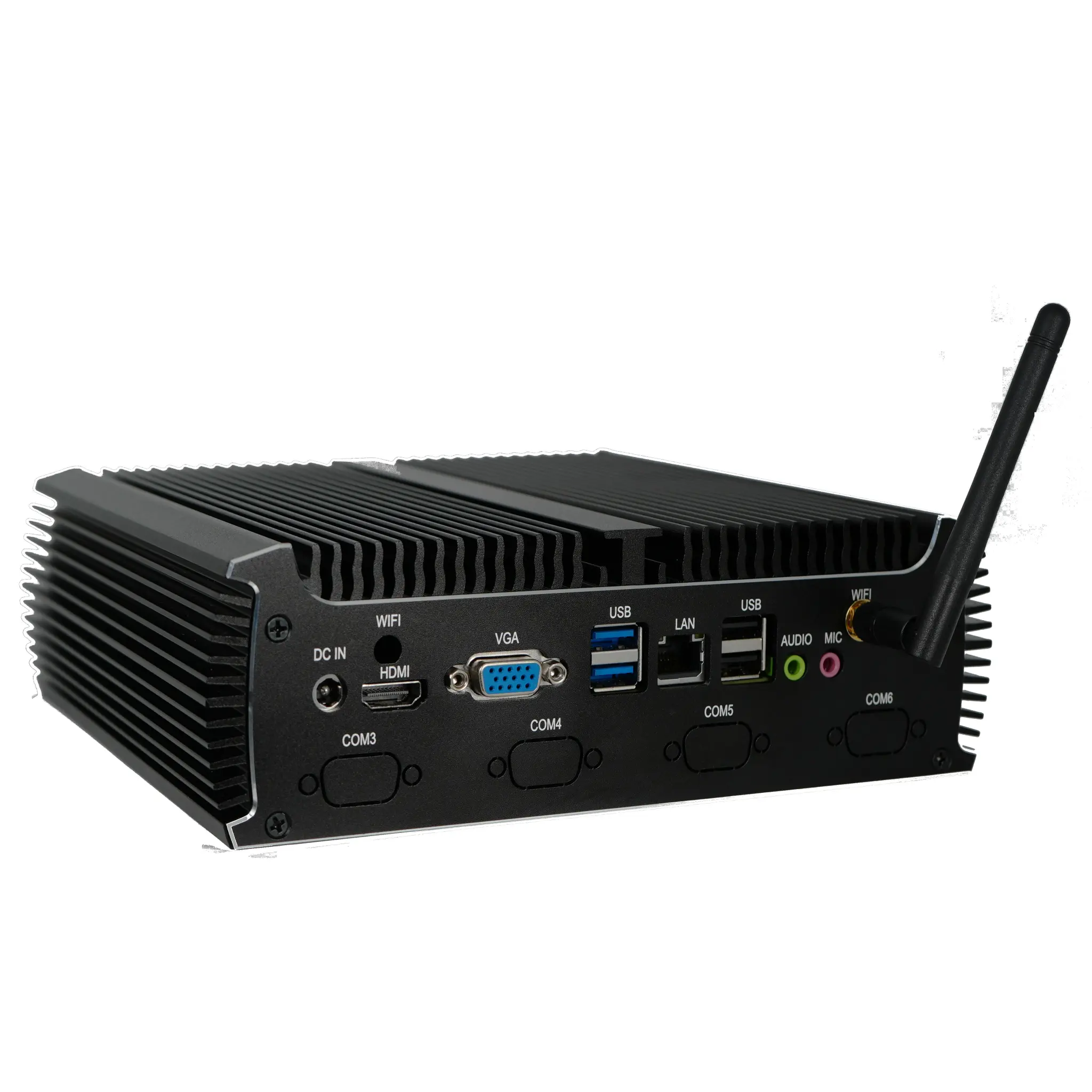
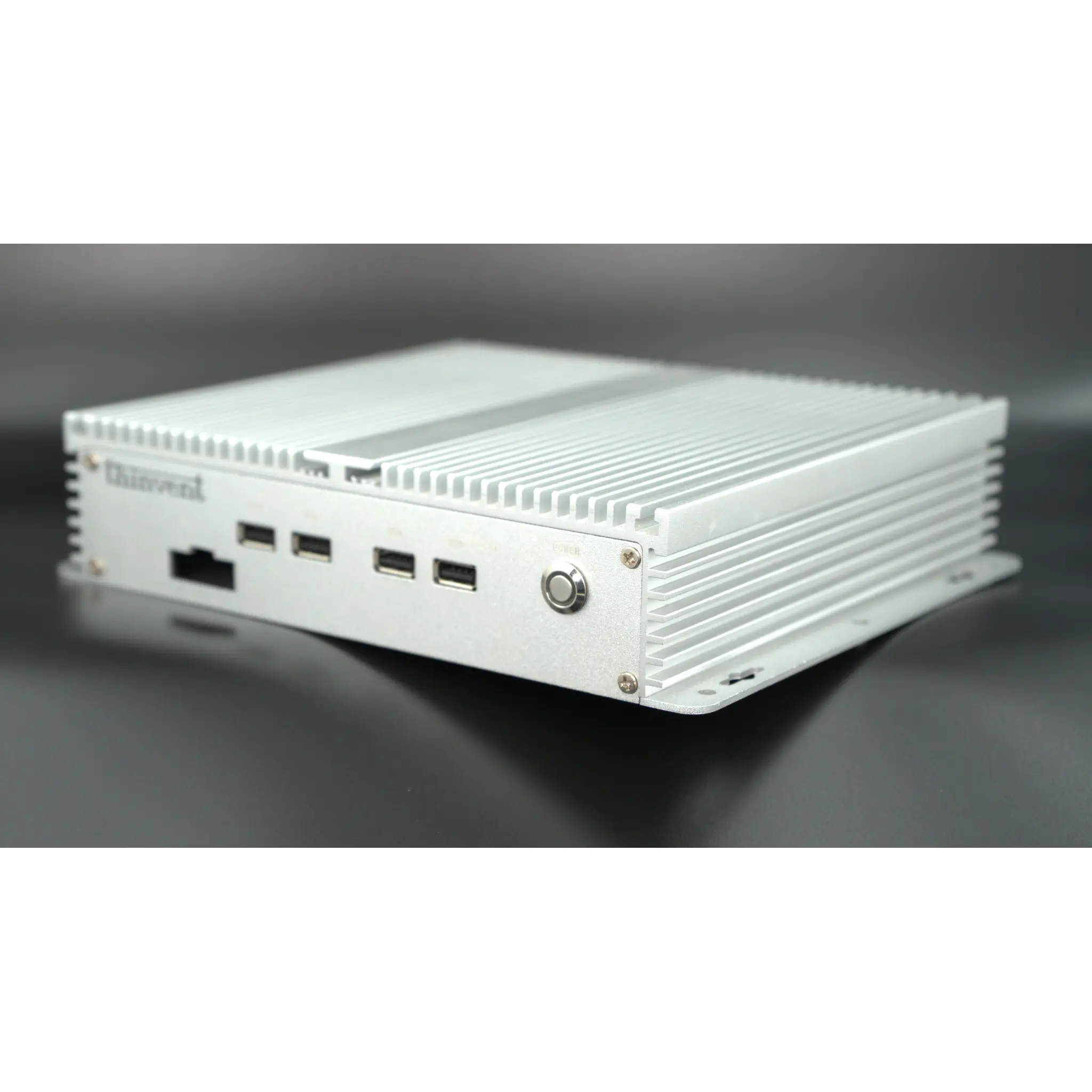
| Chassis & Cooling | Plastic, fan-cooled | Metal, fanless industrial | Dust, heat and vibration tolerance |
| Ports & I/O | 1 HDMI, 2 USB | Dual HDMI, dual LAN, serial | Peripherals and control equipment |
For everyday office work, a mini PC with 8–16 GB RAM and a 256 GB SSD is usually the sensible band. For engineering, retail back-office servers, or industrial control, the premium goes into processor generation, ECC-style reliability features, wide-temperature components, and long-lifecycle supply guarantees — not into cosmetic design.
Laptops vs Desktops, Mini PCs and Thin Clients
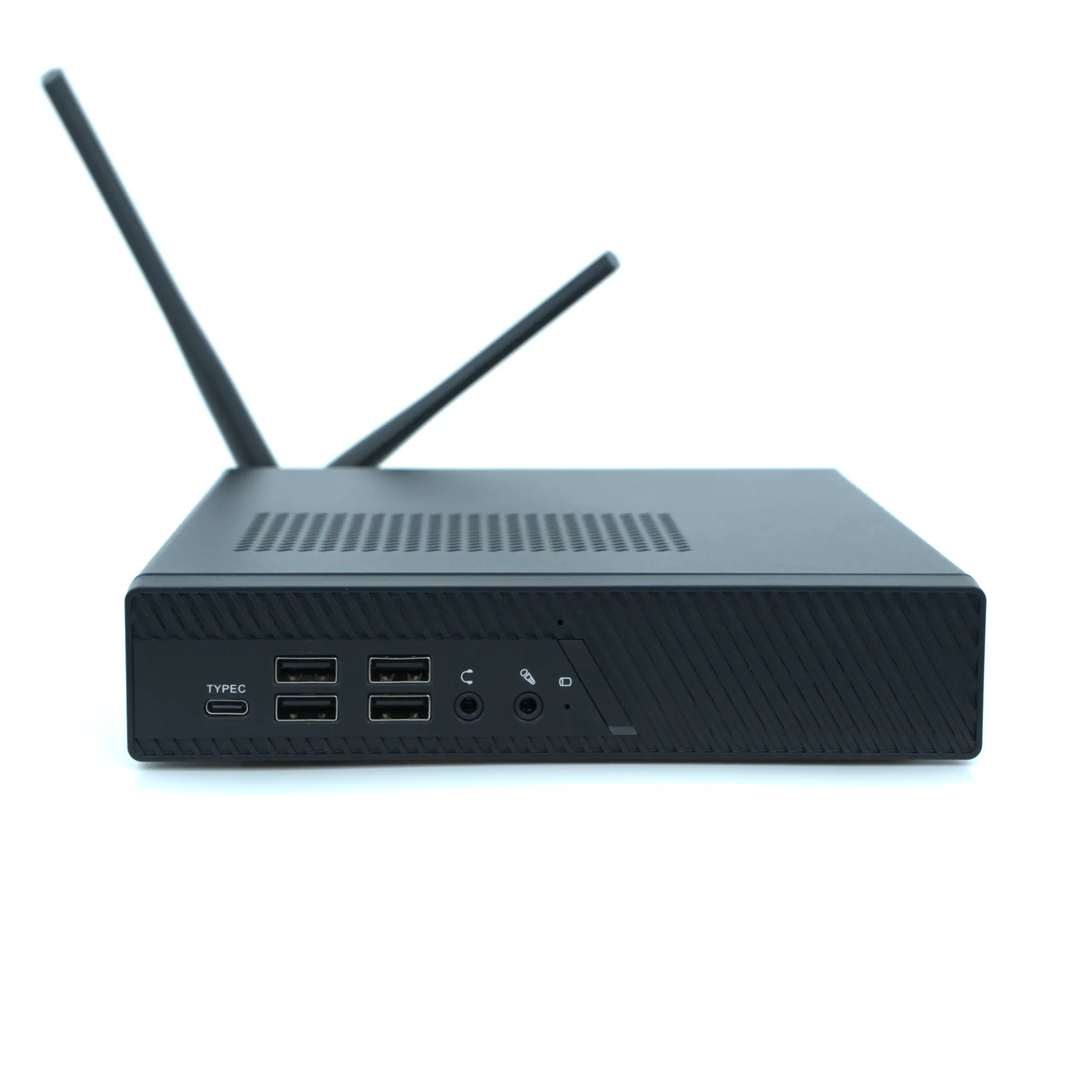
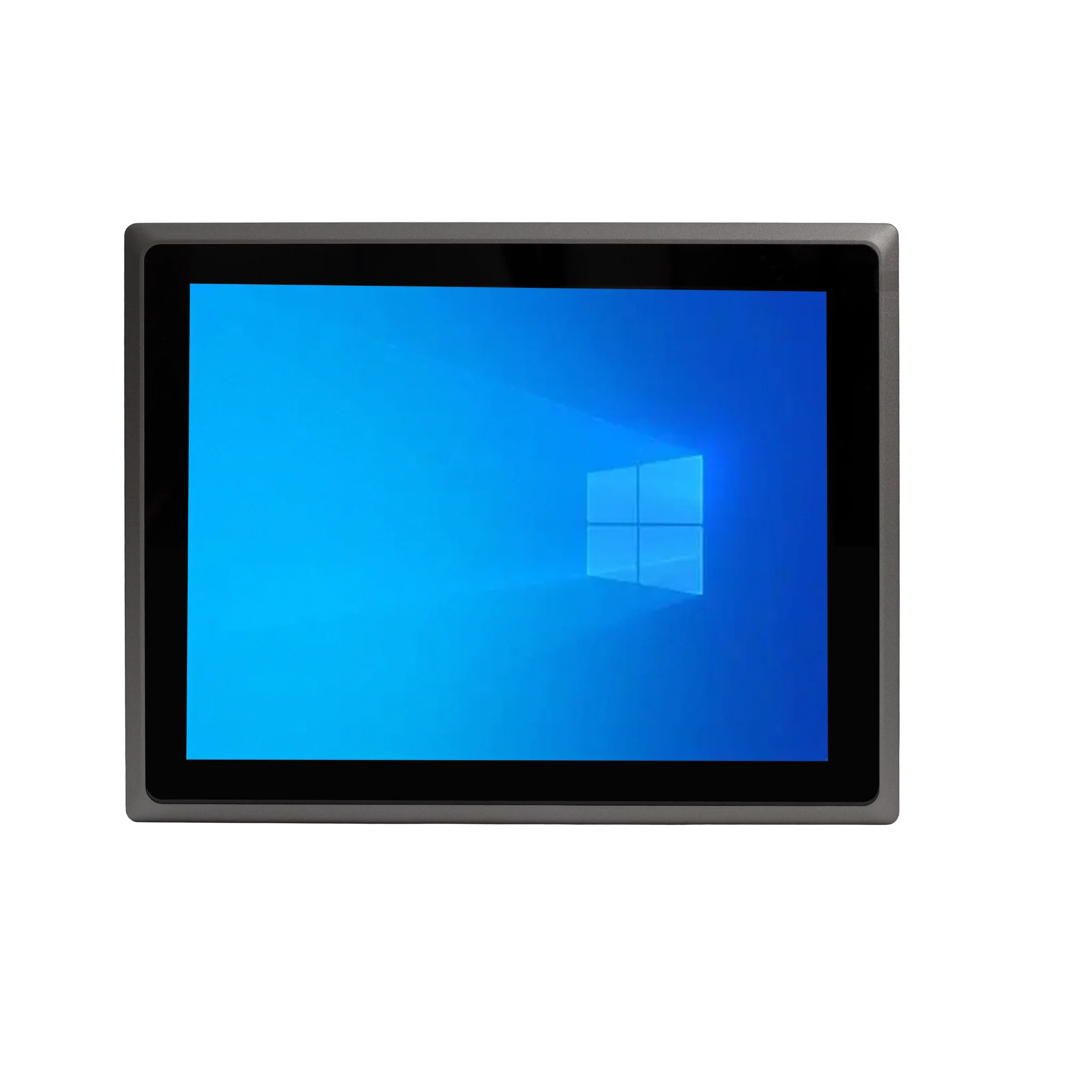
A laptop carries a price premium for the battery, display, keyboard and the engineering that shrinks everything into a portable shell. If the machine never leaves a desk, a mini PC or all-in-one delivers the same processor tier for less, with easier service and upgrade access. In volume deployments — call centres, classrooms, hospital wards, shop floors — thin clients attached to a central server cut both purchase and running cost, because one server does the computing for dozens of seats and each endpoint draws very little power.
Buyers should also weigh total cost of ownership, not just purchase price. Power draw over five years, failure rates in dusty or hot environments, and the cost of replacing a unit that is no longer manufactured often outweigh the initial saving on a cheaper box. Industrial-grade, fanless systems cost more up front and less over their service life.
Choosing by Application, Not by Sticker
Match the specification to the workload rather than to a target figure. Point-of-sale, digital signage and kiosk roles run comfortably on N-series or Celeron® processors with 4–8 GB RAM. Office productivity, Tally-type accounting and light design work want a Core™ i3 or i5 with 16 GB and a 512 GB SSD. Machine control, SCADA, multi-display control rooms and edge analytics need industrial motherboards, multiple Ethernet and serial ports, fanless cooling, and a 24/7-rated power supply.
Thinvent Computers Across Every Performance Tier
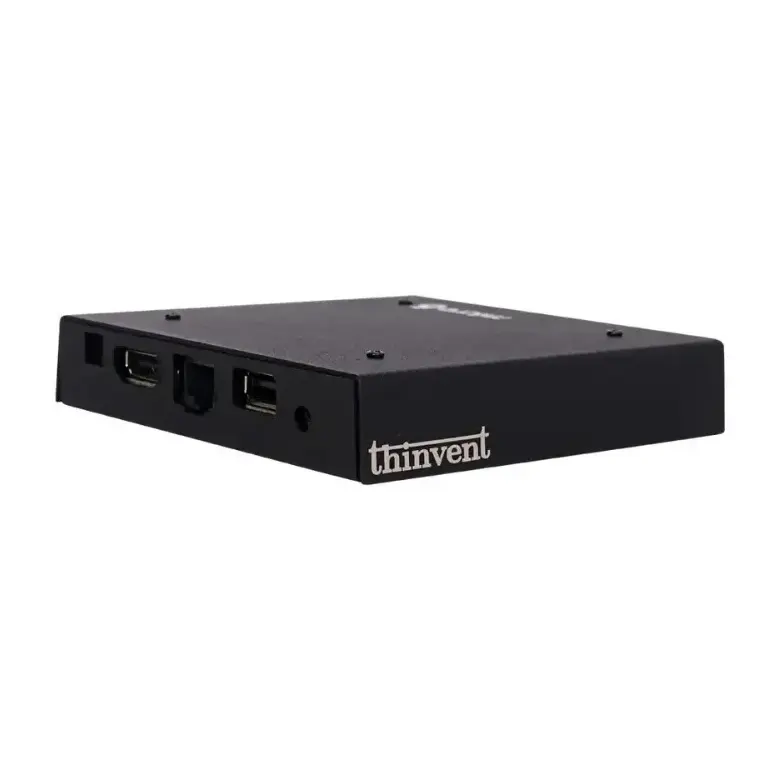
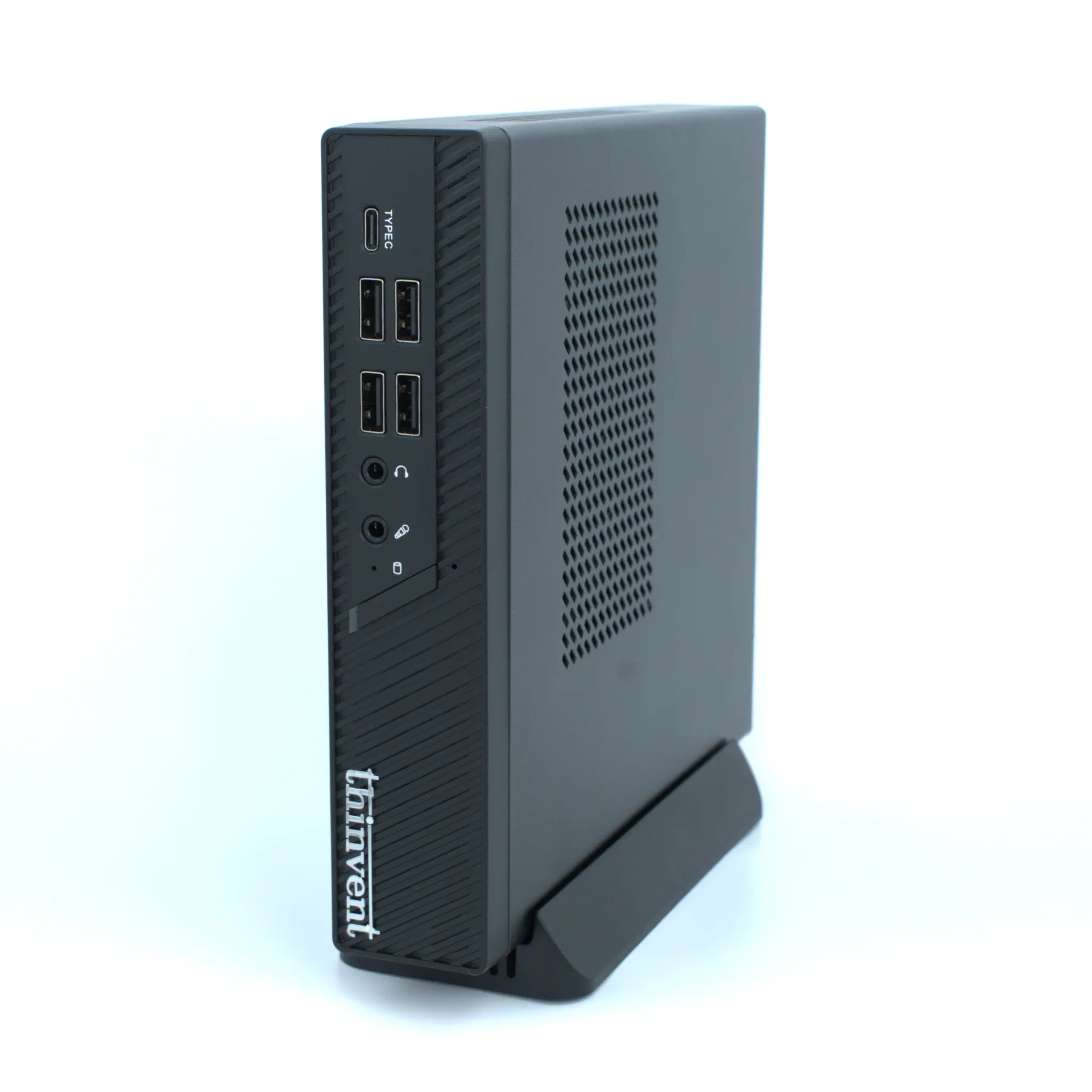
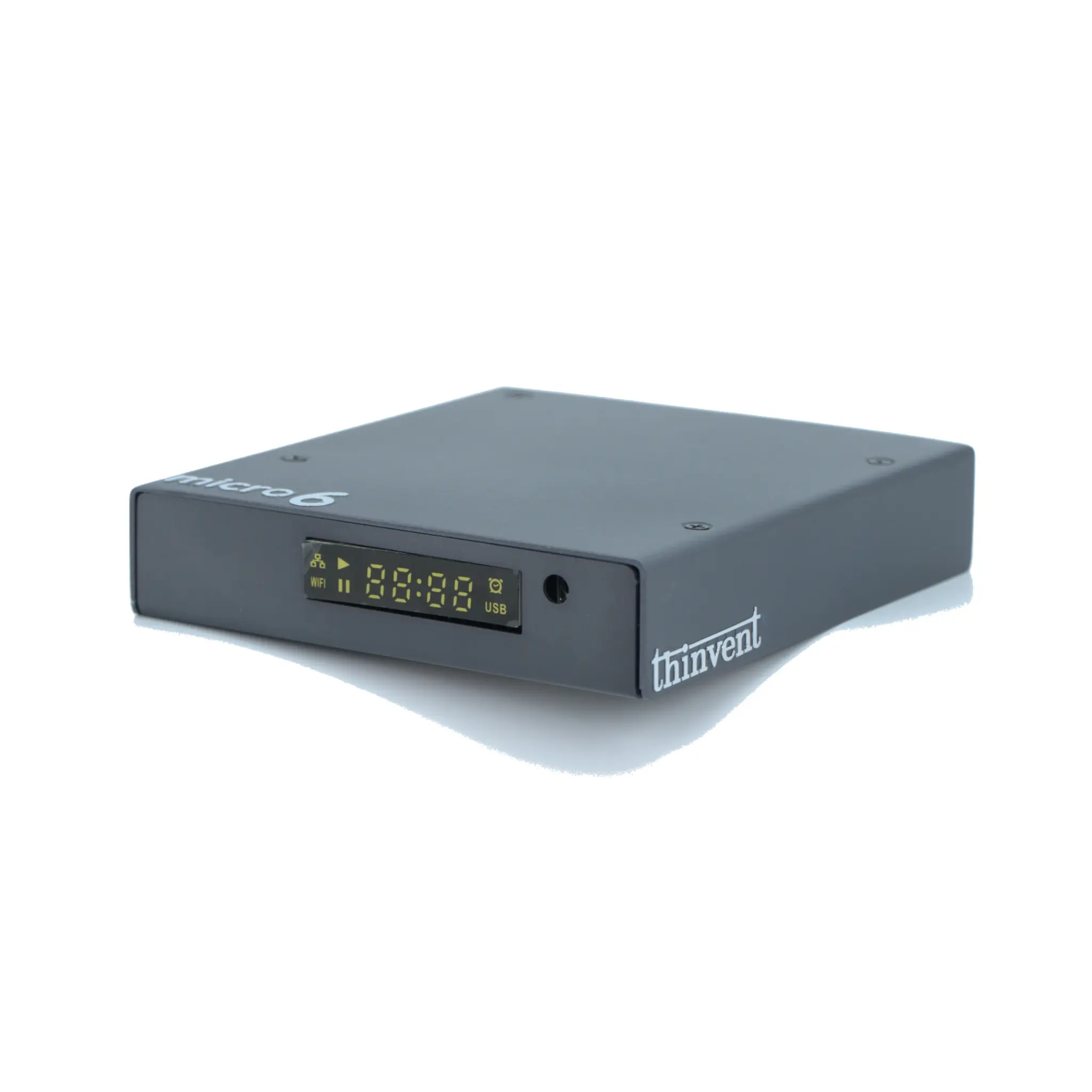
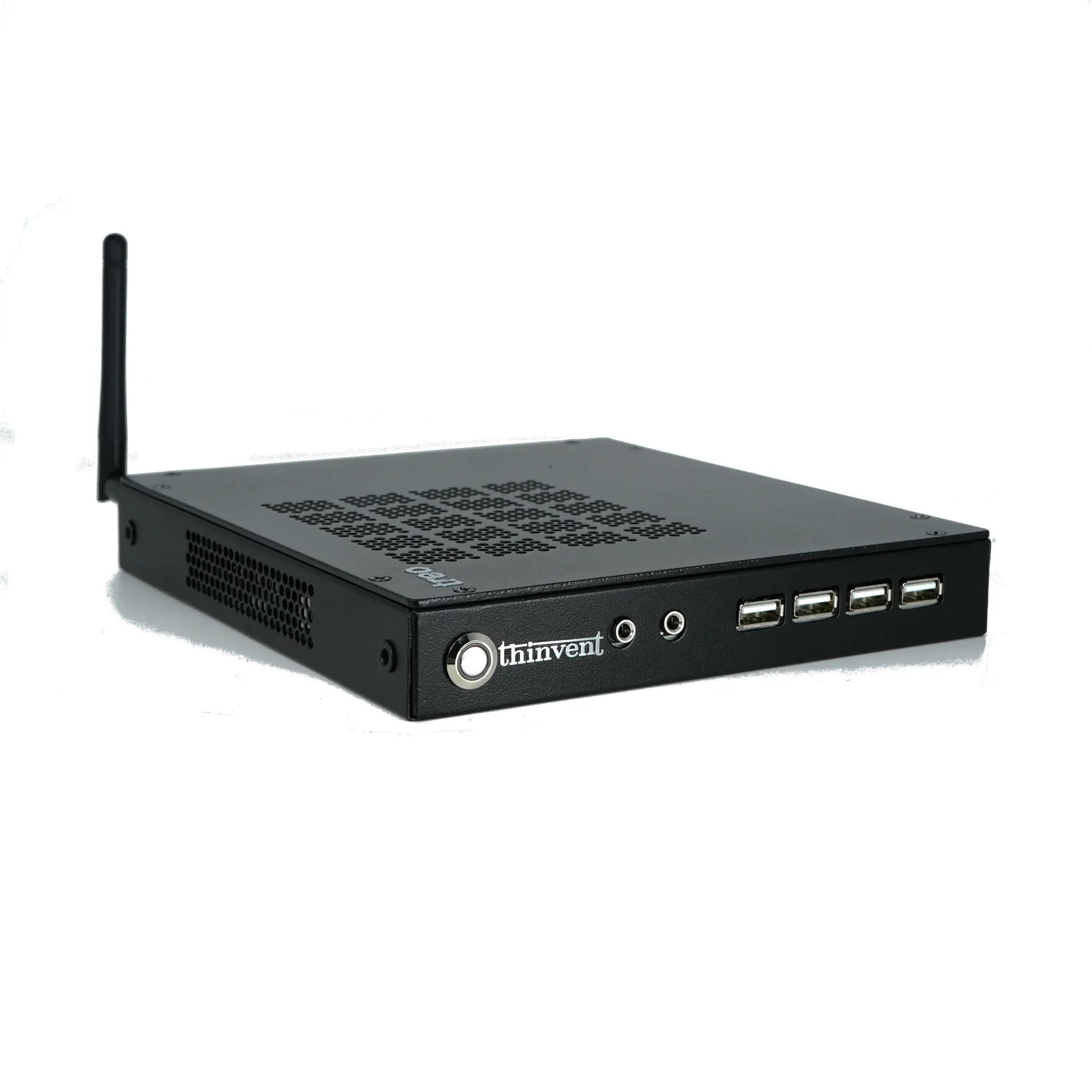
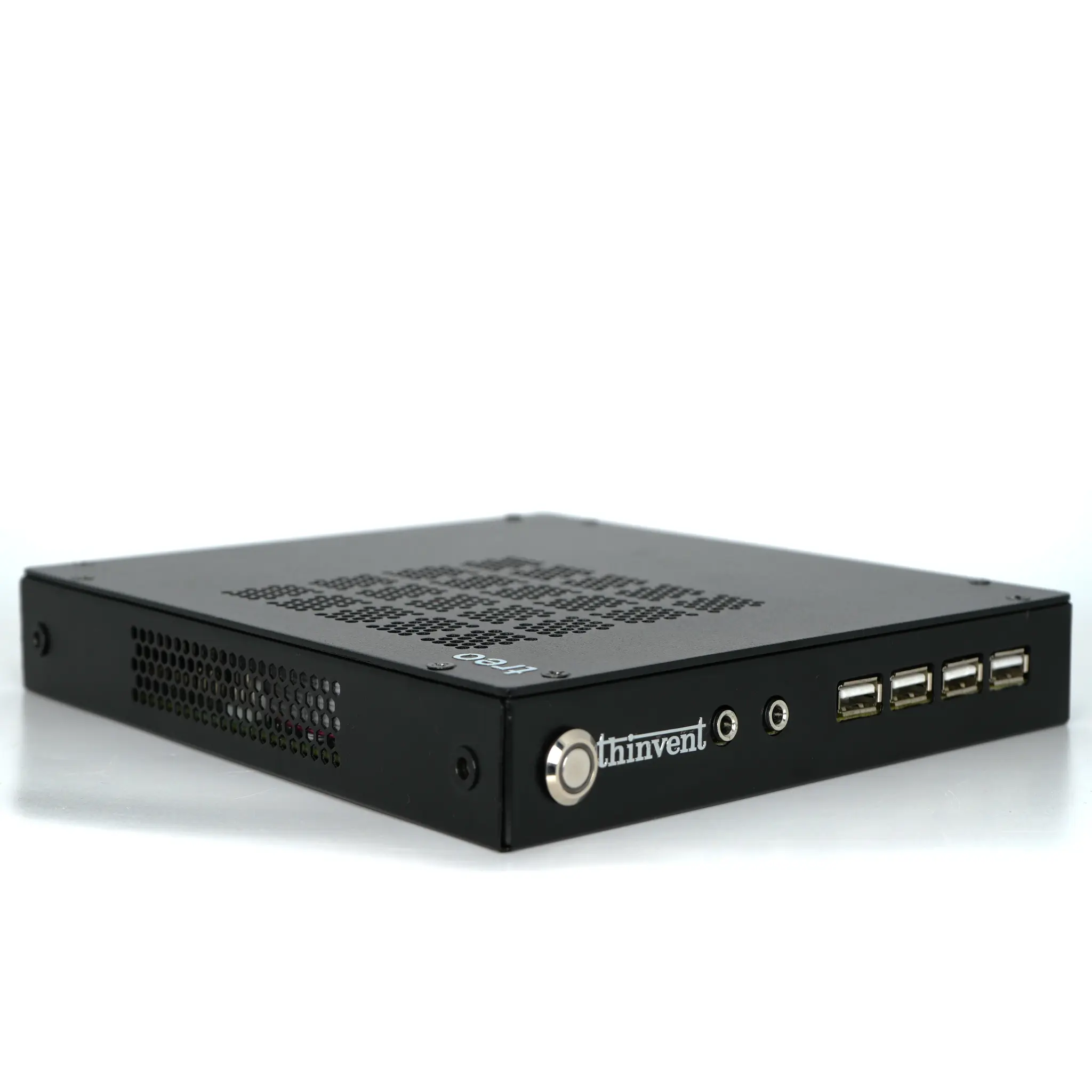
Thinvent manufactures industrial computers, mini PCs, thin clients and all-in-one PCs for customers worldwide, so buyers can pick the exact performance point they need instead of over- or under-buying. The range spans Intel® and ARM platforms, from power-efficient Celeron® and N-series mini PCs and thin clients up to 12th, 13th and 14th generation Intel® Core™ i3