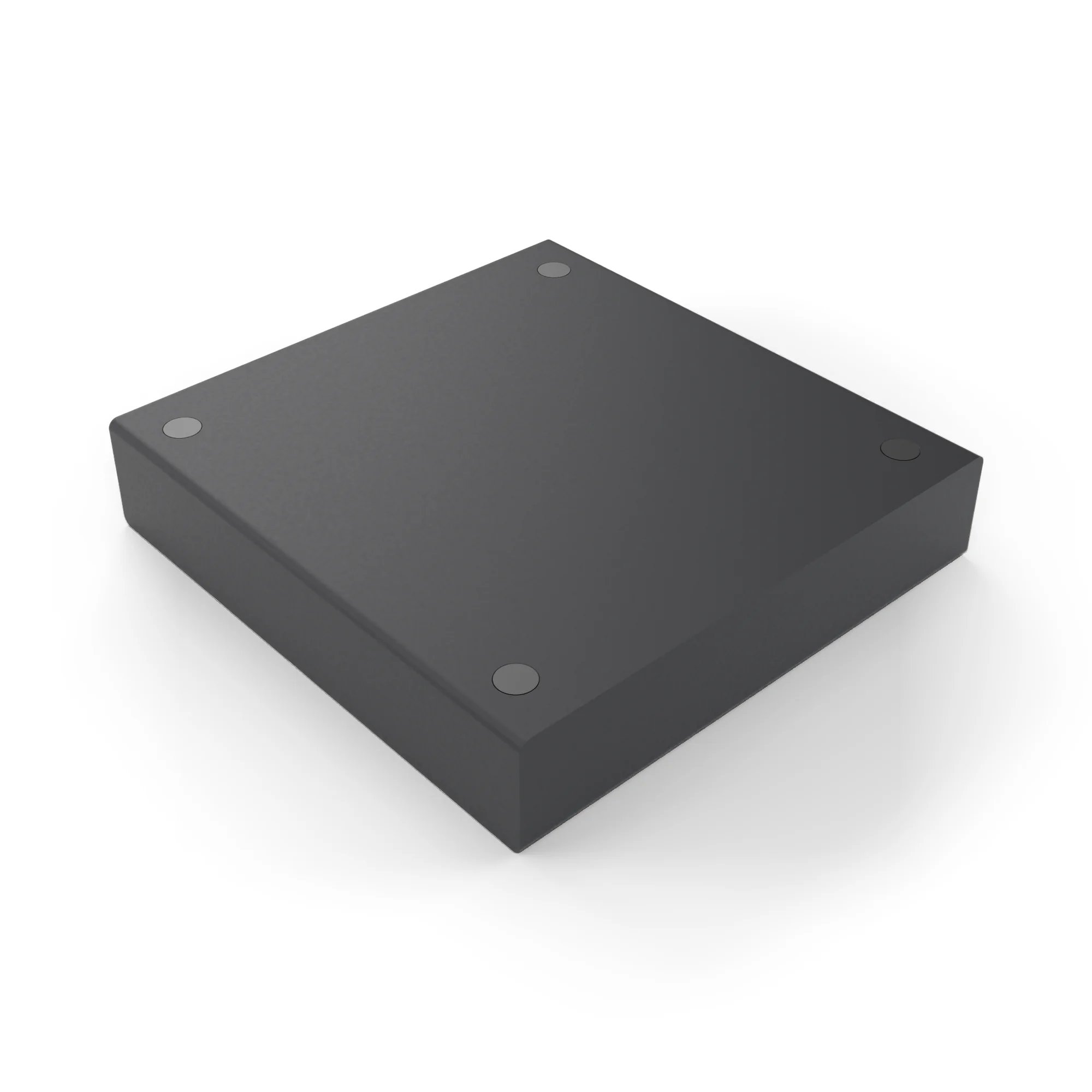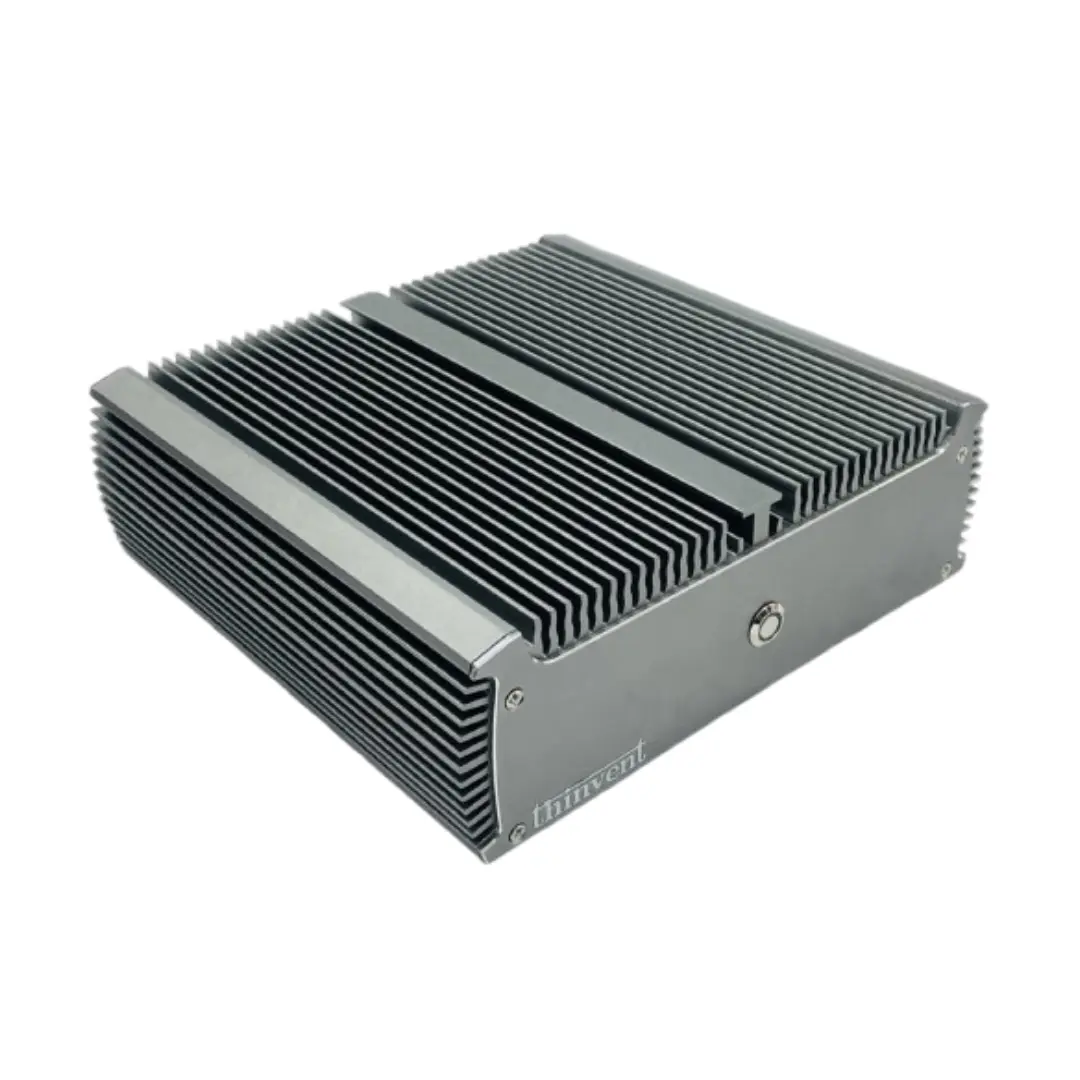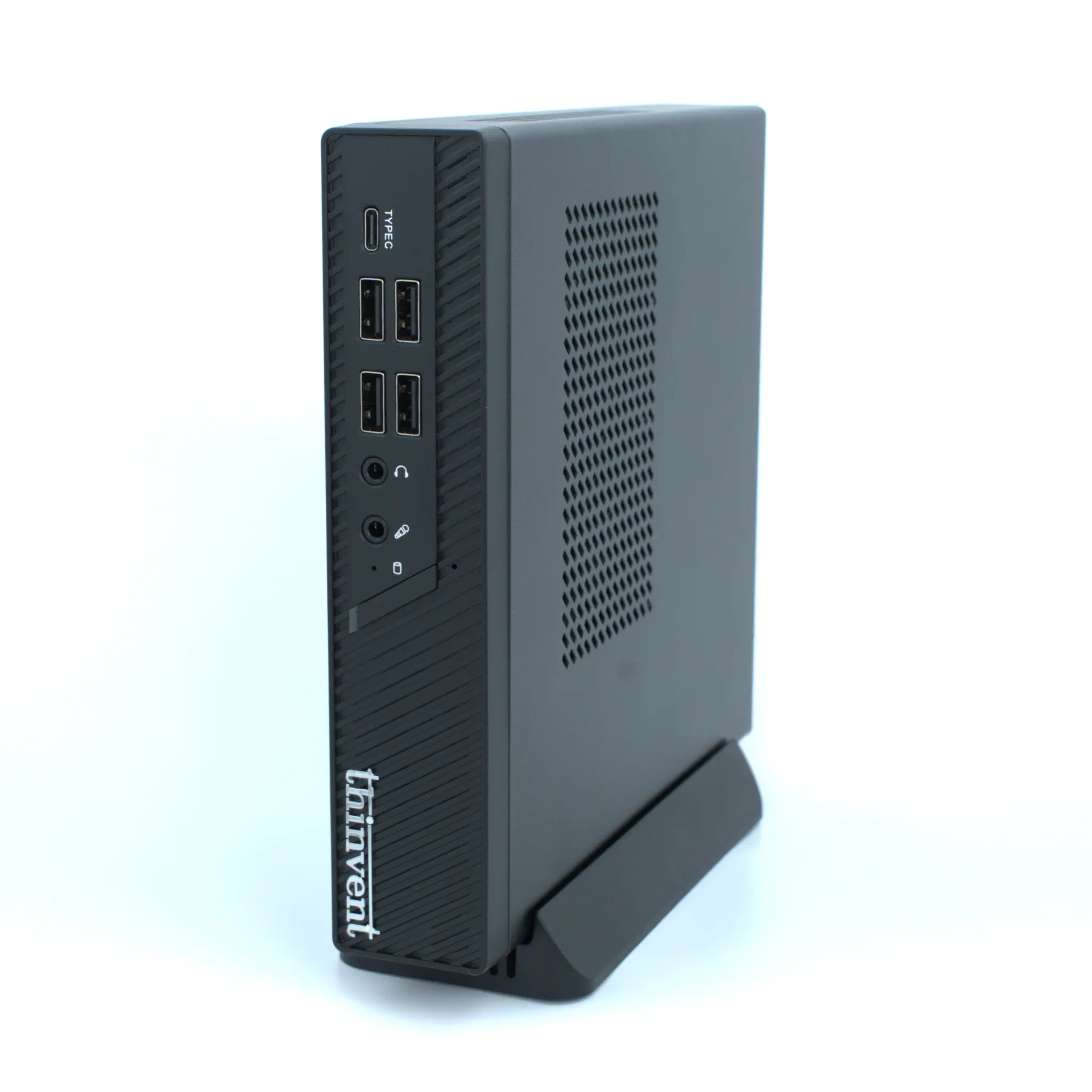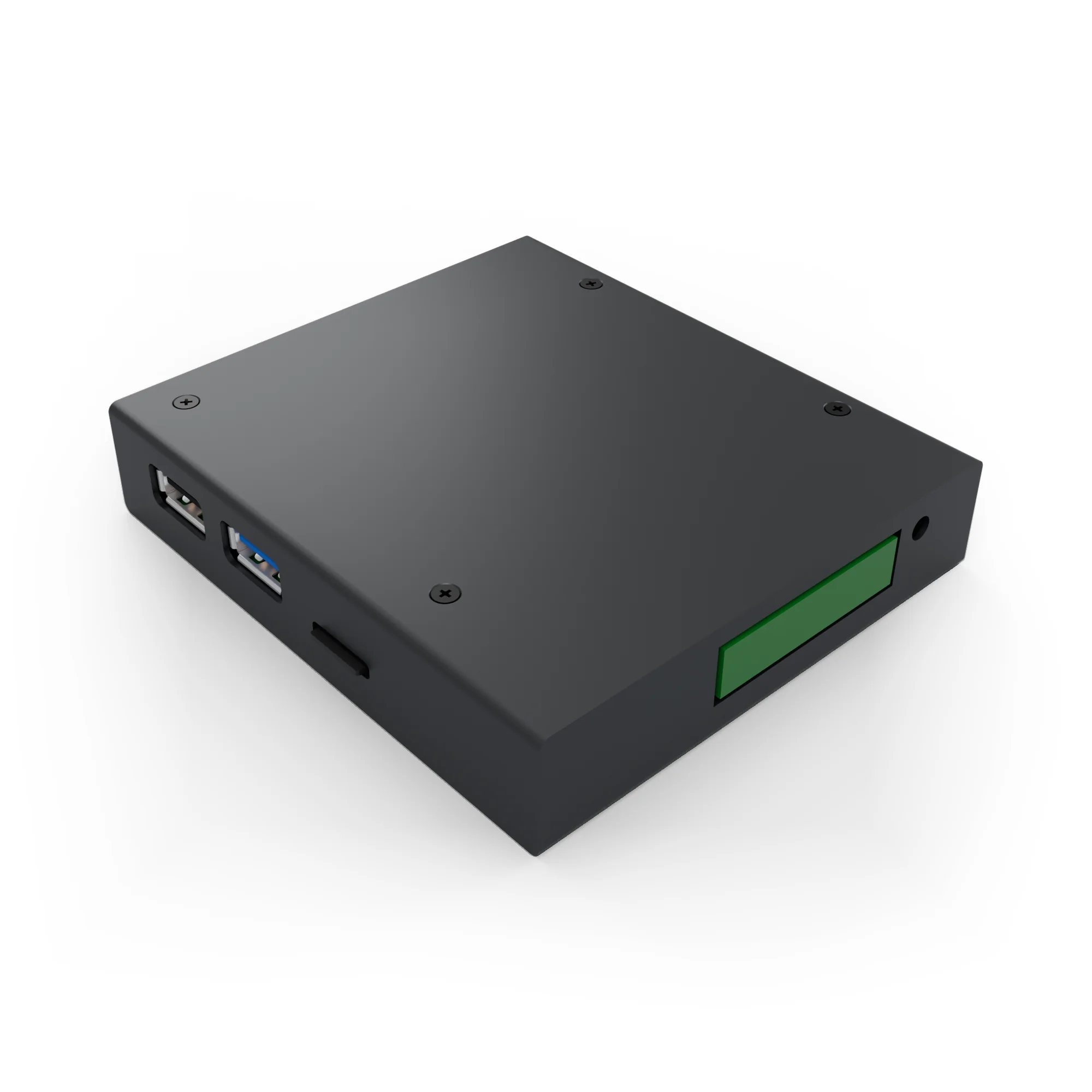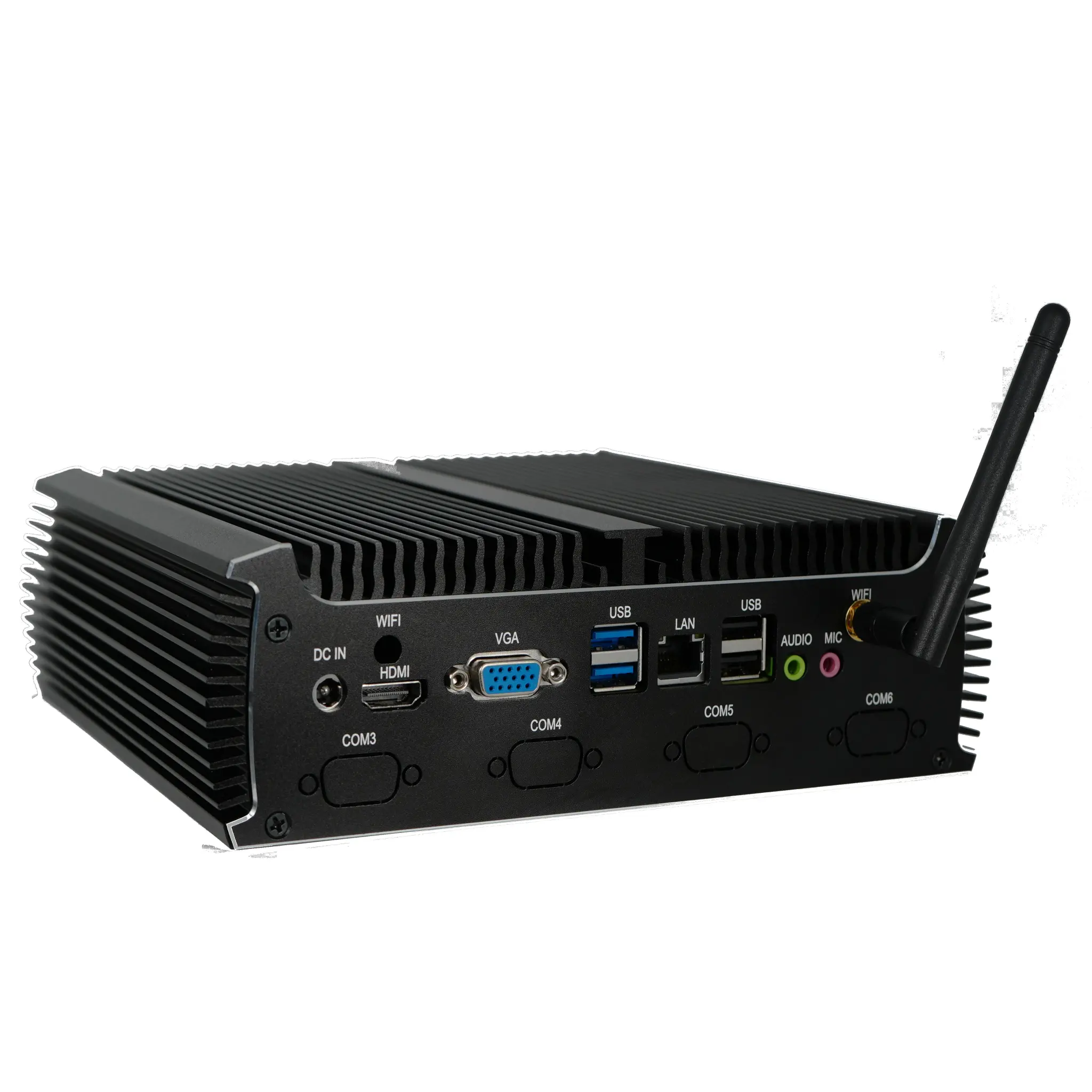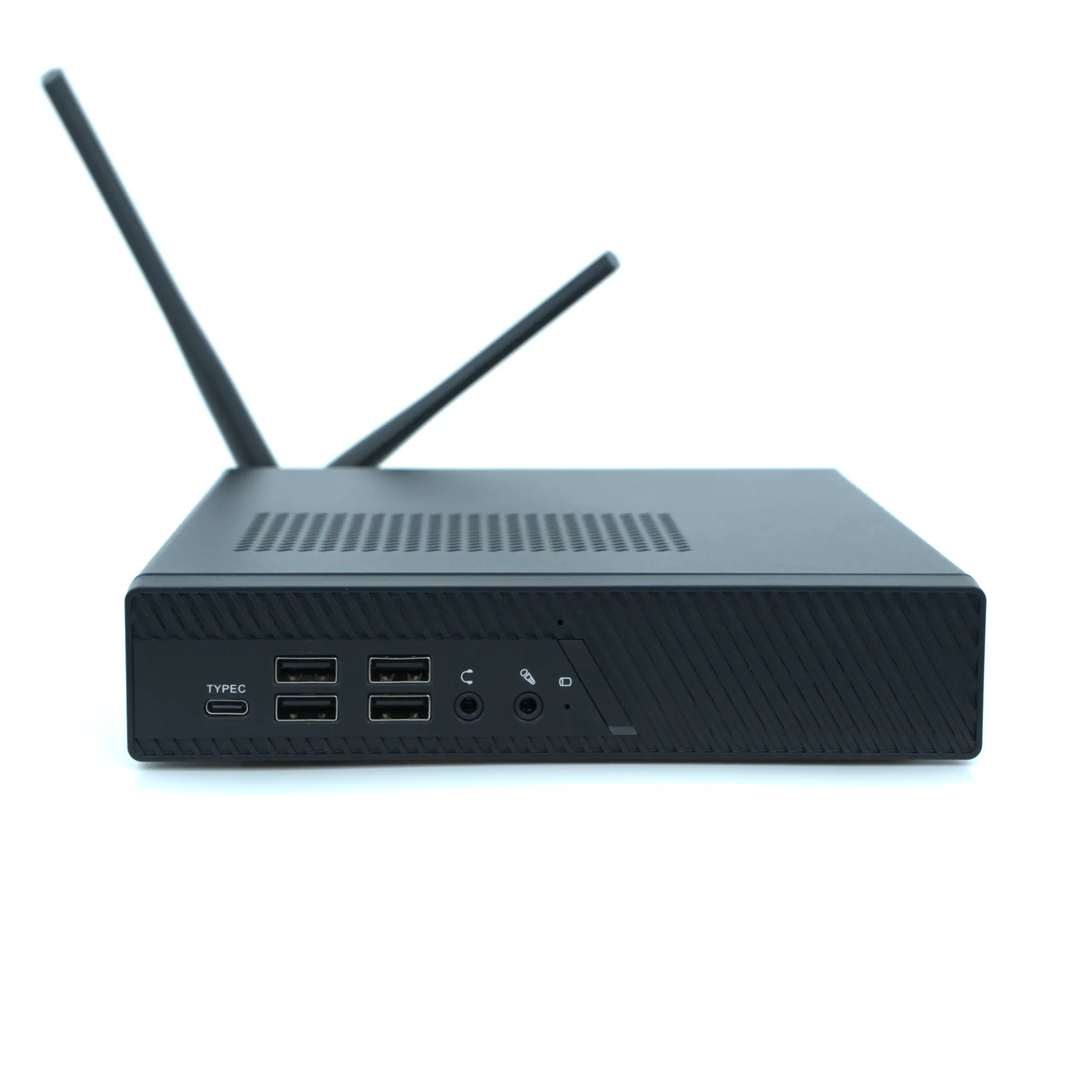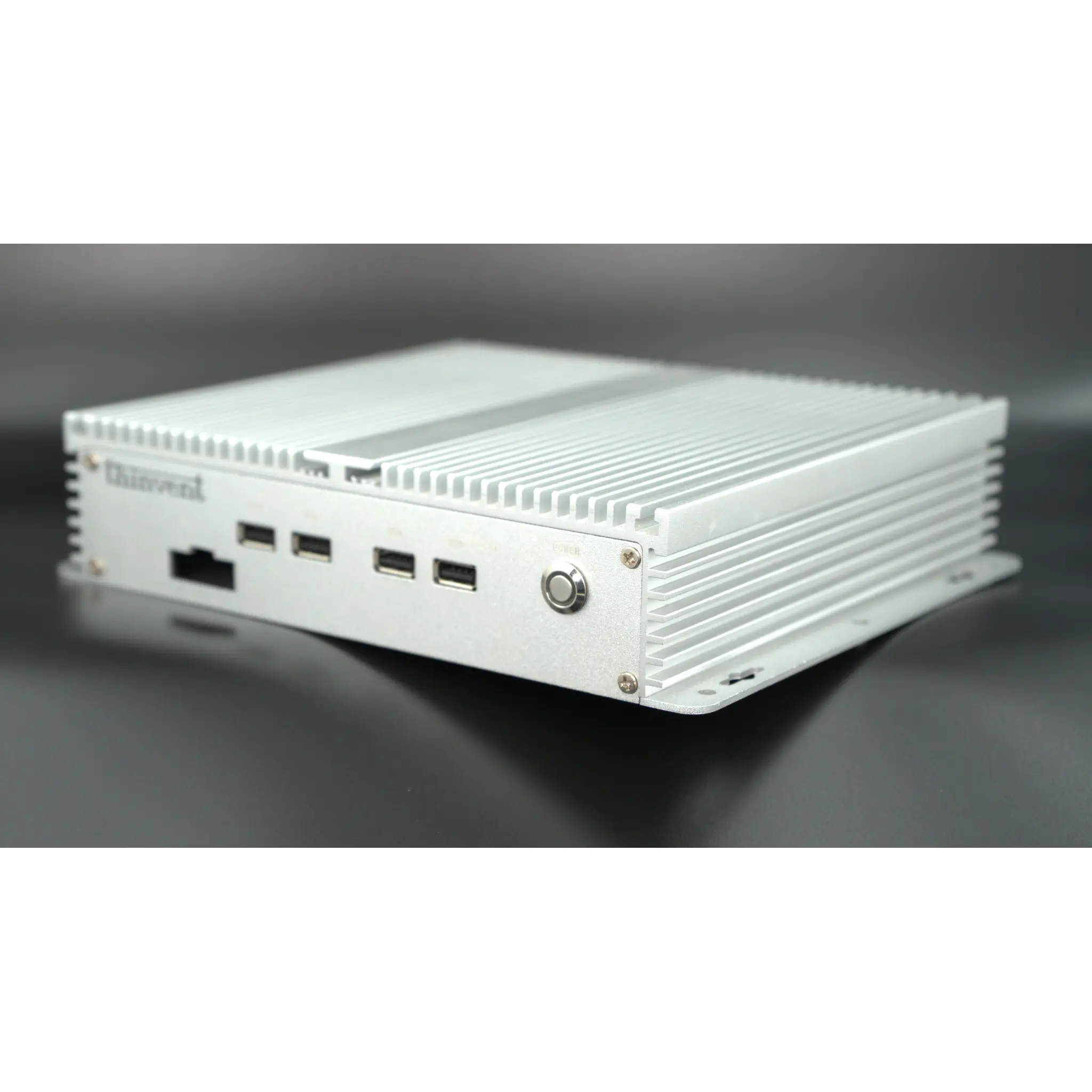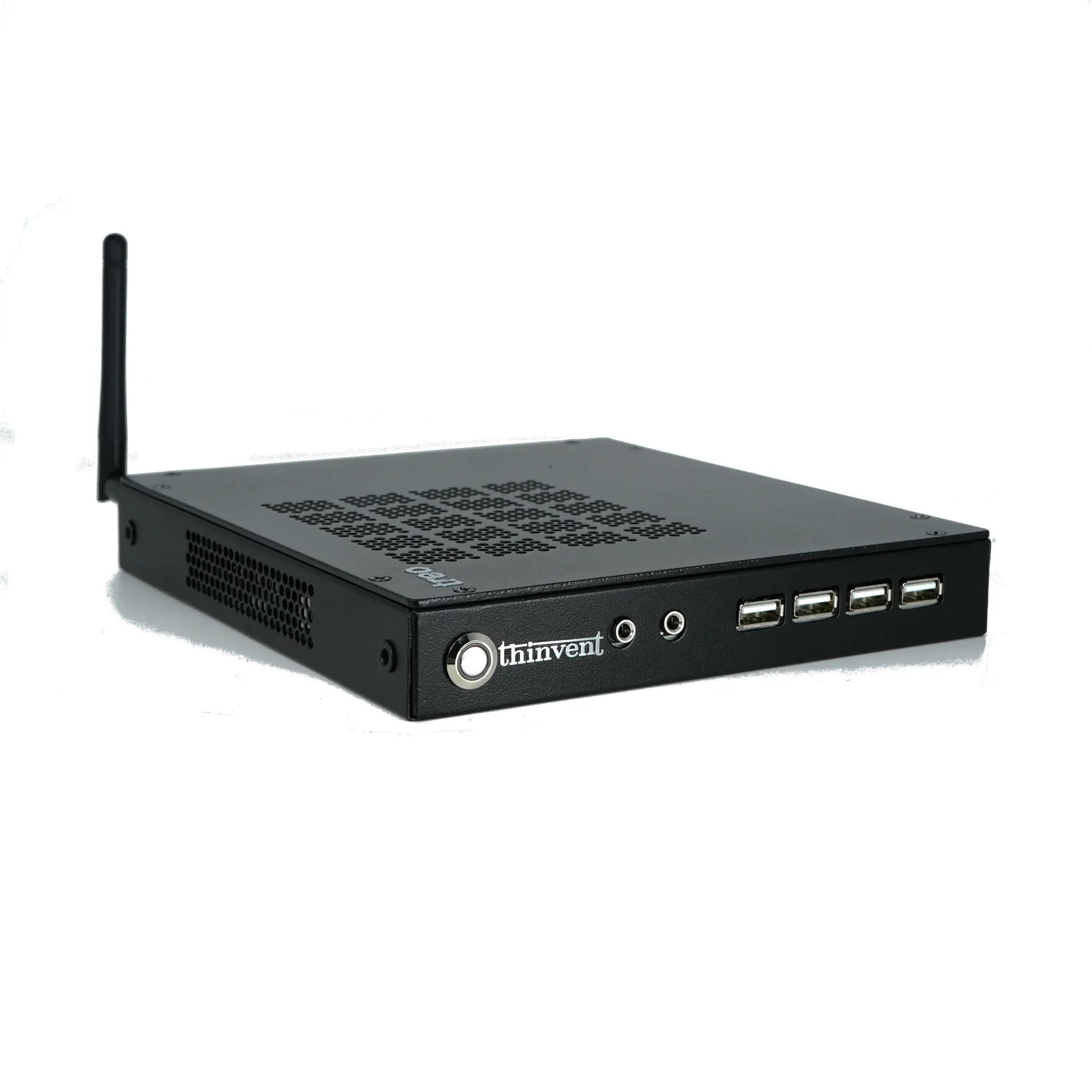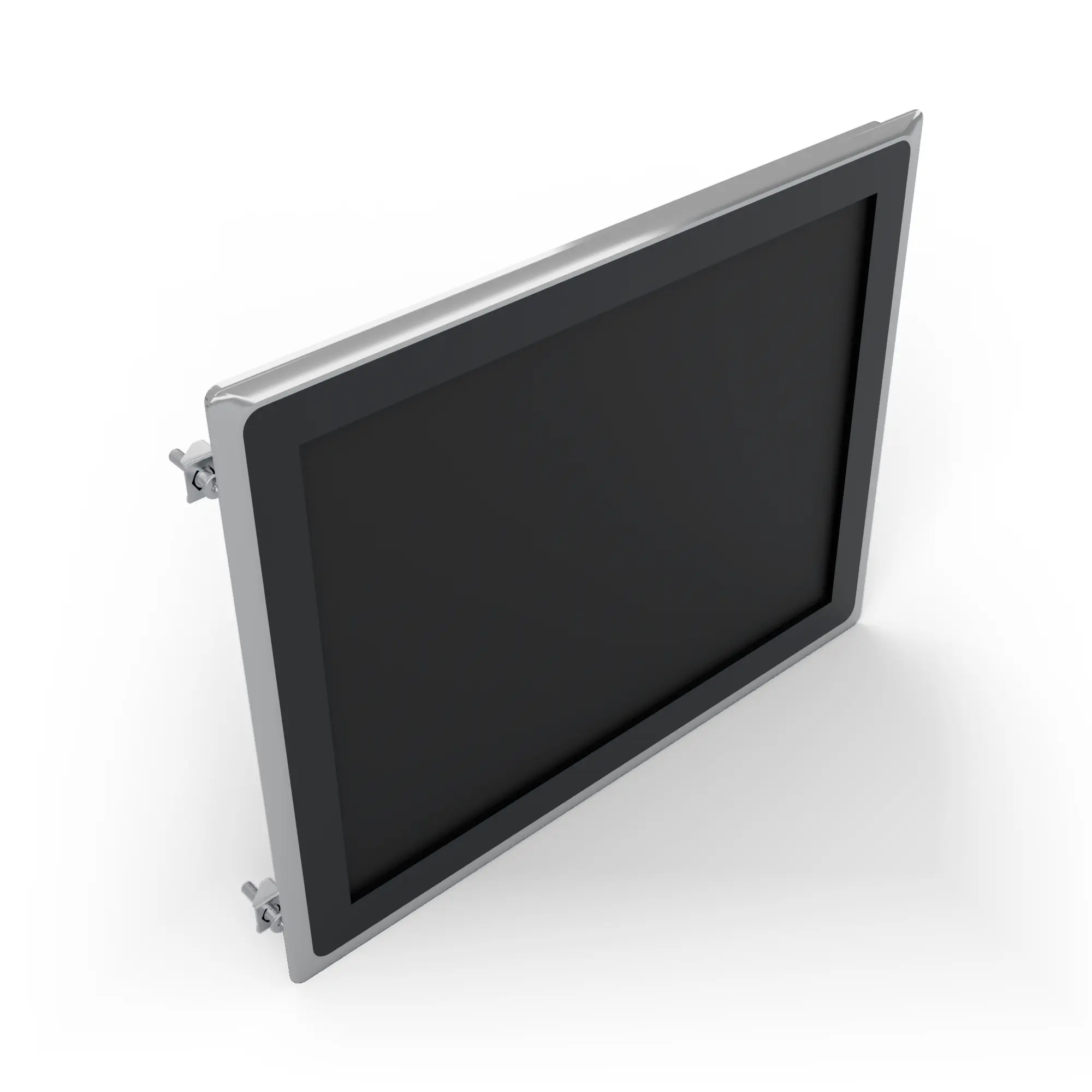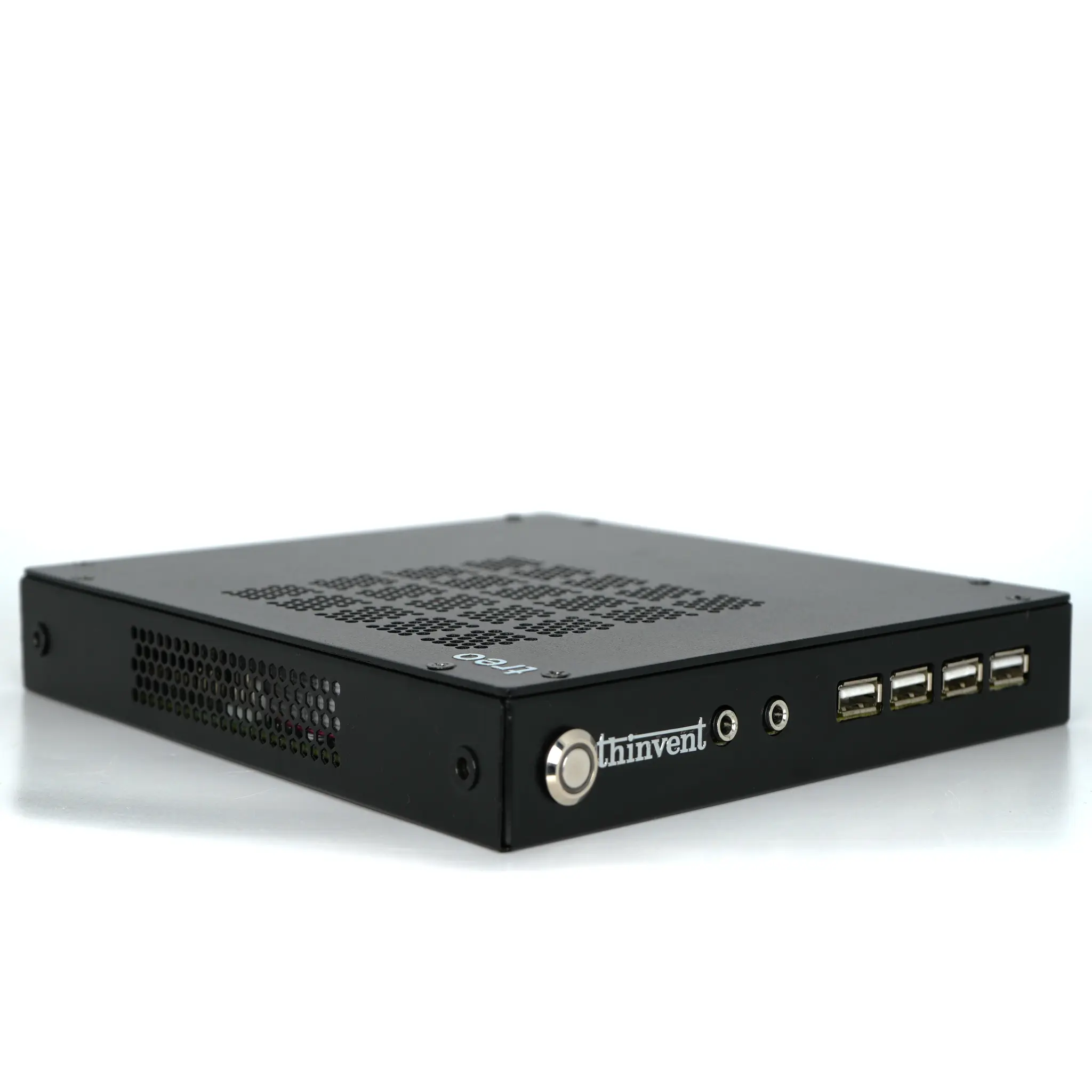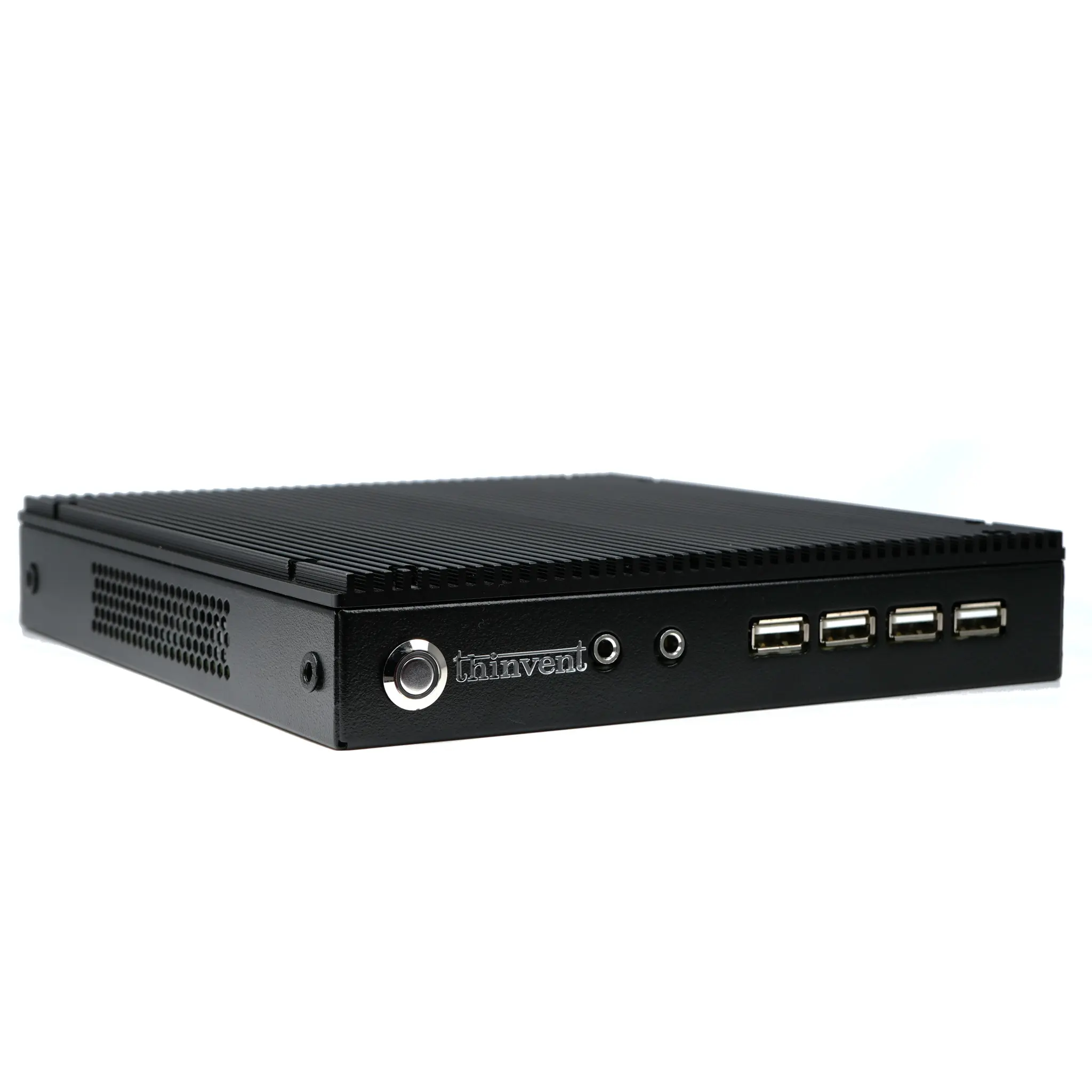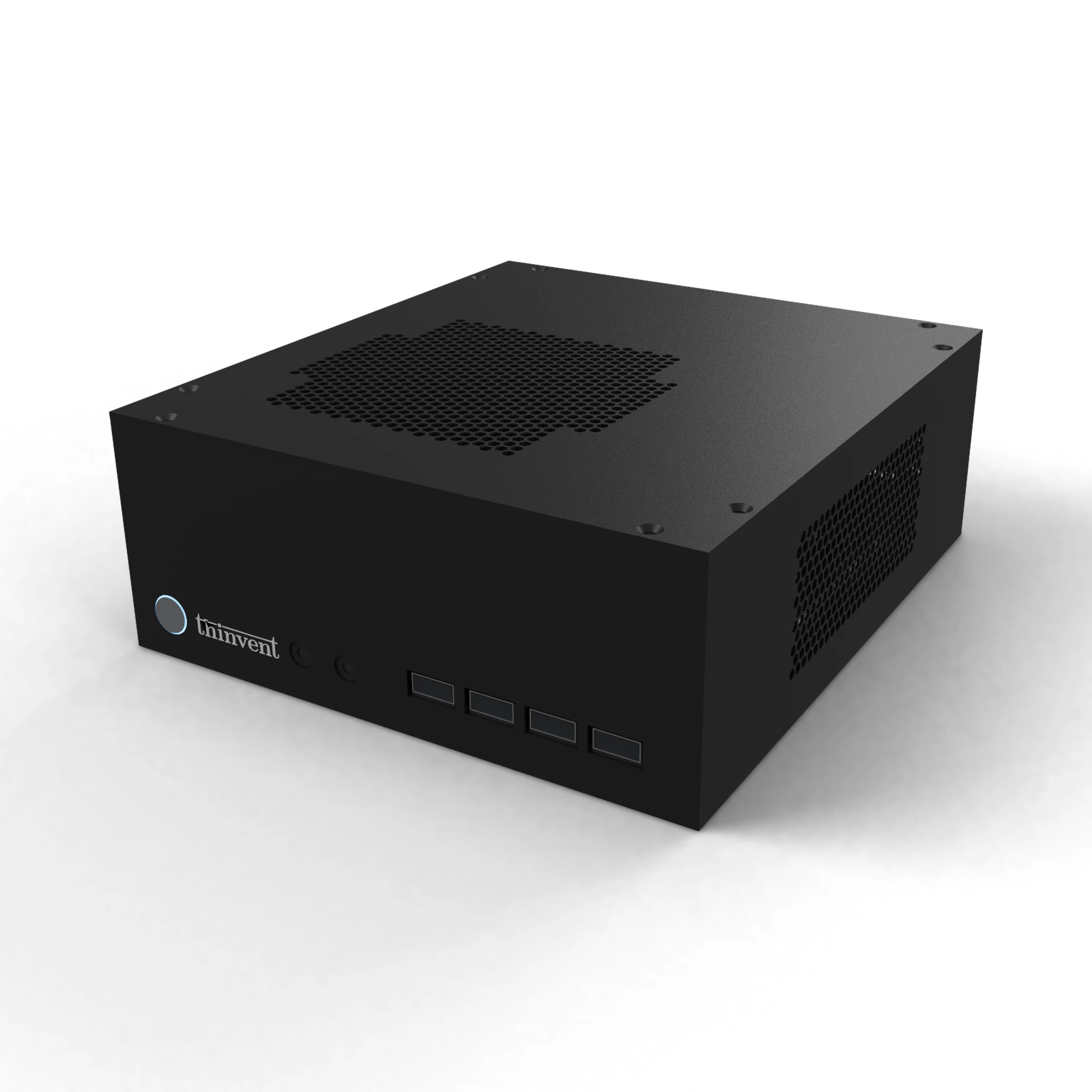
The Dell OptiPlex 3040 is a compact business desktop with an Intel Core i3 processor and up to 16 GB of RAM. The closest Thinvent match is the Thinvent Treo Mini PC with Intel Core i3-1315U. It has up to 64 GB of RAM, a 2 TB SSD, and a choice of operating systems.
Dell OptiPlex 3040 vs Thinvent Treo Mini PC
| Dell OptiPlex 3040 SFF | Thinvent Treo Mini PC, Intel Core i3-1315U | |
|---|---|---|
| Processor | Intel Core i3 (Gen 6) | Intel Core i3-1315U (13th Gen) |
| Cores/Threads | Not confirmed | 6 cores, up to 4.5 GHz, 10 MB cache |
| RAM | Up to 16 GB DDR3L-1600 | Up to 64 GB DDR4 (2 x 32 GB as configured) |
| Storage | Not confirmed | Up to 2 TB SSD |
| Form Factor | Small Form Factor (SFF) | Mini PC (199.5 × 181.5 × 29.5 mm) |
| Operating System | Not confirmed | Windows 11 Pro; also Windows 11 IoT Value, Ubuntu Linux, Thinux™ Embedded Linux, Without OS, DOS |
| Ethernet | 1 port | 1 port (1000 Mbps) |
Key differences
-
The Thinvent Treo supports up to 64 GB of RAM, which is four times the 16 GB maximum of the Dell OptiPlex 3040.
-
The Thinvent Treo supports up to 2 TB of SSD storage. We could not confirm the Dell OptiPlex 3040's storage options.
-
The Thinvent Treo uses the 13th Gen Intel Core i3-1315U, a newer processor generation than the Gen 6 Core i3 in the Dell OptiPlex 3040.
-
The Thinvent Treo has dual-band Wi-Fi 5 (802.11ac) in this configuration. The Dell OptiPlex 3040 has one Ethernet port, and the Thinvent Treo also has one Ethernet port.
-
The Thinvent Treo has two HDMI-type display outputs: 1 HDMI and 1 VGA. We could not confirm the Dell OptiPlex 3040's display ports.
-
The Thinvent Treo has a VESA mount for mounting behind a monitor. It also has a 12V DC power input and an operating range of 0°C to 40°C.
Which one should you choose?
Choose the Dell OptiPlex 3040 if you need a Dell business desktop and your workload fits within 16 GB of RAM. Choose the Thinvent Treo Mini PC if you need more memory, larger storage, a newer processor generation, or a choice of operating systems including Linux.