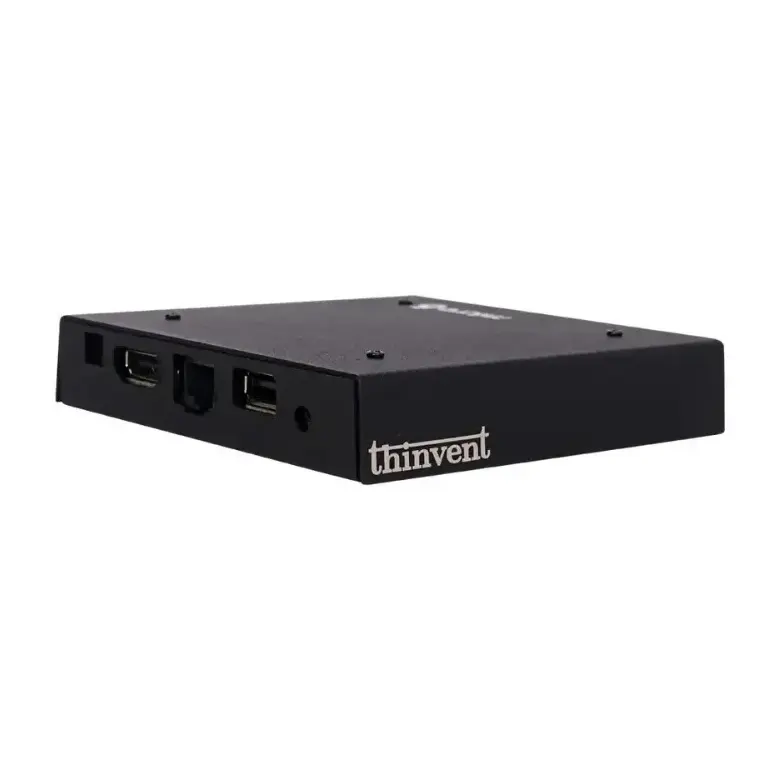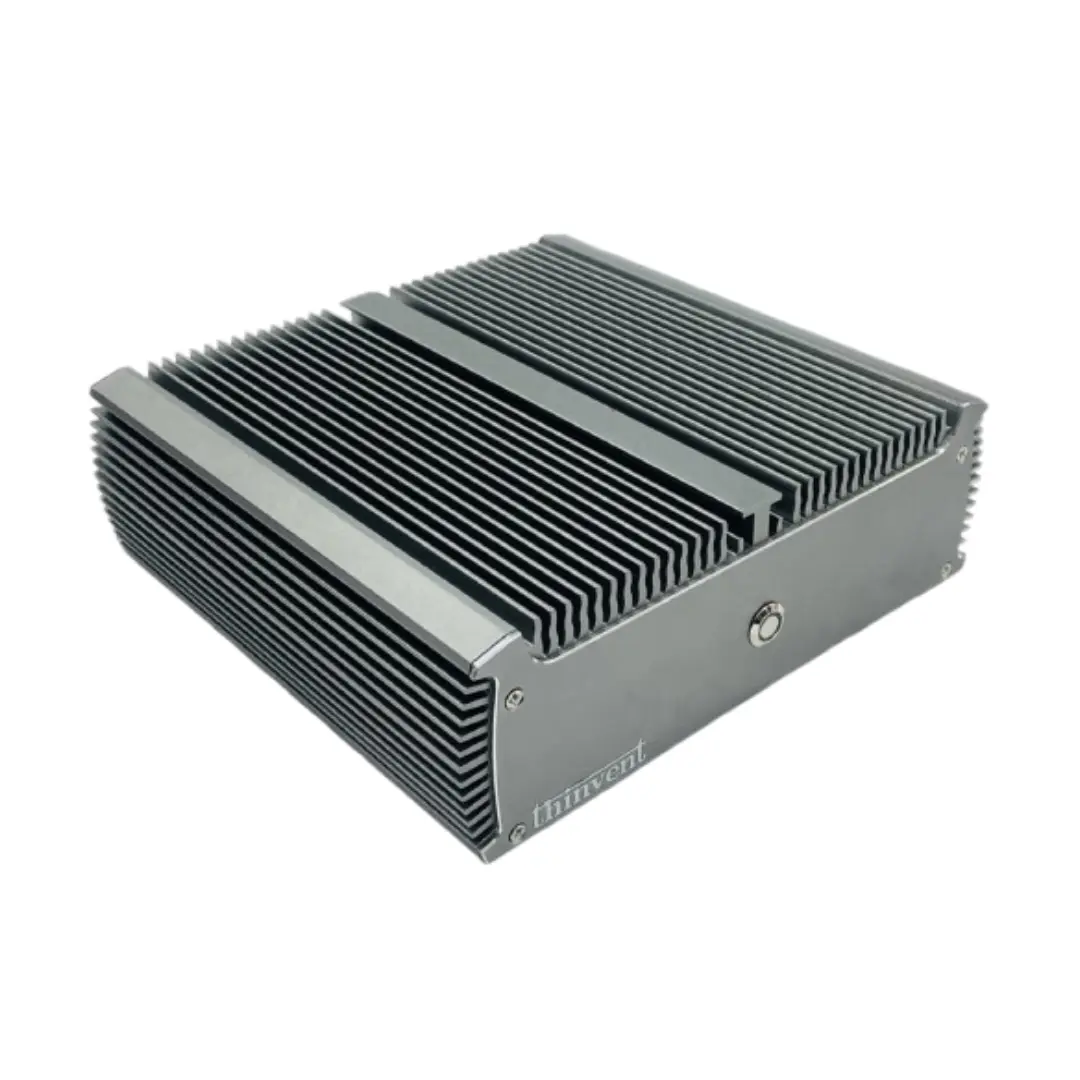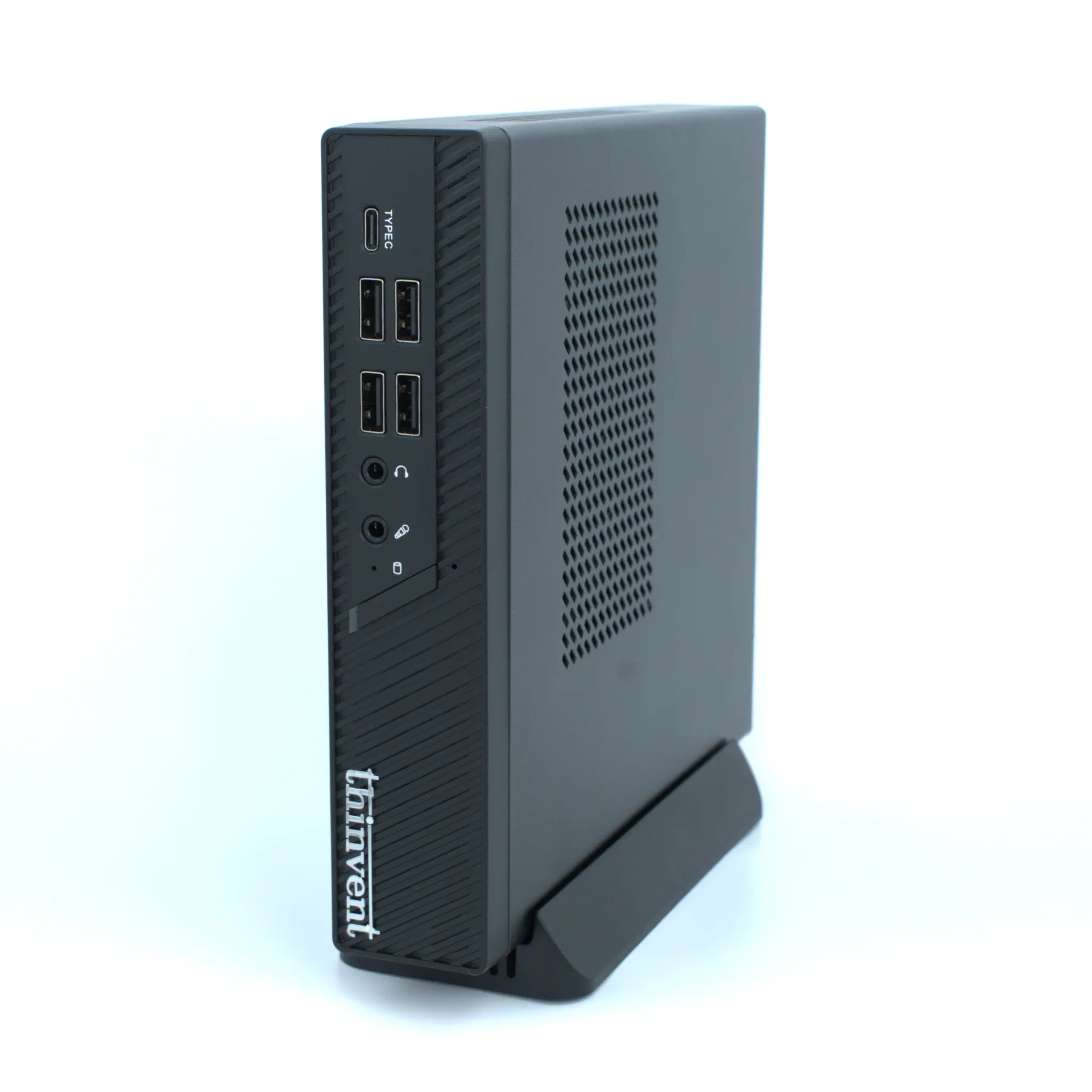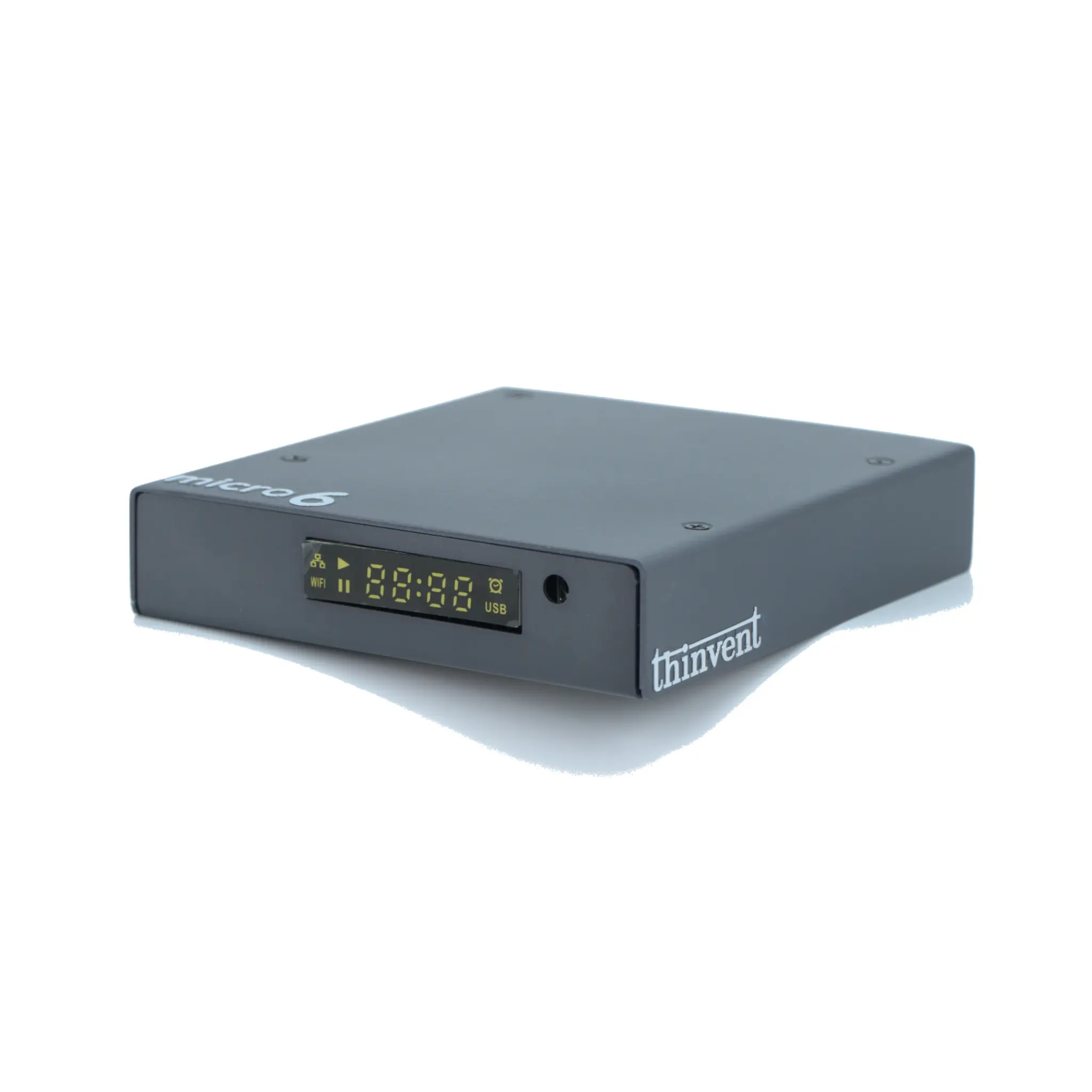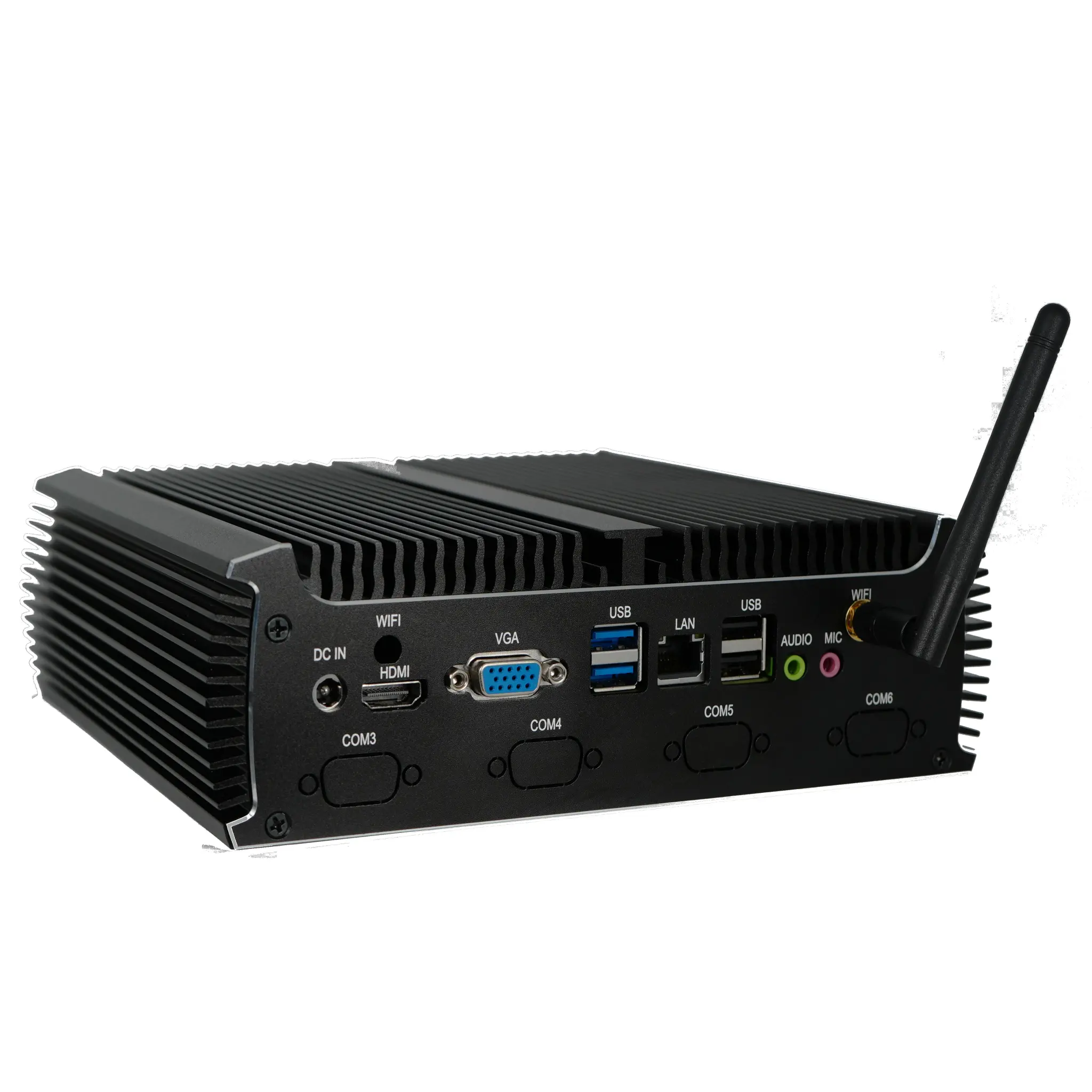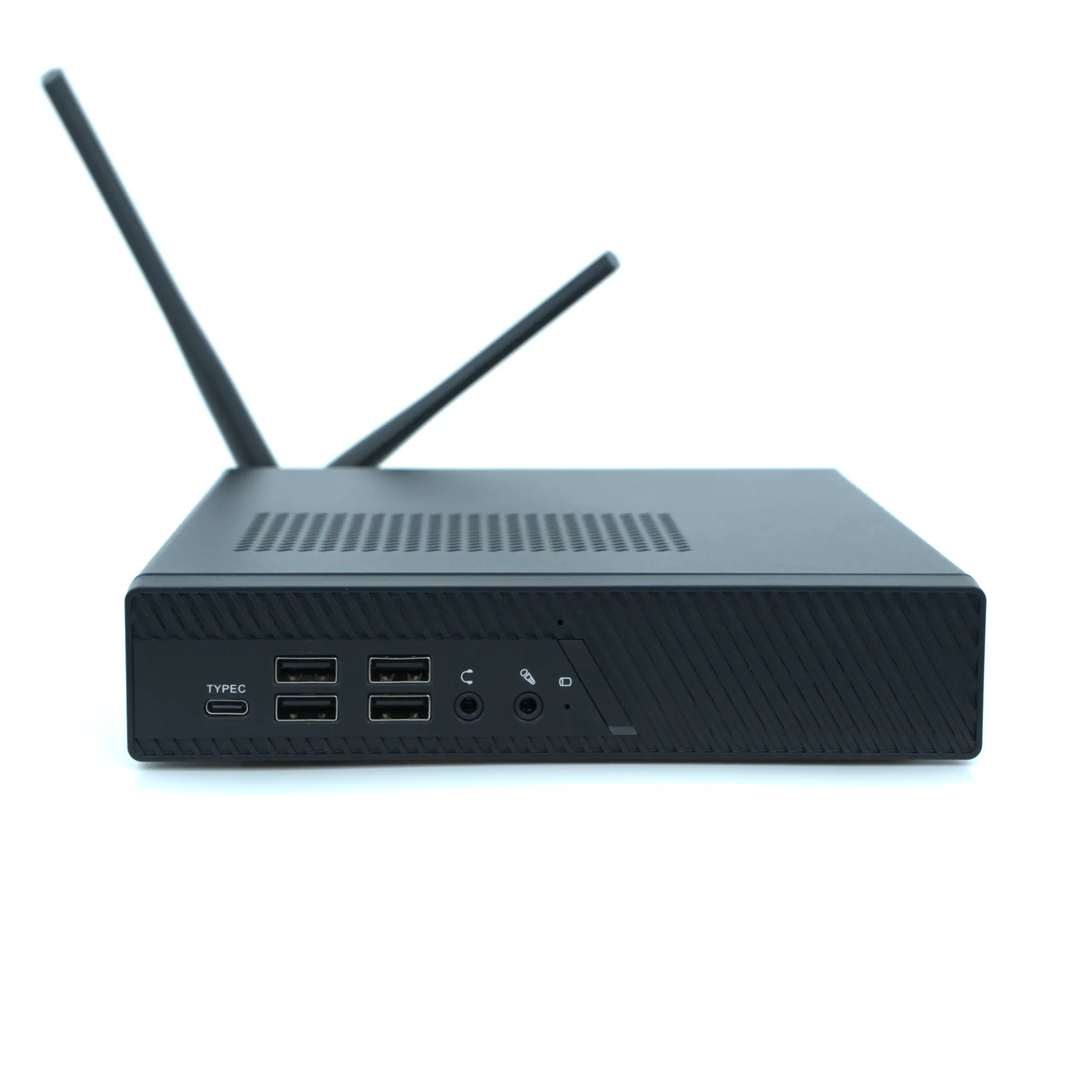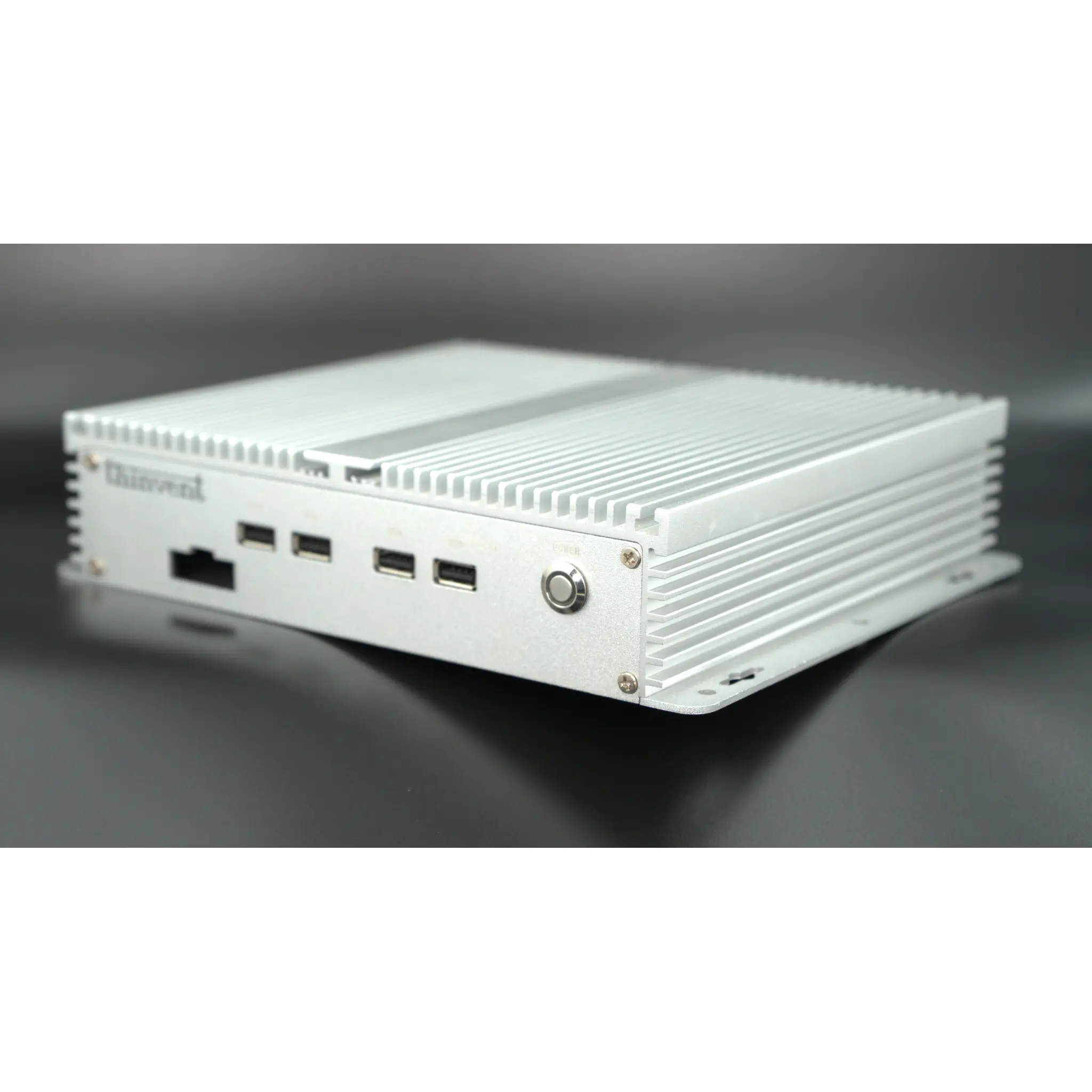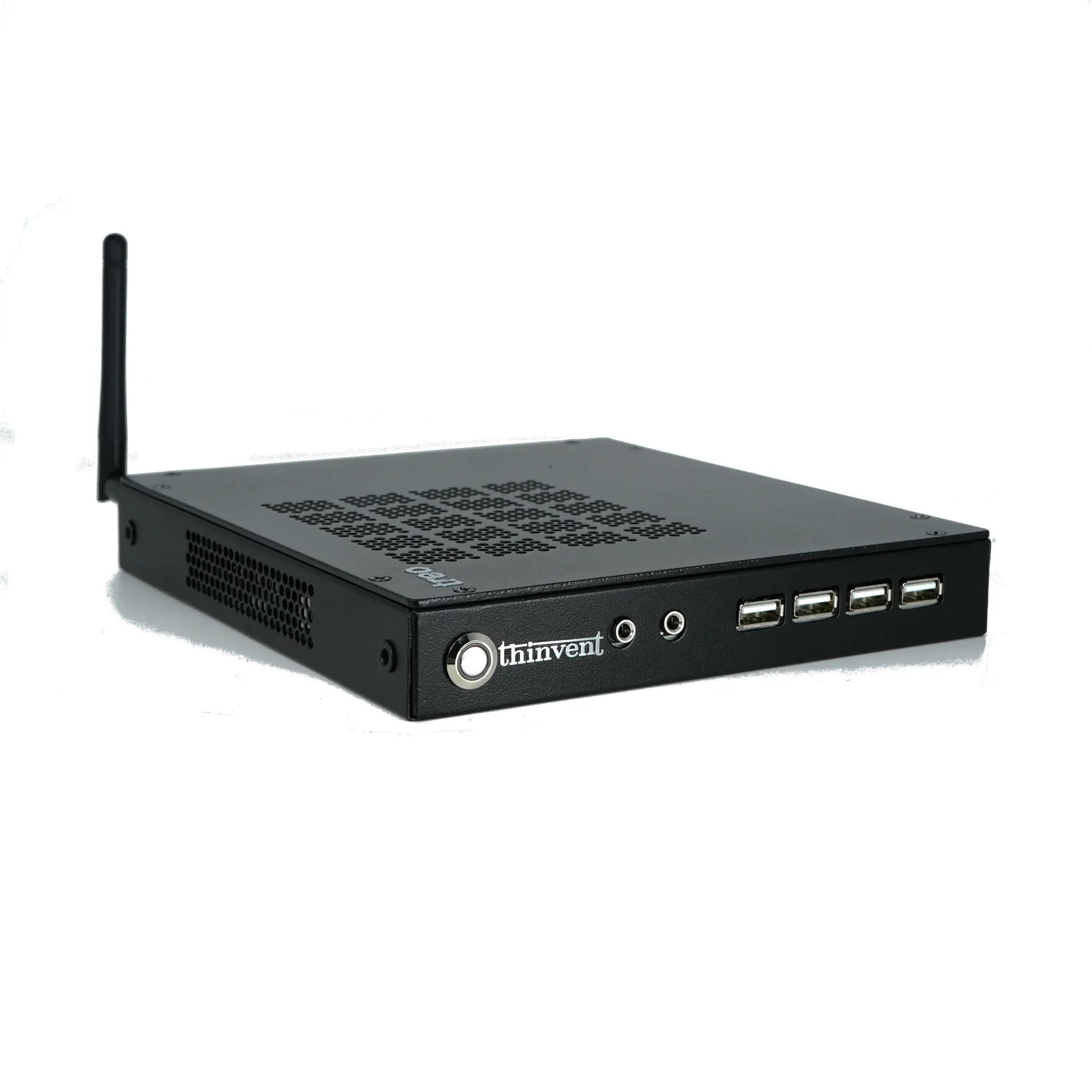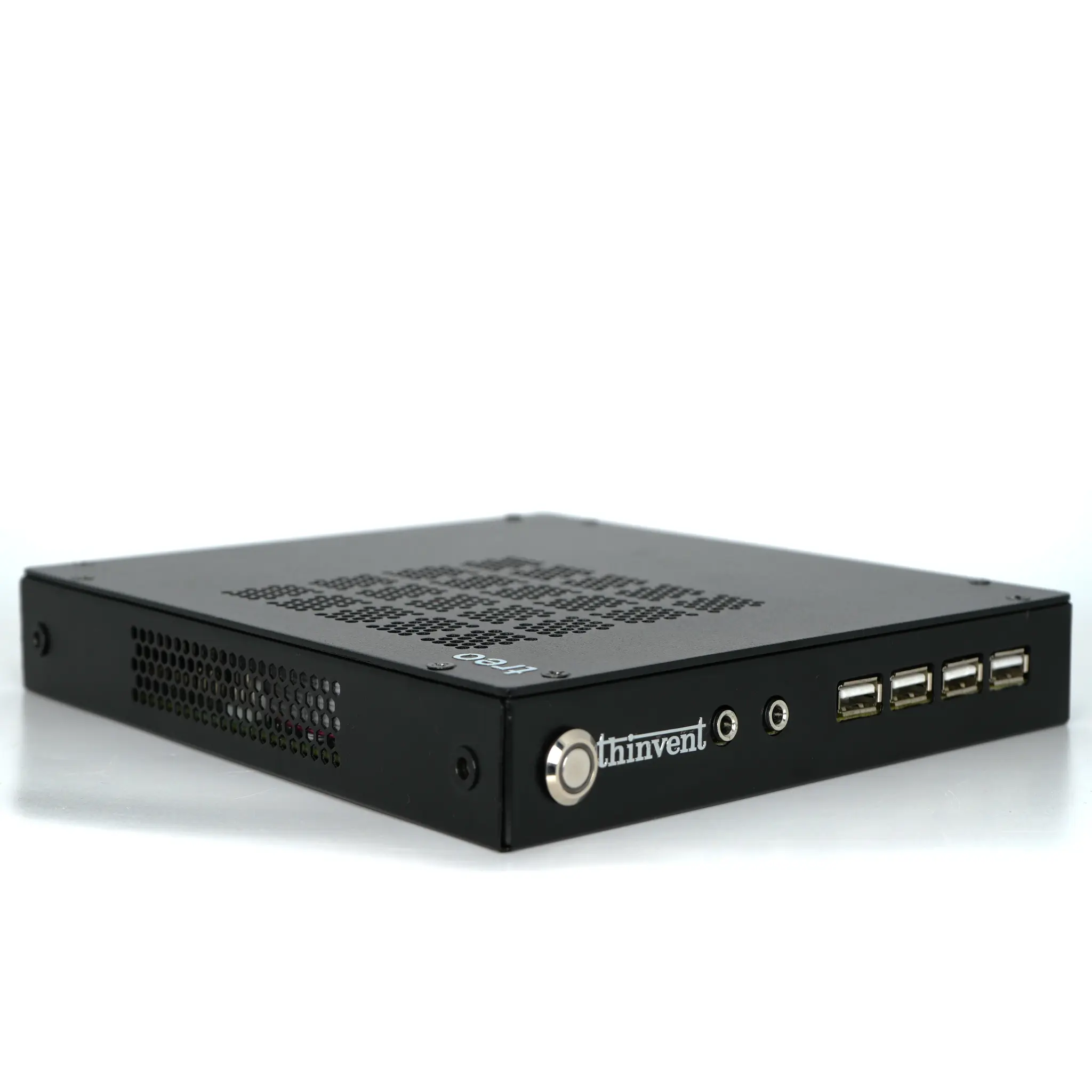
The Dell Wyse 3040 is a thin client built around an Intel Atom x5-Z8350 quad-core processor, with up to 2 GB of RAM, up to 16 GB of storage and support for two displays. The closest Thinvent match is the Thinvent Neo S Thin Client, which uses the Intel Celeron J1900 quad-core processor, supports up to 4 GB of RAM and 128 GB of SSD storage, and runs Ubuntu Linux.
Dell Wyse 3040 vs Thinvent Neo S Thin Client
| Dell Wyse 3040 | Thinvent Neo S Thin Client | |
|---|---|---|
| Processor | Intel Atom x5-Z8350 | Intel Celeron J1900 |
| Cores/Threads | 4 cores | 4 cores |
| RAM | Up to 2 GB | 4 GB |
| Storage | Up to 16 GB | 128 GB SSD |
| Form Factor | Thin Client | Thin Client |
| Operating System | Wyse ThinLinux | Ubuntu Linux (buyer can also choose Windows 11 Pro, Windows 11 IoT, Thinux™ Embedded Linux, Without OS, DOS) |
| Displays | 2 | 2 (HDMI and VGA) |
| Cooling | Not confirmed | Fanless passive cooling |
Key differences
-
The Thinvent Neo S has up to 4 GB of RAM, twice the 2 GB maximum of the Dell Wyse 3040.
-
The Thinvent Neo S has a 128 GB SSD, well above the 16 GB maximum storage of the Dell Wyse 3040.
-
The Thinvent Neo S uses fanless passive cooling and has a steel housing with a powder-coated finish.
-
The Thinvent Neo S includes a parallel port and two DB9 serial ports for legacy peripherals.
-
The Dell Wyse 3040 uses the Intel Atom x5-Z8350, a different processor from the Celeron J1900 in the Thinvent Neo S. We could not confirm the Dell Wyse 3040's full connectivity list, so port-by-port comparison is not included.
-
The Dell Wyse 3040 runs Wyse ThinLinux. The Thinvent Neo S runs Ubuntu Linux, and the buyer can choose other operating systems.
Which one should you choose?
Choose the Dell Wyse 3040 if you need an existing Dell Wyse ThinLinux environment or Dell support. Choose the Thinvent Neo S Thin Client if you need more memory and storage, a fanless design, serial and parallel ports, or the option to select your own operating system.