What is a Disk Station?
A disk station is a dedicated network-attached storage (NAS) device that provides centralized data storage, backup, and file sharing for homes and businesses. DiskStation Manager (DSM) is the intuitive web-based operating system that powers these devices, enabling users to manage digital assets, set up automated backups, stream media, and access files remotely. Disk stations typically use 1 to 12 hard drive bays and are designed for 24/7 operation, making them ideal for data-intensive environments.
Key Considerations for Disk Station Hardware
When selecting a computer to pair with or serve as a disk station, several technical factors are crucial. Processor performance is vital for handling file transfers, media transcoding, and running multiple applications simultaneously. For basic file storage and backup, an Intel N100 or ARM Cortex-A processor with 4 cores is sufficient. For more demanding tasks like video streaming, virtualization, or running Docker containers, an Intel Core i3 or i5 with 6-12 cores and higher clock speeds (up to 5.0 GHz) is recommended.
Memory and storage also play critical roles. A minimum of 4GB RAM is needed for basic NAS functionality, but 8GB to 16GB is recommended for multitasking and running additional services. SSD storage (128GB to 512GB) provides fast boot times and application responsiveness, while large-capacity HDDs can be added for bulk data storage. Network connectivity is equally important; a 1GbE Ethernet port is standard, but multiple ports or 2.5GbE support can significantly improve transfer speeds in multi-user environments.
Use Cases and Applications
Disk stations are versatile and support a wide range of applications:
-
Home Media Server: Stream movies, music, and photos to devices using Plex or Emby.
-
Business File Server: Centralize company documents, enable team collaboration, and automate backups.
-
Surveillance Station: Record and manage IP camera footage with motion detection and remote access.
-
Virtualization Host: Run virtual machines and containers for development or testing environments.
-
Personal Cloud: Access files from anywhere via QuickConnect or VPN, replacing public cloud subscriptions.
Comparison of Processor Options for Disk Stations
| Processor | Cores | Max Frequency | Cache | Recommended Use |
|---|---|---|---|---|
| Intel N100 | 4 | 3.4 GHz | 6 MB | Basic file storage, backup, light media streaming |
| Intel Core i3-1215U | 6 | 4.4 GHz | 10 MB | Home media server, small business file sharing |
| Intel Core i5-1240P | 12 | 4.4 GHz | 12 MB | Multi-user environment, virtualization, 4K transcoding |
| Intel Core 5 120U | 10 | 5.0 GHz | 12 MB | High-performance NAS, heavy multitasking |
| ARM Cortex-A53/A55 | 4 | 1.5-1.9 GHz | 1 MB | Low-power, basic NAS for IoT or embedded use |
Thinvent Products for Disk Station Applications
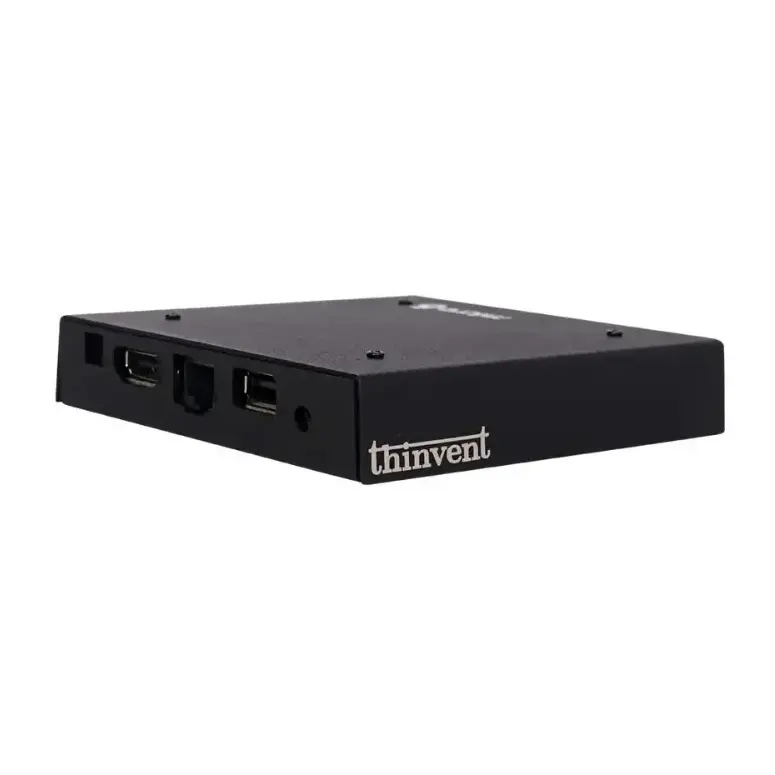
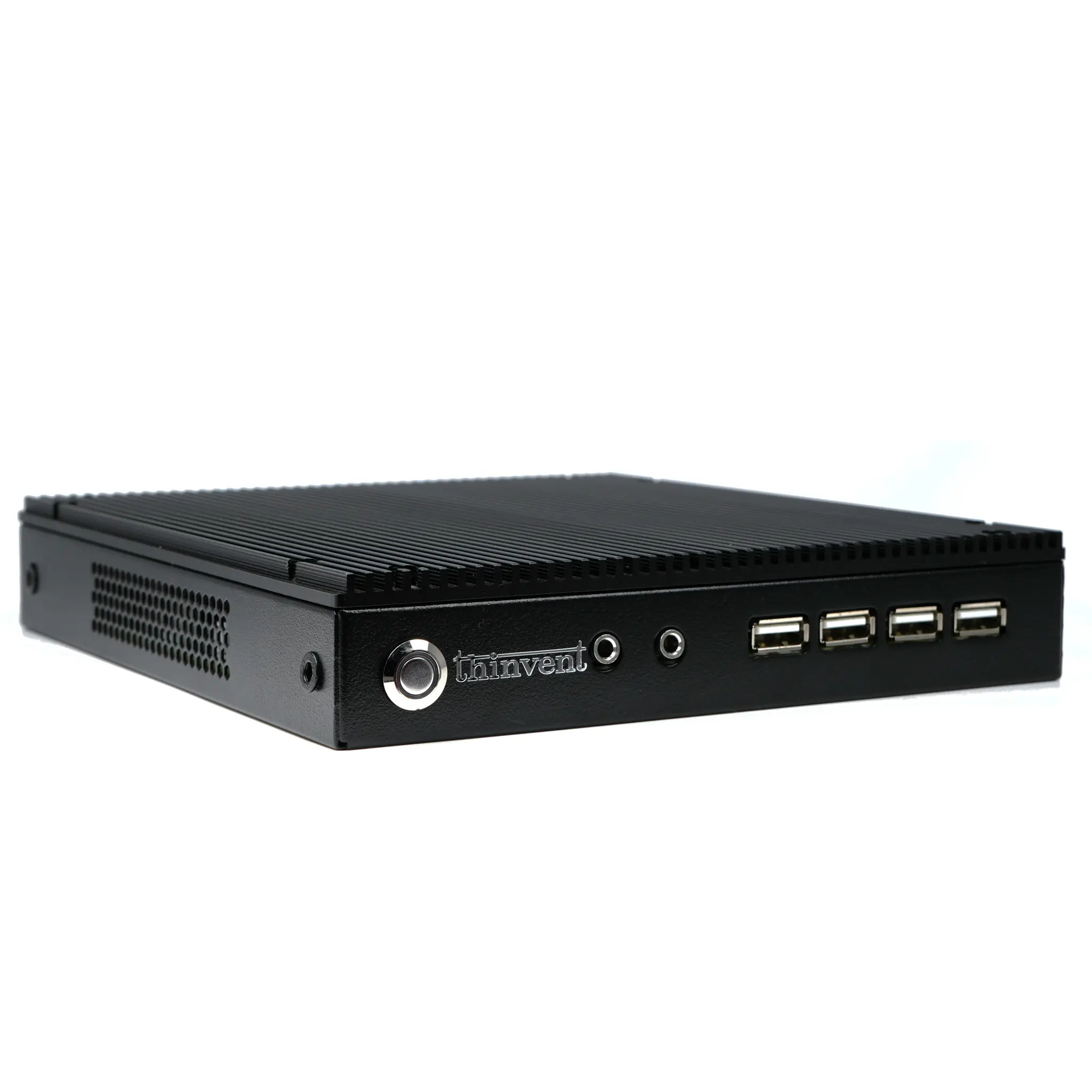
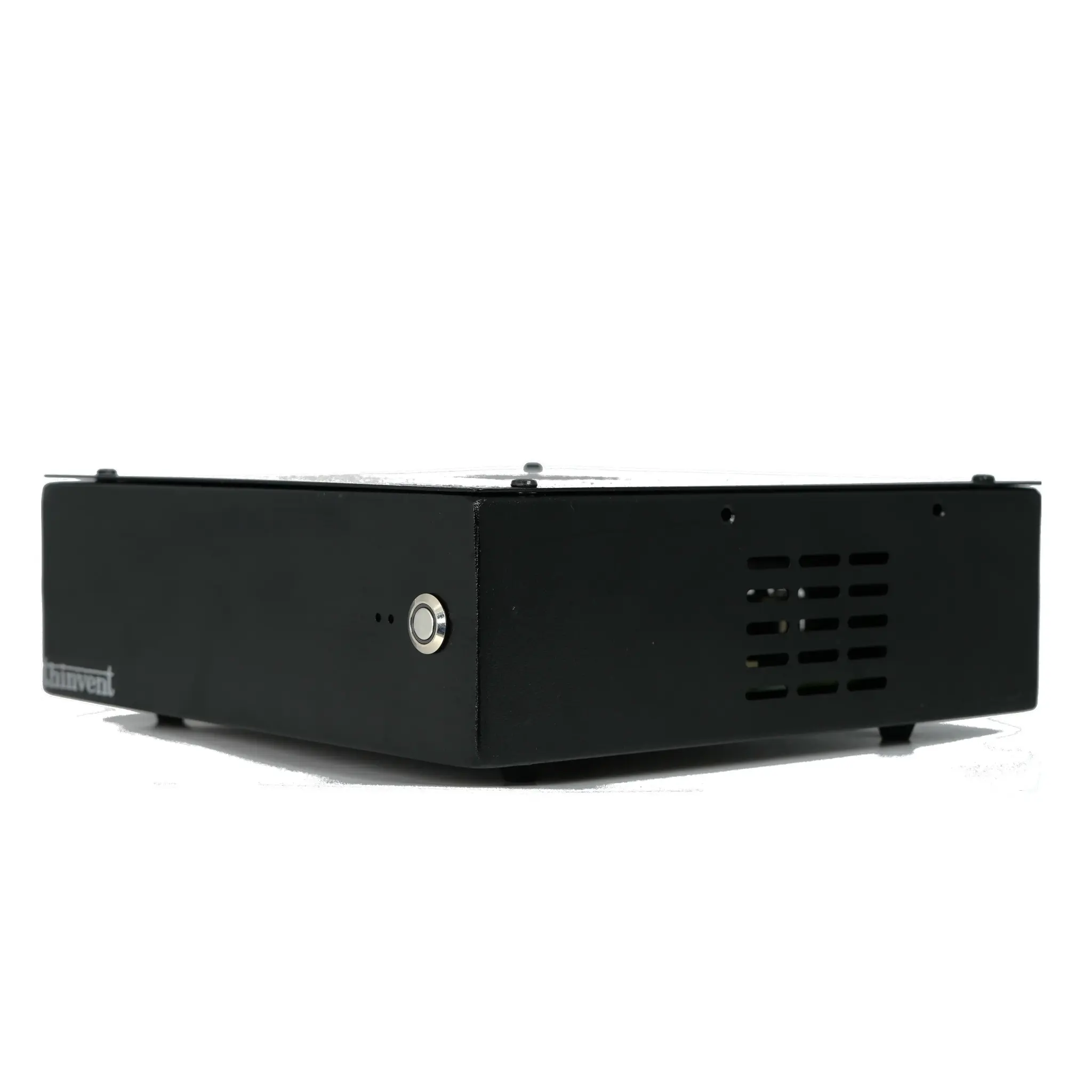
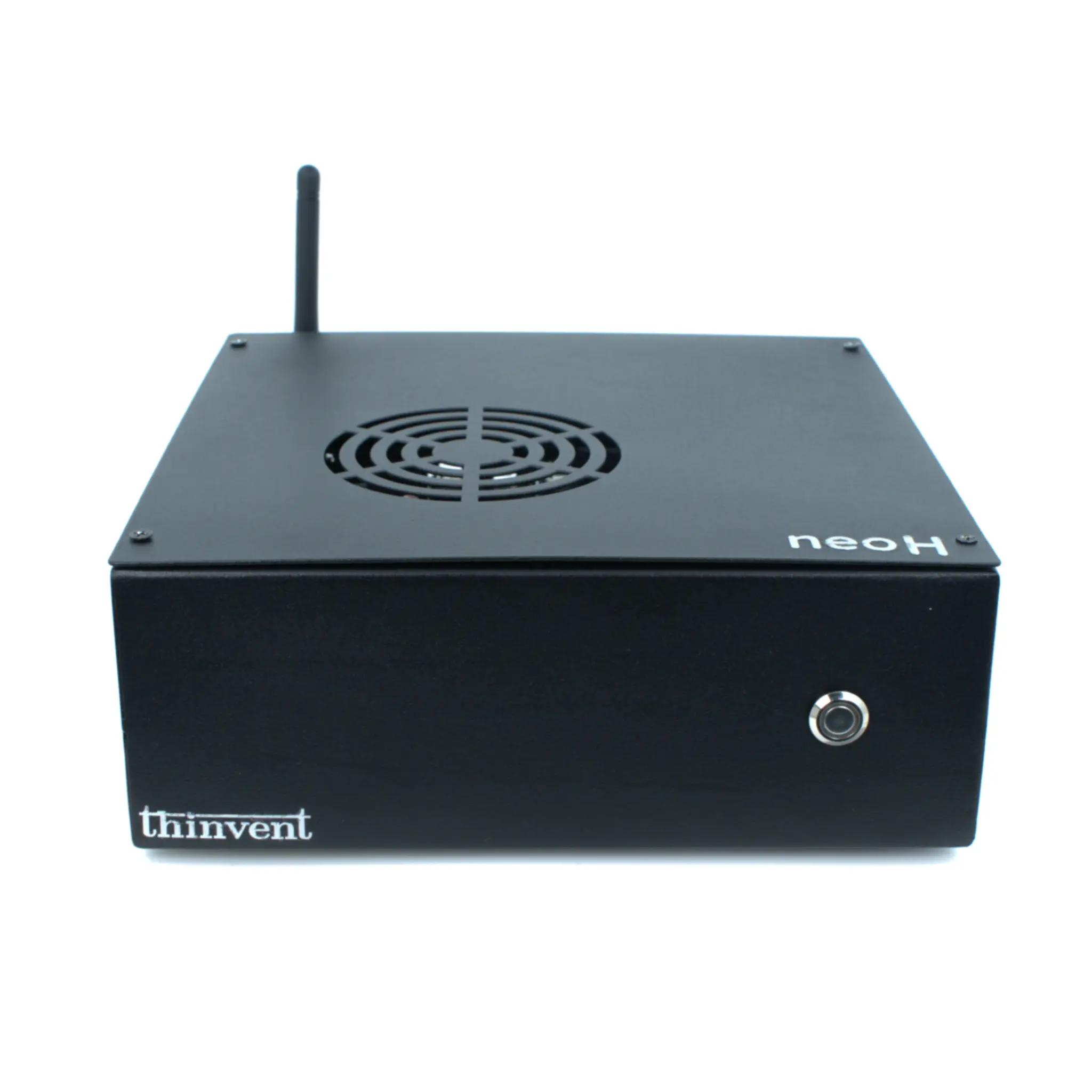
Thinvent offers a range of mini PCs and industrial computers that are well-suited for disk station and NAS applications. For entry-level file storage and backup, the Thinvent Treo Mini PC with Intel N100 processor provides reliable performance with low power consumption. For home media servers and small business environments, the Aero Mini PC with Intel Core i3-1215U or Core 5 120U delivers the processing power needed for 4K transcoding and multi-user access. For industrial or 24/7 operation, the Industrial PC IPC3 and IPC5 models feature robust cooling and durable construction, ideal for continuous disk station workloads. All models support Linux or Windows operating systems and offer flexible RAM and storage configurations to match your specific requirements.