A dual monitor PC is a computing system specifically designed or configured to support two independent displays simultaneously. This setup dramatically expands your digital workspace, allowing you to view multiple applications, documents, or data streams side-by-side without constant tab switching. For professionals, this translates directly to enhanced productivity, streamlined workflows, and reduced errors. Whether you're a financial analyst comparing spreadsheets, a developer coding while referencing documentation, or a content creator editing video with a full timeline, a dual-monitor system is a proven productivity multiplier.
The core technical requirement for a dual-monitor PC is sufficient video output ports and a capable graphics processor. Most modern systems achieve this through a combination of HDMI, DisplayPort, or USB-C with DisplayPort Alt Mode. It's crucial to check the specifications to ensure the PC supports independent dual display output, not just mirroring. Key specifications to consider include the number and type of video ports (e.g., 2x HDMI, 1x HDMI + 1x DisplayPort), the supported maximum resolution for each port (e.g., 4K @ 60Hz), and the graphics capabilities of the processor (integrated Intel UHD Graphics, Intel Iris Xe, or dedicated GPUs for more demanding tasks).
Ideal Use Cases & Applications:
-
Office & Administrative Work: Managing email, CRM software, spreadsheets, and video calls concurrently.
-
Financial Trading & Analysis: Monitoring real-time market data on one screen while executing trades and analyzing reports on another.
-
Software Development & IT: Writing code in an IDE on the primary display while testing output, monitoring servers, or browsing API documentation on the secondary.
-
Creative & Design Work: Using the main screen for design tools (Adobe Suite, CAD) and the second for asset libraries, tool palettes, or client briefs.
-
Digital Signage & Control Rooms: Driving two separate informational or advertising displays from a single, compact computer.
Choosing the Right Dual Monitor PC: Your choice depends on the complexity of your tasks.
| Use Case Profile | Recommended Processor | Recommended RAM | Storage | Key Feature |
|---|---|---|---|---|
| Basic Productivity & Digital Signage | Intel N-series (N100, N200) or ARM | 4GB - 8GB | 128GB - 256GB SSD | Fanless design, low power, dual HDMI outputs. |
| General Office & Multi-tasking | Intel Core i3 / i5 (12th Gen+) | 8GB - 16GB | 256GB - 512GB SSD | Balanced performance, modern I/O including USB-C with display support. |
| Demanding Professional Workloads | Intel Core i5 / i7 (13th/14th Gen) | 16GB - 32GB+ | 512GB+ NVMe SSD | High core counts, powerful integrated Iris Xe graphics for smooth 4K output. |
Thinvent Dual Monitor Solutions for Every Workflow
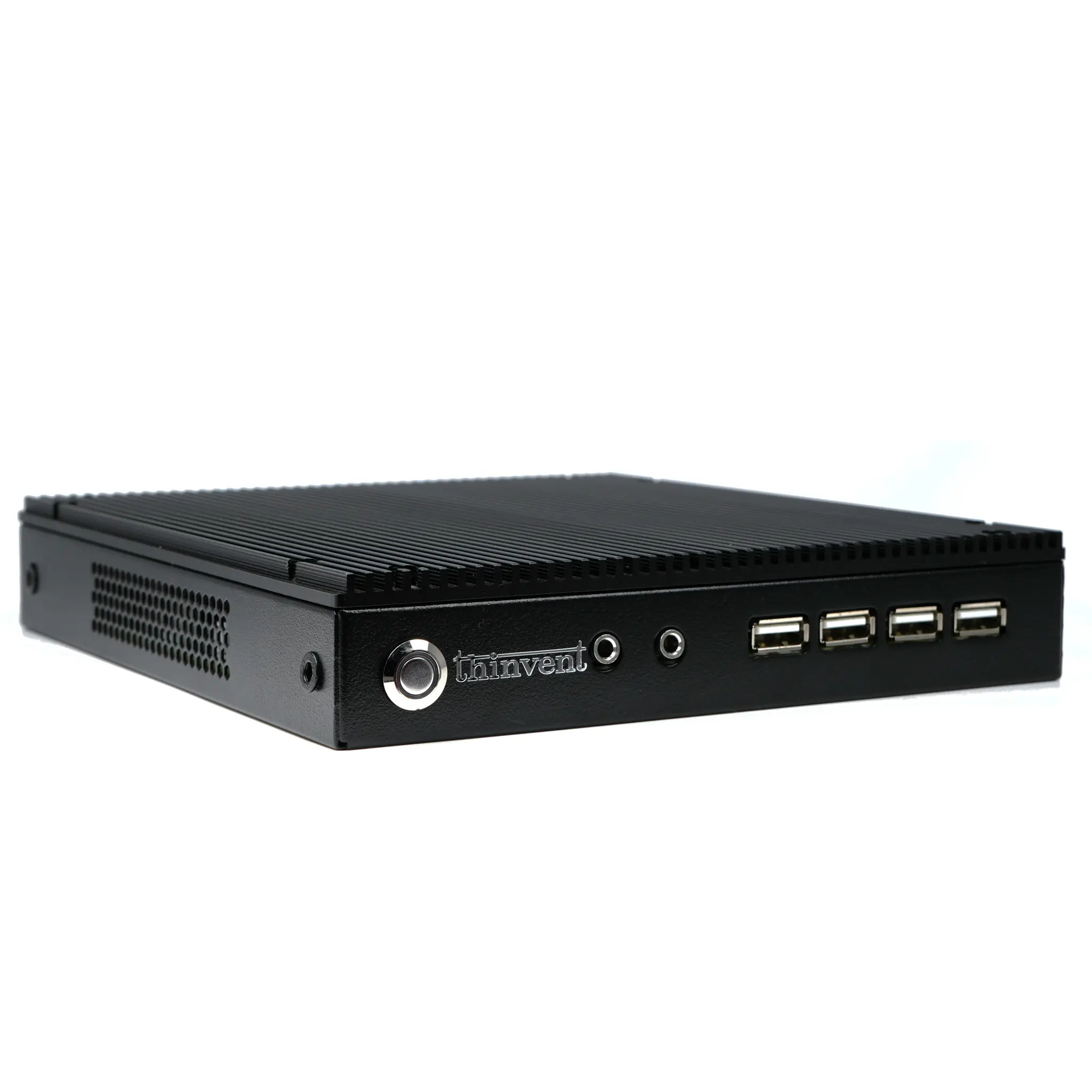
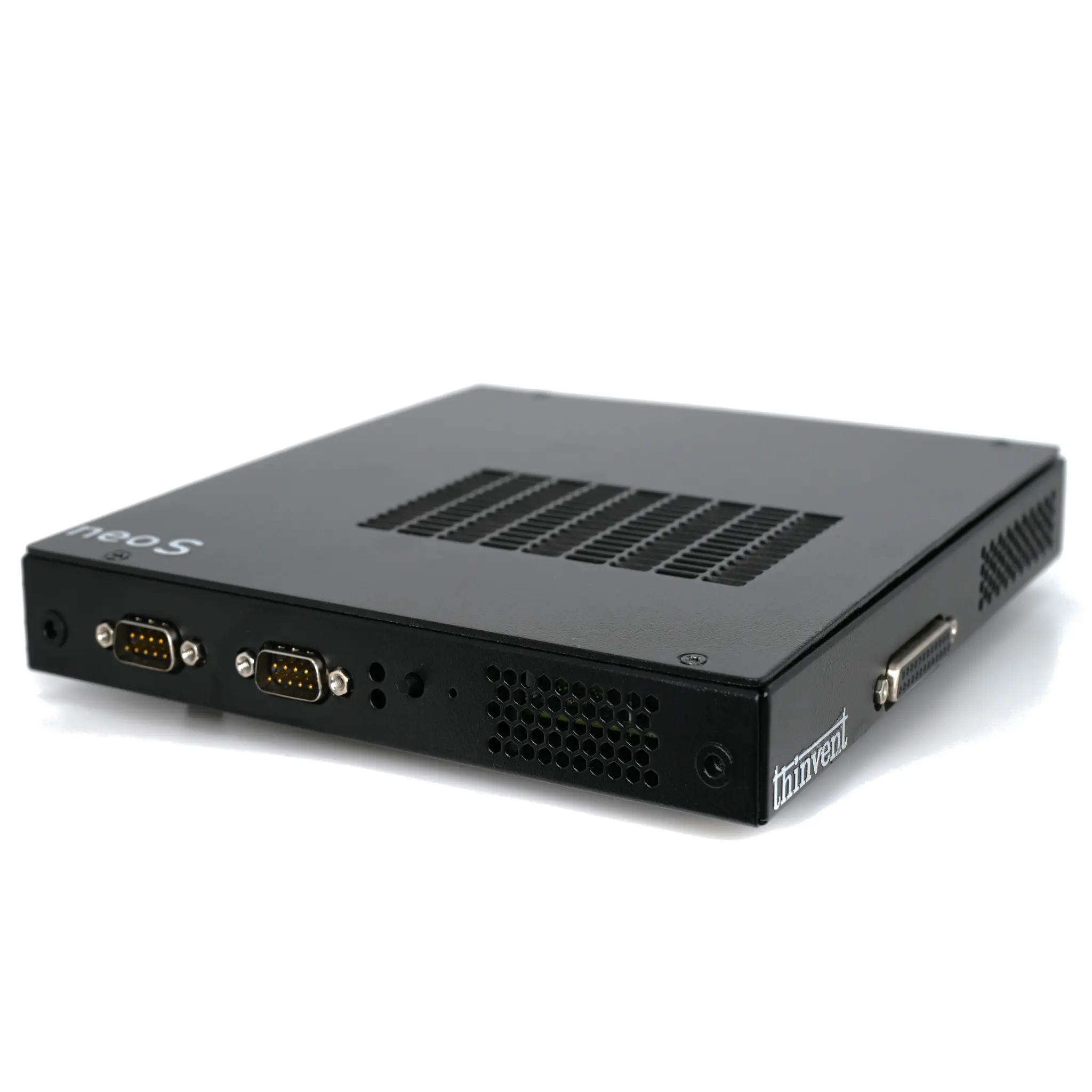
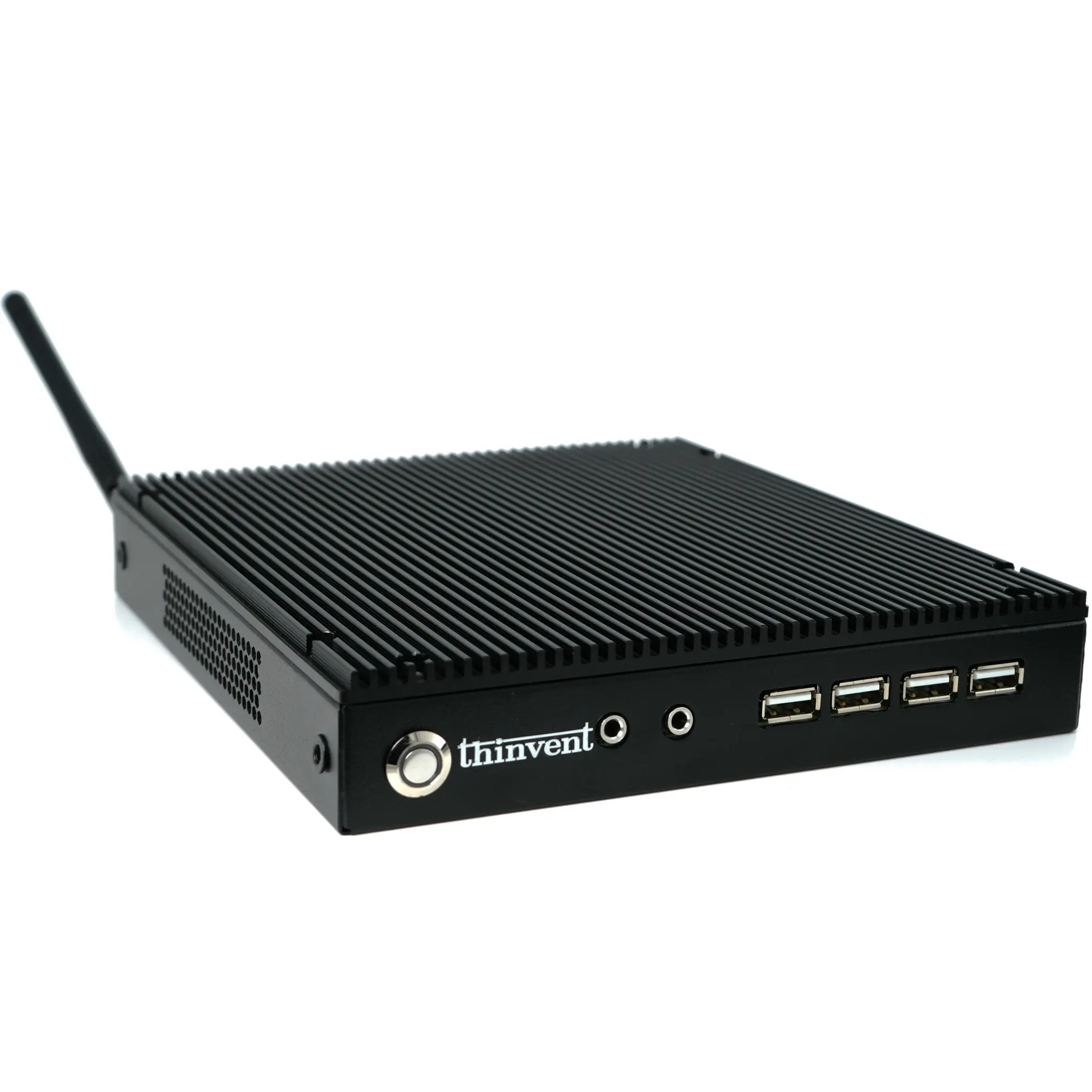
Thinvent offers a comprehensive range of industrial and mini PCs engineered to power dual-monitor setups reliably. Our fanless Industrial PCs, like the IPC series with Intel Core i3 and i5 processors, provide silent, rugged operation for 24/7 control rooms and trading floors. For space-constrained offices, our Aero and Treo Mini PCs pack modern Intel processors into a tiny footprint, offering multiple video outputs including HDMI and USB-C. Whether you need the ultra-efficiency of an ARM-based thin client for basic display tasks or the robust power of a 14th Gen Intel Core processor for intensive multitasking, Thinvent has a durable, connectivity-rich solution to build your perfect dual-screen workstation.