What "dusre ka location" means
"Dusre ka location" is Hindi for "how to check the other person's location." A computer cannot find the location of another person on its own. A PC can only report its own location, or a location that a user shares, with the consent of that user. Location checks on a PC normally use one of three sources: Wi-Fi networks, the network connection, or a GPS receiver. The PC does not track a separate device or person without access to that device.
How location is checked on a PC
To check the location of a device, a user can open the location settings of the operating system and read the location the system reports. On Windows 11, this is done under Settings, Privacy and security, Location. On Linux, location data comes from a connected GPS module or from a location service that the user configures. A PC with Wi-Fi can estimate location from nearby networks, which is more accurate in cities than in rural areas.
Hardware that affects location accuracy
Location accuracy depends on the connectivity and the hardware. Dual Band WiFi gives the PC access to both the 2.4 GHz and 5 GHz networks, which helps the system read nearby access points. Dual LAN lets an industrial PC connect to two wired networks at the same time. Wired Ethernet alone does not give a location. A GPS receiver, added by the user, has location from satellites.
Thinvent products with location-relevant connectivity
The table below lists Thinvent products on this page by connectivity. Each product has 16 GB or more of memory on the Intel Core i5 and i7 models.
| Product | Processor | Wireless | Operating System |
|---|---|---|---|
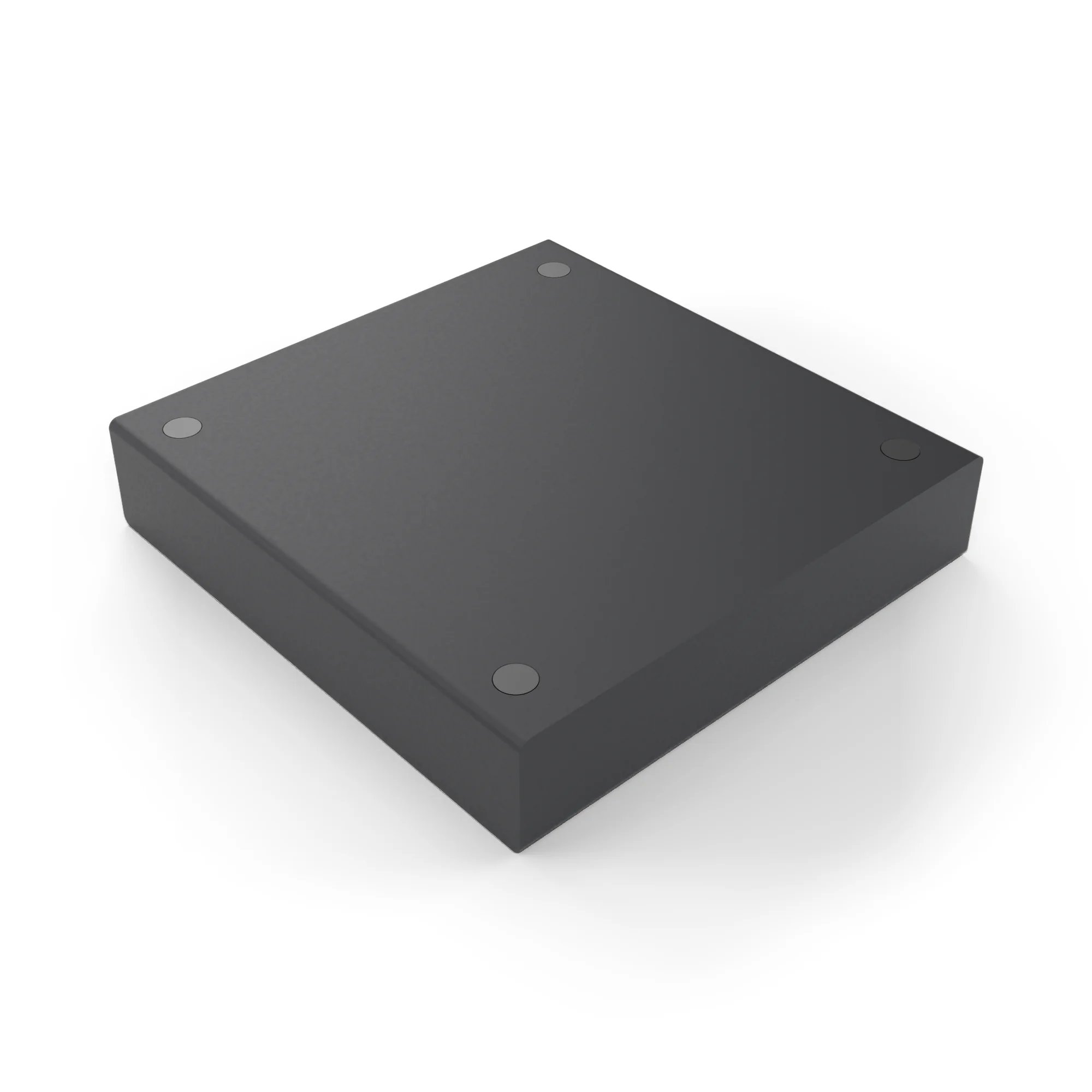
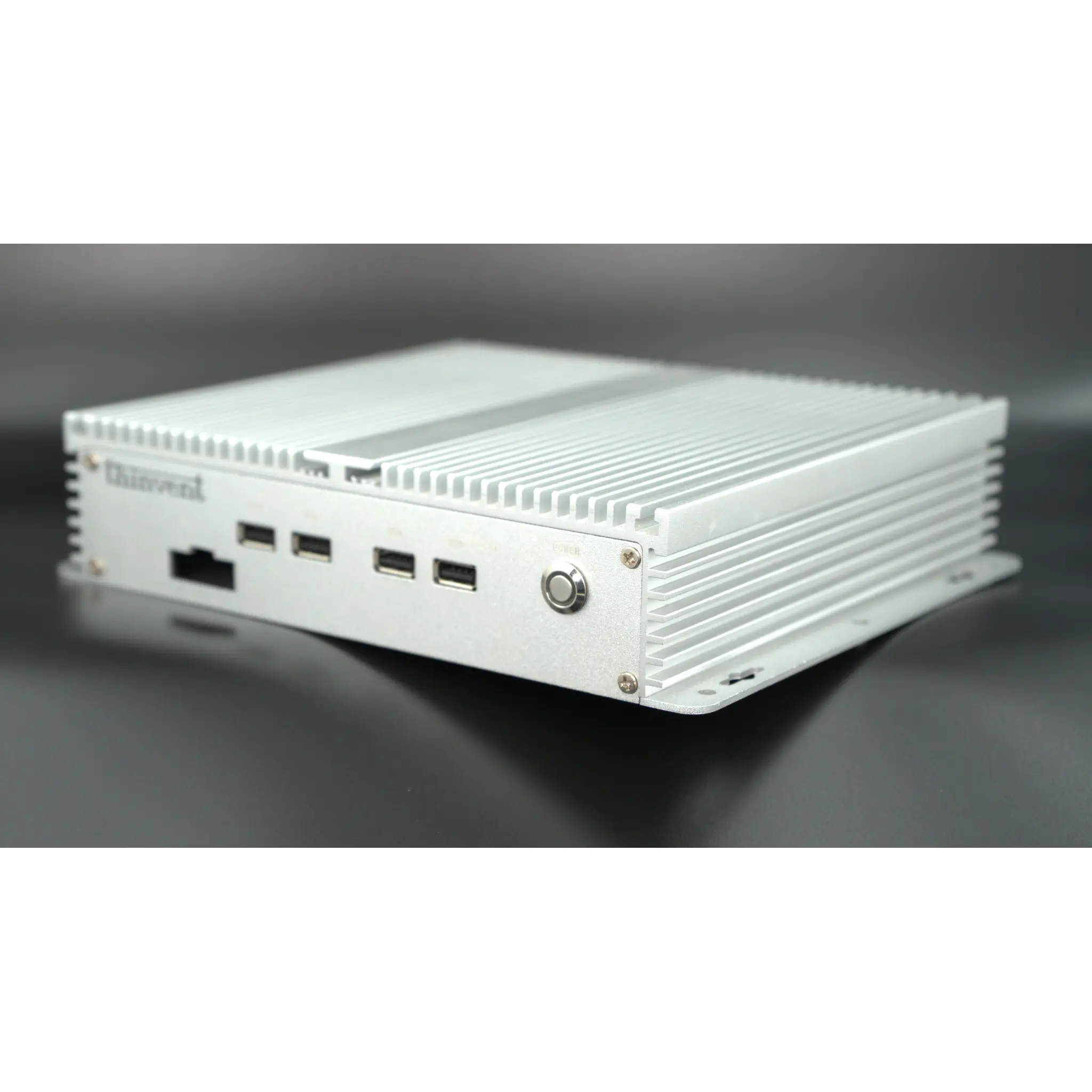
| Thinvent Industrial PC IPC5 (i5-1240P) | Intel Core i5-1240P | No WiFi | Windows 11 IoT Value |
| Thinvent Aero Mini PC (i3-1215U) | Intel Core i3-1215U | No WiFi | Windows 11 Pro |
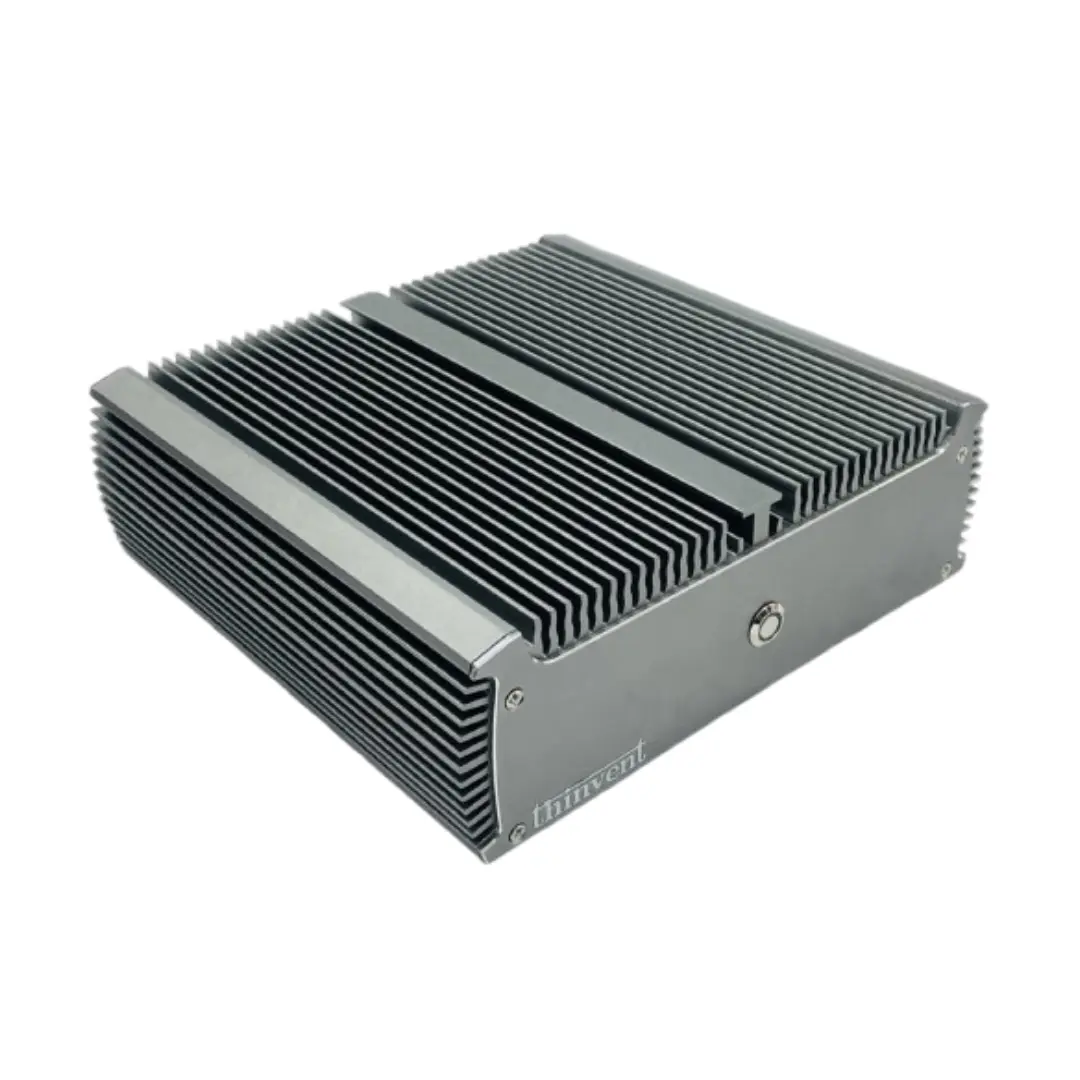
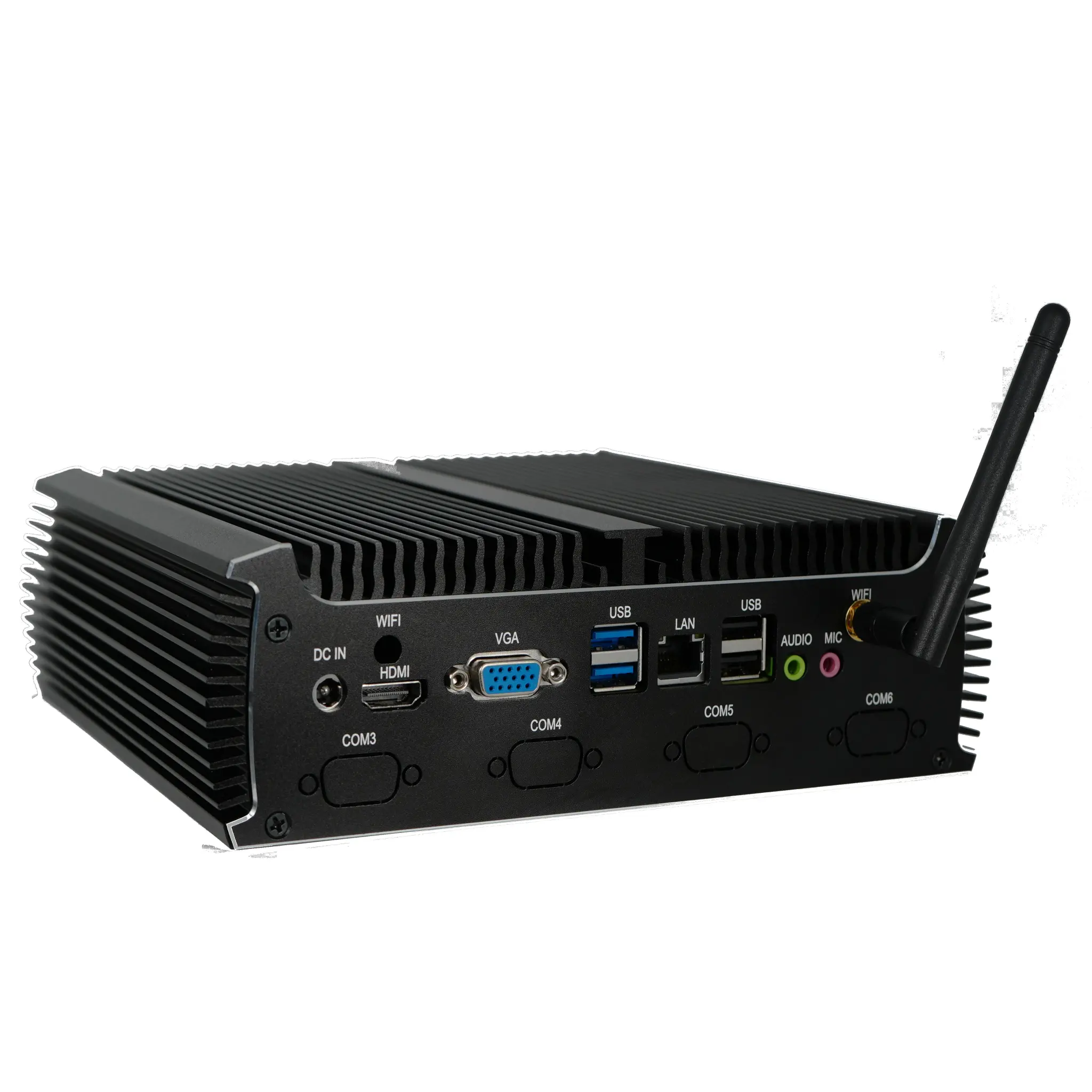
| Thinvent Industrial PC IPC5 (i7-1255U, Dual LAN) | Intel Core i7-1255U | Dual Band WiFi | Windows 11 Pro |
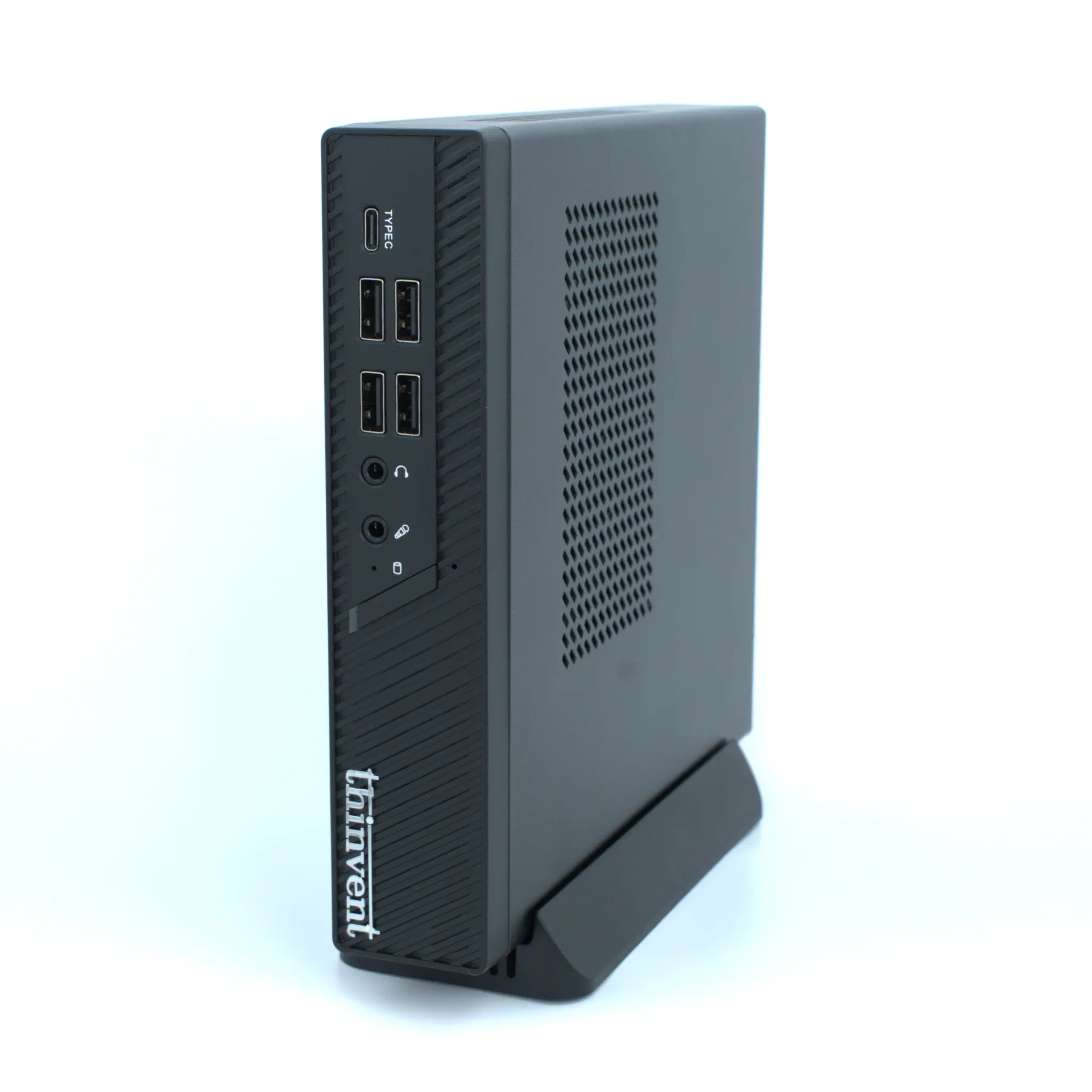
| Thinvent Industrial PC IPC3 (i3-1215U) | Intel Core i3-1215U | No WiFi | Ubuntu Linux |
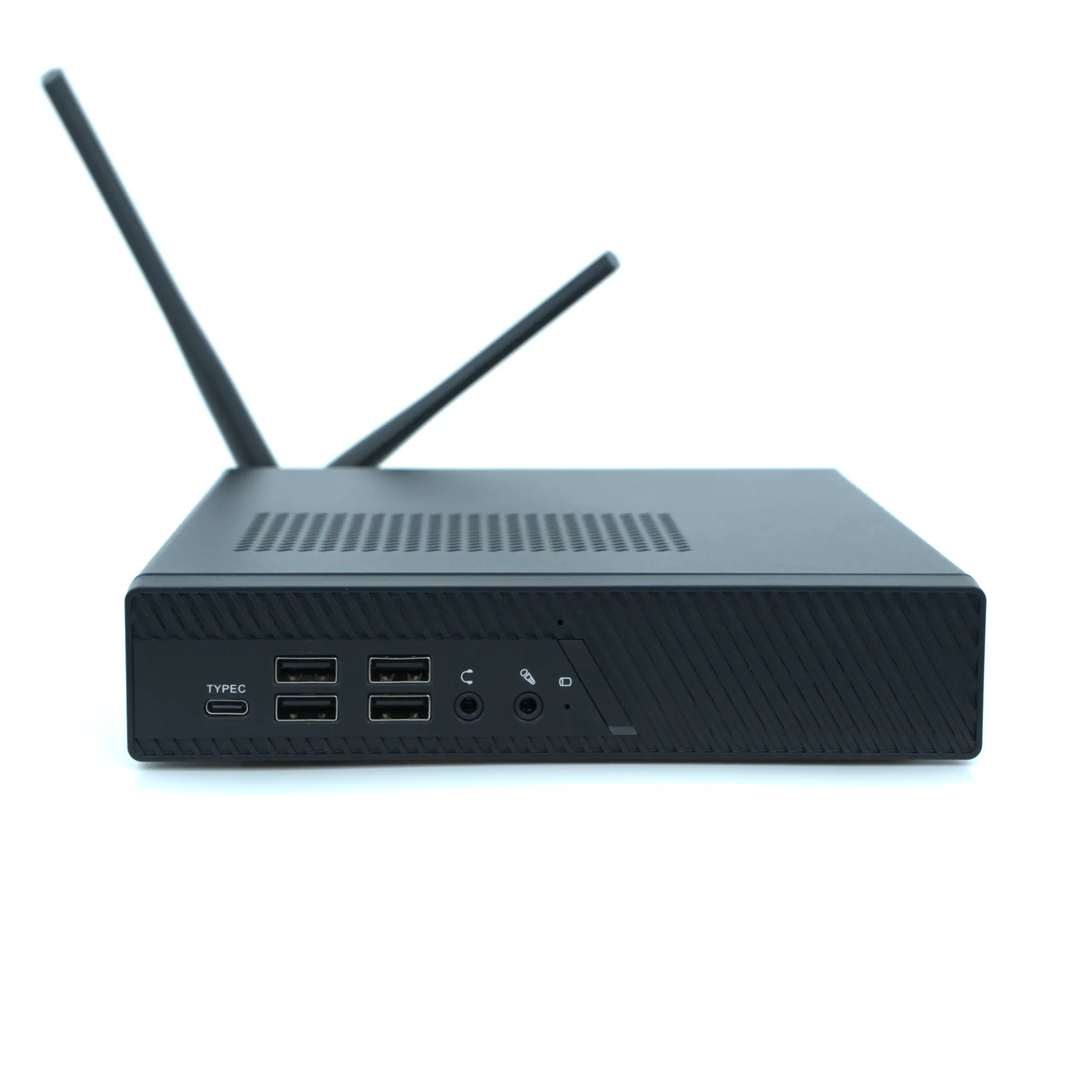
| Thinvent Aero Mini PC (Core 5 120U) | Intel Core 5 120U | Dual Band WiFi | Windows 11 Pro |
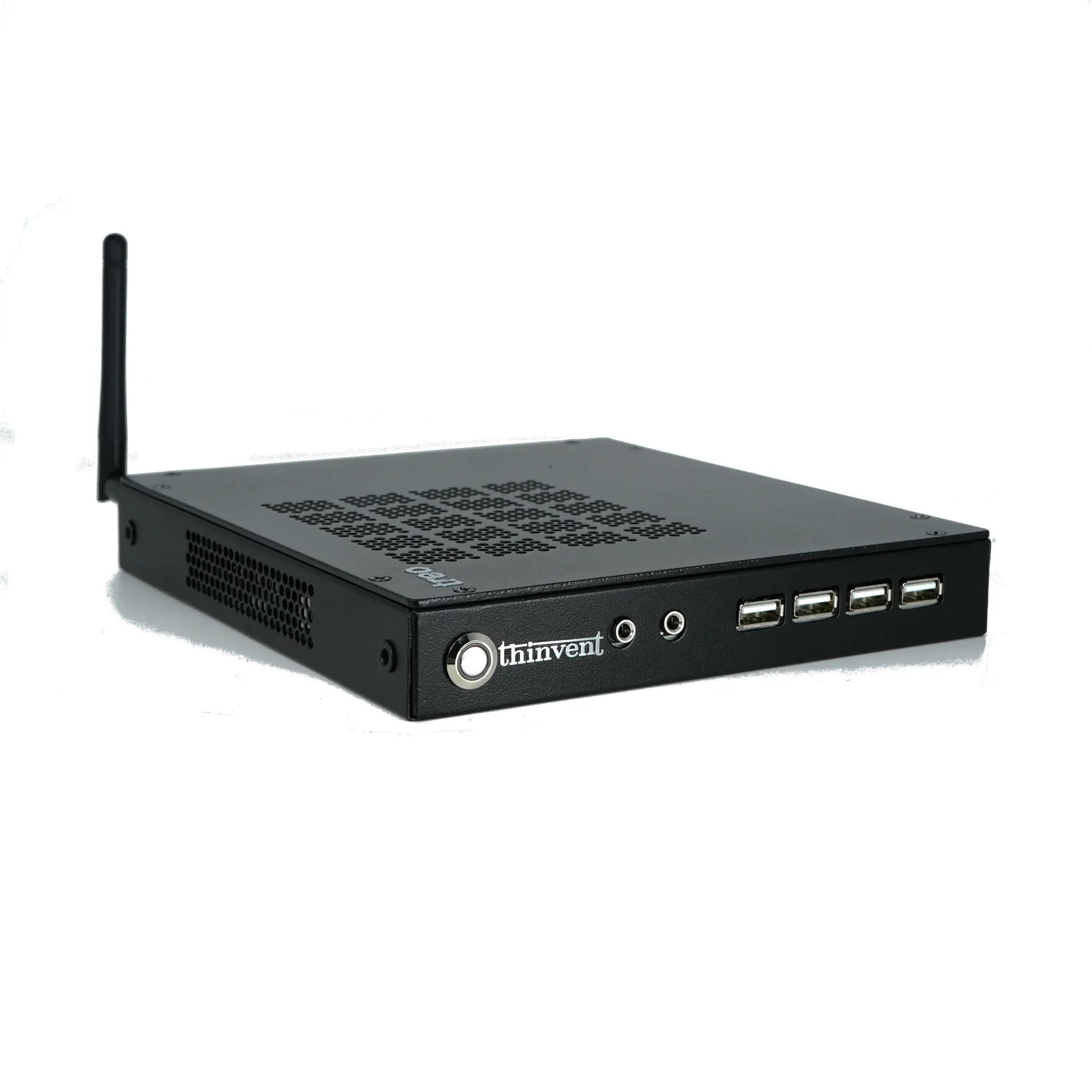
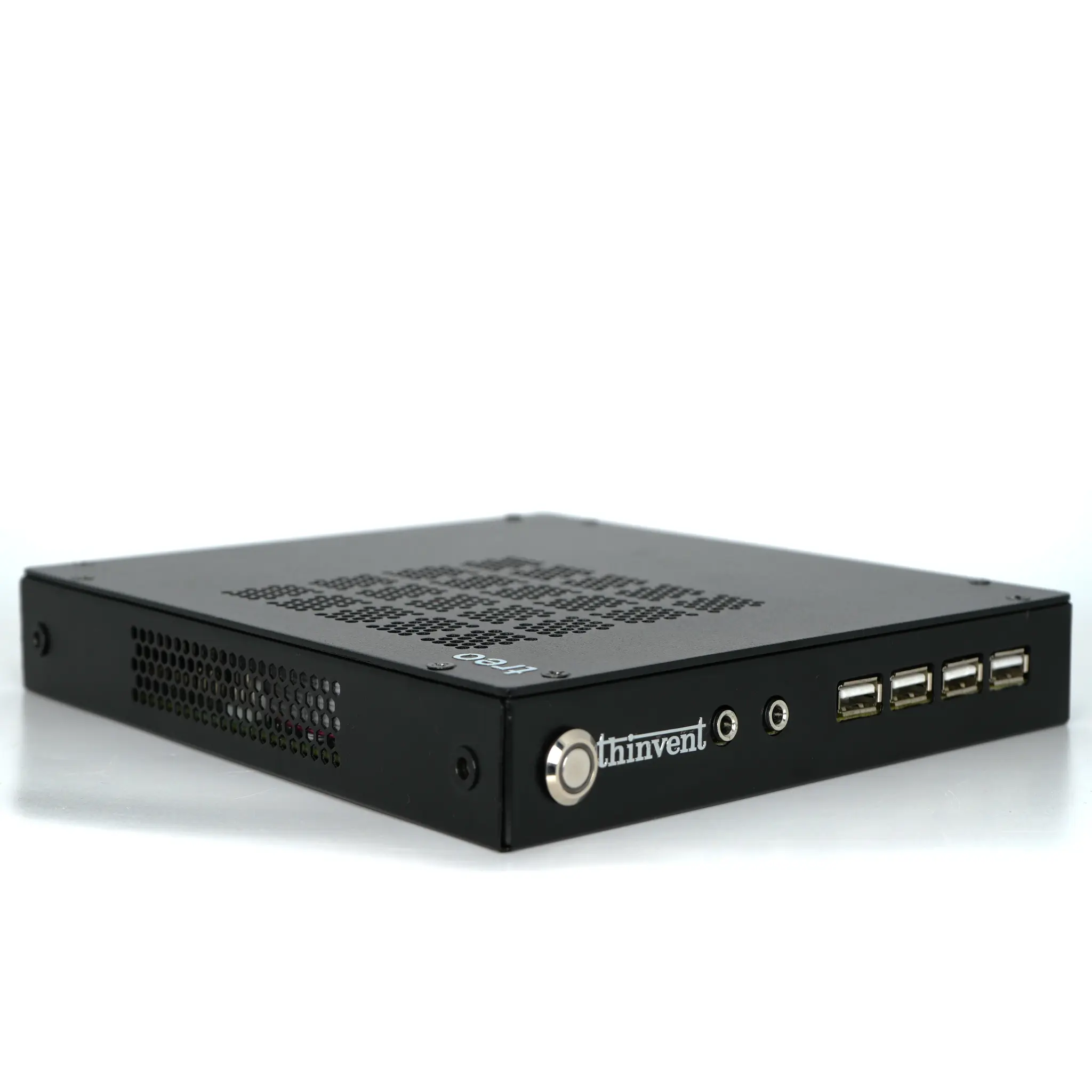
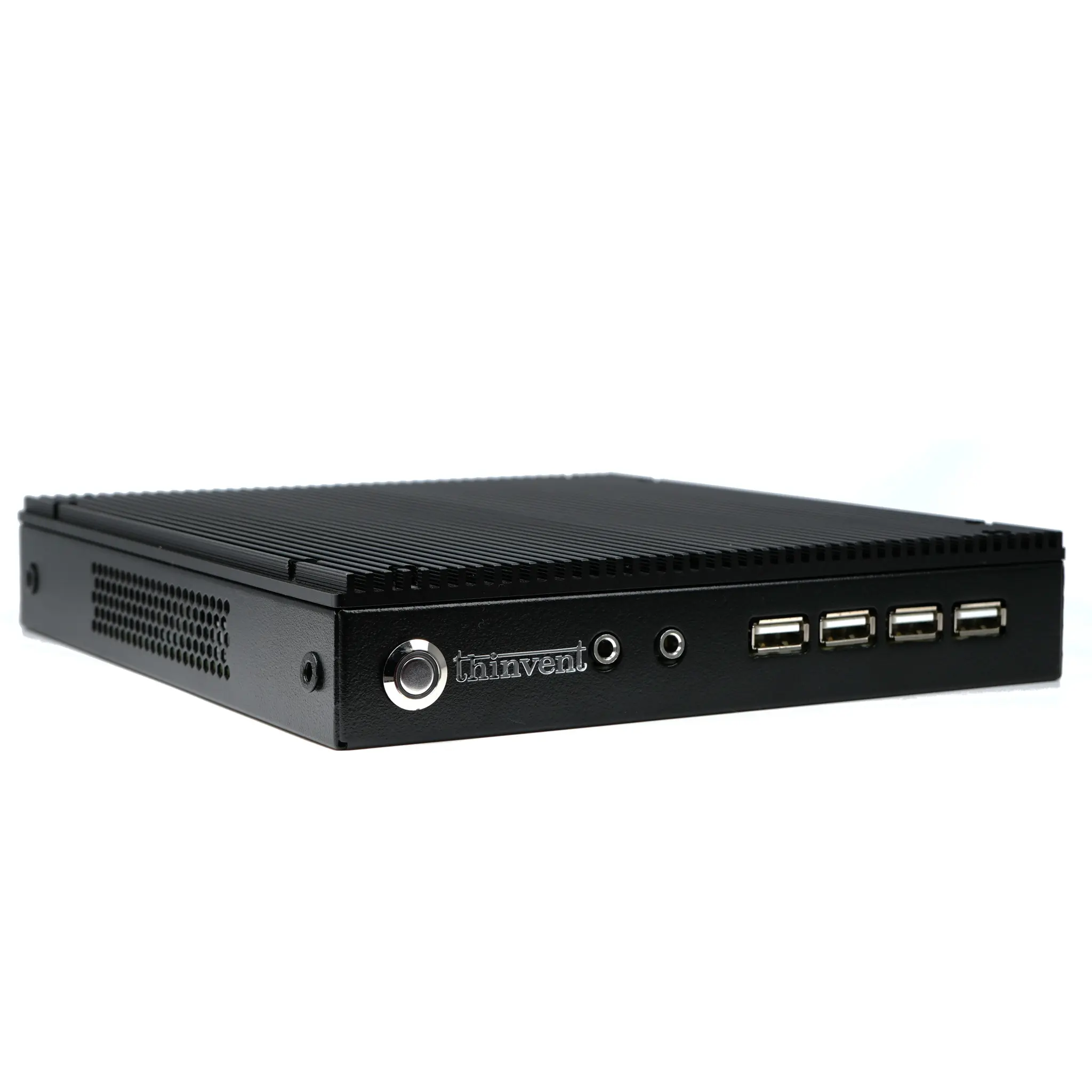
| Thinvent Treo Mini PC (N5095A) | Intel N5095A | No WiFi | Ubuntu Linux |
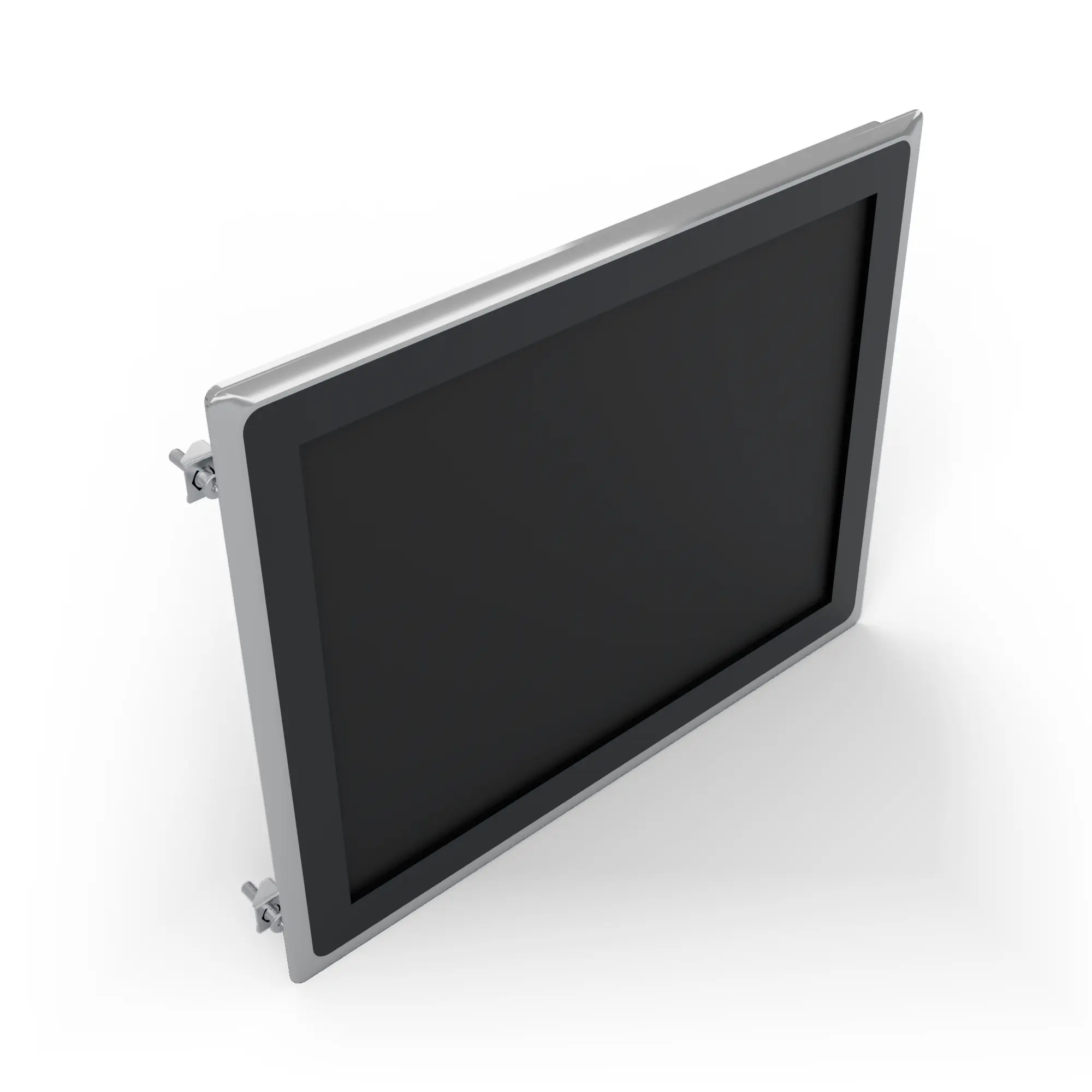
| Thinvent 15" Industrial Panel PC (i5-1335U) | Intel Core i5-1335U | Dual Band WiFi | Windows 11 Pro |
| Thinvent Treo Mini PC (Ryzen 5 7430U) | AMD Ryzen 5 7430U | Dual Band WiFi | Windows 11 Pro |
| Thinvent Industrial PC IPC5 (i7-1255U, 64GB) | Intel Core i7-1255U | Dual Band WiFi | Ubuntu Linux |
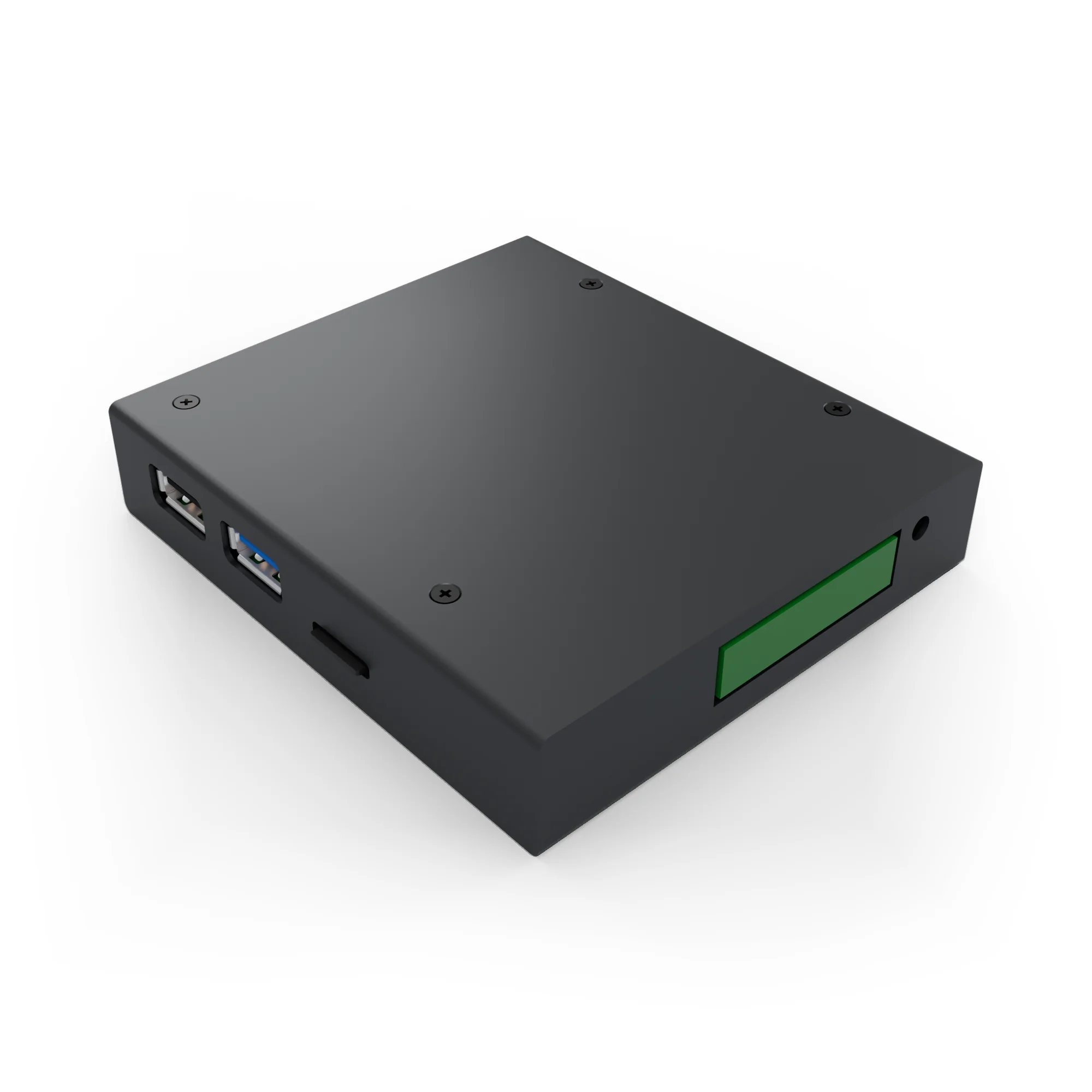
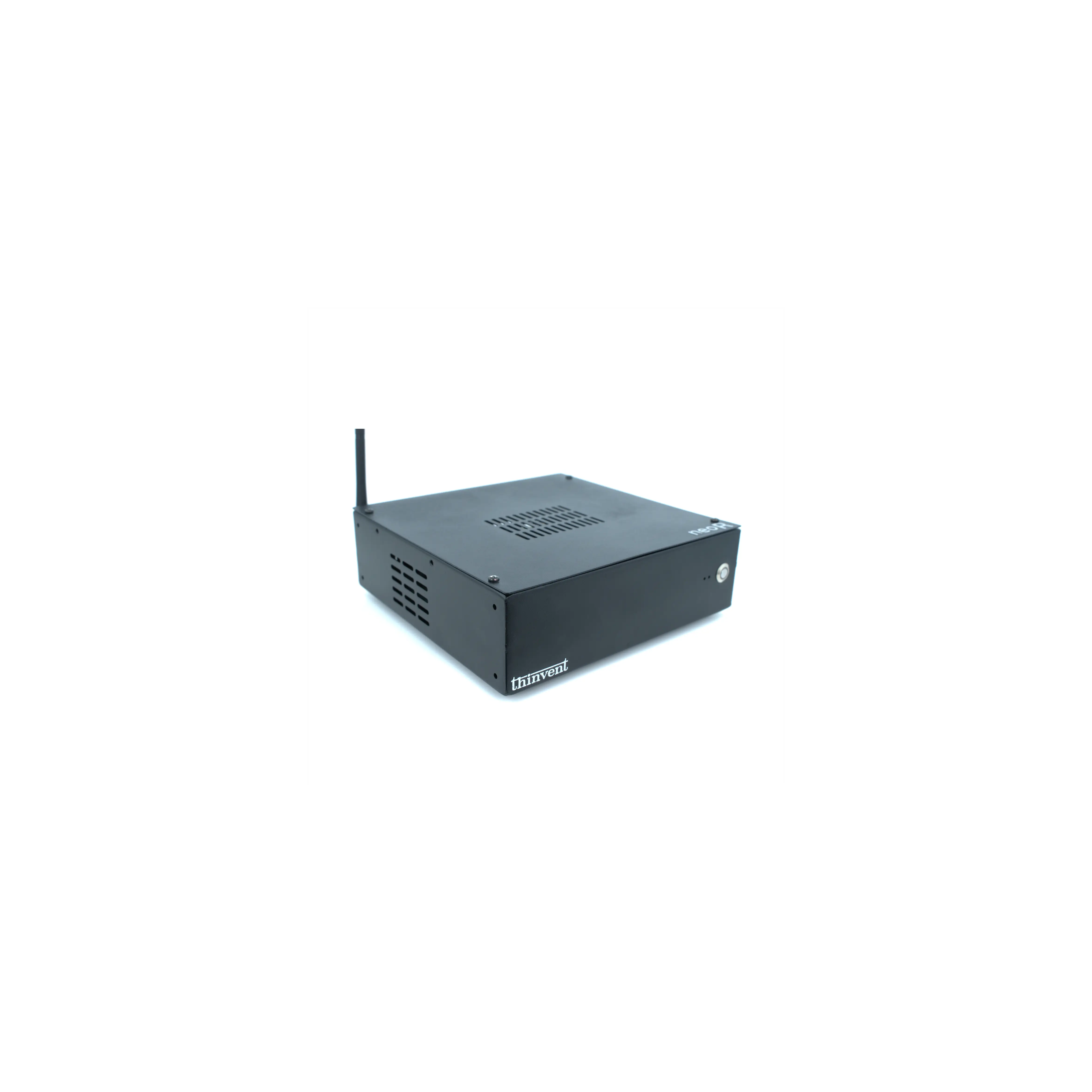
| Thinvent Micro 5R Thin Client | ARM Cortex A53 | WiFi 6 and Bluetooth | Thinux Embedded Linux |
Products without WiFi can still receive location data through a wired network or an added GPS module.
Thinvent products for location-based and industrial use
The Thinvent Industrial PC IPC5 with the Intel Core i7-1255U and Dual LAN is suited to fixed installations that need two network connections and Dual Band WiFi. The Thinvent Micro 5R Thin Client, with WiFi 6 and Bluetooth, suits compact deployments that need wireless connectivity on an embedded Linux system.