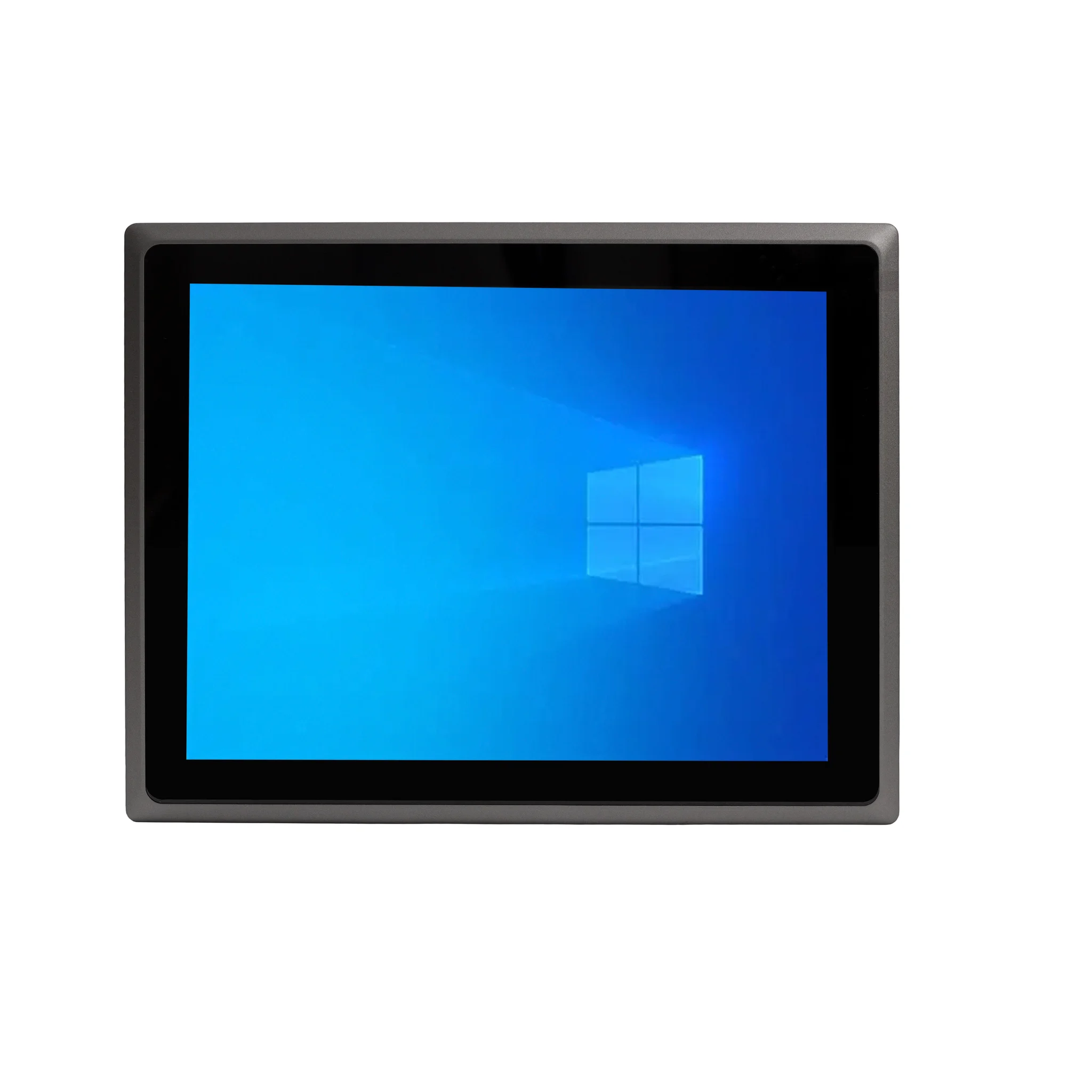
What is an Editing Desktop Computer?
An editing desktop computer is a specialized workstation designed to handle the demanding computational tasks of video, photo, and audio editing. Unlike standard office PCs, these systems prioritize high-performance multi-core processors, ample fast memory (RAM), and fast storage to ensure smooth playback, real-time effects rendering, and quick file exports. They are essential tools for professionals and enthusiasts in content creation, media production, and digital design.
Key Specifications for Editing Workstations
To efficiently run software like Adobe Premiere Pro, DaVinci Resolve, or Blender, an editing PC requires a balanced and powerful configuration. The most critical components are:
-
Processor (CPU): A modern multi-core CPU (e.g., Intel Core i5/i7 or equivalent) is vital for encoding, decoding, and applying complex effects. More cores and higher clock speeds drastically reduce render times.
-
Memory (RAM): 16GB is the absolute minimum for basic 1080p editing, with 32GB or more recommended for 4K workflows, multi-cam projects, and working with large graphic files.
-
Storage (SSD): A fast NVMe SSD (512GB or larger) is non-negotiable for hosting the operating system, applications, and active project files to ensure fast loading and smooth timeline scrubbing. Secondary high-capacity HDDs or SSDs are used for media archives.
-
Graphics (GPU): A dedicated graphics card accelerates many effects, color grading, and rendering tasks through technologies like CUDA (NVIDIA) or OpenCL (AMD).
Ideal Use Cases and Applications
These powerful desktops are deployed across various professional and creative environments:
-
Video Production Studios: For editing commercials, documentaries, and feature films.
-
Marketing & Advertising Agencies: Creating high-impact social media content, promotional videos, and motion graphics.
-
Photography Studios: Processing high-resolution RAW image files in applications like Adobe Lightroom and Photoshop.
-
Podcast & Music Production: Handling multi-track audio recording, mixing, and mastering with low latency.
-
Architectural Visualization & 3D Design: Rendering complex 3D models and animations.
Recommended System Configuration Comparison
| Editing Level | Recommended CPU (Series) | Minimum RAM | Recommended SSD | Ideal Use Case |
|---|---|---|---|---|
| Entry-Level / 1080p | Intel Core i3 / i5 (12th Gen+) | 16 GB | 512 GB NVMe | Social media content, basic vlogs, photo editing. |
| Professional / 4K | Intel Core i5 / i7 (13th/14th Gen) | 32 GB | 1 TB NVMe | Documentary editing, multi-cam projects, moderate VFX. |
| High-End / 8K & 3D | Intel Core i7 / i9 (13th/14th Gen) | 64 GB+ | 2 TB+ NVMe | Feature film color grading, complex 3D animation, visual effects. |
Thinvent Solutions for Editing Professionals
Thinvent offers a range of robust industrial computing solutions that provide the stability and performance required for professional editing tasks. While the sample products on this page showcase our compact and efficient Aero Mini PC line with Intel N100 processors—ideal for lightweight tasks and digital signage—our broader portfolio includes more powerful configurations suitable for creative work. For demanding editing environments, we recommend exploring our industrial PCs and workstations featuring higher-core-count Intel Core i5 and i7 processors from the latest generations, paired with 32GB or more of RAM and high-speed NVMe storage. These fanless or actively cooled systems are built for 24/7 reliability in studio settings, offering the consistent performance needed to meet tight production deadlines.