Direct Answer: Three Ways to Restore Default Settings
If you want to reset the settings on a "Micro 5" mini PC back to factory defaults, there are three standard approaches, and which one you use depends on what you are actually resetting.
- Reset BIOS/UEFI settings — restart the unit and press the setup key (commonly Del, F2, F7, or F10 on mini PCs) during the first few seconds of boot, then choose Load Setup Defaults, Reset to Defaults, or Restore Defaults, and save with F10 → Yes.
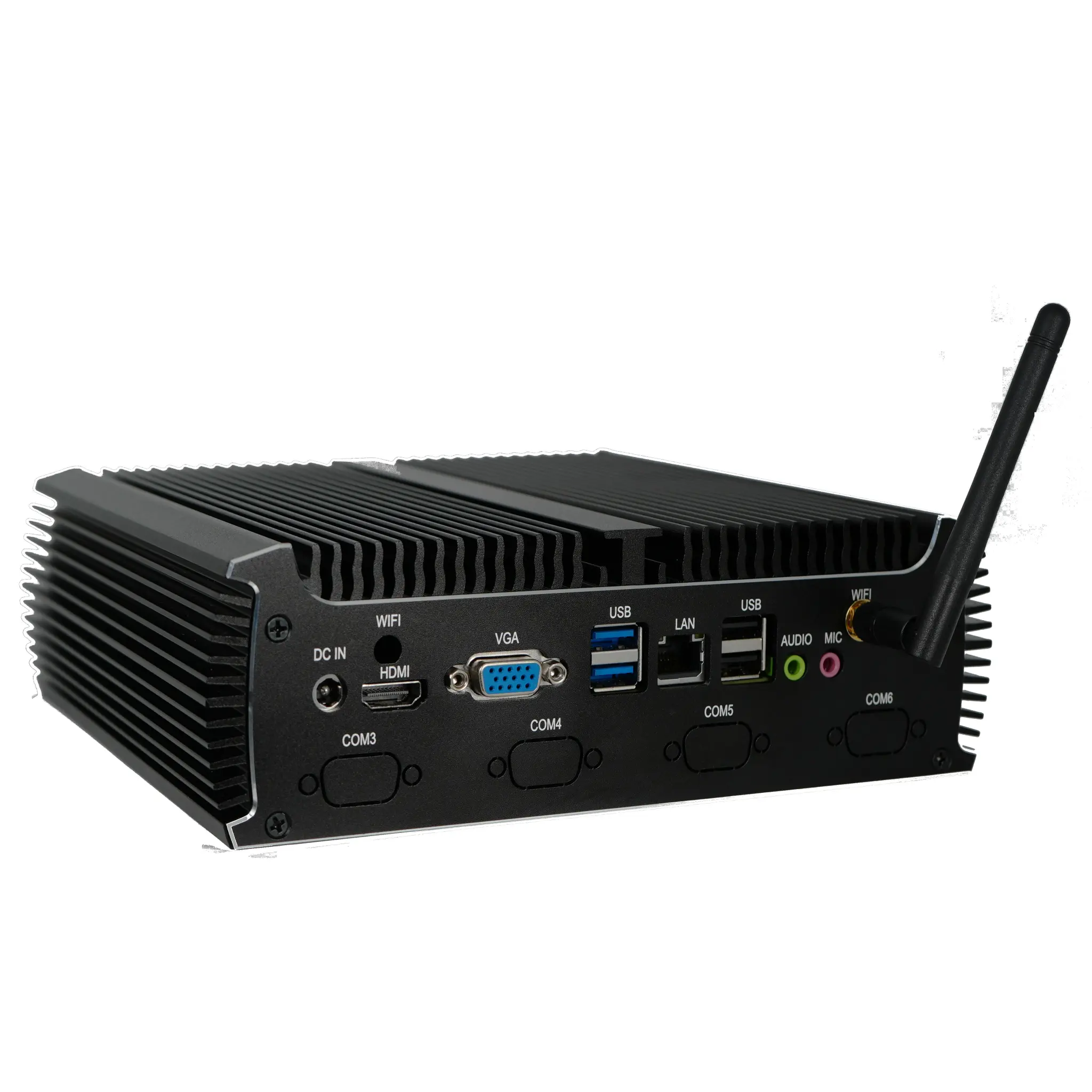
- Clear CMOS (hardware reset) — if the machine will not boot, will not POST, or you cannot enter setup, power the unit down, disconnect the adapter, then either move the CLR_CMOS jumper, press an on-board clear button, or briefly remove the coin-cell battery. This wipes BIOS settings including the boot order, password and clock.
- Reset the operating system — if by "settings" you mean Windows or Linux configuration rather than firmware, use Settings → System → Recovery → Reset this PC on Windows, or reinstall/restore your image on a Linux unit.
Method 1: Reset Through the BIOS/UEFI Menu
This is the safest and most common method. Power the device on and tap the setup key repeatedly until the firmware interface appears. Look for a menu tab labelled Save & Exit, Exit, or Defaults, and