Understanding What Drives Computer Pricing
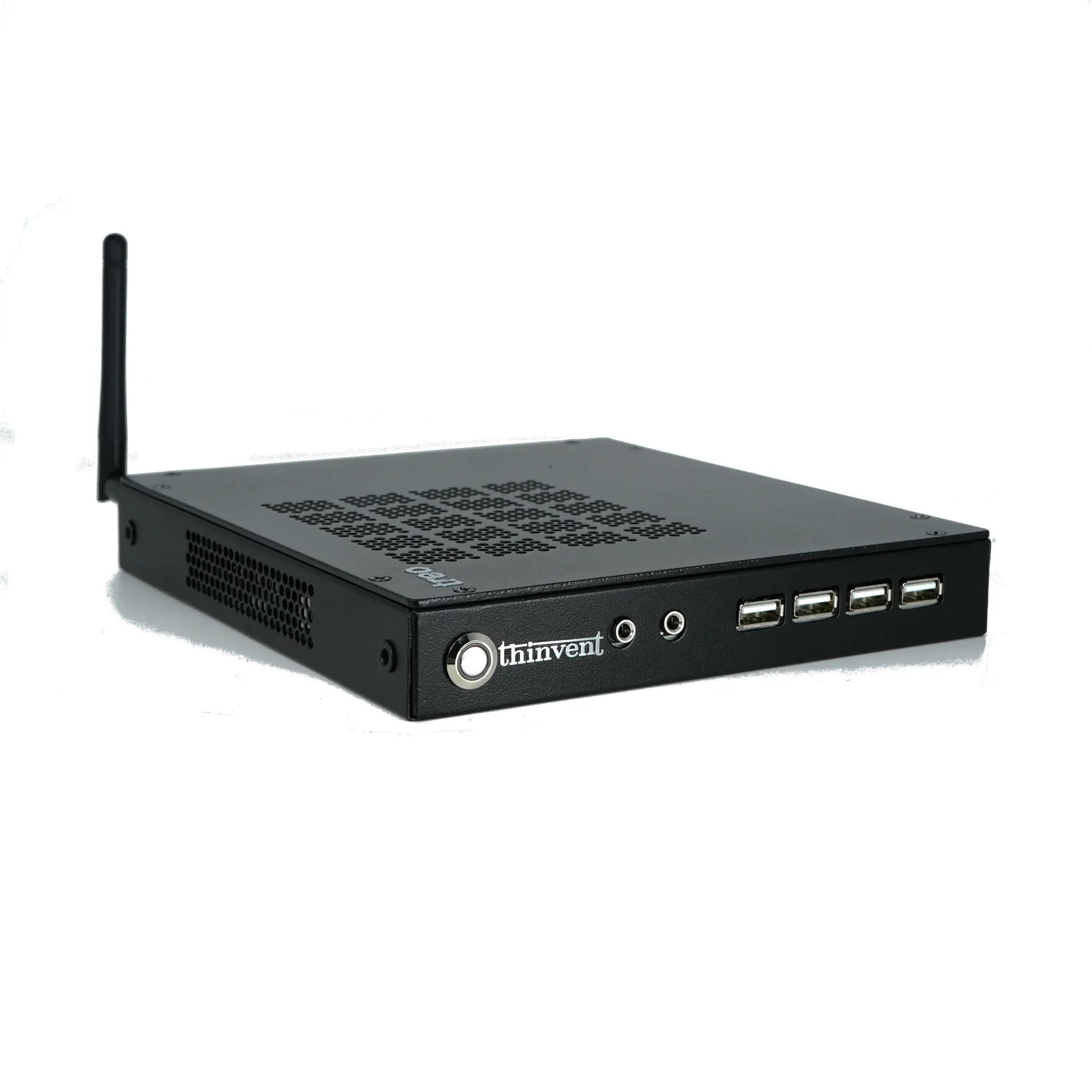
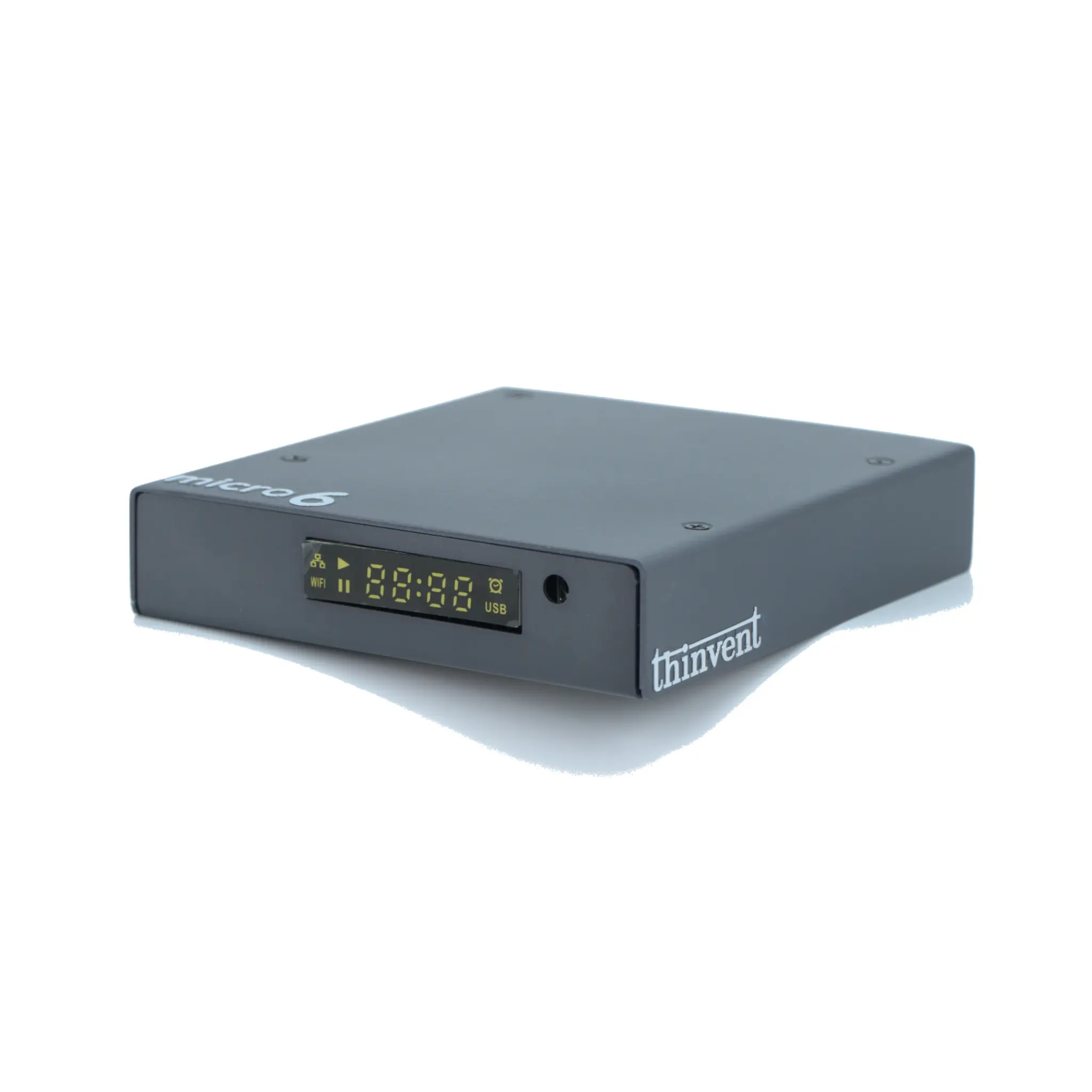
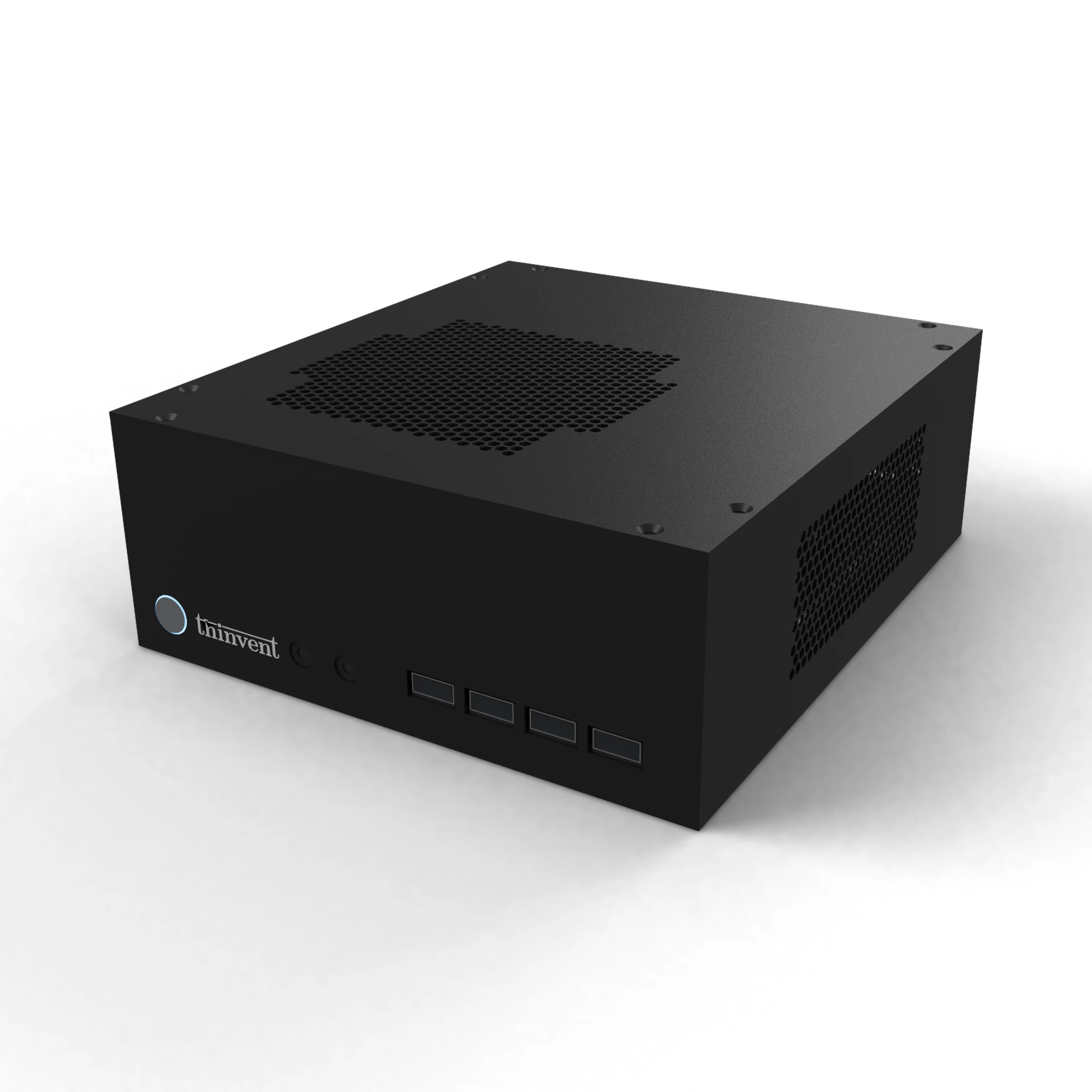
The cost of any computer is determined by its components, not by a single universal figure. When buyers ask about pricing, the honest answer is that a computer's price reflects the sum of its processor, memory, storage, operating system, form factor and durability features. A basic mini PC with an entry-level processor and 4GB of RAM sits at a very different point from an industrial computer built to run 24/7 in a factory, and both are legitimate products for different jobs.
The biggest cost driver is the processor. Modern Intel® chips used in compact and industrial systems range from efficient Celeron® and N-series parts (such as the N95, N100 and N150) up to Core™ i3 and i5 models like the 1215U, 1315U and 1335U. Higher core counts, faster clock speeds and larger caches generally mean higher cost, but also more capability for multitasking, virtualisation and data-heavy workloads.
Memory and storage come next. Systems typically ship with 4GB, 8GB, 16GB, 32GB or 64GB of DDR4/DDR5 RAM, and SSD storage from 128GB up to 1TB or more. Doubling RAM or moving from 256GB to 1TB of SSD noticeably changes the total. The operating system also matters: a machine supplied without an OS, with FreeDOS, or with Ubuntu Linux 24.04 LTS is usually more economical than one licensed with Windows 11 Pro.
How Form Factor and Ruggedness Affect Cost
| Form Factor | Typical Use | Cost Positioning |
|---|---|---|
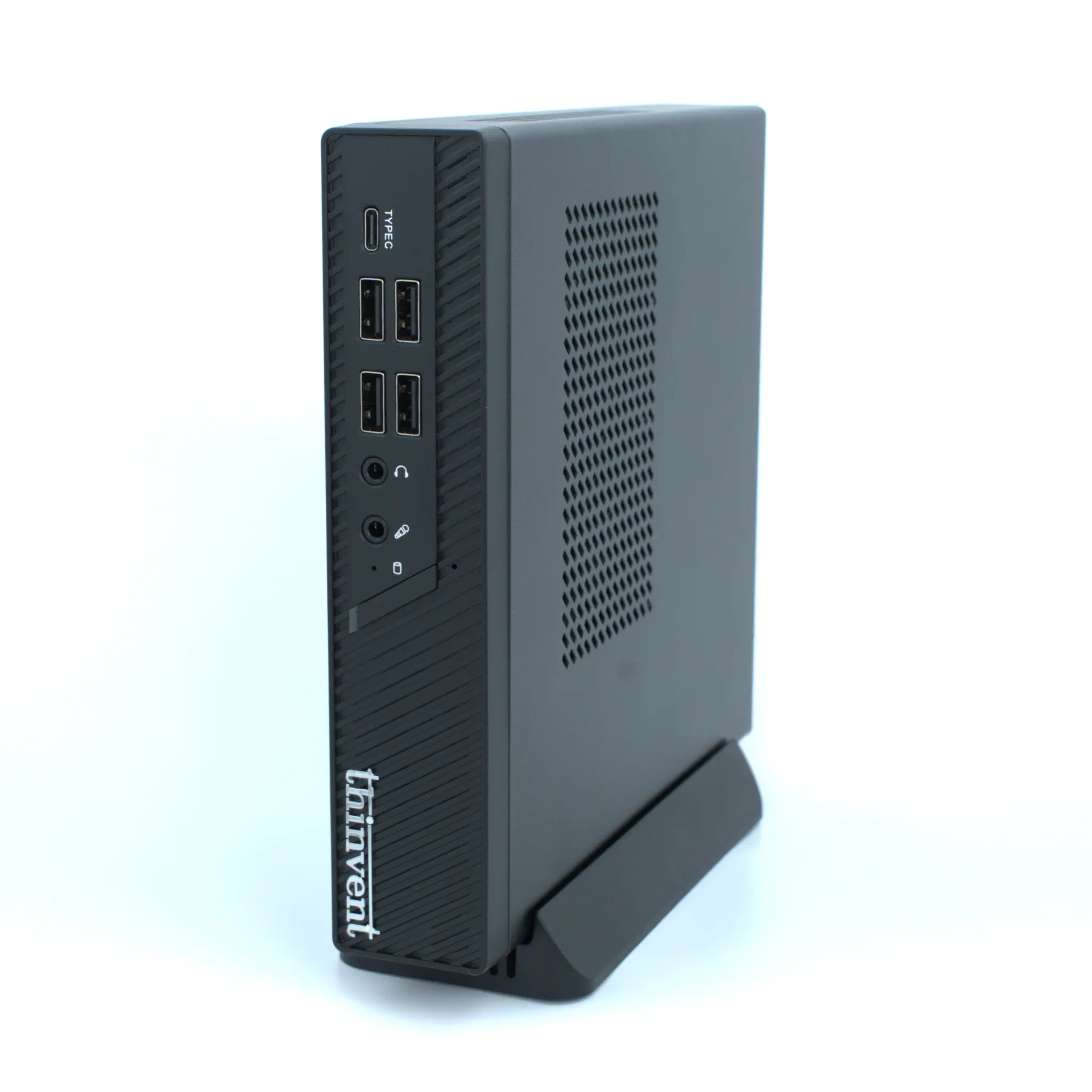
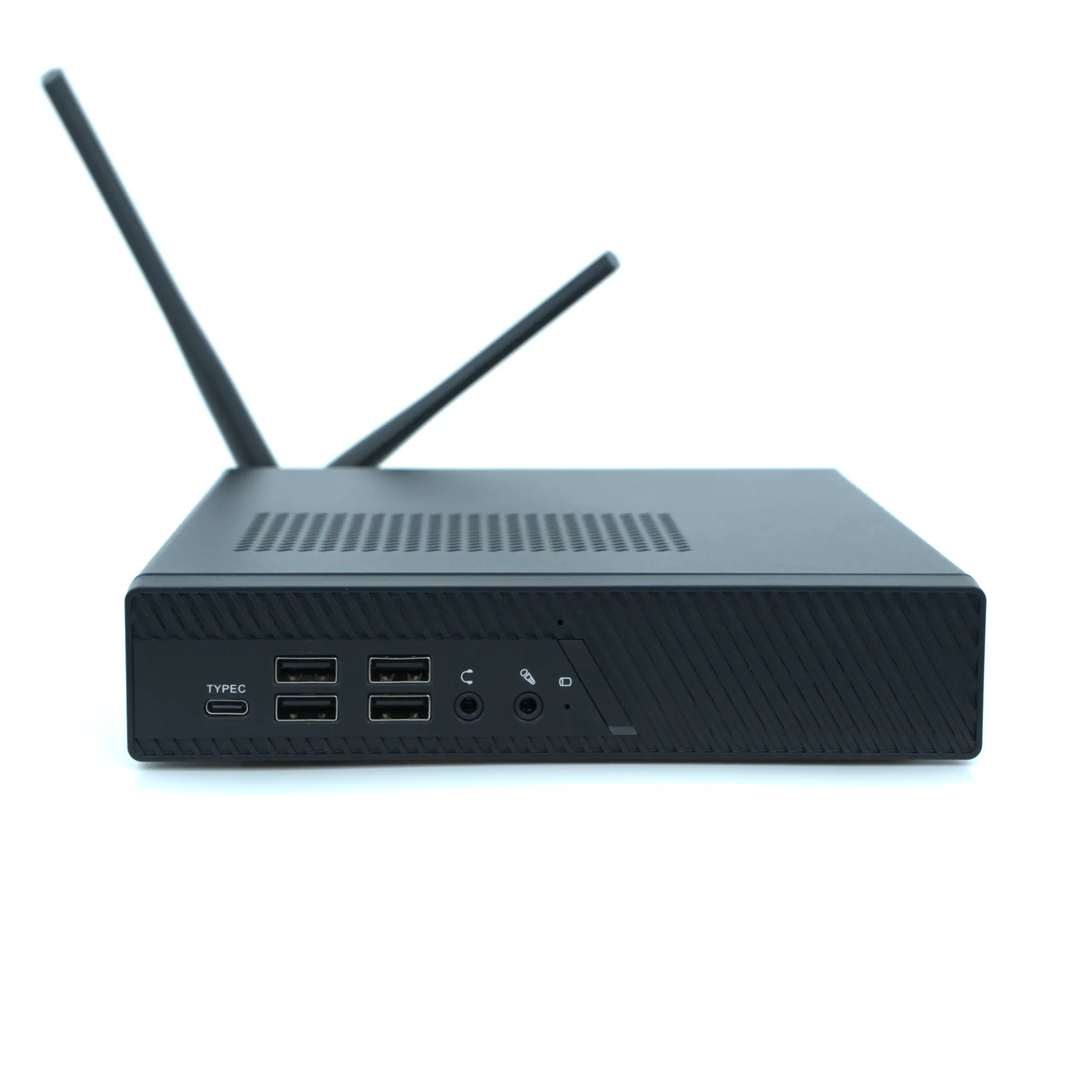
| Mini PC | Office, kiosks, digital signage | Entry to mid-range |
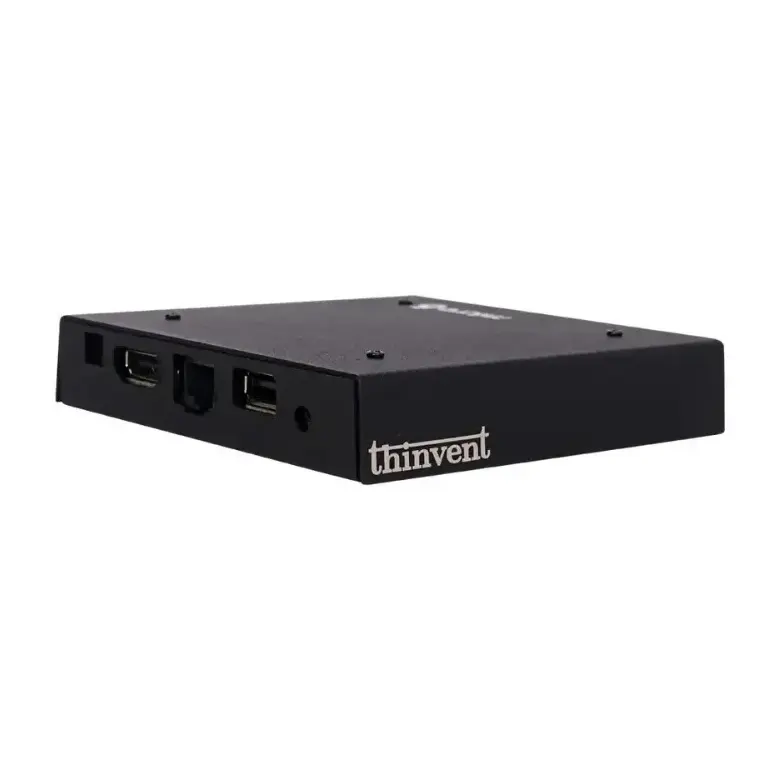
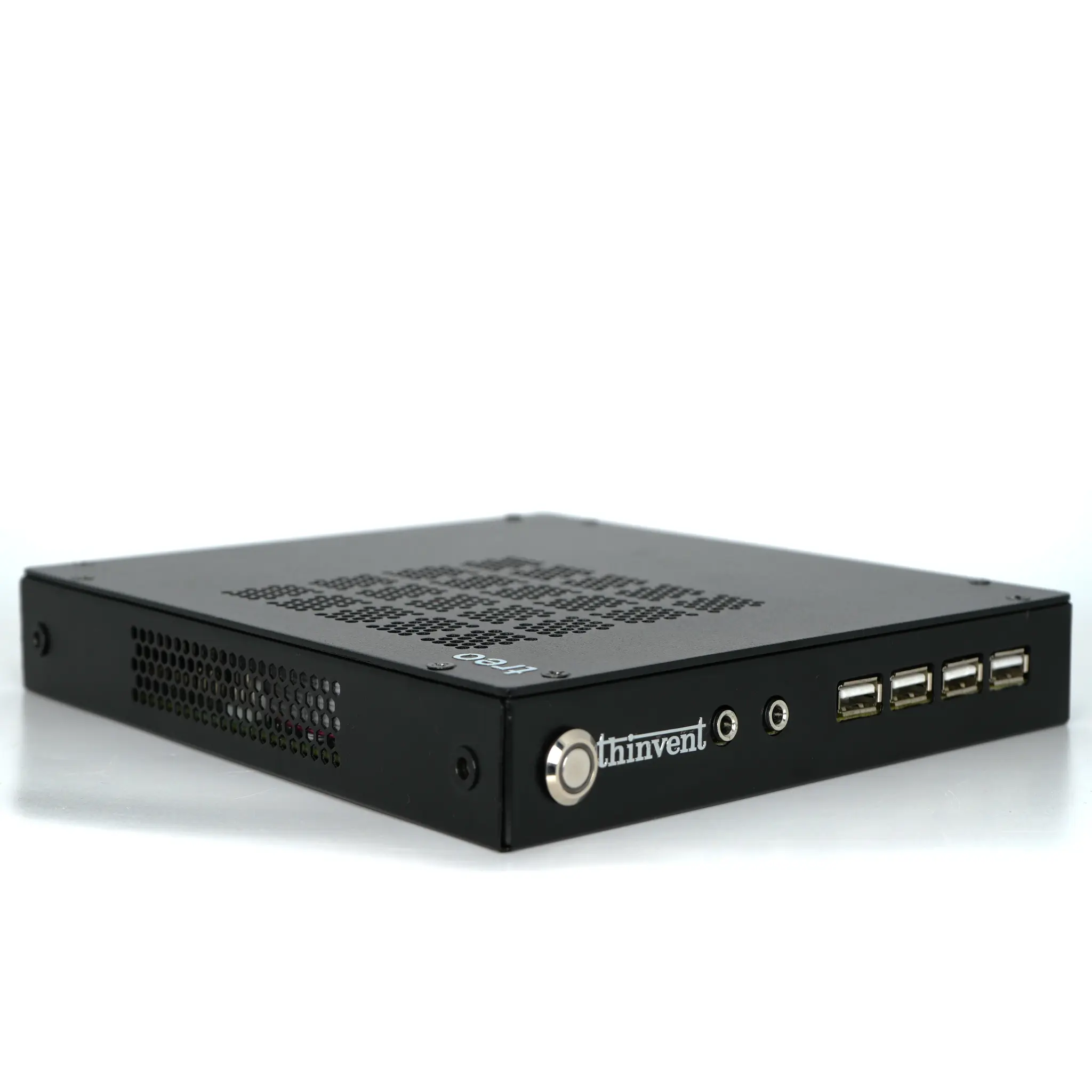
| Thin Client | VDI, remote desktop, cloud access | Entry level |
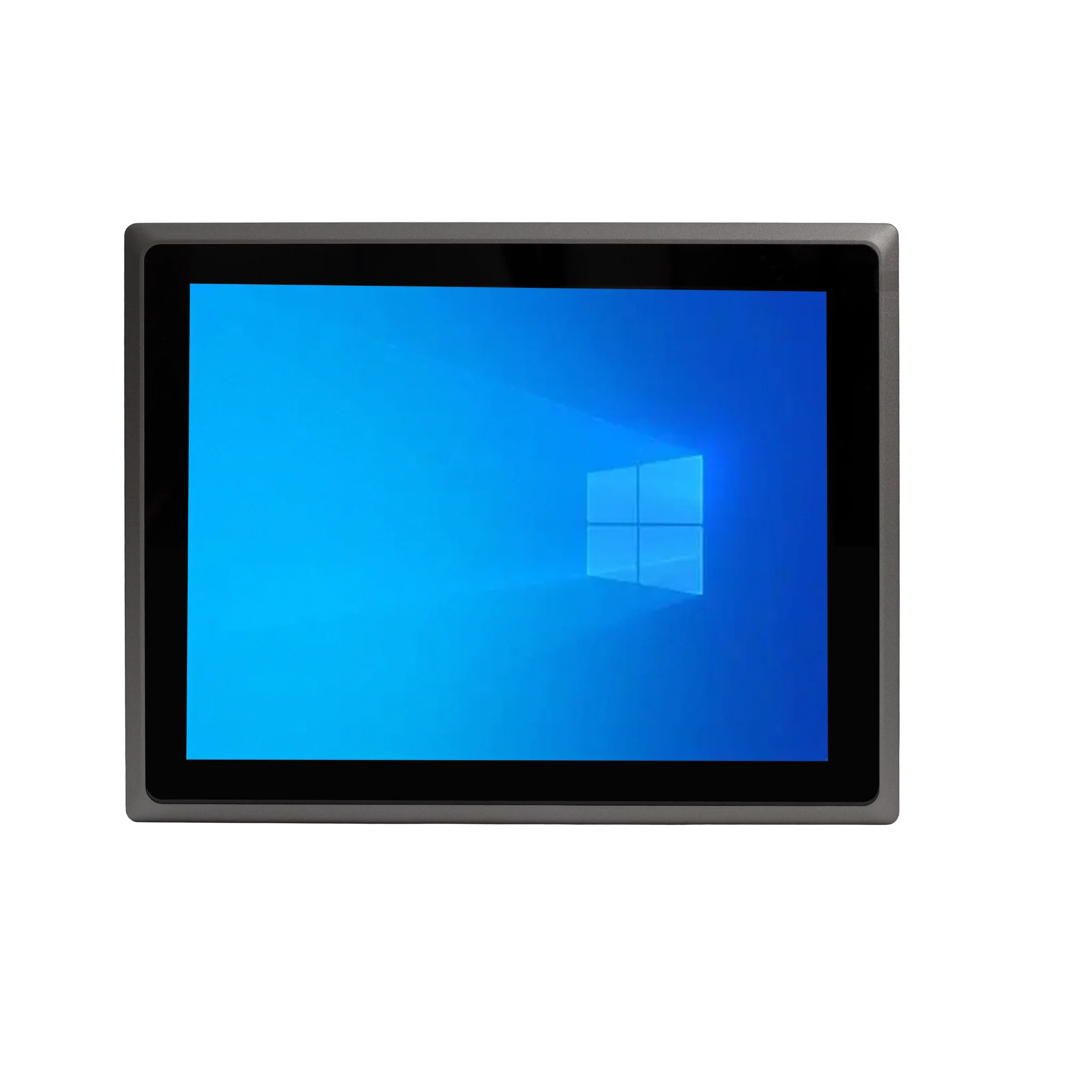
| All-in-One | Reception, retail, classrooms | Mid-range |
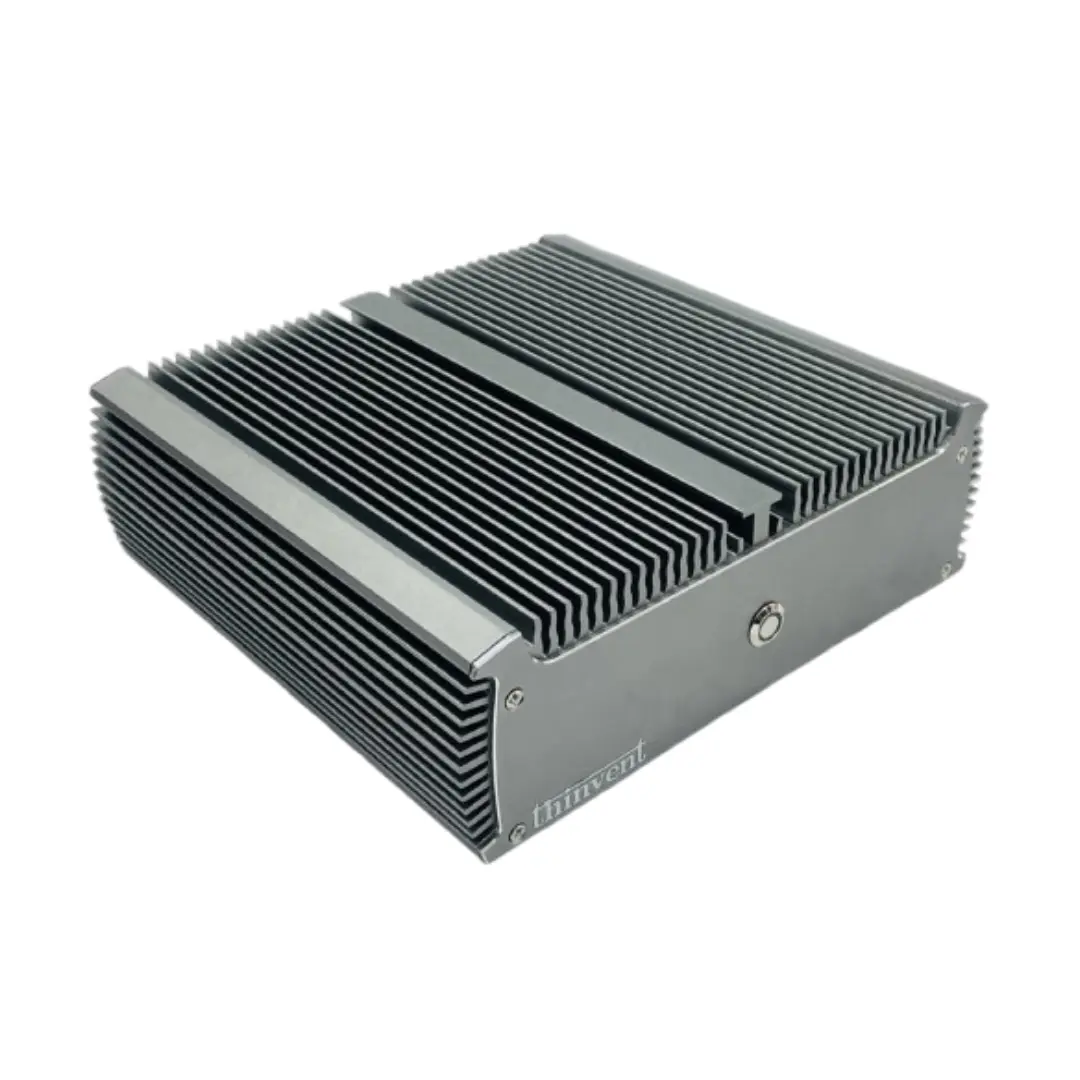
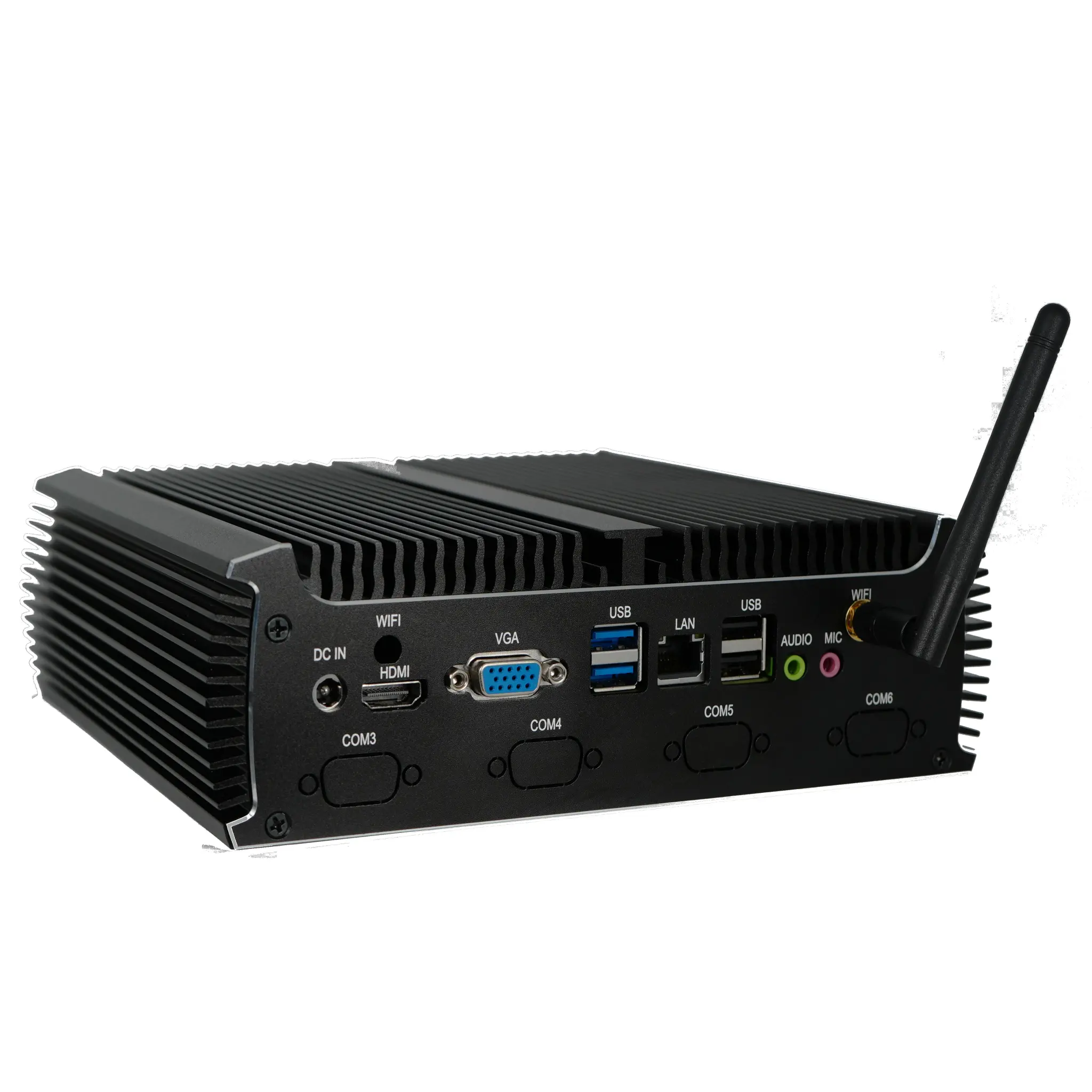
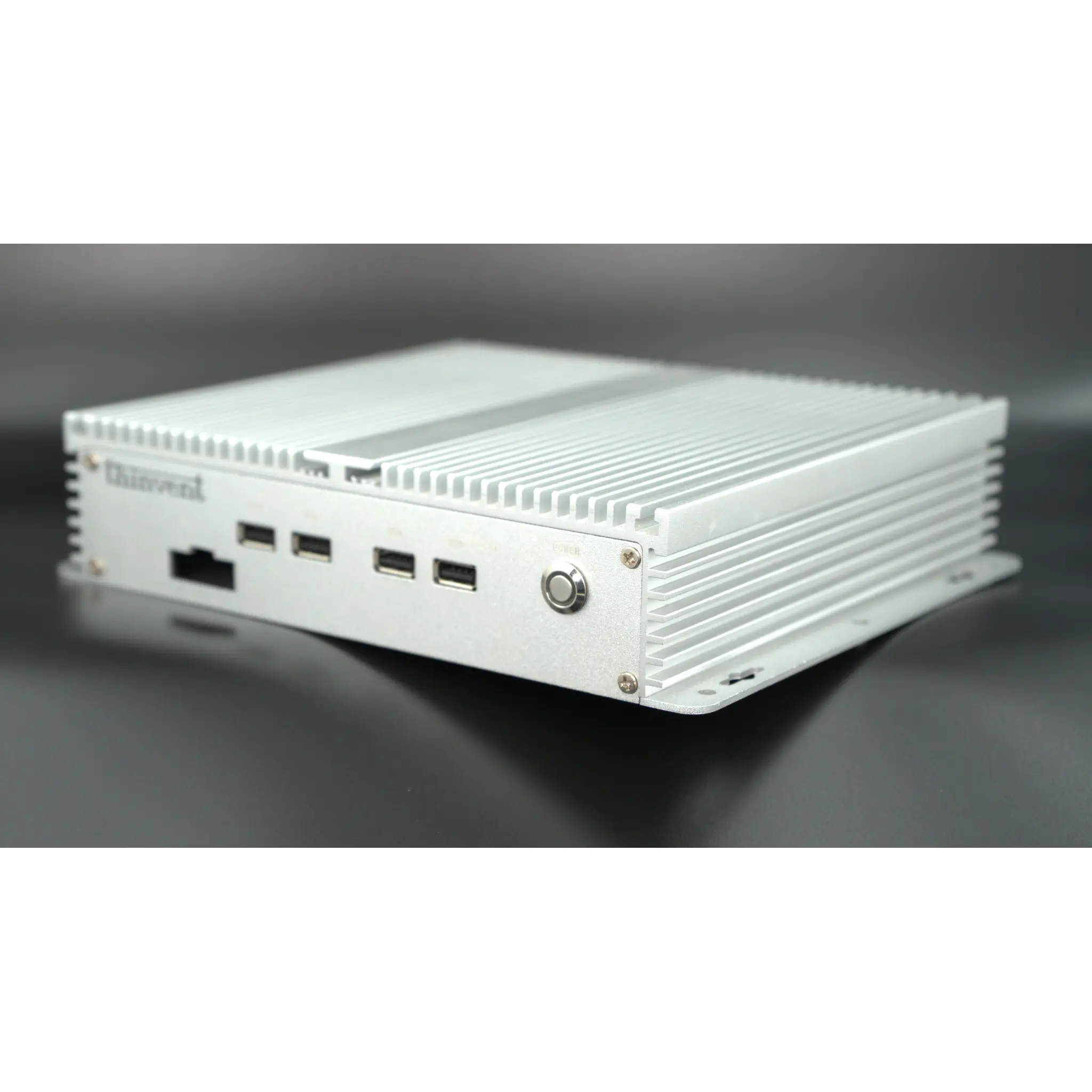
| Industrial PC | Factory floors, automation, 24/7 operation | Mid to premium |
An industrial PC costs more than a consumer mini PC of similar specifications because of what surrounds the electronics: fanless cooling, wide-temperature components, surge protection, rugged enclosures, serial ports (RS-232/DB9), dual Gigabit Ethernet and long-term supply commitments. You are paying for reliability over years of continuous operation, not just for clock speed.
Matching Specification to Budget
The smartest approach is to start from the workload, then choose the lowest specification that comfortably meets it. A thin client for cloud applications needs little local storage and modest RAM. A mini PC for office productivity benefits from 8–16GB RAM and a 256–512GB SSD. An industrial PC controlling machinery may need multiple serial ports, dual Ethernet and an i3 or i5 processor with 16GB RAM or more.
Buyers should also consider total cost of ownership. A slightly higher upfront price for fanless, dust-tolerant hardware often costs less over five years than a cheaper unit that needs frequent replacement, cleaning or repair. Software licensing, warranty length and local support availability all contribute to the real cost.
Thinvent's Range
Thinvent manufactures industrial computers, mini PCs, thin clients and all-in-one PCs for customers worldwide, built around Intel® and ARM platforms. Our line-up spans efficient Celeron® and N-series mini PCs, Core™ i3 and i5 industrial systems such as the IPC3 with the i3-1215U (6 cores, up to 4.4 GHz, 10 MB cache), and configurations with 4GB to 64GB RAM, 128GB to 1TB SSD, dual Gigabit Ethernet, HDMI and USB-C connectivity. Operating system options include Windows 11 Pro, Ubuntu Linux 24.04 LTS, Thinux™ Embedded Linux, FreeDOS or no OS at all, so you only pay for what your deployment needs. Contact Thinvent for a configuration and quotation matched to your application.