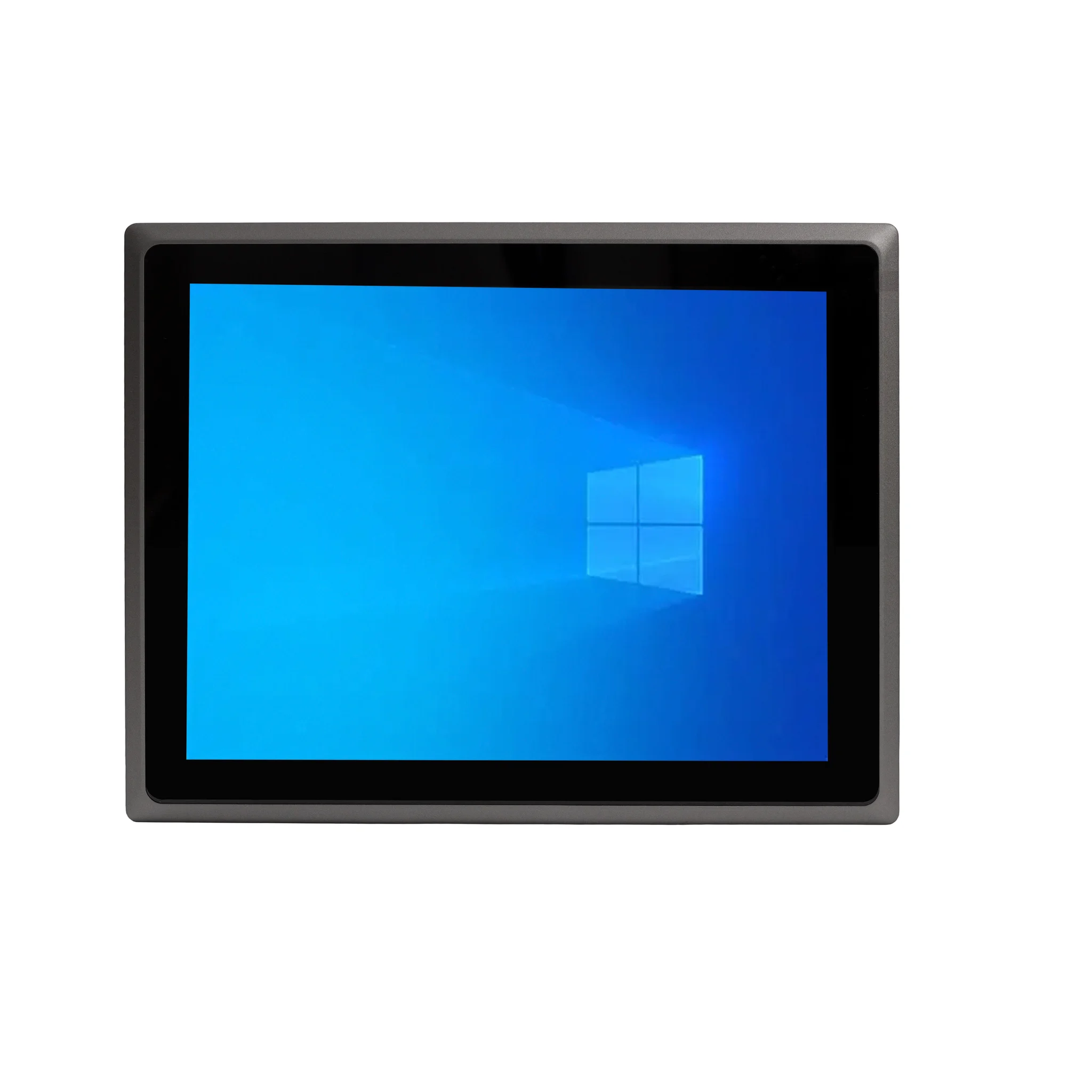
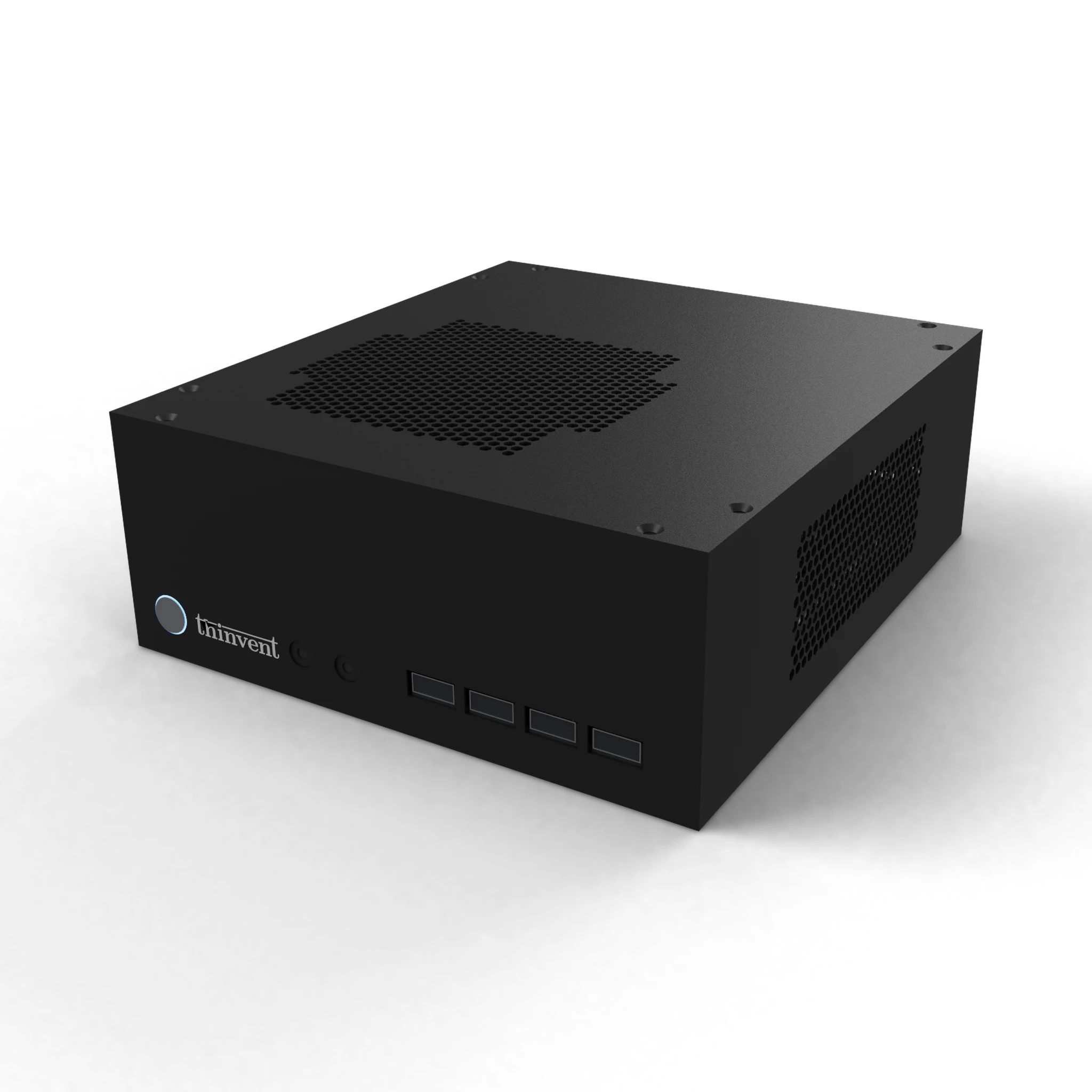
The HP All-in-One touchscreen desktop is a 27-inch all-in-one PC with an Intel Core Ultra 7 processor, up to 64 GB RAM and up to 2 TB of storage, running Windows 11 Pro. The closest Thinvent match is the Thinvent Uno 23.8" All in One PC, which uses the Intel Core i7-1255U processor and is available with up to 64 GB RAM and 2 TB SSD.
HP All-in-One Touchscreen Desktop vs Thinvent Uno All in One PC
| HP All-in-One Touchscreen Desktop | Thinvent Uno 23.8" All in One PC (i7-1255U) | |
|---|---|---|
| Processor | Intel Core Ultra 7 | Intel Core i7-1255U |
| Cores/Threads | Up to 12 cores | 10 cores, up to 4.7 GHz |
| RAM | Up to 64 GB | 64 GB DDR4 (2 x 32 GB) |
| Storage | Up to 2 TB | 2 TB SSD |
| Display | 27-inch FHD touchscreen | 23.8-inch Full HD (1920 × 1080), 250 nits |
| Form Factor | All-in-One | All-in-One |
| Wireless | Wi-Fi | Wi-Fi 5 (802.11ac), dual band |
| Operating System | Windows 11 Pro | Windows 11 Pro |
Key differences
-
The Thinvent Uno reaches the same 64 GB RAM and 2 TB storage maximums as the HP.
-
The HP has a larger 27-inch touchscreen. The Thinvent Uno has a 23.8-inch Full HD display with 178° viewing angles.
-
The HP uses an Intel Core Ultra 7 processor, a newer processor series than the Core i7-1255U in the Thinvent Uno.
-
The Thinvent Uno has two Ethernet ports and an RS485 option, and it runs on a 12V DC power supply. We could not confirm the HP's Ethernet port count or power details.
-
The Thinvent Uno lets the buyer choose from Windows 11 Pro, Windows 11 IoT Value, Ubuntu Linux, Thinux™ Embedded Linux, Without OS or DOS.
-
The Thinvent Uno is rated for operation from 0°C to 35°C at 20% to 80% humidity, and it has a Kensington lock.
Which one should you choose?
Choose the HP if you need a 27-inch touchscreen and the newer Intel Core Ultra 7 processor. Choose the Thinvent Uno if you want a 64 GB, 2 TB all-in-one PC with dual Ethernet ports, a choice of operating systems, and a wide operating temperature range.