Understanding Desktop Computers with Monitors
A desktop computer with a monitor refers to a complete computing setup that includes both the processing unit and the display. Traditionally, this meant a large tower case connected to a separate monitor. However, modern solutions have evolved significantly. Today, this category includes space-saving options like All-in-One (AIO) PCs, where the computer is built directly into the monitor housing, and compact Mini PC setups paired with a dedicated display. These integrated solutions are ideal for environments where space efficiency, clean cable management, and a unified aesthetic are priorities.
Key Specifications and Form Factors
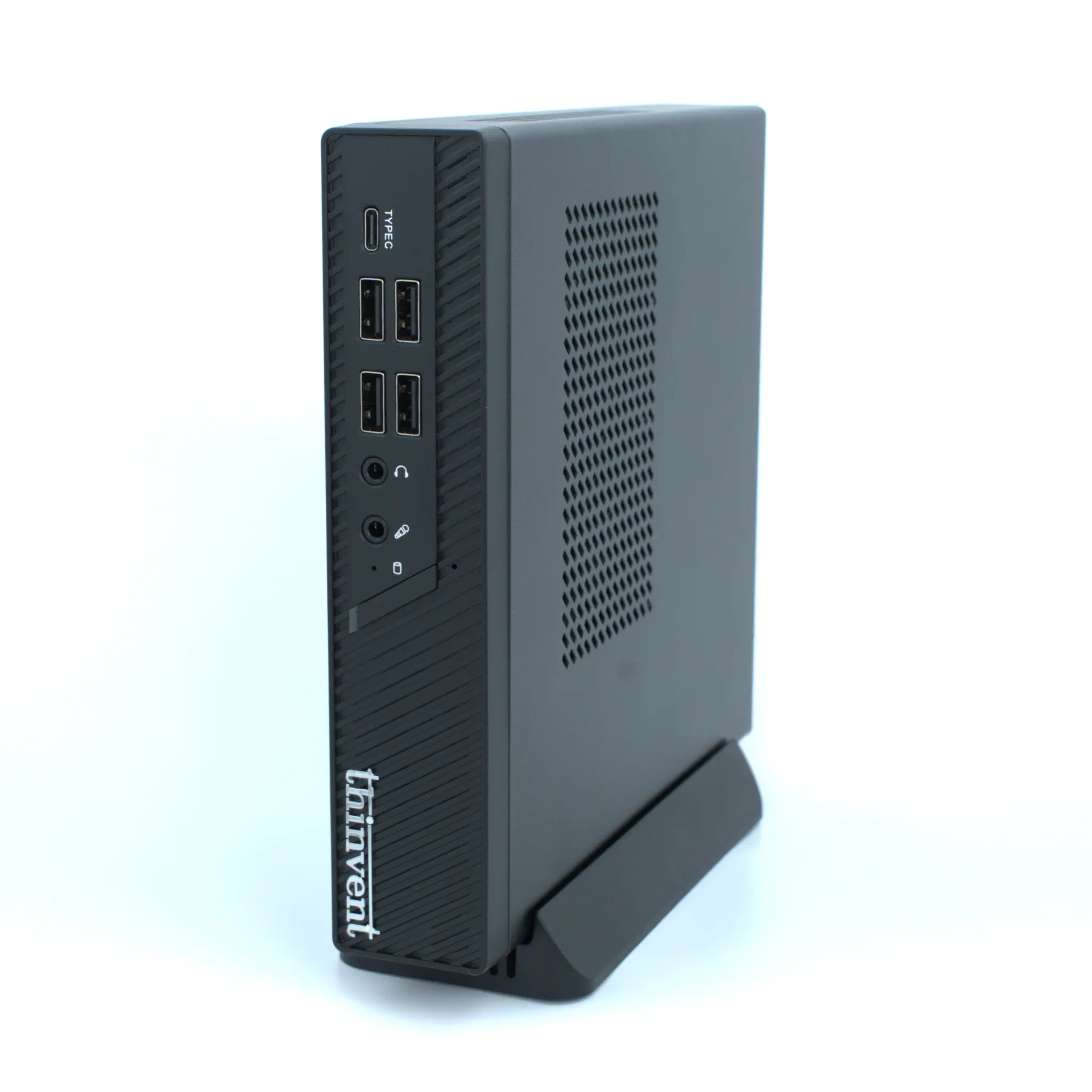
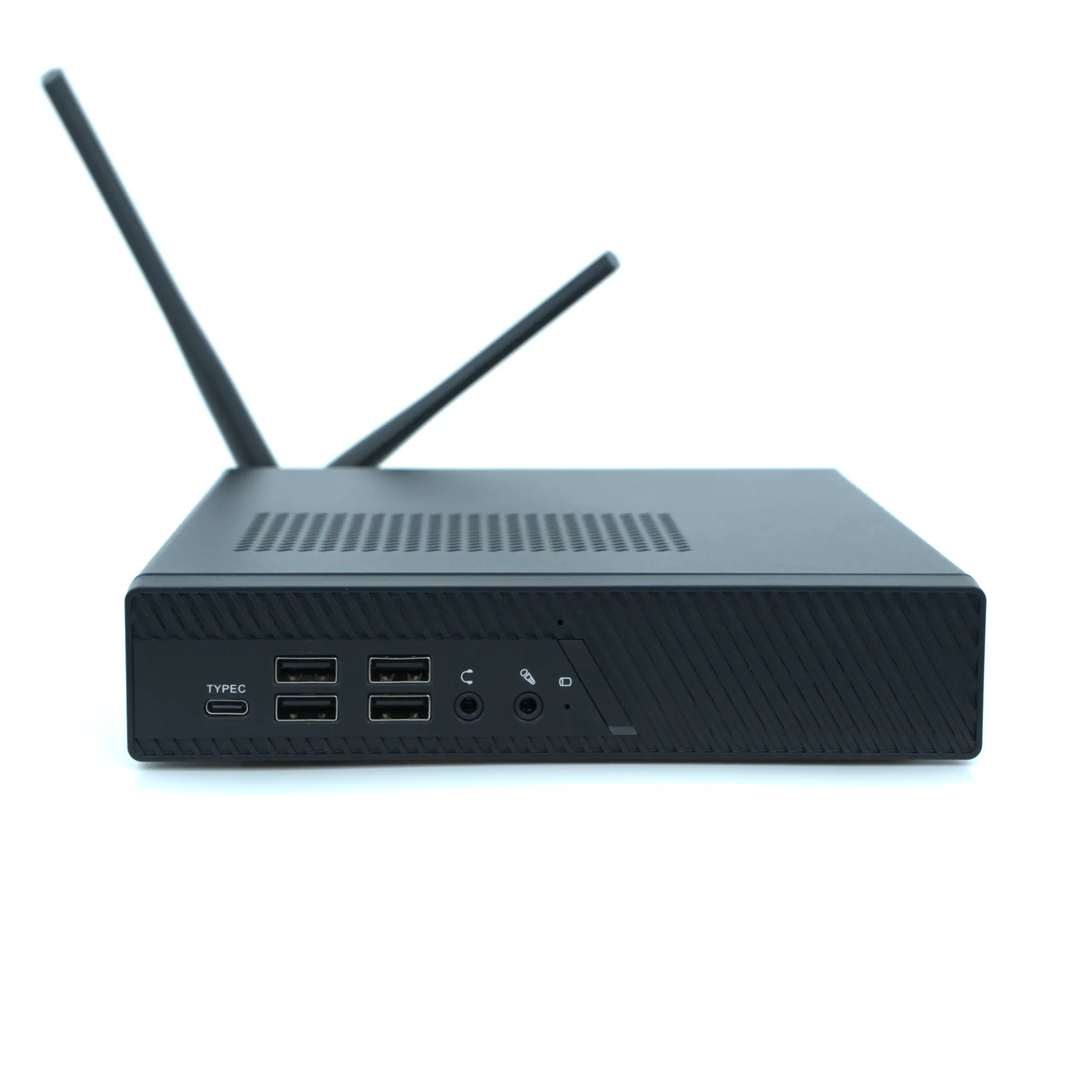
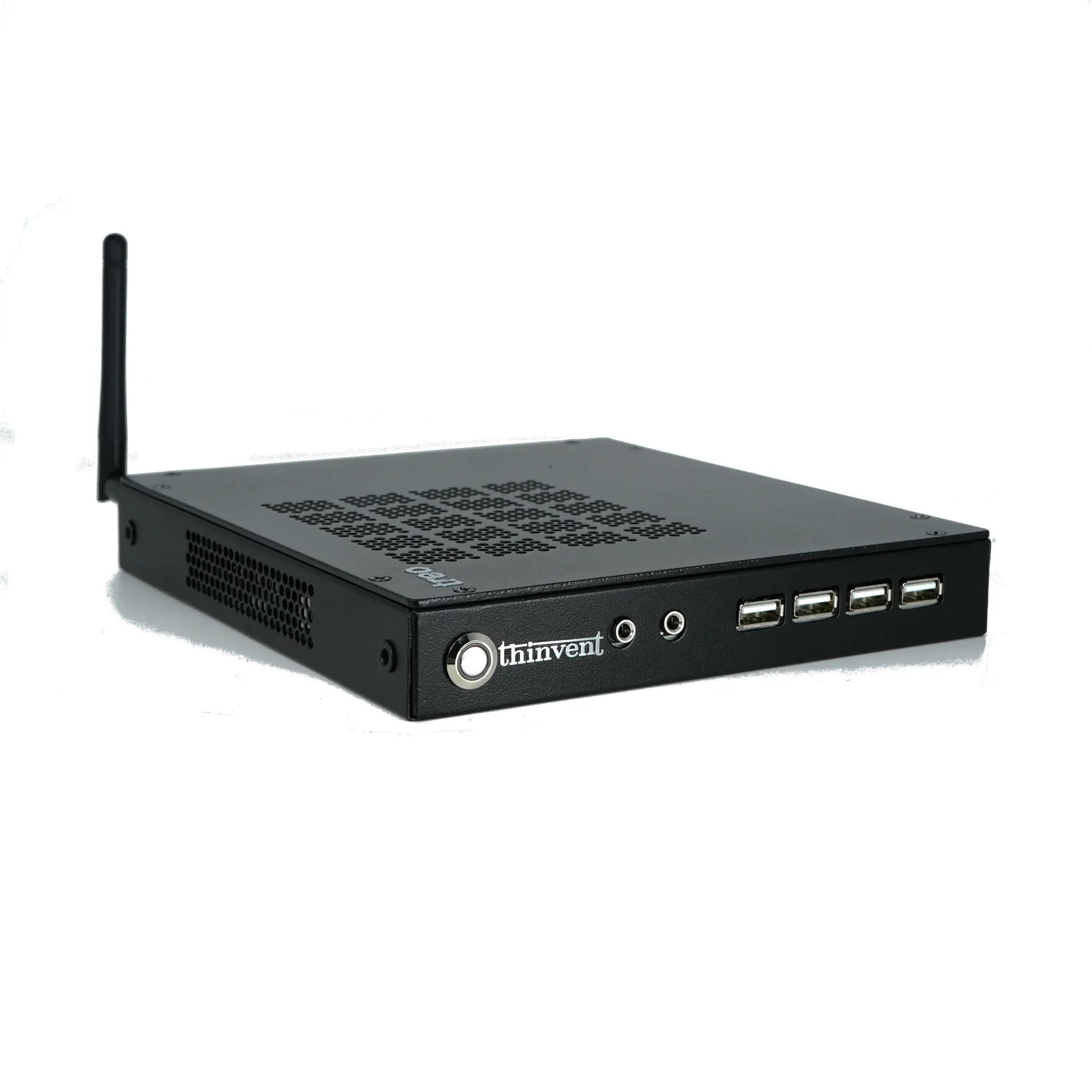
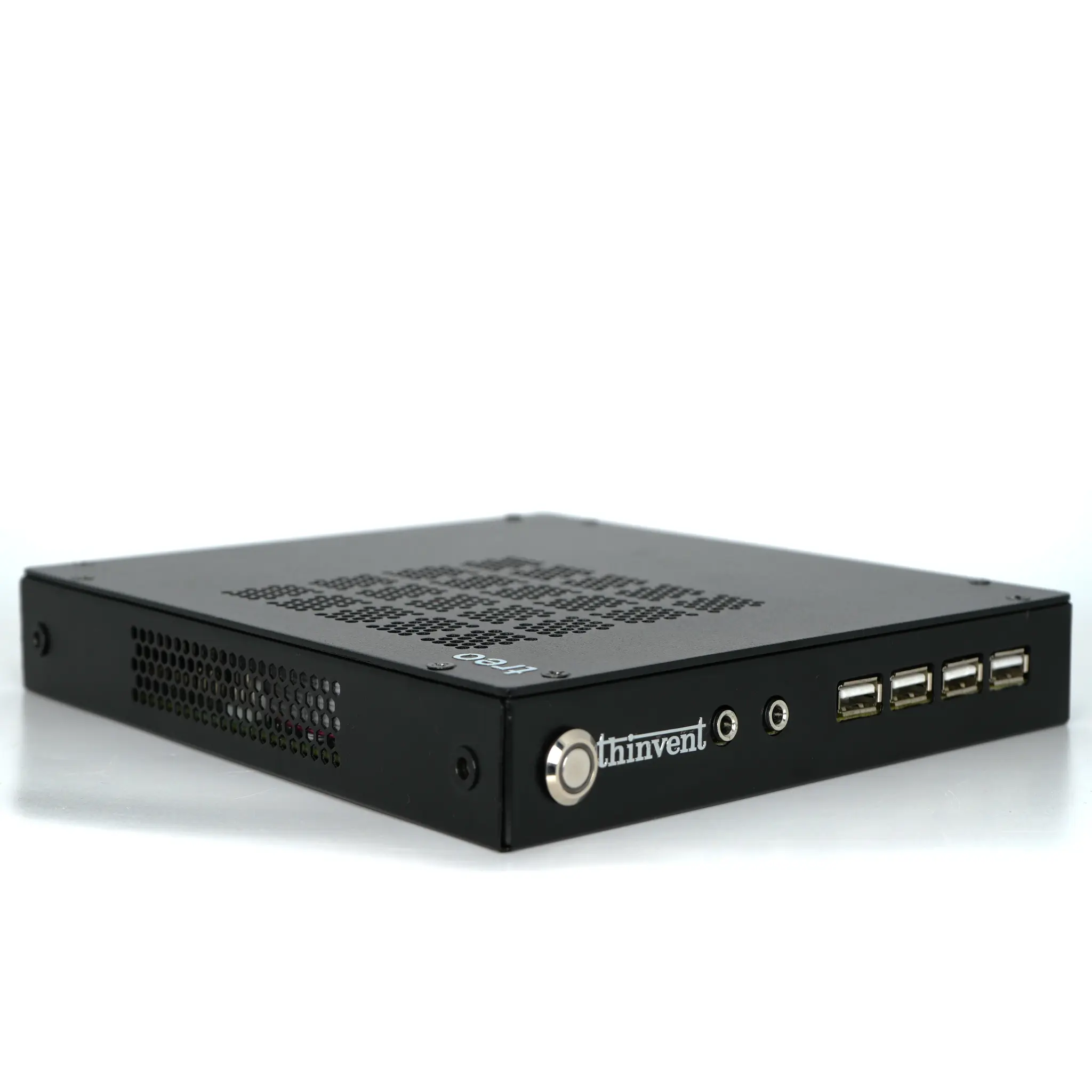
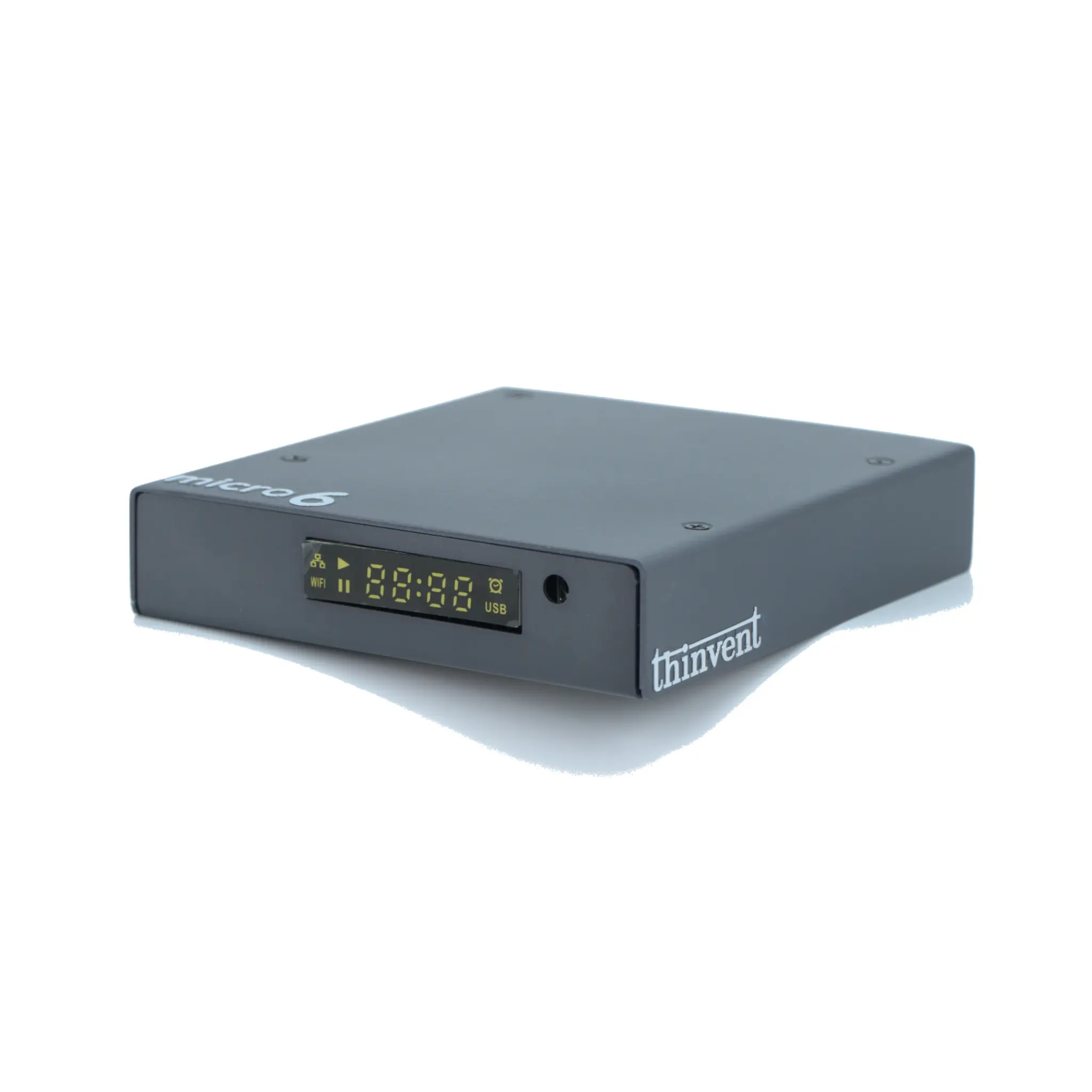
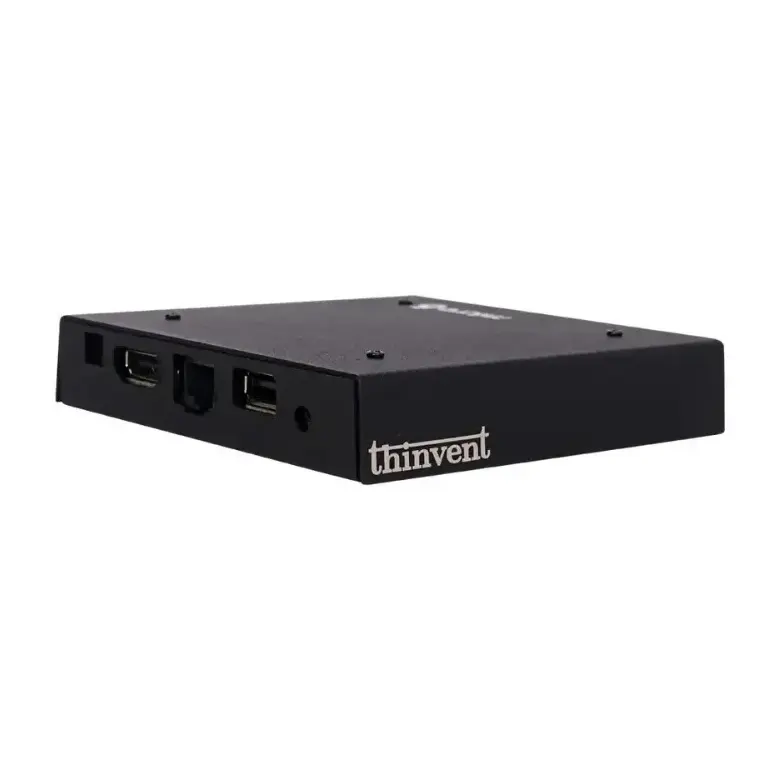
When selecting a desktop with a monitor, the form factor is a primary consideration. All-in-One PCs integrate the CPU, memory, and storage behind the display panel, offering a single, sleek unit. Compact Mini PCs, on the other hand, are tiny processing units that can be mounted behind a compatible monitor (VESA mount) or discreetly placed on a desk, connected via HDMI. Key technical specifications to evaluate include the processor (e.g., Intel Core or N-series for efficiency), RAM (typically 8GB to 16GB for general use), SSD storage (128GB to 512GB), and the monitor's screen size (common sizes are 21.5" and 23.8") and resolution (Full HD or 4K).
Applications and Use Cases
Integrated desktop and monitor systems are versatile across numerous professional and industrial settings. In office environments, they reduce clutter and simplify IT deployment. For digital signage and kiosks in retail or hospitality, All-in-One PCs provide a robust, single-unit solution. In control rooms and manufacturing floors, the compact footprint of a Mini PC paired with an industrial-grade monitor saves valuable space while delivering reliable performance. These systems are also excellent for educational institutions, healthcare reception areas, and home offices where a tidy workspace is essential.
Comparison: All-in-One vs. Mini PC + Monitor
| Feature | All-in-One (AIO) PC | Mini PC + Separate Monitor |
|---|---|---|
| Form Factor | Single, integrated unit. | Two separate components. |
| Space Efficiency | Excellent; minimal cables. | Very good; small PC can be hidden. |
| Upgradability | Limited; often difficult to access internal components. | High; PC and monitor can be upgraded independently. |
| Display Flexibility | Fixed; comes with a specific screen. | High; choose any monitor with desired specs/size. |
| Typical Use | Front-office, reception, general office work. | Digital signage, industrial control, customized workstations. |
Thinvent's Integrated Computing Solutions
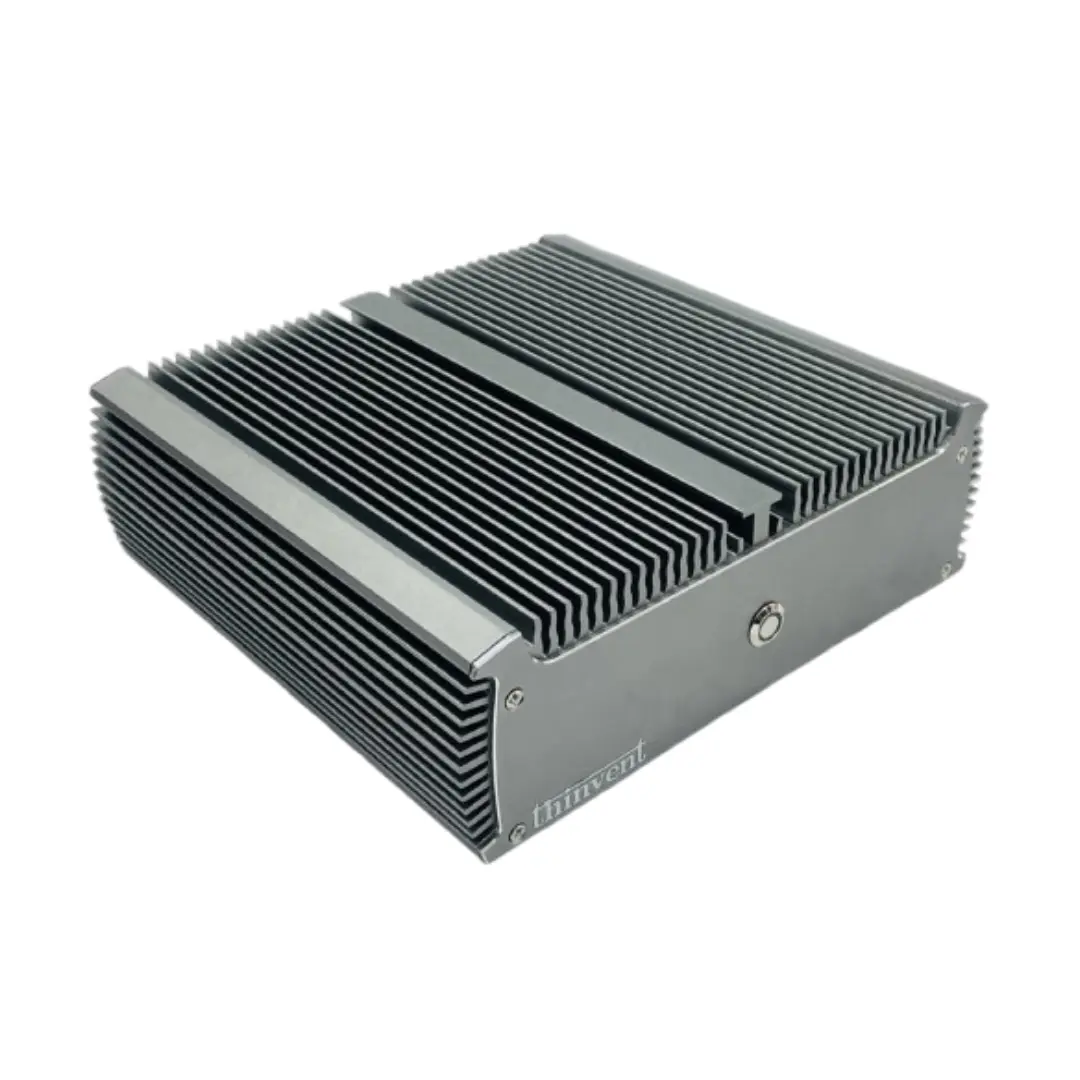
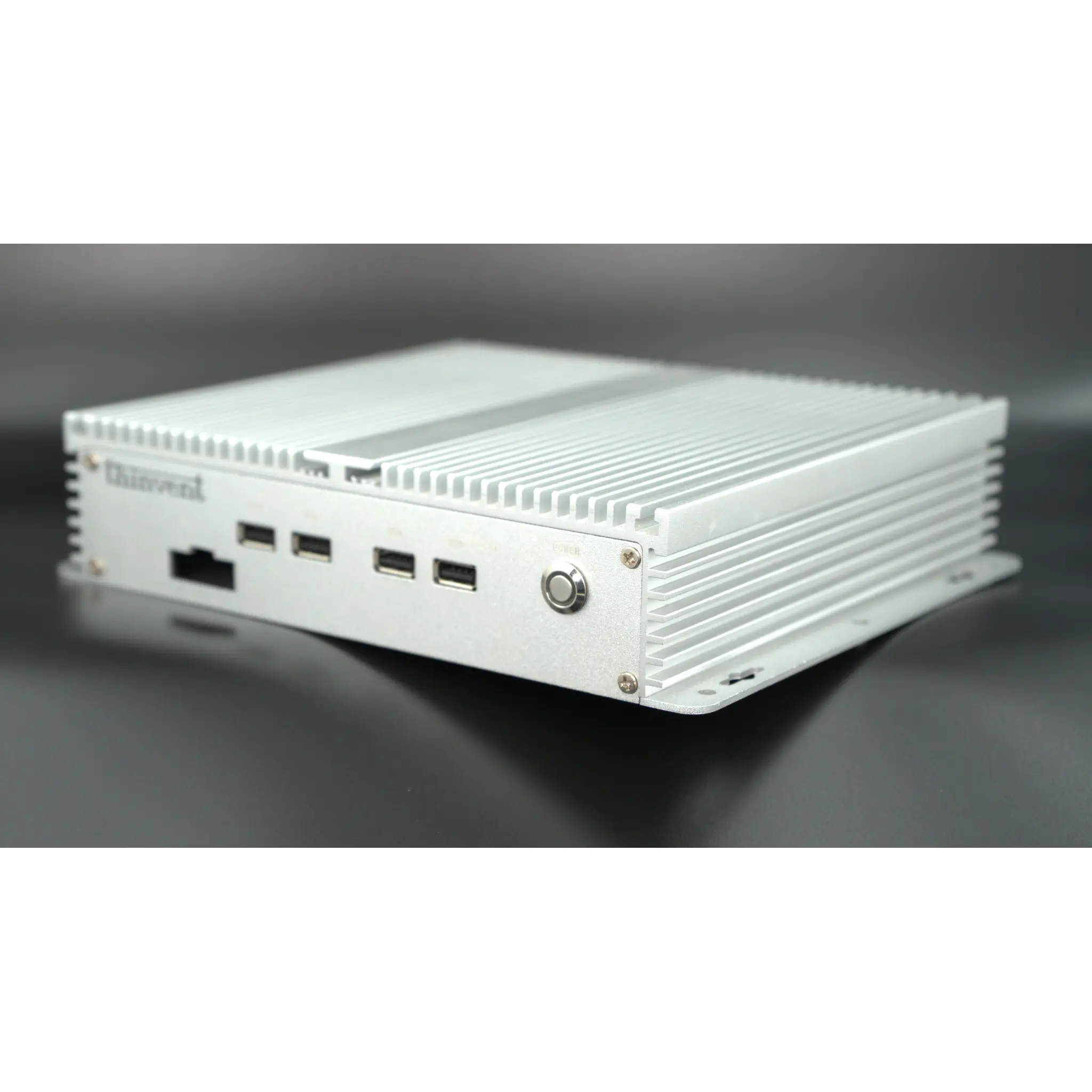
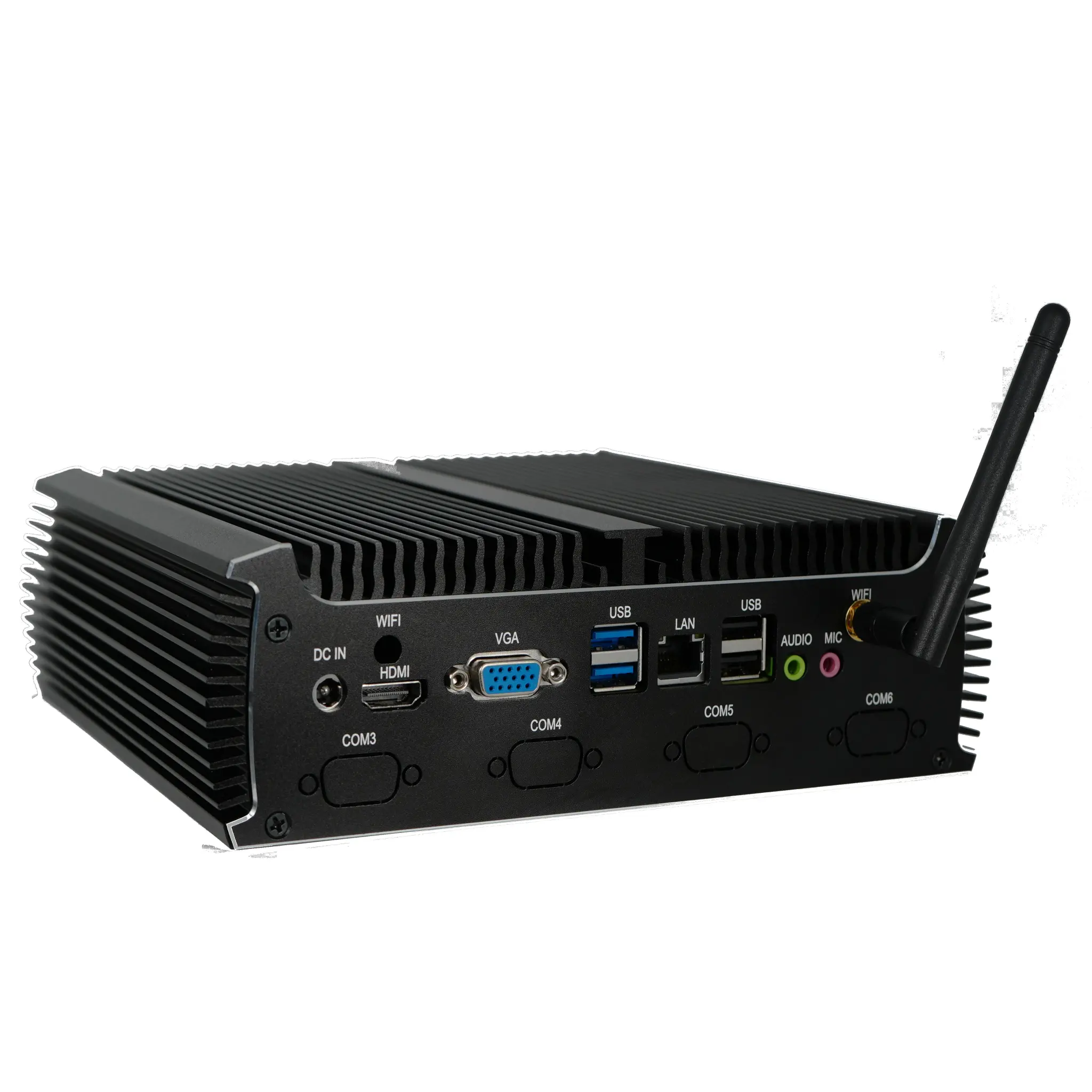
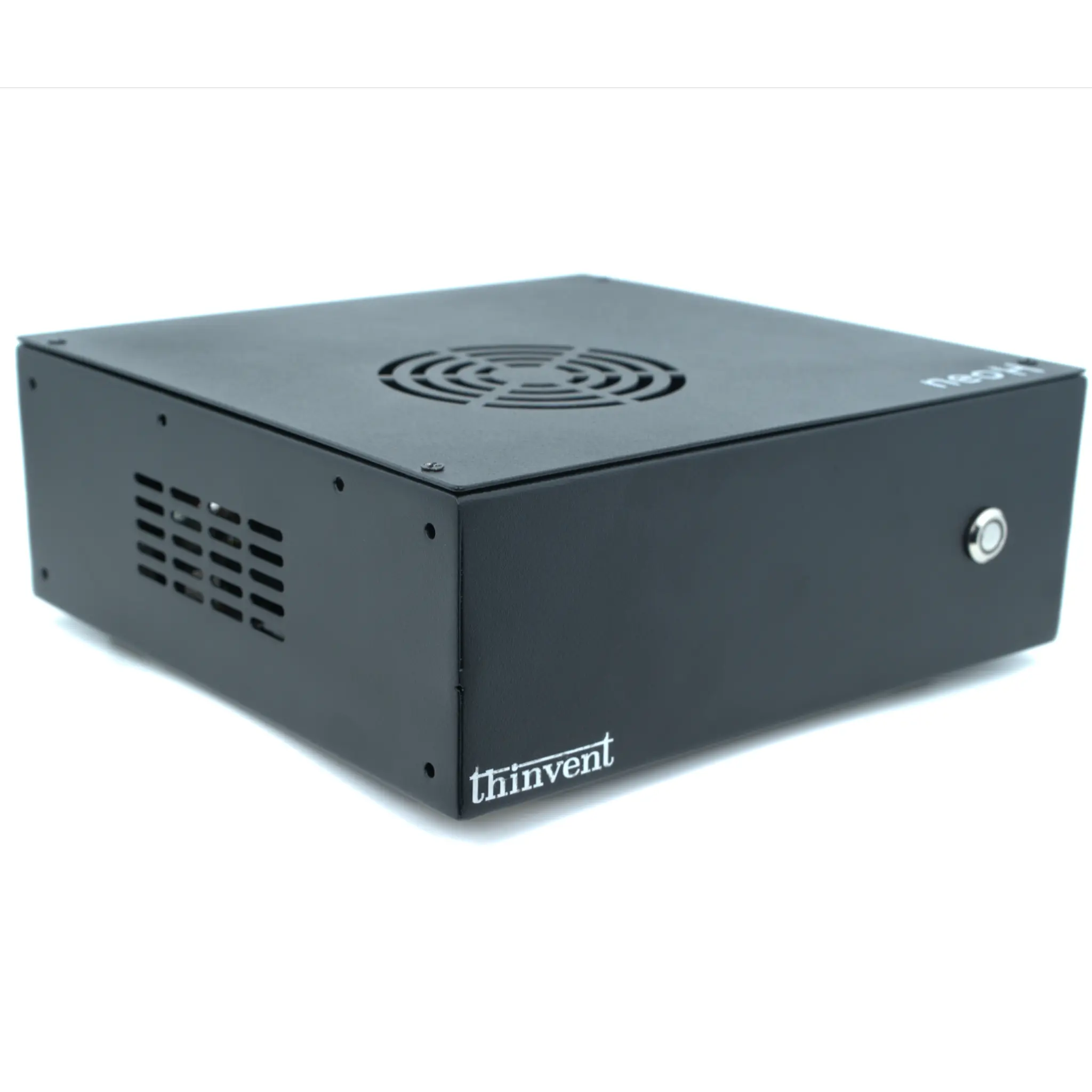
Thinvent offers robust alternatives to traditional desktop setups, focusing on reliability and compact design. While we specialize in industrial-grade Mini PCs that can be seamlessly paired with a monitor of your choice, our product philosophy emphasizes fanless cooling for silent operation, wide operating temperature ranges, and rich connectivity options like multiple HDMI ports and Gigabit Ethernet. This makes them perfect for creating clean, professional, and durable workstation solutions. Explore our range of compact, high-performance computing units designed to integrate perfectly with modern displays for a streamlined and powerful user experience.