Understanding the fundamental differences between industrial and commercial computers is crucial for selecting the right hardware for your environment. While both types perform computational tasks, they are engineered for vastly different operating conditions, lifespans, and reliability requirements. This guide breaks down their core distinctions.
Key Differences: Design and Durability
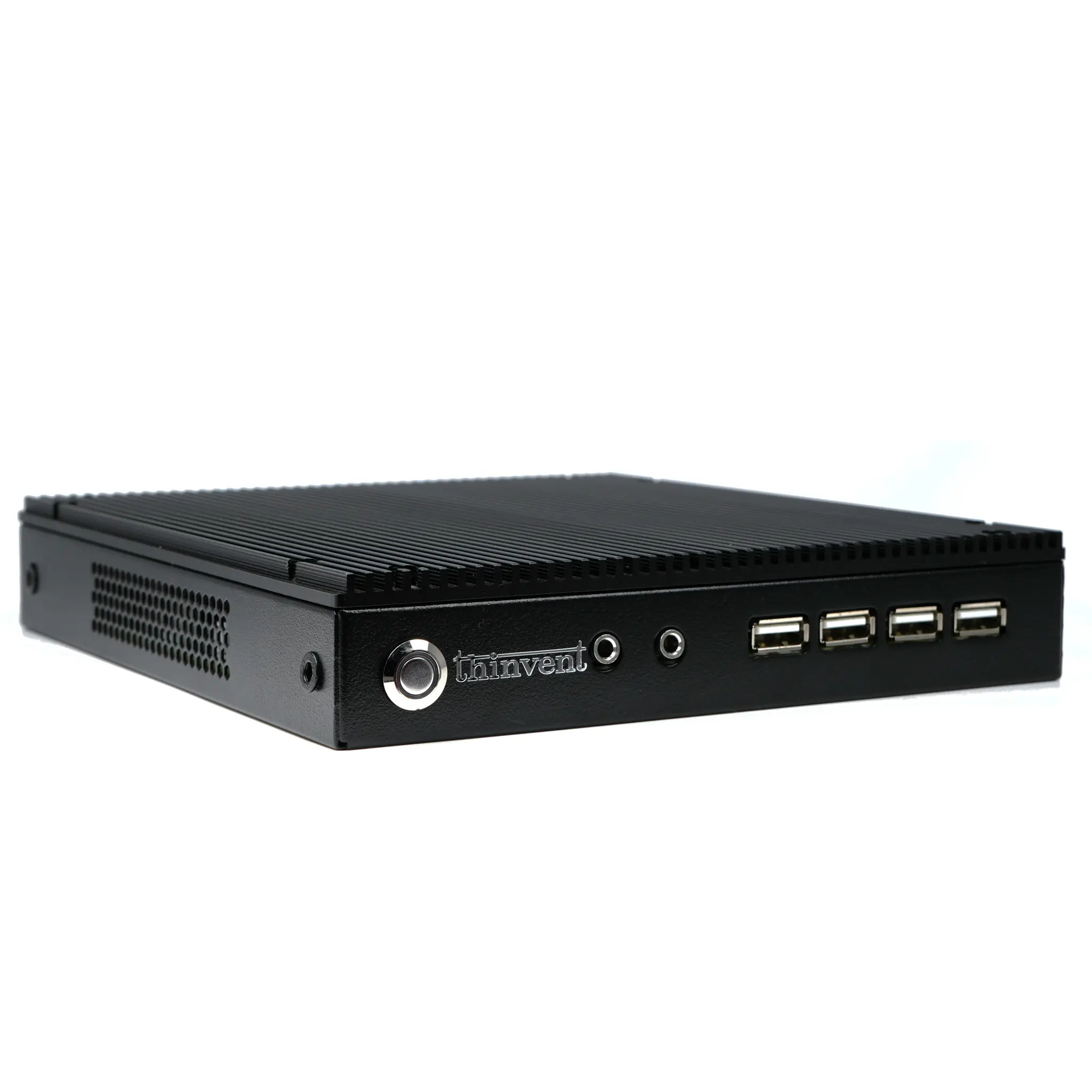
The primary divergence lies in their design philosophy. Industrial PCs (IPCs) are built for longevity and reliability in harsh conditions. They typically feature fanless, sealed enclosures for dust and particulate resistance, wide operating temperature ranges (often from -20°C to 70°C), and robust metal chassis. They support extended component lifecycles, meaning key parts like CPUs and chipsets remain available for many years, which is vital for long-term industrial projects. Commercial computers, including standard office desktops, mini PCs, and laptops, are designed for cost-effectiveness and performance in climate-controlled environments like offices and homes. They often use active cooling (fans), have narrower operating temperatures, and follow shorter, consumer-driven product cycles.
Technical Specifications and Use Cases
The technical specs align with their intended use. Industrial computers often utilize power-efficient, reliable processors (like Intel's N-series or industrial-grade Core i-series) and are built to withstand constant 24/7 operation, vibration, and electrical noise. Common applications include:
-
Factory Automation: Machine control, PLCs, HMI stations.
-
Digital Signage: In transportation hubs, retail, and outdoor settings.
-
Edge Computing: Data acquisition and processing in field deployments.
-
Medical & Military: Where reliability and certification are paramount.
Commercial computers prioritize user experience, multimedia performance, and connectivity for general-purpose tasks like office productivity, web browsing, content creation, and gaming. They are not typically rated for continuous operation in demanding physical environments.
Comparison Table: Industrial vs. Commercial Computers
| Feature | Industrial Computer | Commercial Computer |
|---|---|---|
| Primary Goal | Reliability & Longevity | Performance & Cost |
| Operating Temp | Wide Range (e.g., -20°C to 70°C) | Narrow Range (e.g., 5°C to 35°C) |
| Build Quality | Rugged, Sealed, Metal Housing | Standard, Plastic/Metal, Vented |
| Cooling | Fanless (Passive) Design | Active Cooling (Fans) |
| Component Lifecycle | Extended (5-10+ years) | Short (1-3 years) |
| Use Case | Harsh Environments, 24/7 Operation | Office, Home, Controlled Settings |
| Certifications | Often IP-rated, CE, FCC Class A | CE, FCC Class B |
Thinvent's Range of Industrial and Commercial Solutions
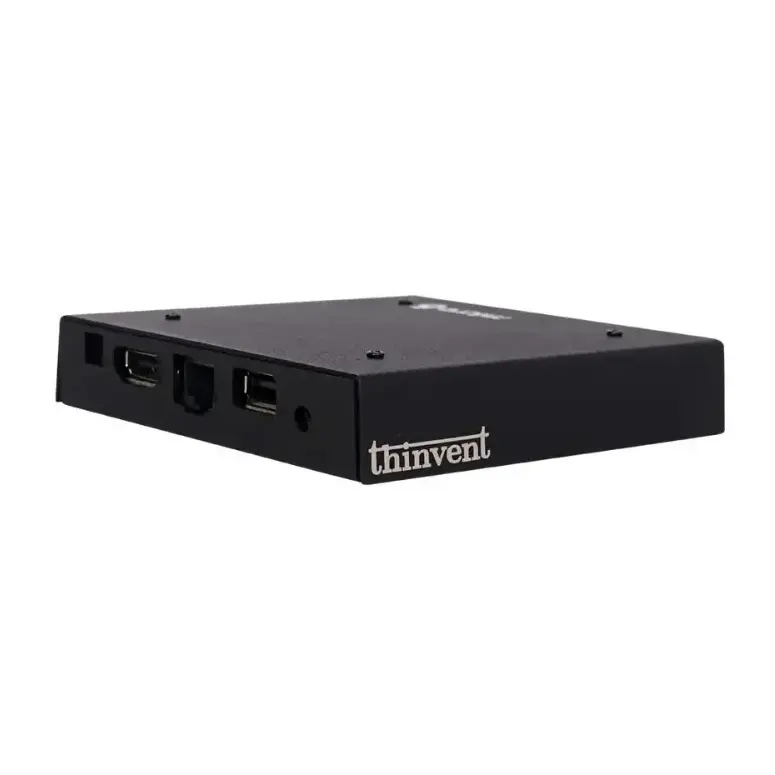
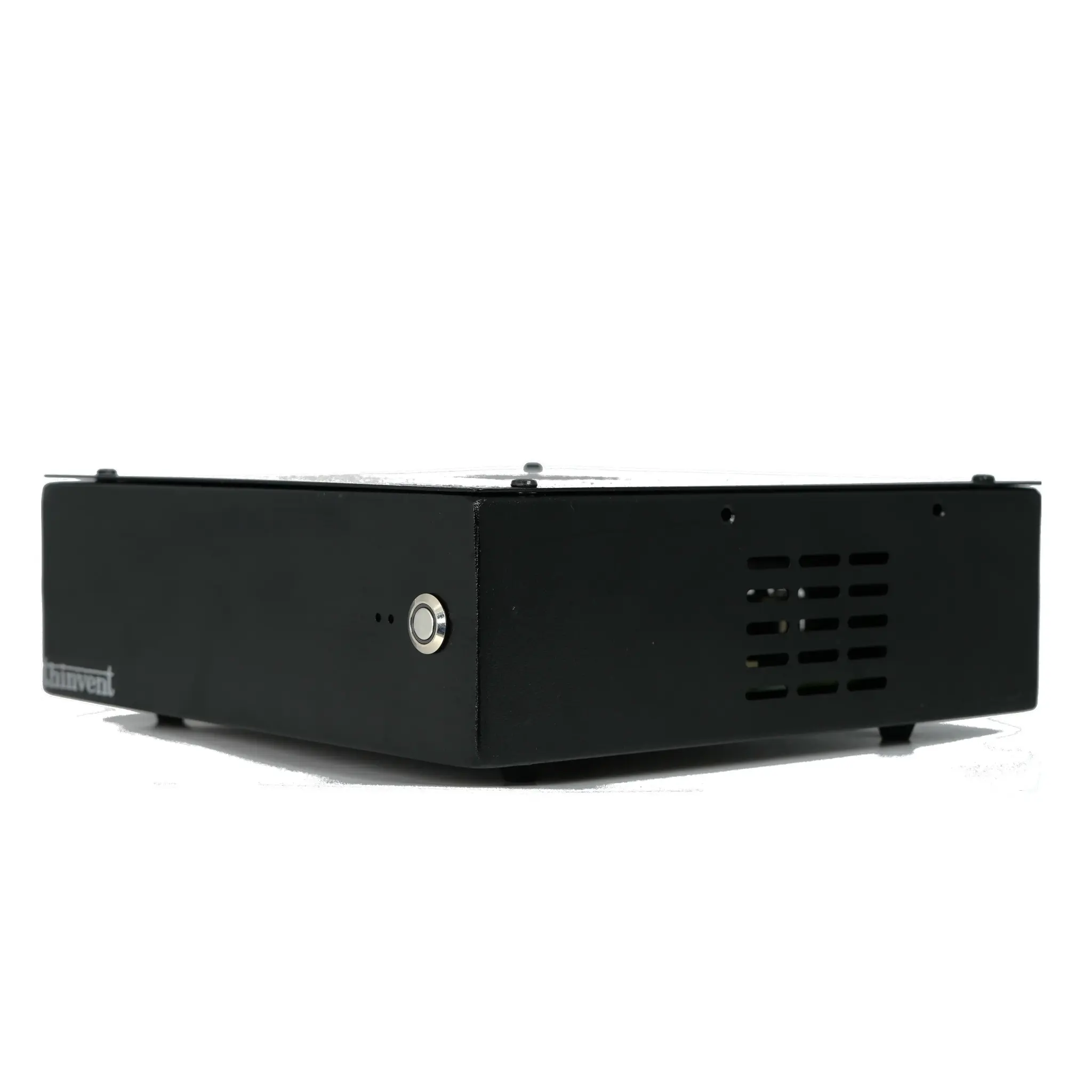
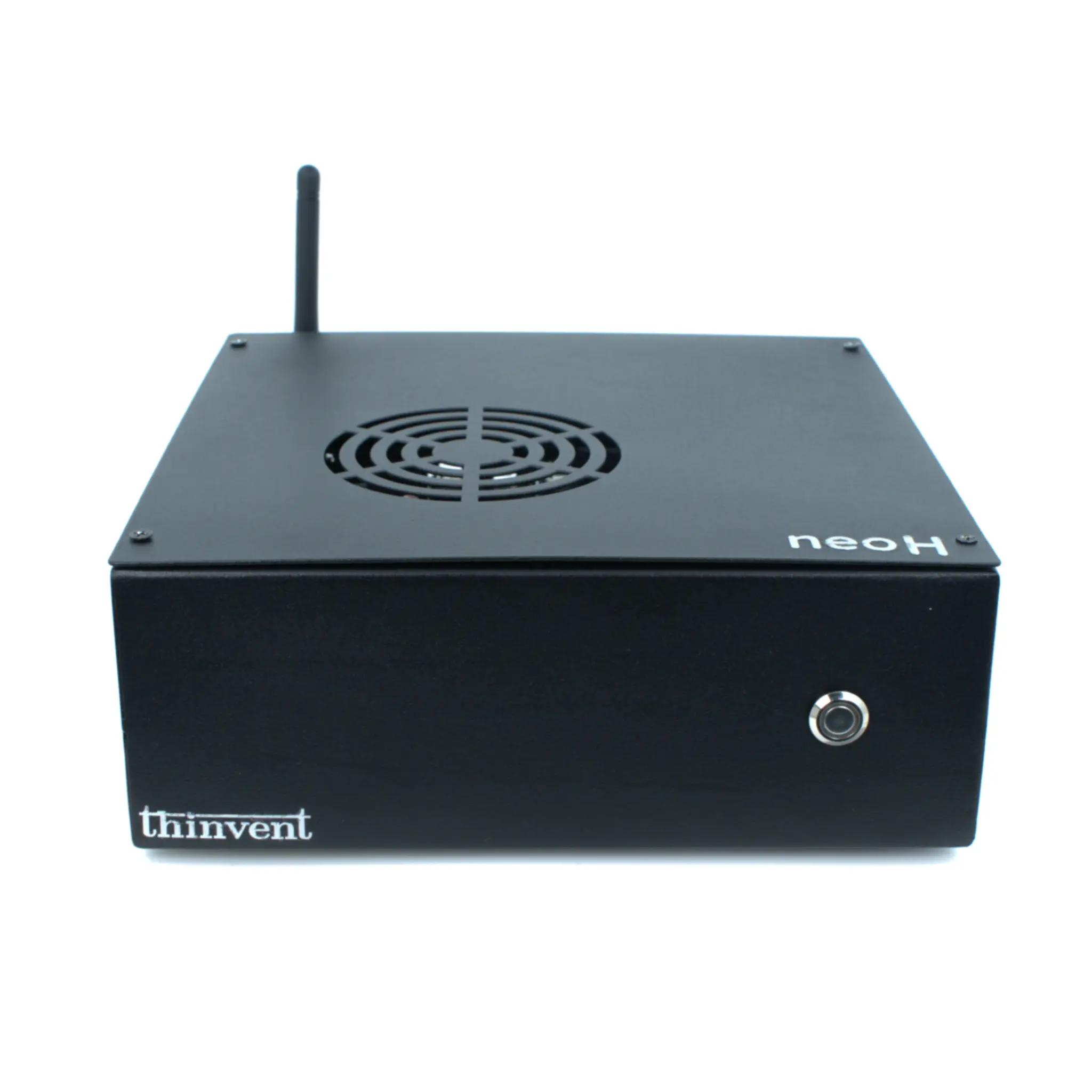
Thinvent offers a comprehensive portfolio designed to meet both industrial and commercial computing needs. For demanding environments, our Industrial PC (IPC) series features fanless, rugged designs with wide-temperature components and long-term availability, perfect for automation and digital signage. For space-constrained commercial, retail, or light-duty roles, our Mini PC and Thin Client lines provide efficient, compact computing with options for Intel or ARM processors, running various operating systems. Our All-in-One PCs deliver integrated, sleek solutions for point-of-sale, kiosks, and office workstations. Whether you need a robust system for a factory floor or a compact computer for a desktop, Thinvent provides reliable, purpose-built hardware.