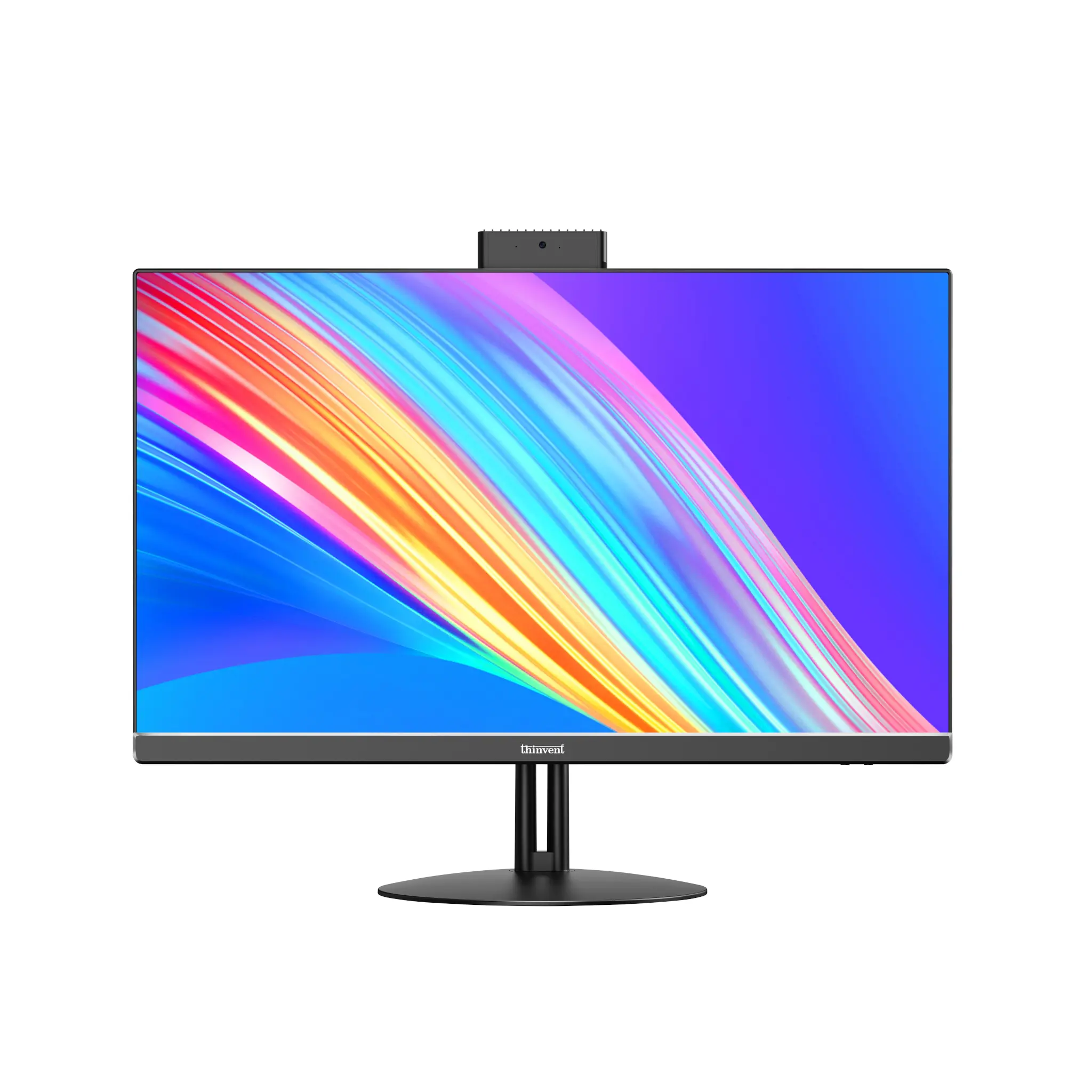
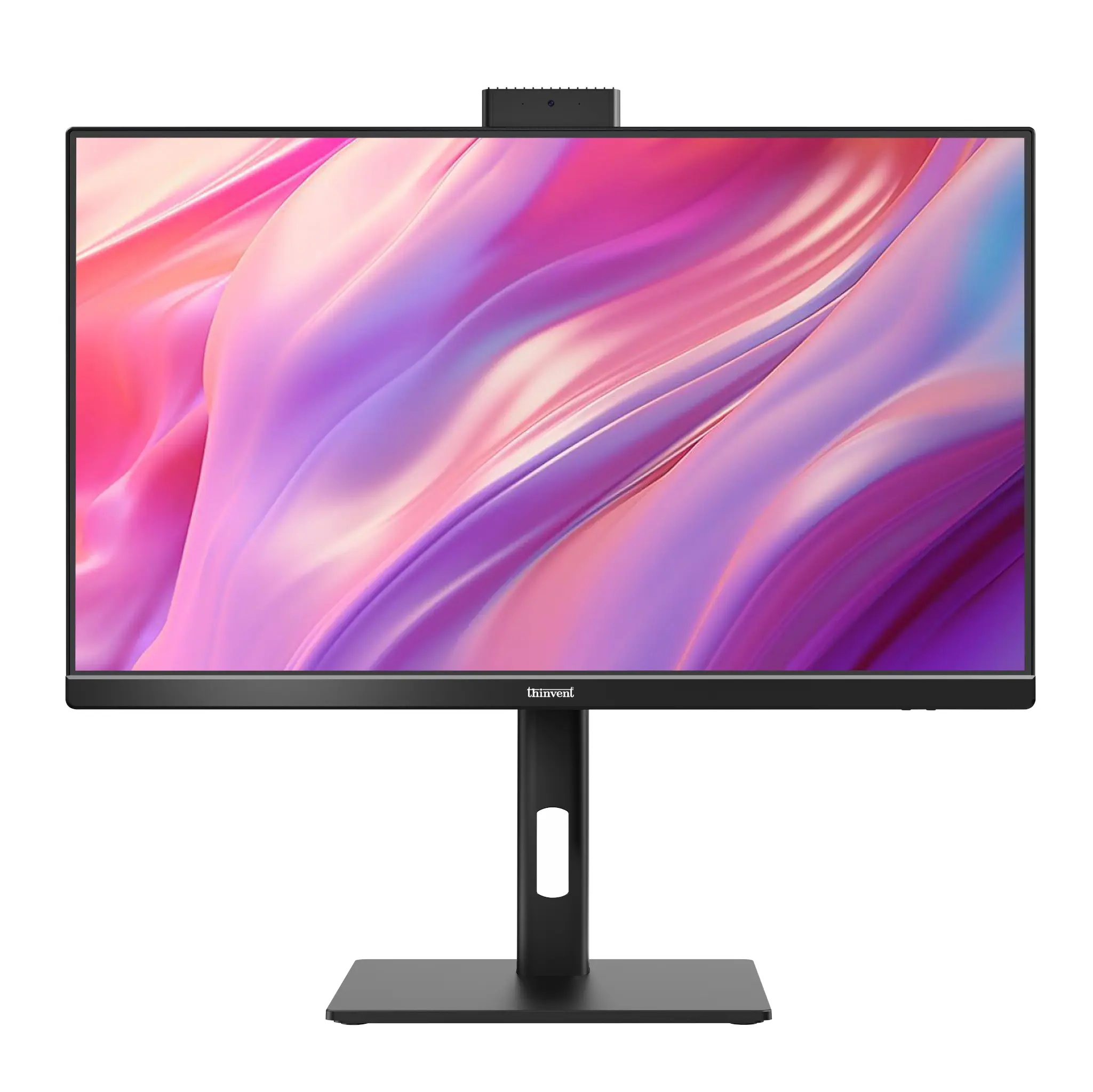
The Lenovo IdeaCentre all-in-one with an Intel Celeron processor is a compact, budget-oriented desktop with a 19.5-inch screen and 4 GB of DDR4 memory. The closest Thinvent match is the Thinvent Uno All-in-One PC with an Intel Celeron N5095A, which has a 21.5-inch screen and up to 32 GB of RAM and 2 TB of SSD storage.
Lenovo IdeaCentre All-in-One Celeron vs Thinvent Uno All-in-One PC
| Lenovo IdeaCentre All-in-One (Celeron) | Thinvent Uno 21.5" All-in-One PC, Intel Celeron N5095A | Thinvent Uno 21.5" All-in-One PC, Intel Core i3-1215U | |
|---|---|---|---|
| Processor | Intel Celeron (J4005 on the 19.5-inch model) | Intel Celeron N5095A | Intel Core i3-1215U |
| Cores/Threads | Not stated | 4 cores | 6 cores |
| RAM | 4 GB DDR4 | 4 GB to 32 GB | 4 GB to 64 GB |
| Storage | 1 TB | 128 GB to 2 TB SSD | 128 GB to 2 TB SSD |
| Form Factor | All-in-One | All-in-One | All-in-One |
| Display | 19.5-inch HD | 21.5-inch | 21.5-inch |
| Wireless | Not stated | No WiFi or Dual Band Wi-Fi 5 (802.11ac) | No WiFi or Dual Band Wi-Fi 5 (802.11ac) |
Key differences
-
Thinvent Uno offers a larger 21.5-inch display than the 19.5-inch Lenovo model.
-
Thinvent Uno supports up to 32 GB of RAM with the N5095A and up to 64 GB with the Core i3-1215U, against 4 GB on the Lenovo model.
-
Thinvent Uno supports up to 2 TB of SSD storage, with the choice of SSD for faster data access.
-
The Thinvent Uno with Core i3-1215U has 6 cores, while the Thinvent Uno with Celeron N5095A has 4 cores.
-
Dual Band Wi-Fi 5 is available as an option on Thinvent Uno models.
Which one should you choose?
Choose the Lenovo IdeaCentre if you want a compact all-in-one for light home or office tasks with a 19.5-inch display. Choose the Thinvent Uno if you need a larger 21.5-inch screen, more memory and SSD storage, or a Core i3 processor for heavier multitasking.