What Is an LTSP Fat Client?
An LTSP fat client is a workstation that boots from a network server but runs applications on its own processor and memory. Applications run locally for better performance, while the server stores files and has the operating system image. This setup differs from a thin client, which runs its processes on the server and mounts home directories remotely.
How the Setup Works
A fat client setup has three parts: a PXE boot server that answers DHCP and TFTP requests, a root filesystem exported over NFS, and a client that boots the image and runs local applications. Installation involves installing the LTSP packages, configuring networking, building a fat client image, and restarting services. Home directories can be mounted from the server while applications execute on the client hardware.
Hardware Requirements
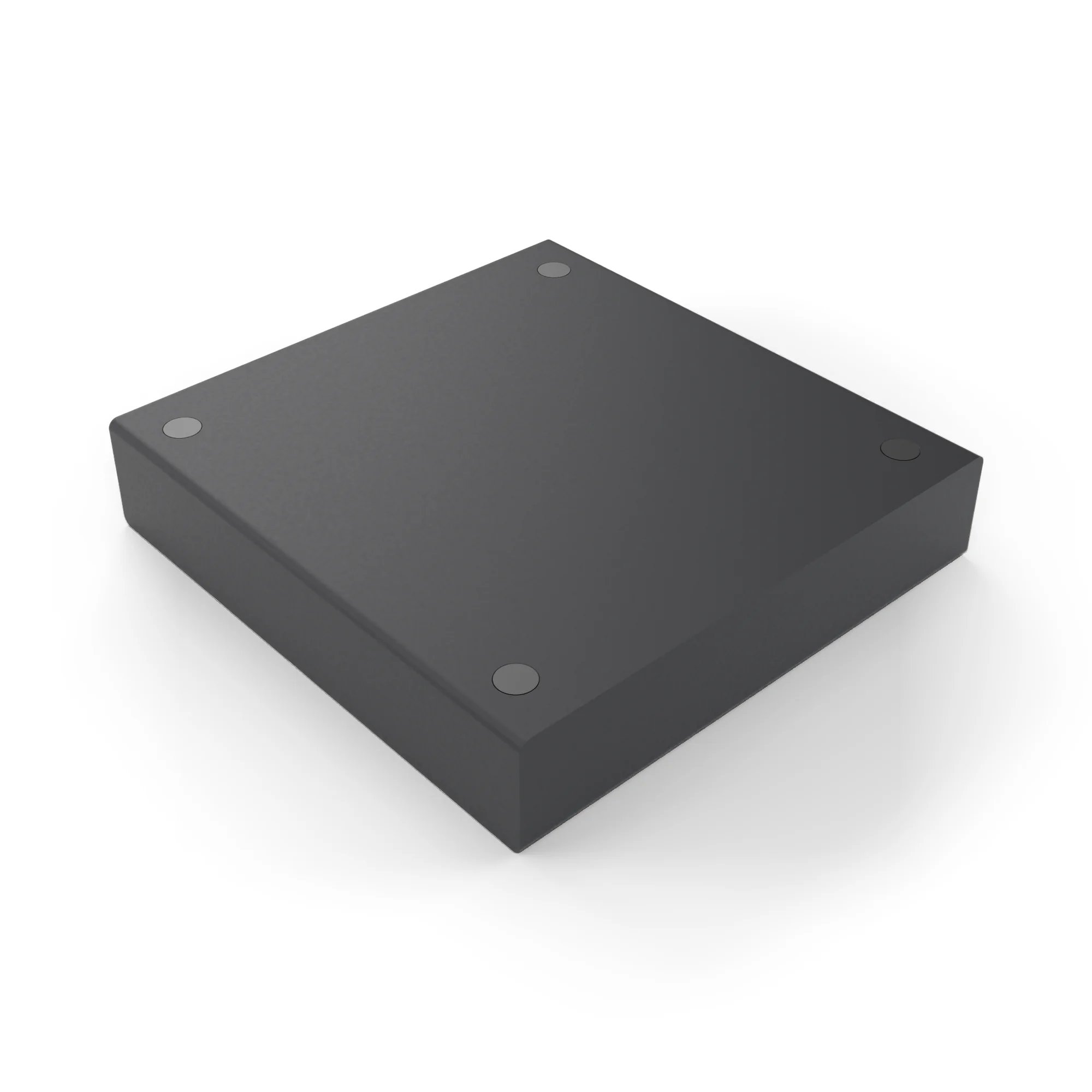
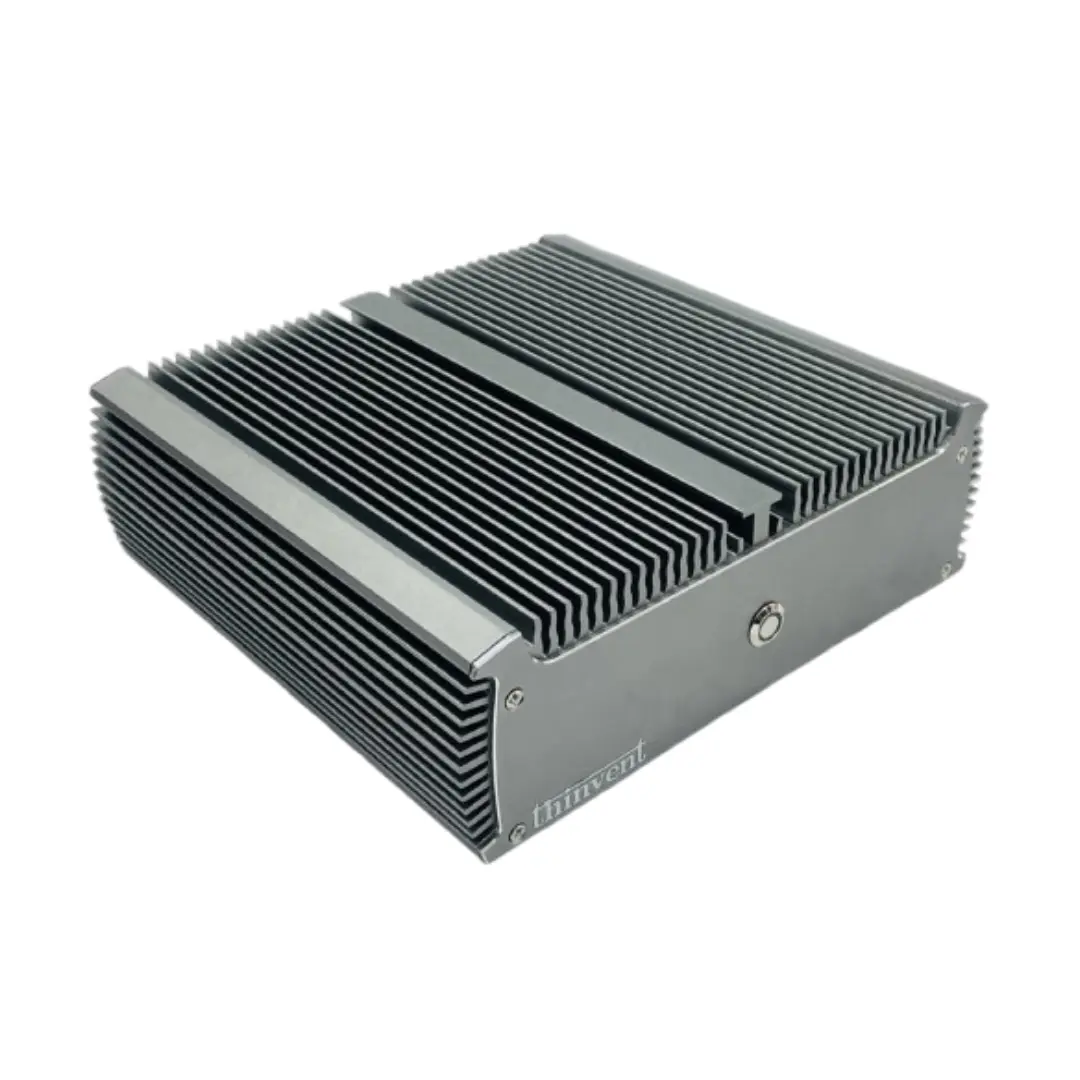
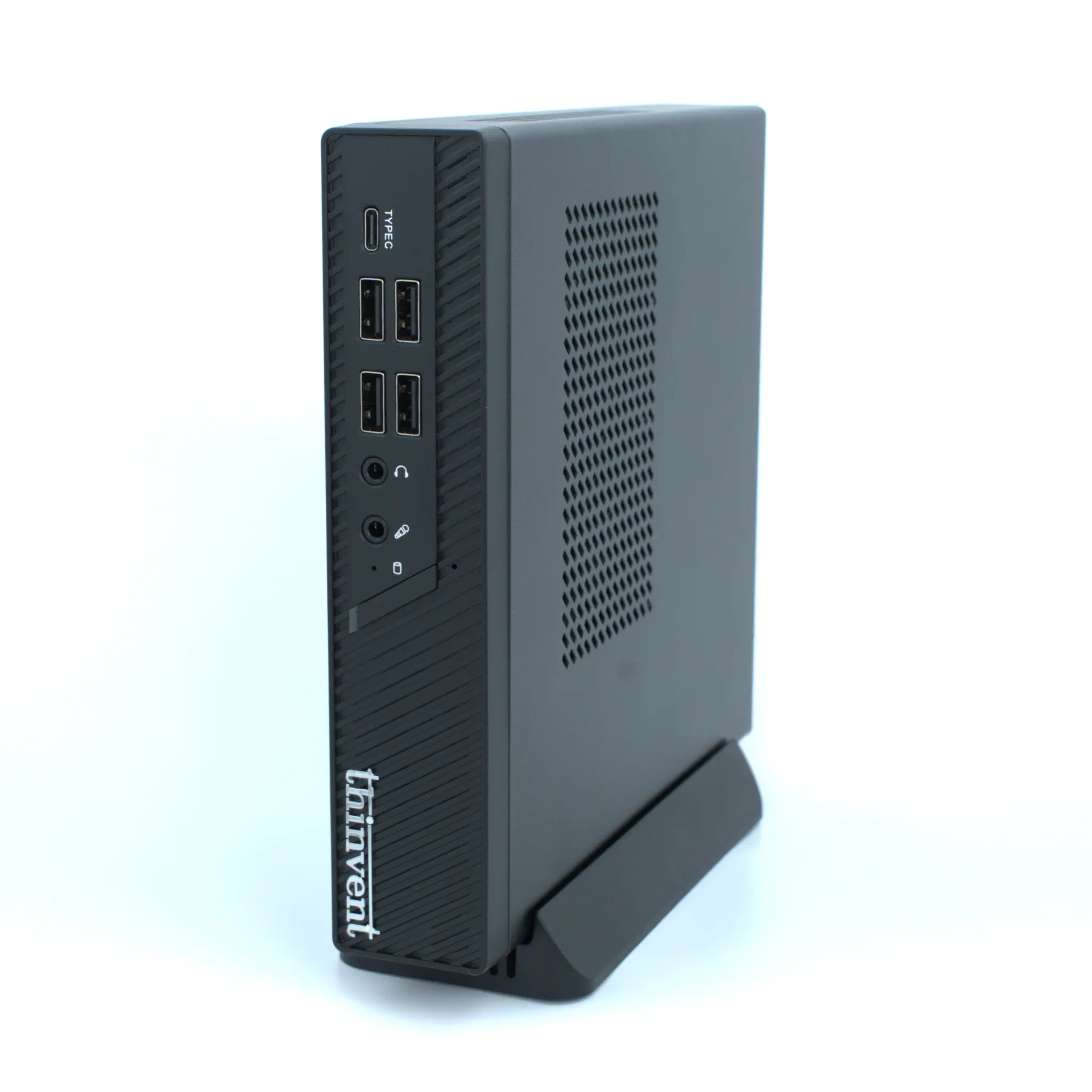
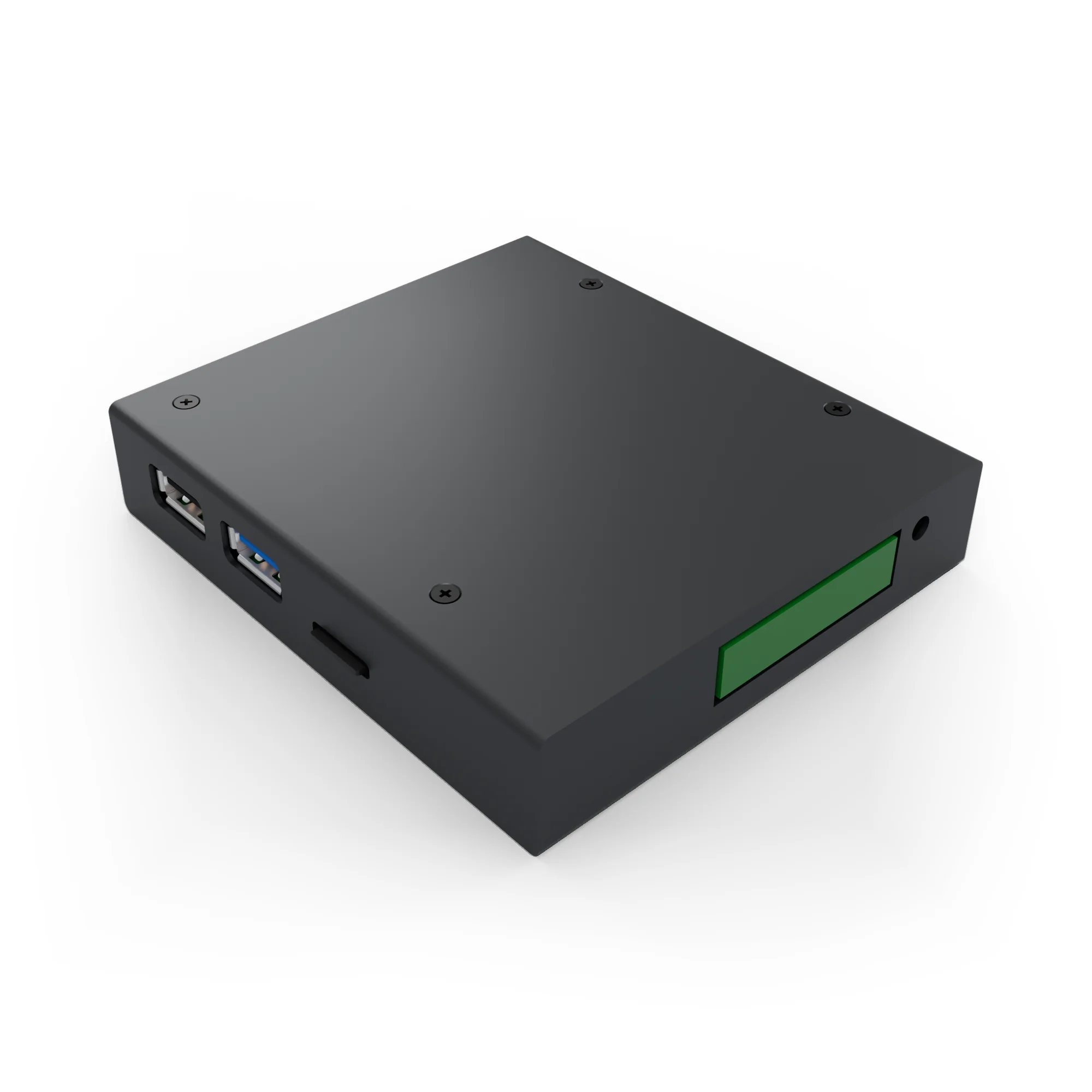
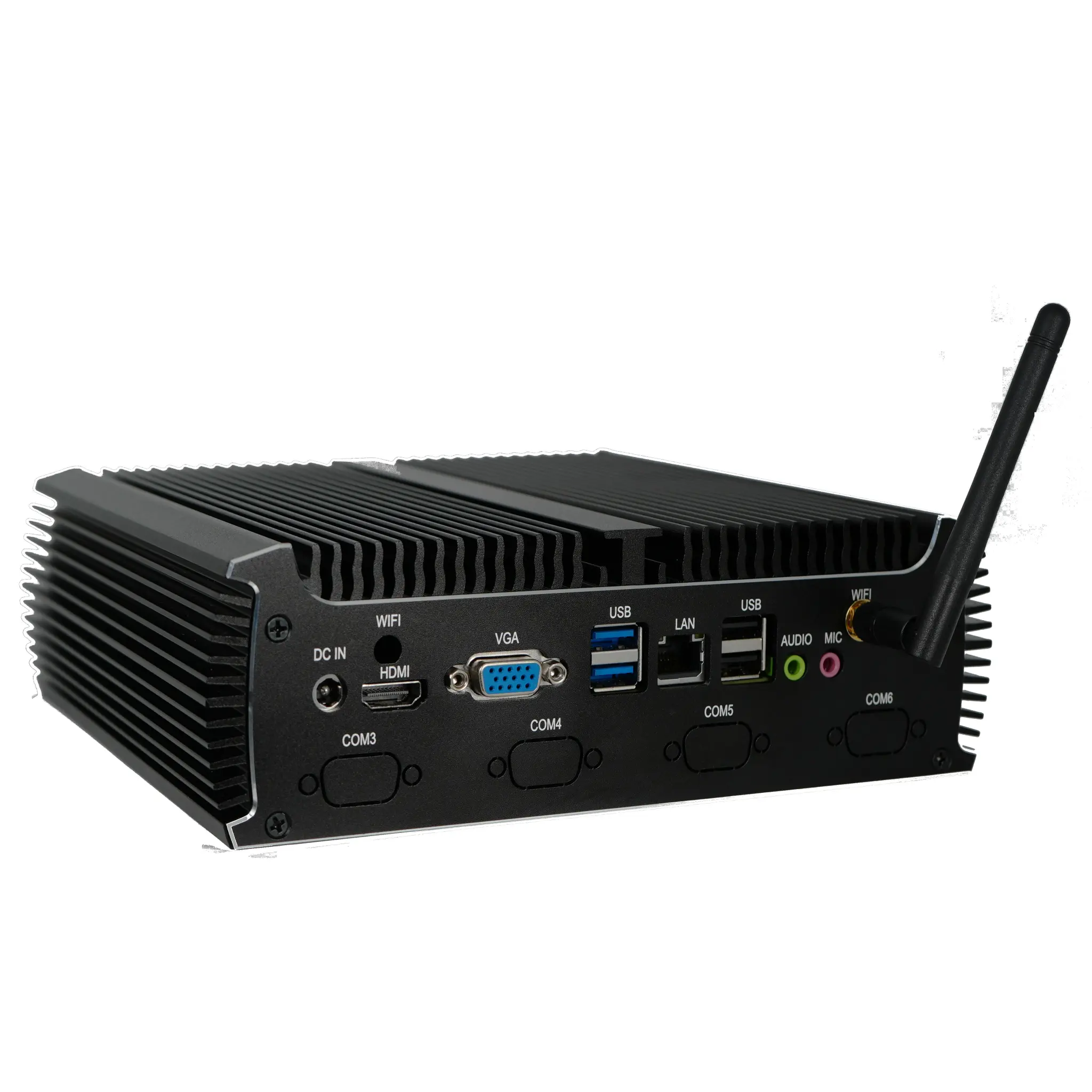
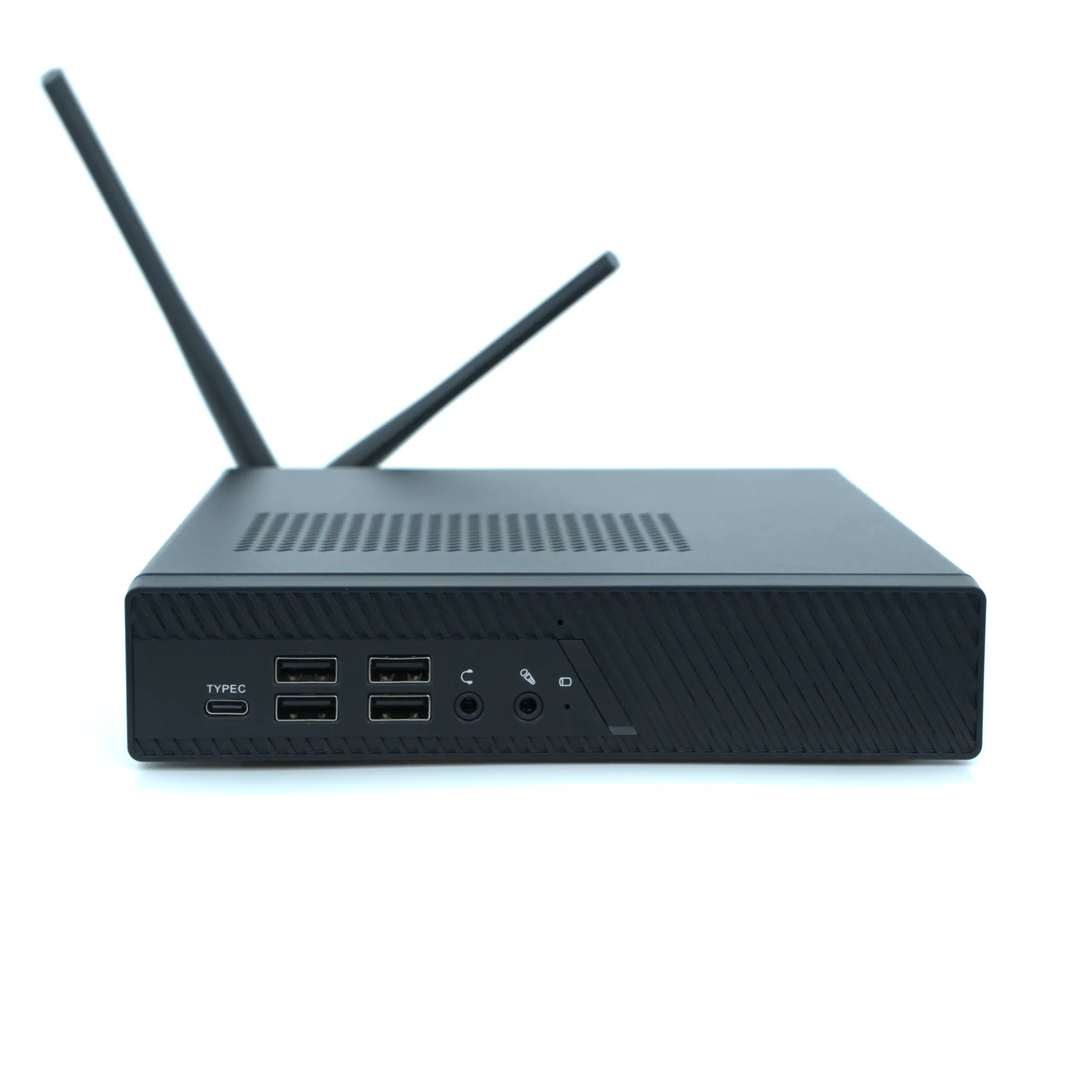
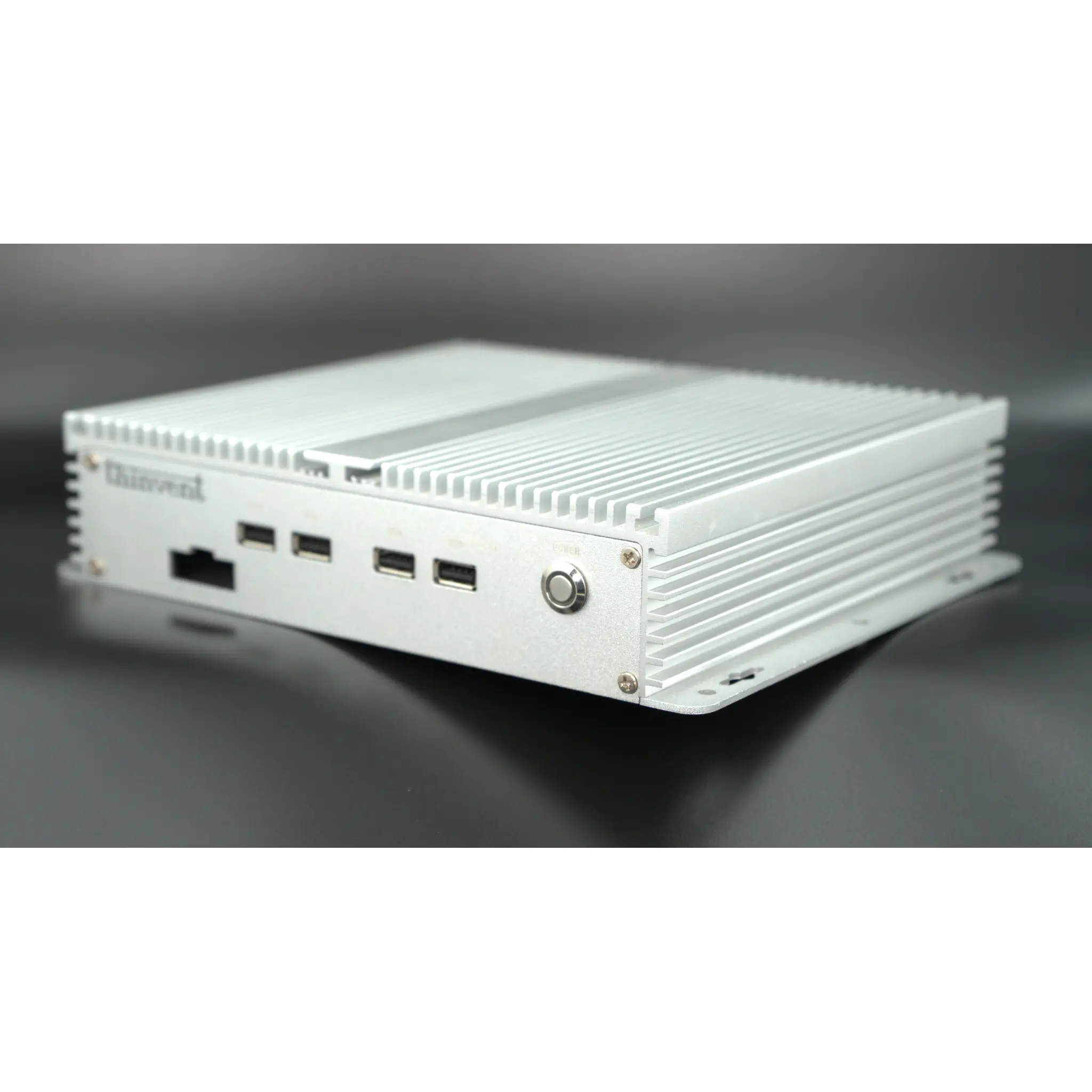
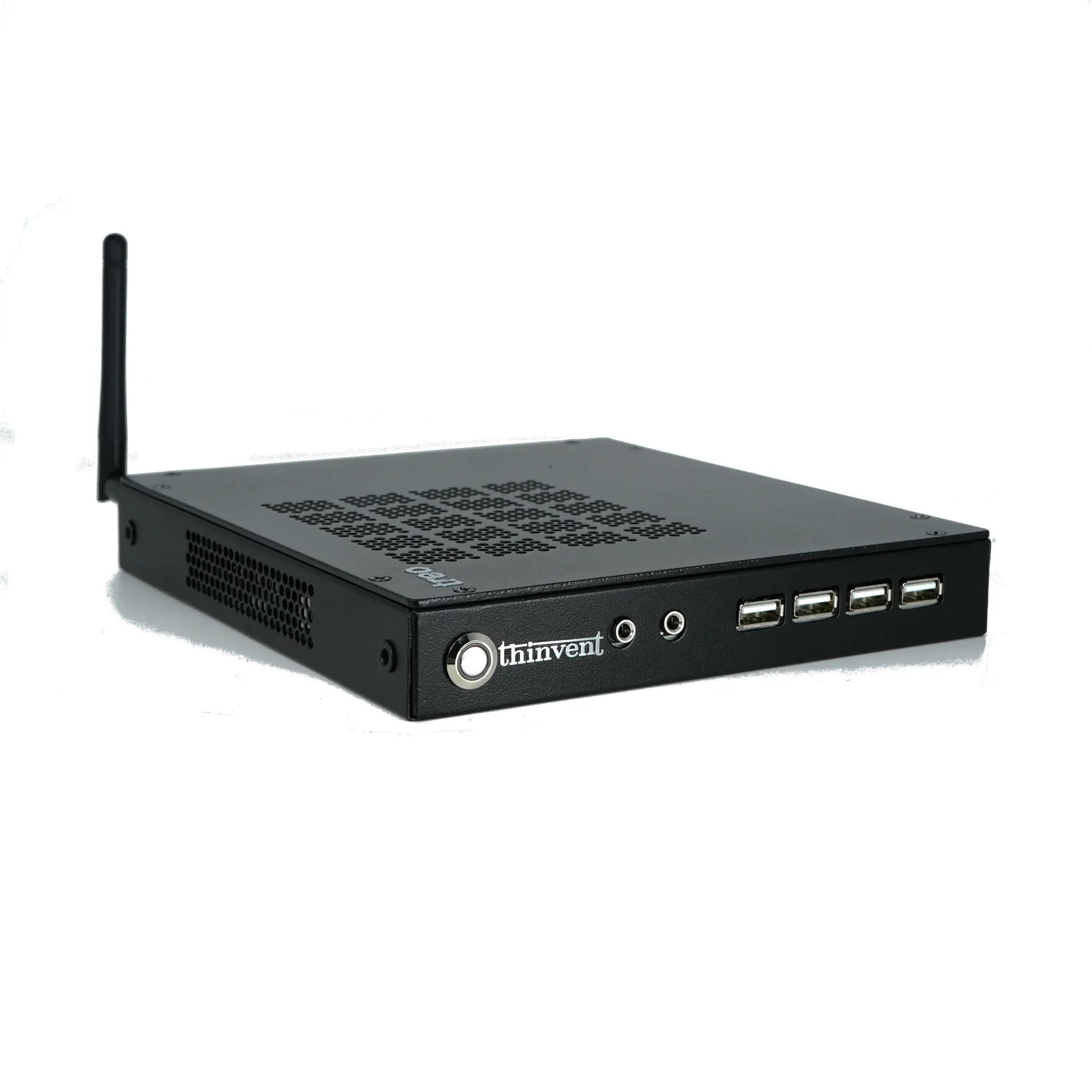
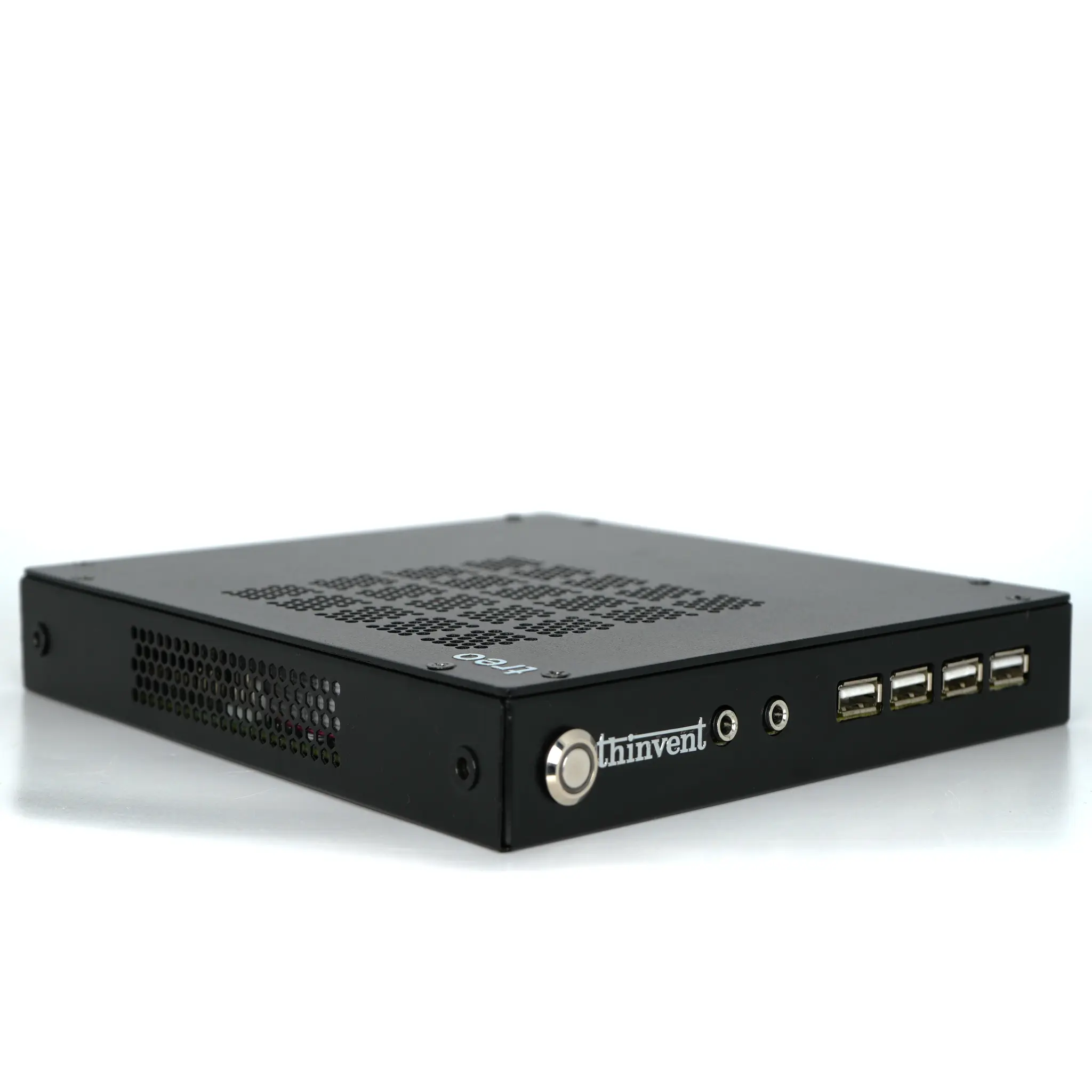
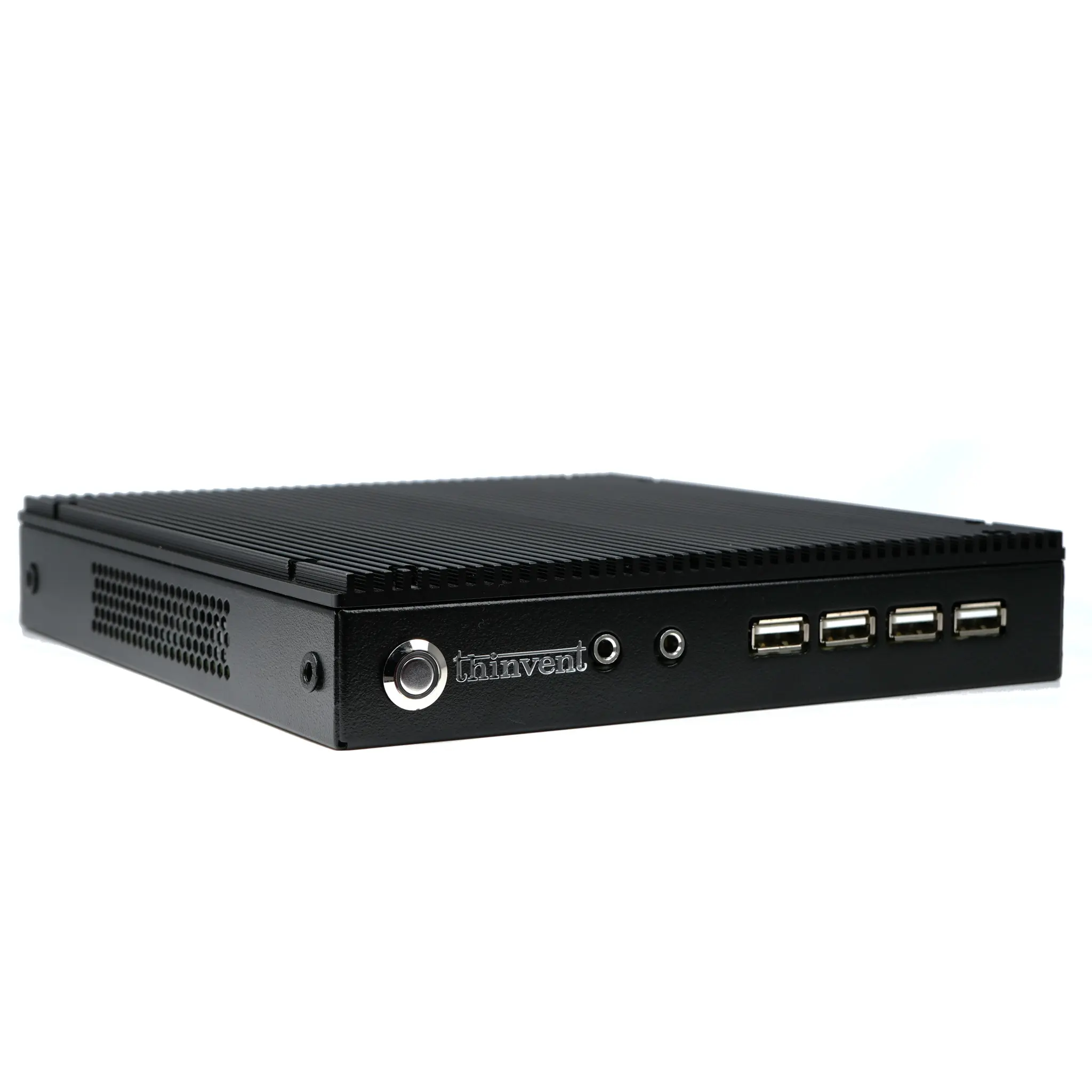
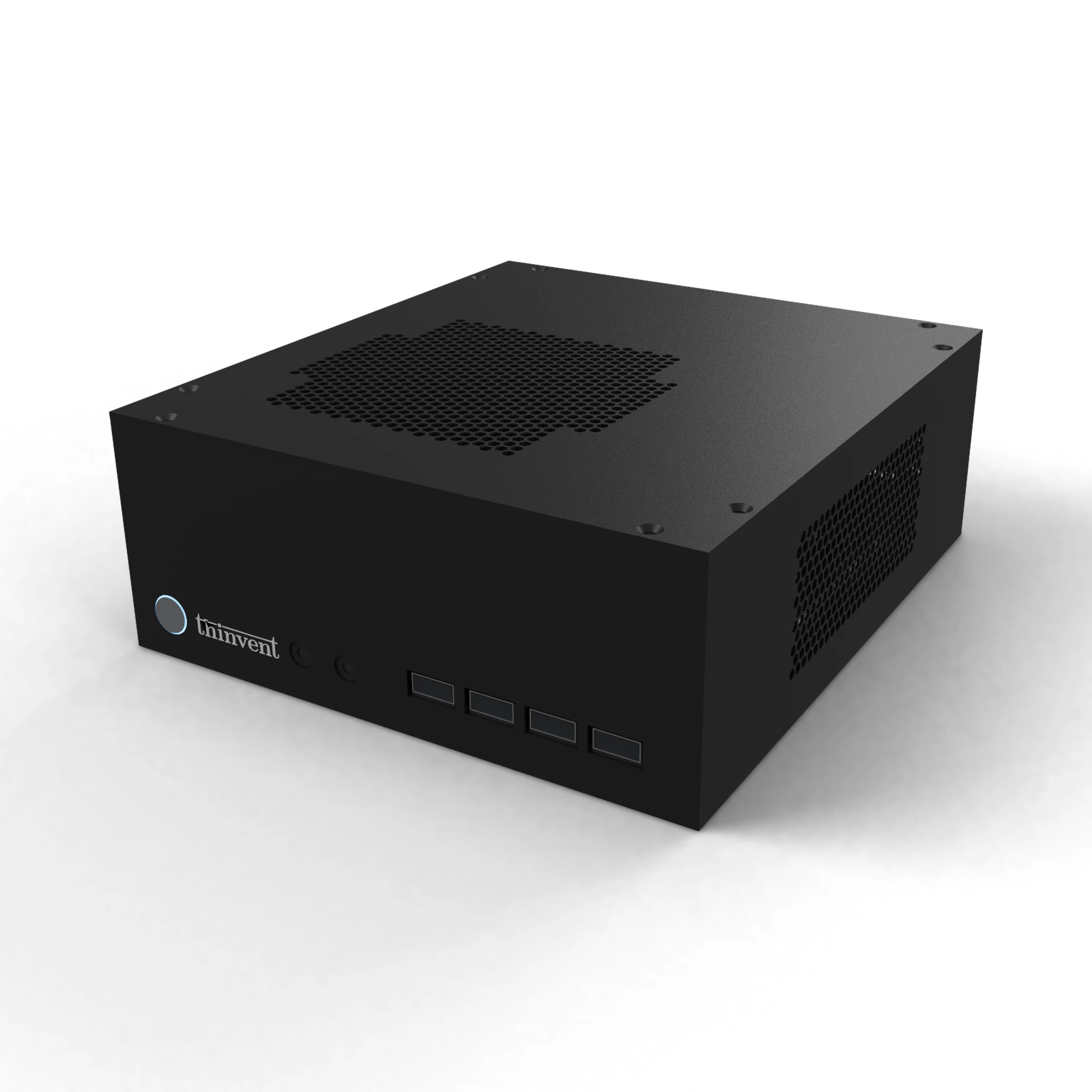
Fat clients need enough local processing power to run applications without the server. The Thinvent Aero Mini PC uses an Intel N100 processor with 4 cores, up to 3.4 GHz, and 6 MB of cache. Each unit includes 16 GB of DDR4 RAM and a 128 GB SSD. The unit runs from a 12V 10A adapter.
| Feature | Thinvent Aero Mini PC |
|---|---|
| Processor | Intel N100, 12th Generation |
| Cores | 4 |
| Max Frequency | 3.4 GHz |
| Cache | 6 MB |
| Memory | 16 GB DDR4 |
| Storage | 128 GB SSD |
Operating System Options
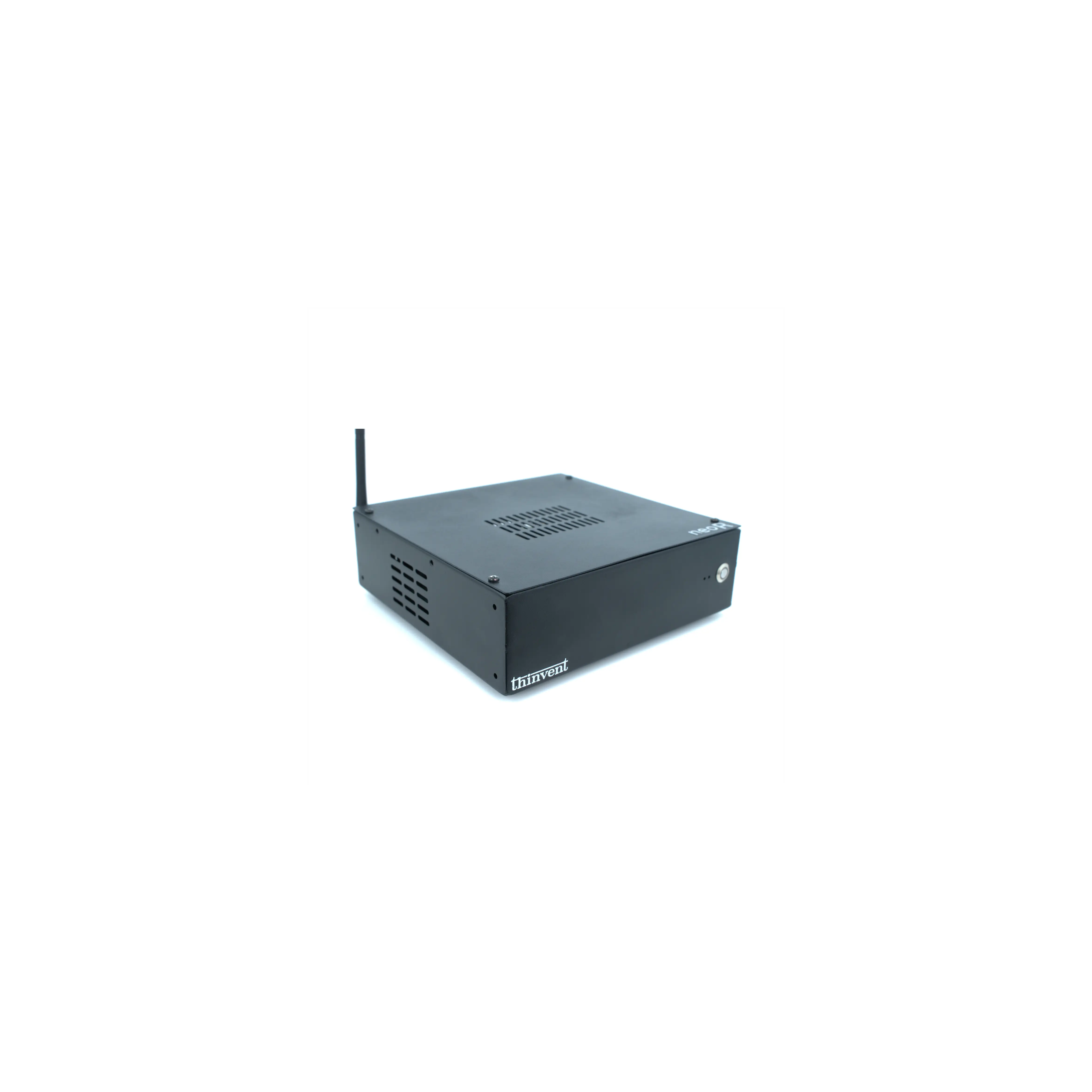
The Aero Mini PC is available with Windows 11 IoT, Windows 11 Pro, DOS, Thinux Embedded Linux, or Ubuntu Linux. Linux-based options suit LTSP deployments that use open-source tools. The range does not include a Wi-Fi module on any configuration.
Thinvent Products for LTSP Fat Clients
The Thinvent® Aero Mini PC is built on the Intel N100 processor and is offered in several configurations. Each configuration has 16 GB of DDR4 RAM and a 128 GB SSD. Options include Thinux Embedded Linux and Ubuntu Linux for LTSP deployments, and a keyboard and mouse set can be added to any configuration.