What nslookup Is
nslookup is a command-line tool that queries the Domain Name System (DNS). It displays information used to diagnose DNS infrastructure. Windows users start it from the Command Prompt. Unix and Linux users run it from a terminal window. With nslookup, an administrator checks DNS records such as A, PTR, CNAME and MX, and tests queries against a local DNS server or an external one.
How nslookup Is Used
Network administrators use nslookup to confirm that a domain name resolves to the correct IP address. They use it to check mail exchange (MX) records, reverse lookups (PTR records) and canonical names (CNAME). Querying a specific DNS server helps isolate faults between a client, a local resolver and an external resolver. Because nslookup runs on the operating system, it needs a stable system with a working network connection and a DNS client.
Choosing a System to Run nslookup
Any Windows or Linux system with a network port can run nslookup. Systems with more memory and storage suit administrators who run several diagnostic tools at once. Dedicated diagnostic stations often use a small computer that stays on the network at all times.
| Requirement | Suitable Thinvent Product |
|---|---|
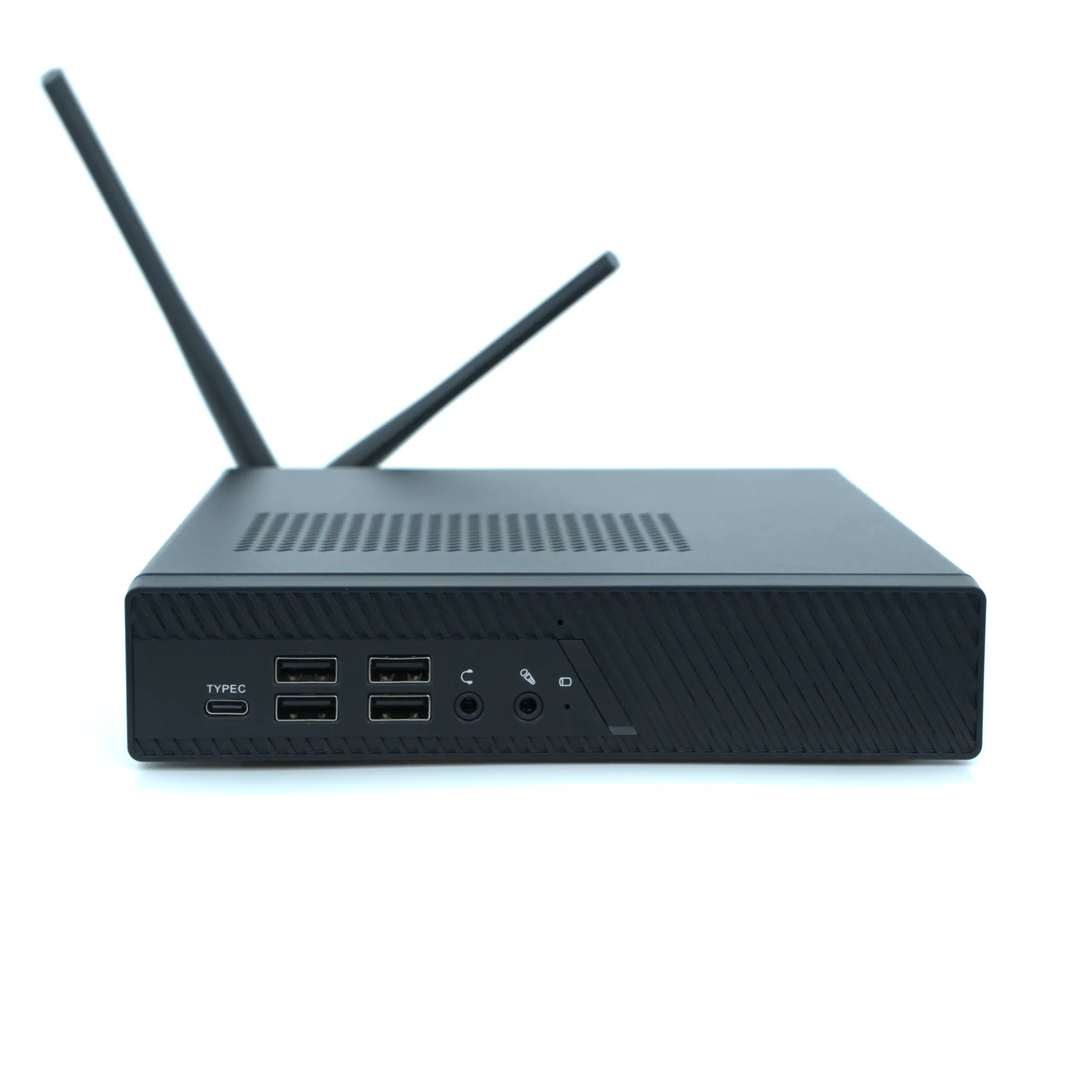
| Windows 11 Pro, WiFi, 16 GB RAM | Thinvent Aero Mini PC (Intel Core i5-1335U is not in this model; Core i3-1215U with 8 GB RAM) |
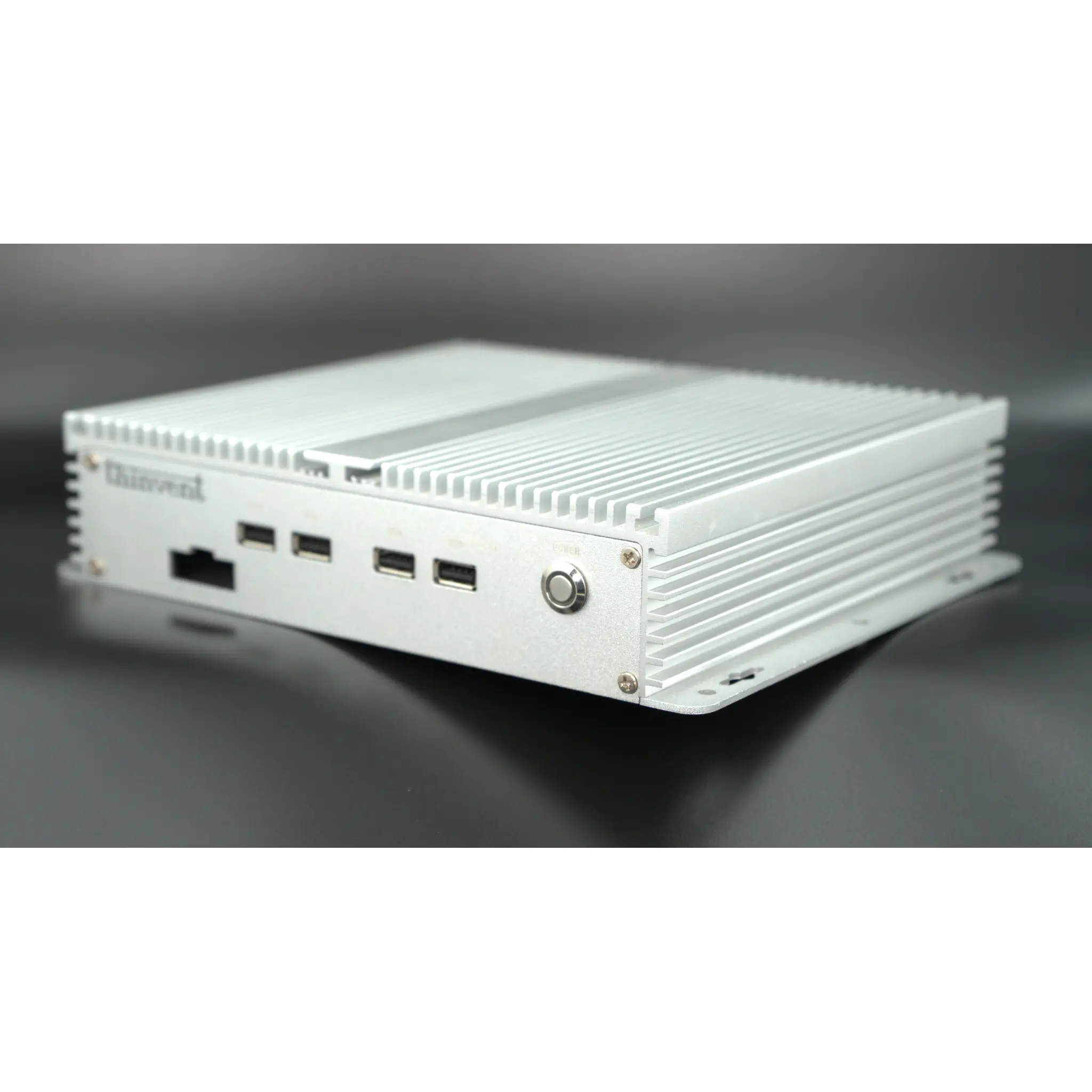
| Ubuntu Linux, dual LAN, 64 GB RAM | Thinvent Industrial PC IPC5 (Intel Core i7-1255U) |
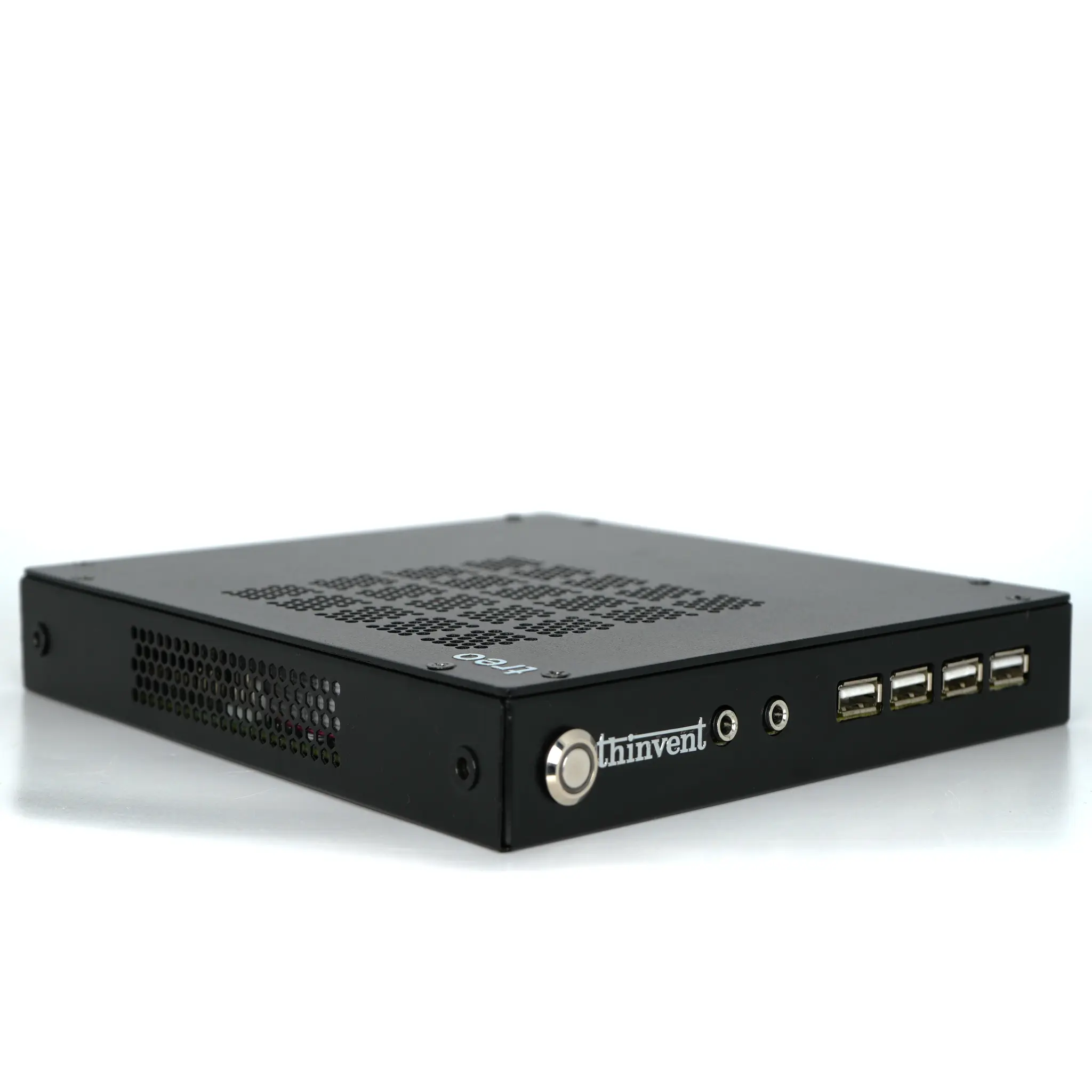
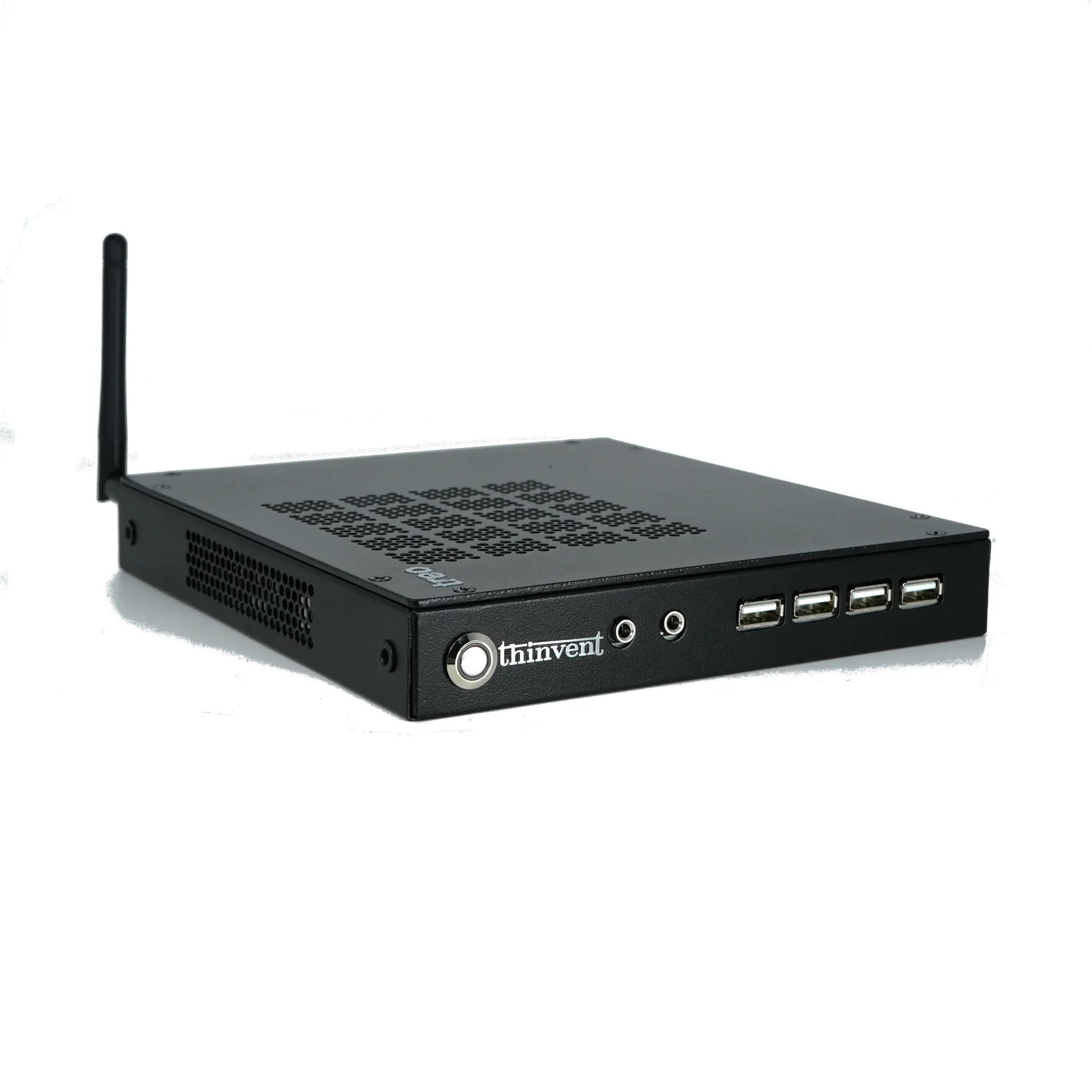
| Windows 11 Pro, dual band WiFi, 16 GB RAM | Thinvent Treo Mini PC (AMD Ryzen 5 7430U) |
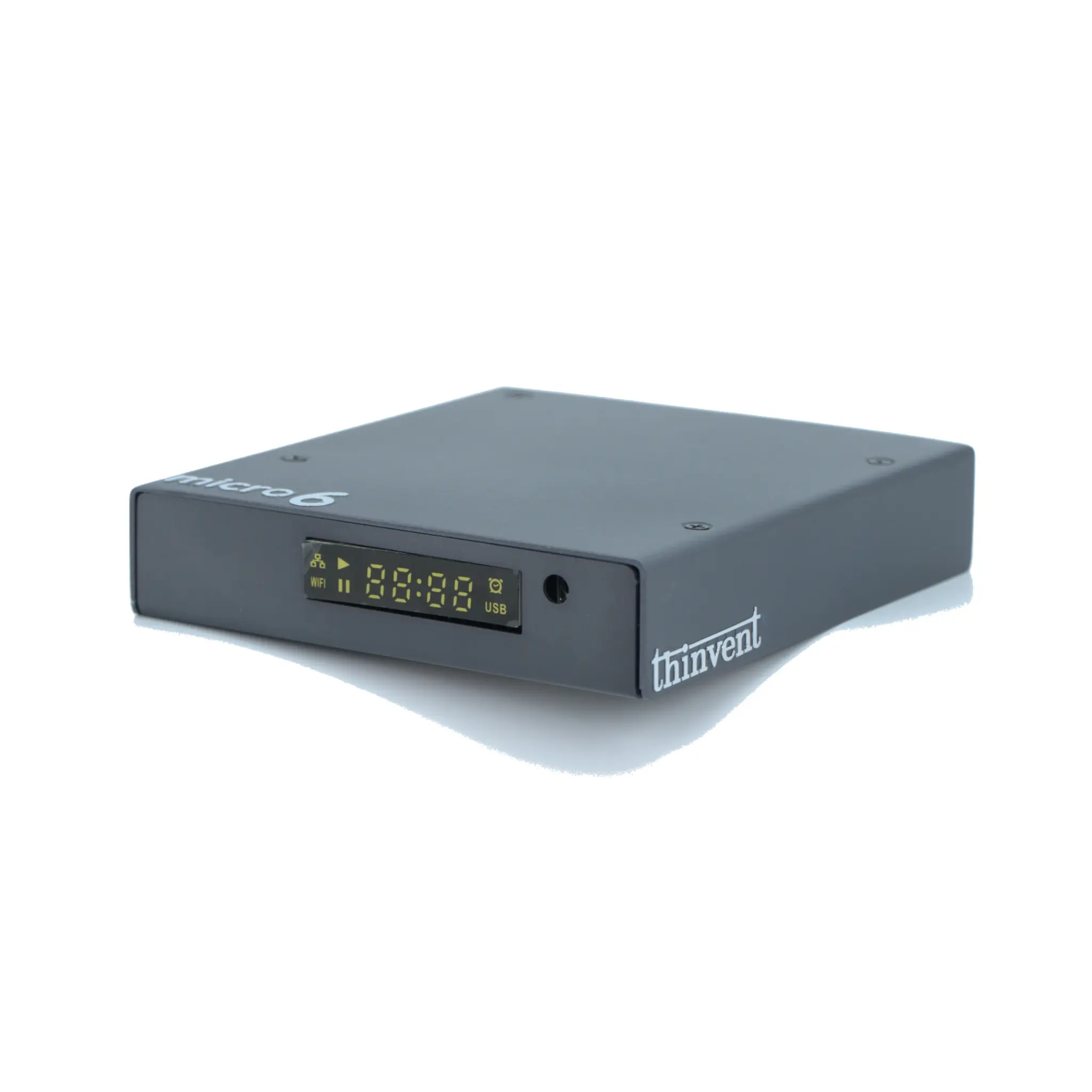
| Compact embedded Linux, WiFi 6 | Thinvent Micro 5R Thin Client (ARM Cortex A53) |
Thinvent Products for DNS Diagnostic Work
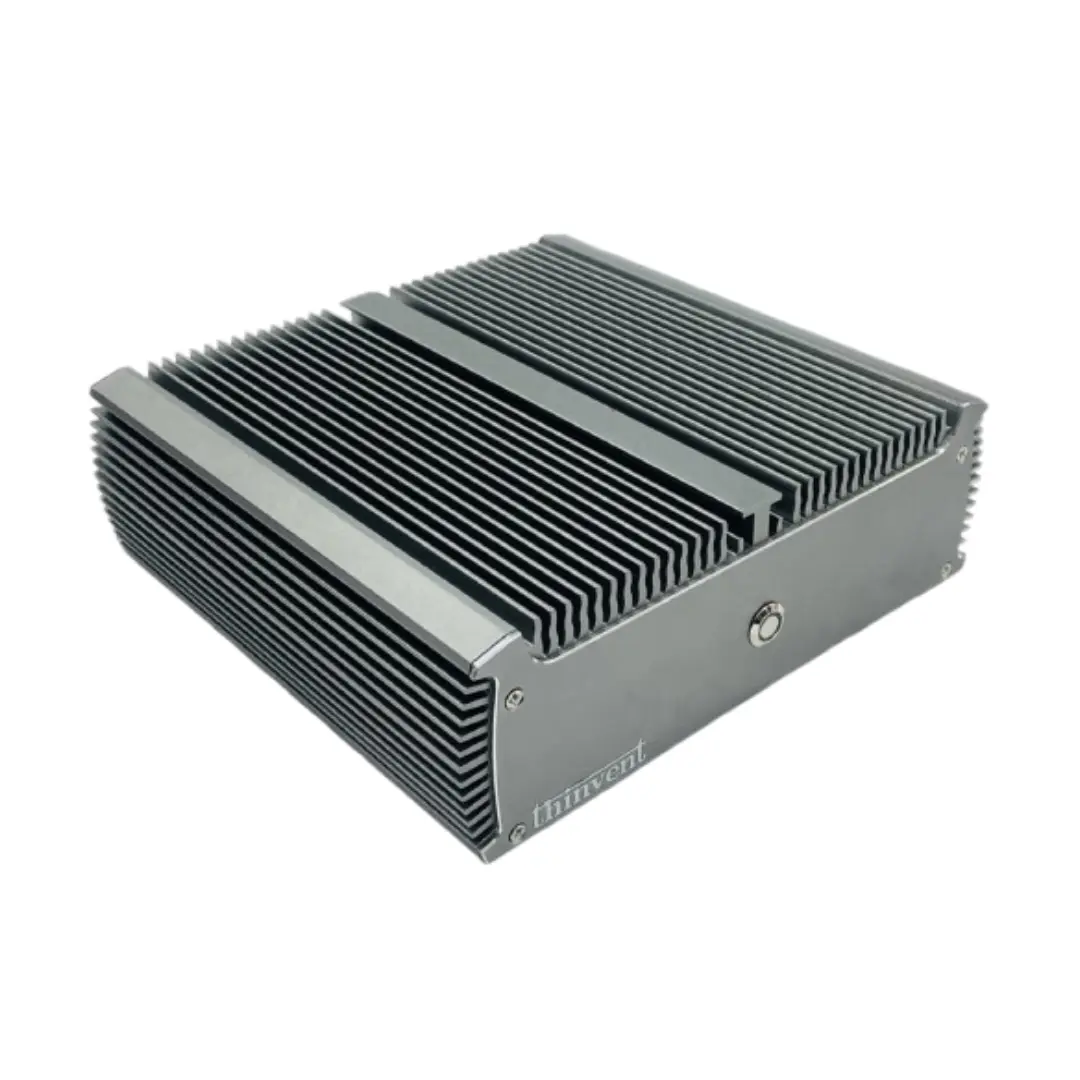
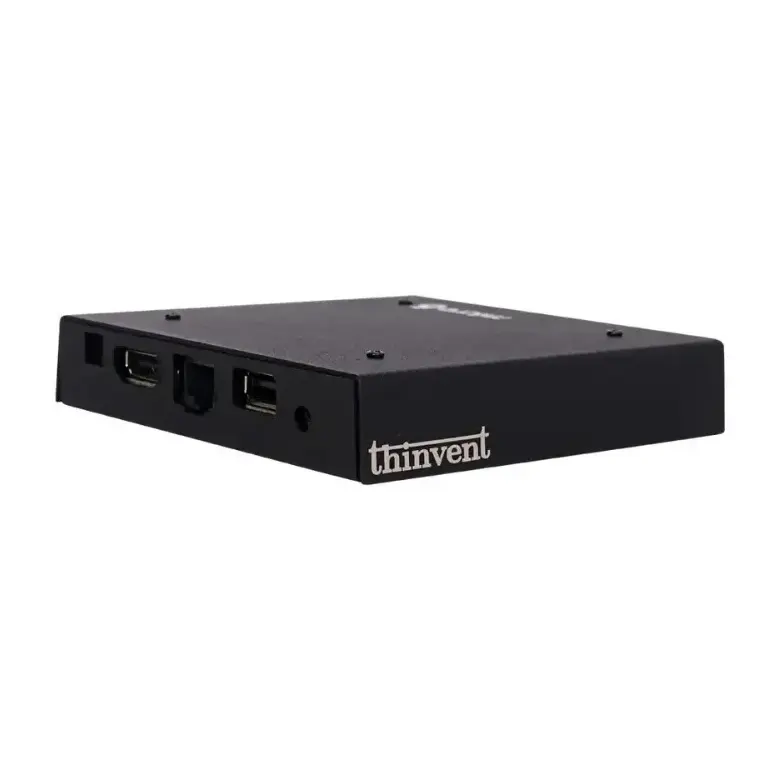
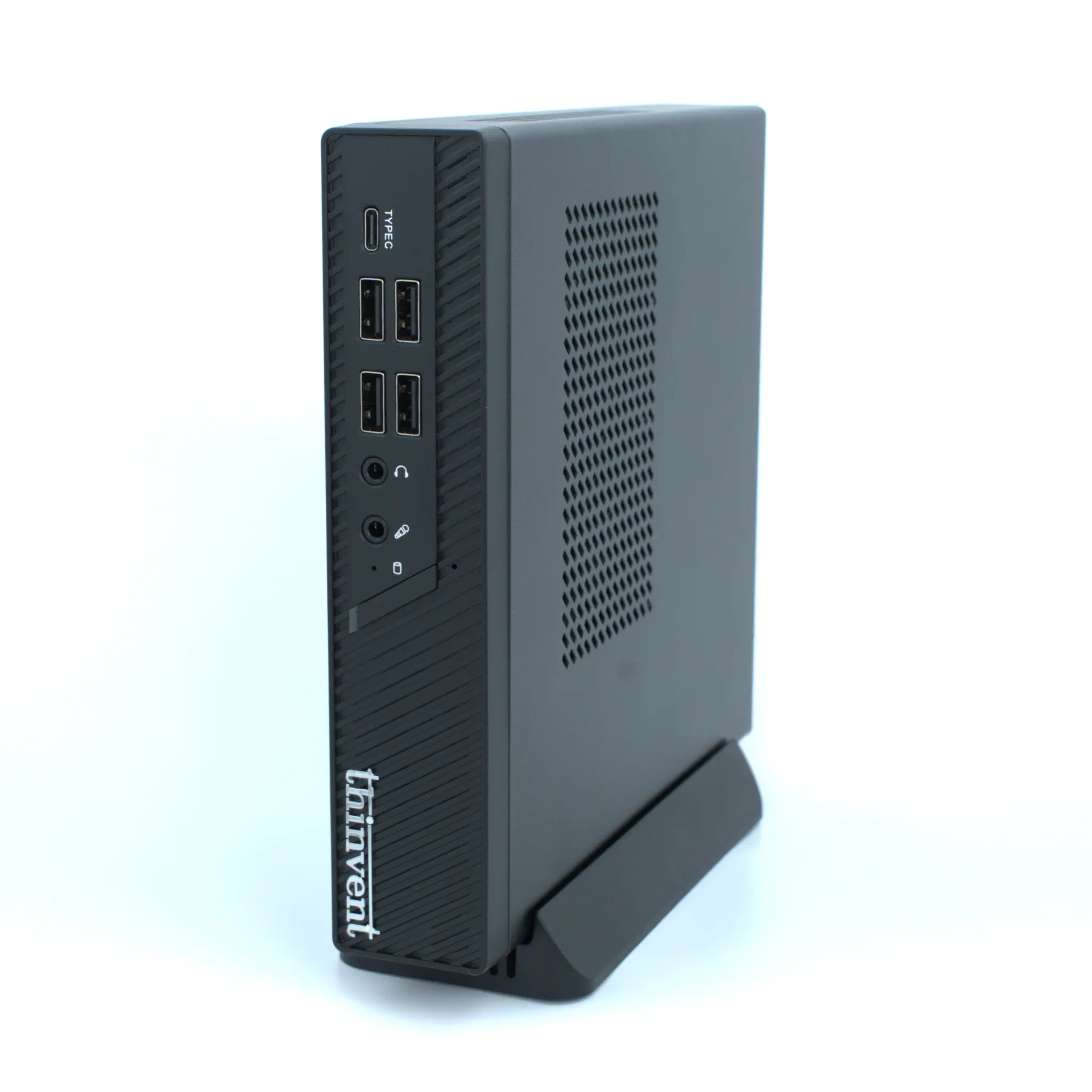
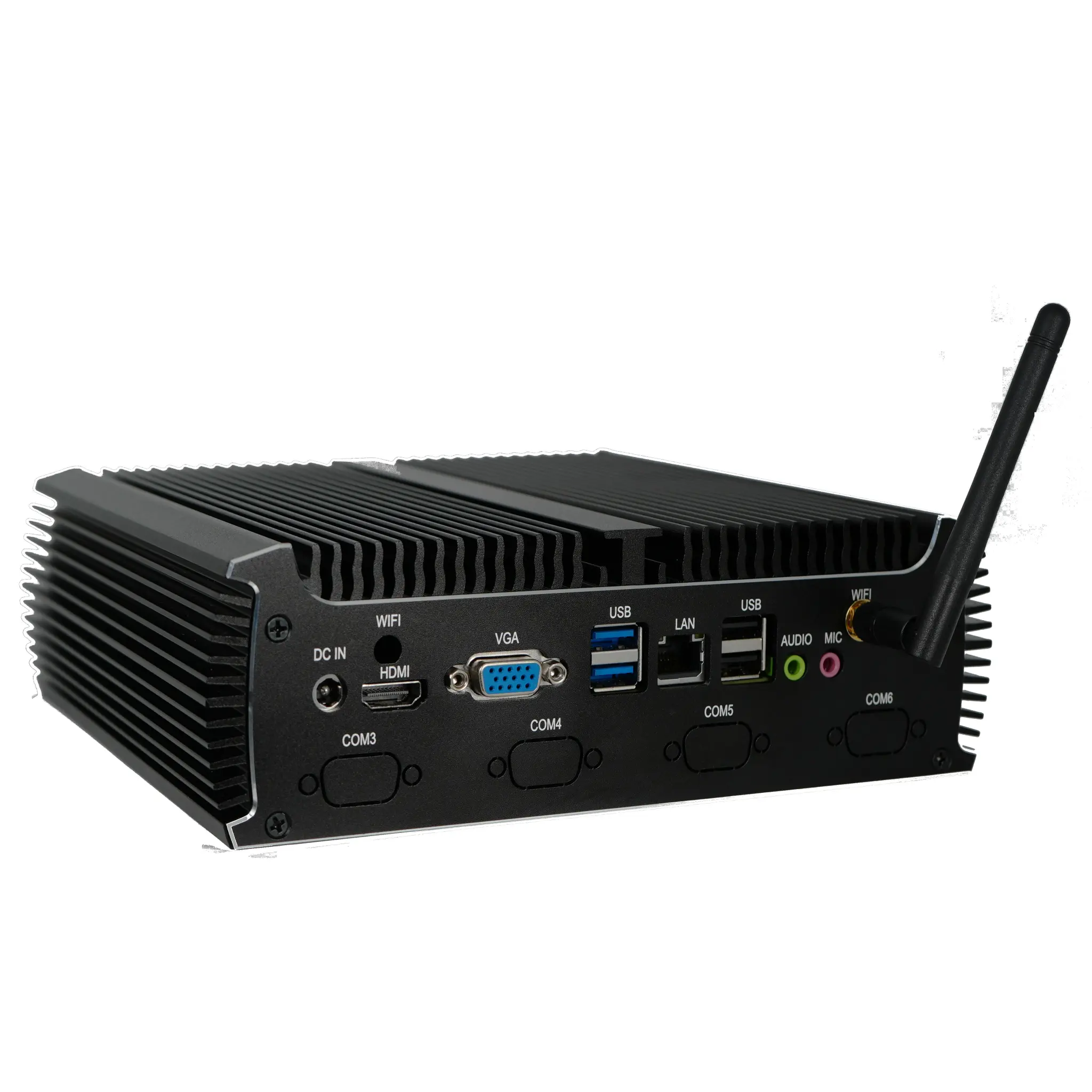
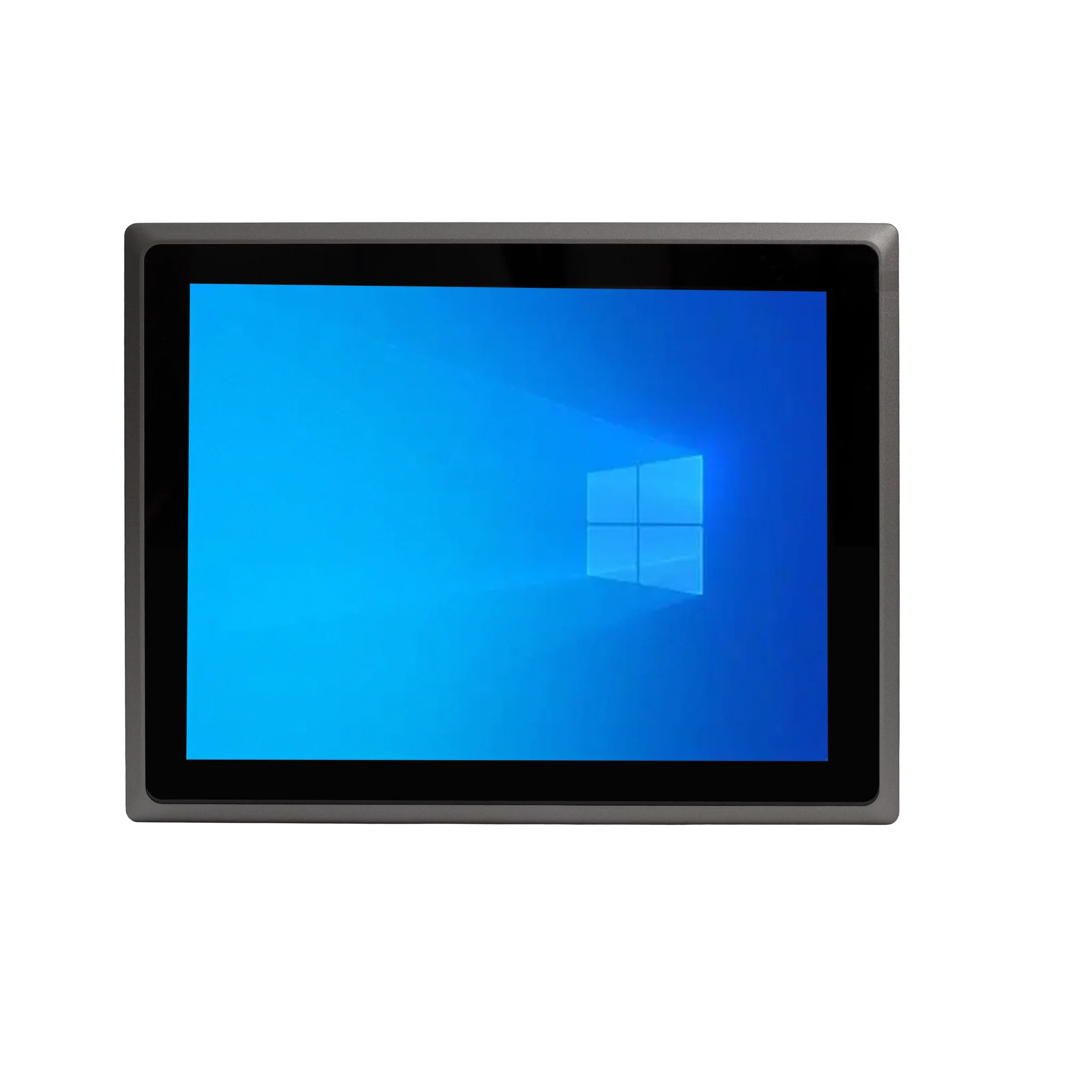
Thinvent has mini PCs, industrial PCs, a thin client and panel PCs that run Windows or Linux and can run nslookup. The Thinvent Industrial PC IPC5 with Intel Core i7-1255U has 64 GB of DDR4 RAM and dual LAN. The Thinvent Treo Mini PC with AMD Ryzen 5 7430U has dual band WiFi and Windows 11 Pro. The Thinvent Micro 5R Thin Client has WiFi 6 and Bluetooth and runs Thinux embedded Linux.