What is a PC Dock?
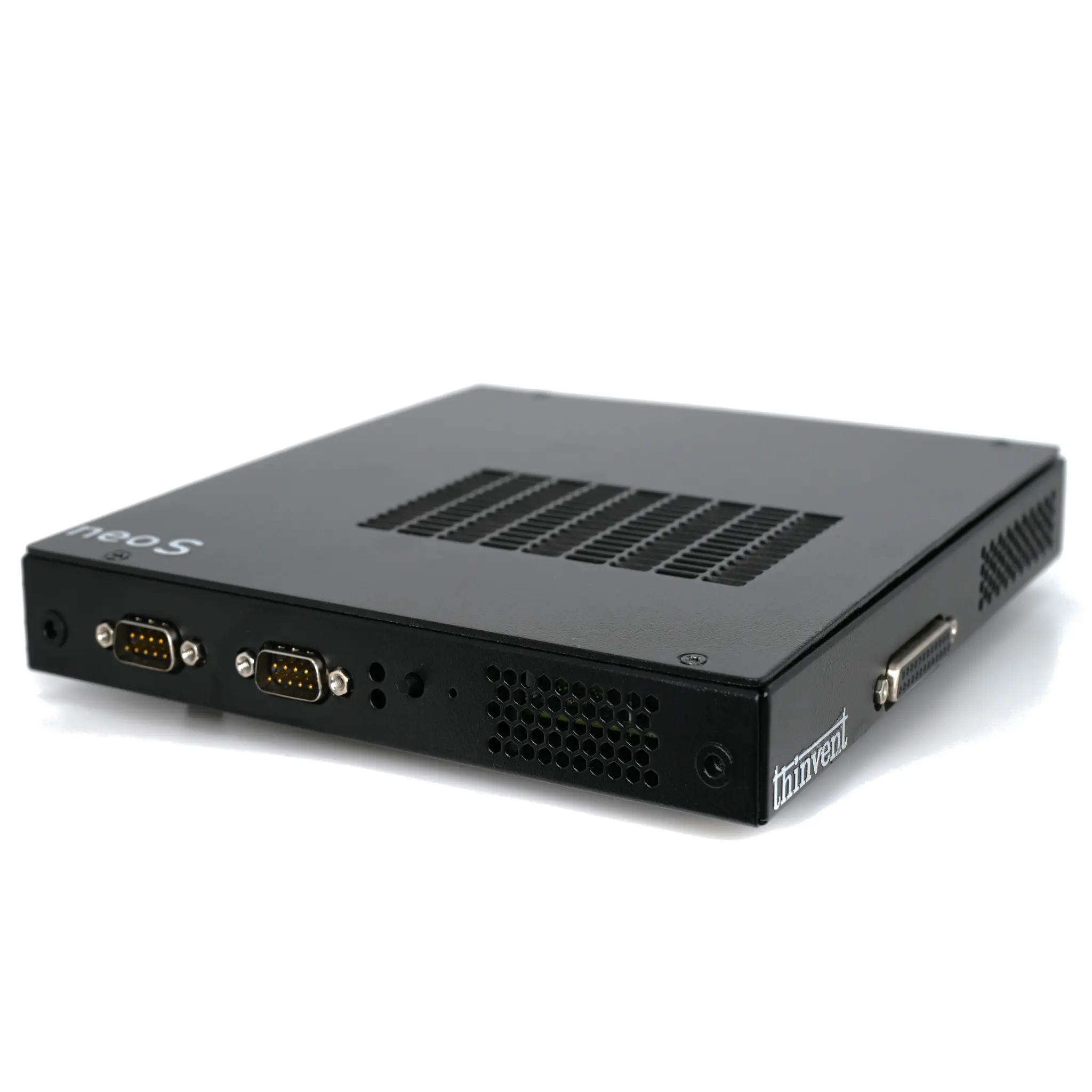
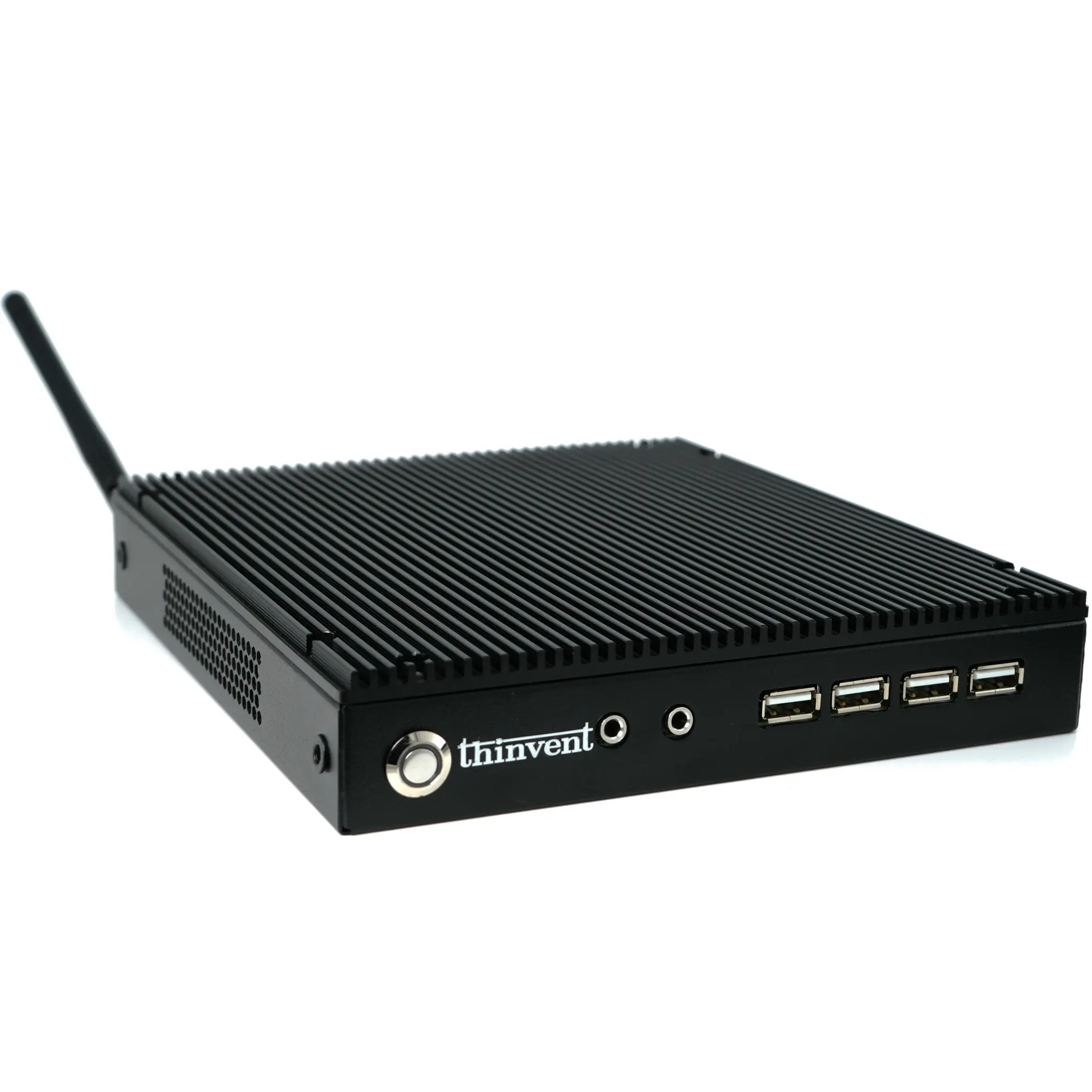
A PC dock, or docking station, is a hardware device that expands the connectivity of a compact computer, such as a mini PC, by providing additional ports and interfaces. It serves as a central hub, allowing users to connect multiple peripherals—like monitors, keyboards, mice, external storage, and network cables—through a single connection to the host computer. This transforms a minimalist mini PC into a fully-featured workstation, ideal for office, industrial, or digital signage applications where space is at a premium but connectivity needs are high.
Key Specifications and Technical Details
Modern PC docks are designed to complement the compact form factor of industrial mini PCs. Key technical considerations include:
-
Connection Interface: Typically connects to the host mini PC via USB-C (with DisplayPort Alt Mode and Power Delivery) or a proprietary connector, ensuring high-speed data transfer, video output, and power delivery through a single cable.
-
Port Expansion: A robust dock provides a significant array of ports, including multiple HDMI or DisplayPort outputs for multi-monitor setups, several USB 3.2/3.0 ports for peripherals, Gigabit Ethernet for stable wired networking, and audio jacks.
-
Power Delivery: Many docks can deliver power to the connected mini PC (e.g., 65W or 100W), reducing cable clutter by eliminating the need for a separate power adapter.
-
Form Factor: Docks are designed to be desktop-friendly, often with a small footprint. Some models are designed to physically mount underneath a compatible mini PC or monitor for a clean, integrated look.
Use Cases and Applications
PC docks are essential for creating versatile and organized workspaces across various sectors:
-
Office Hot-Desking: Employees can connect their personal mini PC to a pre-configured dock at any desk, instantly accessing dual monitors, a full-sized keyboard, mouse, and network.
-
Industrial Control Stations: In manufacturing or logistics, a fanless mini PC connected to a dock can drive multiple displays showing control panels, CCTV feeds, and data dashboards, with ports reserved for barcode scanners and other industrial USB devices.
-
Digital Signage Hubs: A single mini PC, via a dock, can manage content on several displays simultaneously in retail or public information settings.
-
Home Office Setup: Provides a clean, single-cable solution to connect a mini PC to all necessary peripherals, simplifying the setup and improving cable management.
Comparison: Docked vs. Standalone Mini PC Setup
| Feature | Mini PC Alone | Mini PC with Docking Station |
|---|---|---|
| Port Availability | Limited (e.g., 2x USB, 1x HDMI, 1x Ethernet) | Extensive (e.g., 4-6x USB, 2-3x Video Outputs, Extra Ethernet) |
| Setup Speed | Slower; requires connecting each peripheral individually. | Faster; "one cable" connection for all desk peripherals. |
| Cable Management | Can be cluttered with multiple cables from the small device. | Centralized and neat, with cables organized at the dock. |
| Flexibility & Mobility | High; easy to physically move the PC. | Very high; easy to disconnect and move the PC while leaving the desk setup intact. |
| Ideal For | Basic computing, embedded applications, space-constrained installs. | Dynamic workspaces, multi-monitor professional setups, shared workstations. |
Thinvent Mini PCs for Docking Solutions
Thinvent's range of compact and powerful industrial mini PCs are perfectly suited for use with docking stations. Models like the Aero Mini PC series, featuring efficient Intel processors, provide the reliable performance and modern connectivity (including USB-C) required for seamless docking. Their fanless, rugged designs ensure 24/7 operation in office or light-industrial environments. By pairing a Thinvent mini PC with a compatible dock, businesses can deploy scalable, maintainable, and clutter-free computing solutions worldwide.