Choosing the Right Office PC for Productivity and Efficiency
For a reliable office PC, the key is balancing performance with long-term stability. Modern office tasks—such as document editing, email, web conferencing, and data entry—do not require top-tier hardware, but they do benefit from responsive multitasking, low power consumption, and quiet operation. The ideal office PC should offer enough processing power to handle multiple applications simultaneously, fast storage for quick boot times, and a form factor that fits your workspace.
Key Specifications for Office PCs
When selecting an office PC, focus on these core specifications:
-
Processor: Intel Celeron N-series (like N100) or entry-level Core i3 processors are excellent for standard office work. They provide sufficient speed for productivity suites and web browsing while keeping power consumption low. For more demanding tasks like heavy spreadsheet analysis or running multiple virtual desktops, a Core i5 or i7 is recommended.
-
Memory (RAM): 8GB is the sweet spot for most office users, allowing smooth multitasking between several applications. 4GB is acceptable for very basic use, while 16GB is ideal for power users or those running resource-intensive software.
-
Storage: SSDs are essential for modern office PCs. A 256GB or 512GB SSD ensures fast boot times, quick application launches, and responsive file access. Larger capacities are useful for storing documents, media, and backups.
-
Operating System: Windows 11 Pro offers security features and manageability ideal for business environments. Linux distributions (like Ubuntu) are cost-effective and secure alternatives, especially for custom or embedded office solutions.
Use Cases and Applications
Office PCs are deployed in a wide range of environments:
-
Corporate Offices: Standard desks with multiple monitors, running Microsoft 365, Slack, Zoom, and CRM software.
-
Small Businesses: All-in-one systems save space and reduce cable clutter, ideal for reception areas or retail counters.
-
Remote Work: Compact mini PCs or thin clients that can be mounted behind a monitor, offering a clean home office setup.
-
Education and Training: Reliable systems for classrooms and labs, often managed centrally for security and updates.
Comparison of Office PC Configurations
| Configuration | Processor | RAM | Storage | Best For |
|---|---|---|---|---|
| Basic Office | Intel N100 | 4GB | 128GB SSD | Light work, web browsing, email |
| Standard Office | Intel Core i3-1215U | 8GB | 256GB SSD | Multitasking, Office 365, video calls |
| Performance Office | Intel Core i5-1240P | 16GB | 512GB SSD | Heavy spreadsheets, data analysis, virtual machines |
| Ultra-Compact | ARM Cortex A55 | 4GB | 64GB eMMC | Thin client terminals, digital signage |
Thinvent's Reliable Office PC Solutions
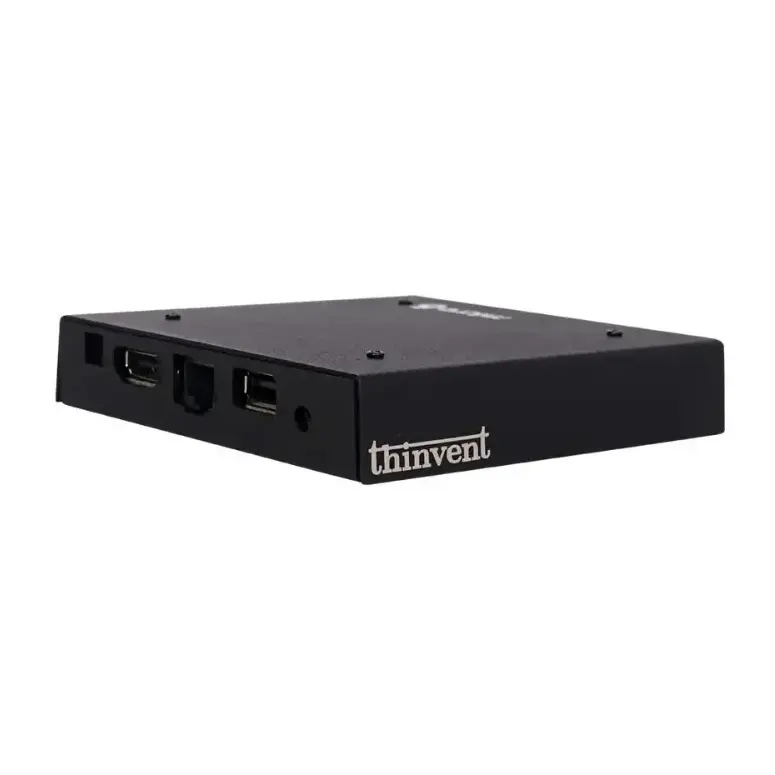
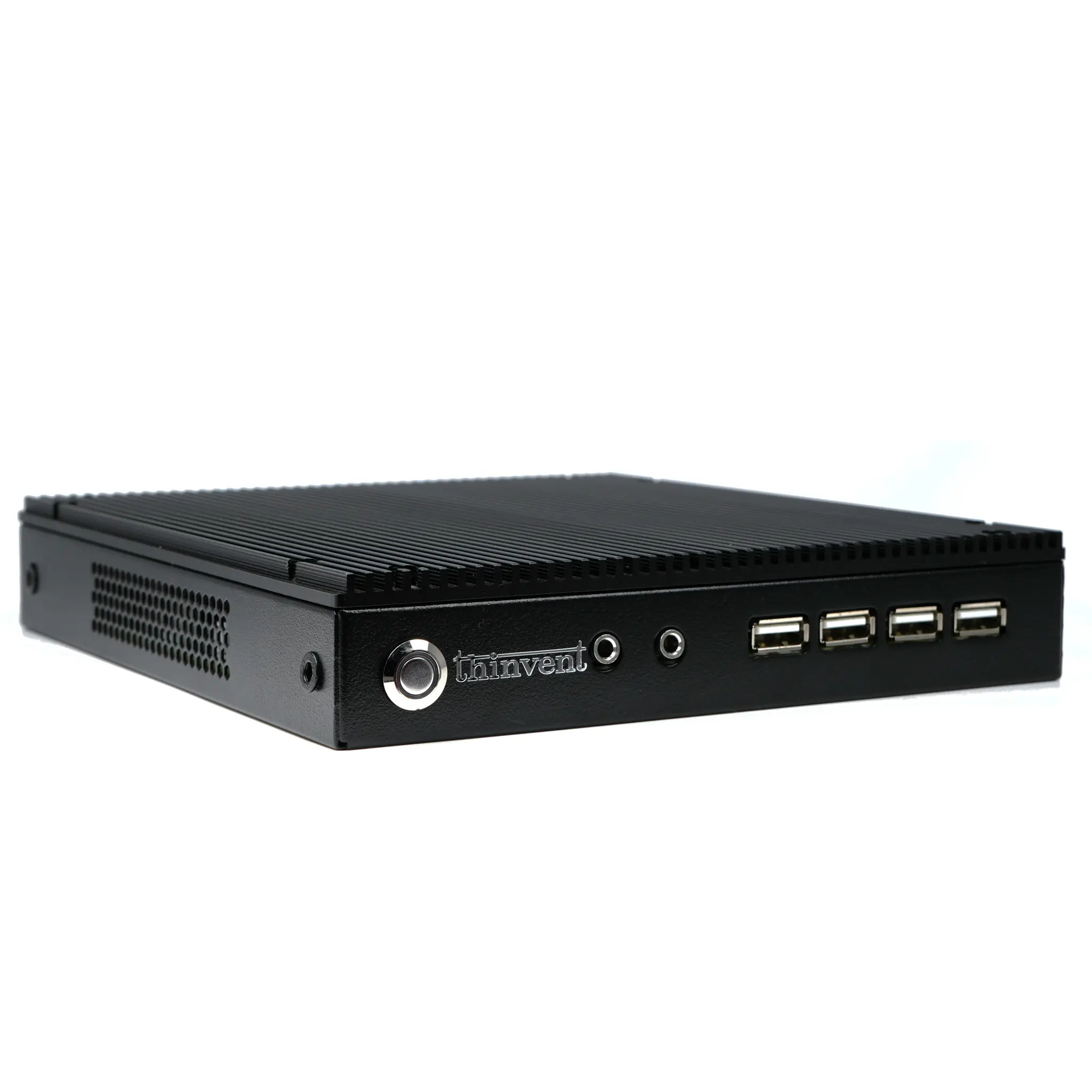
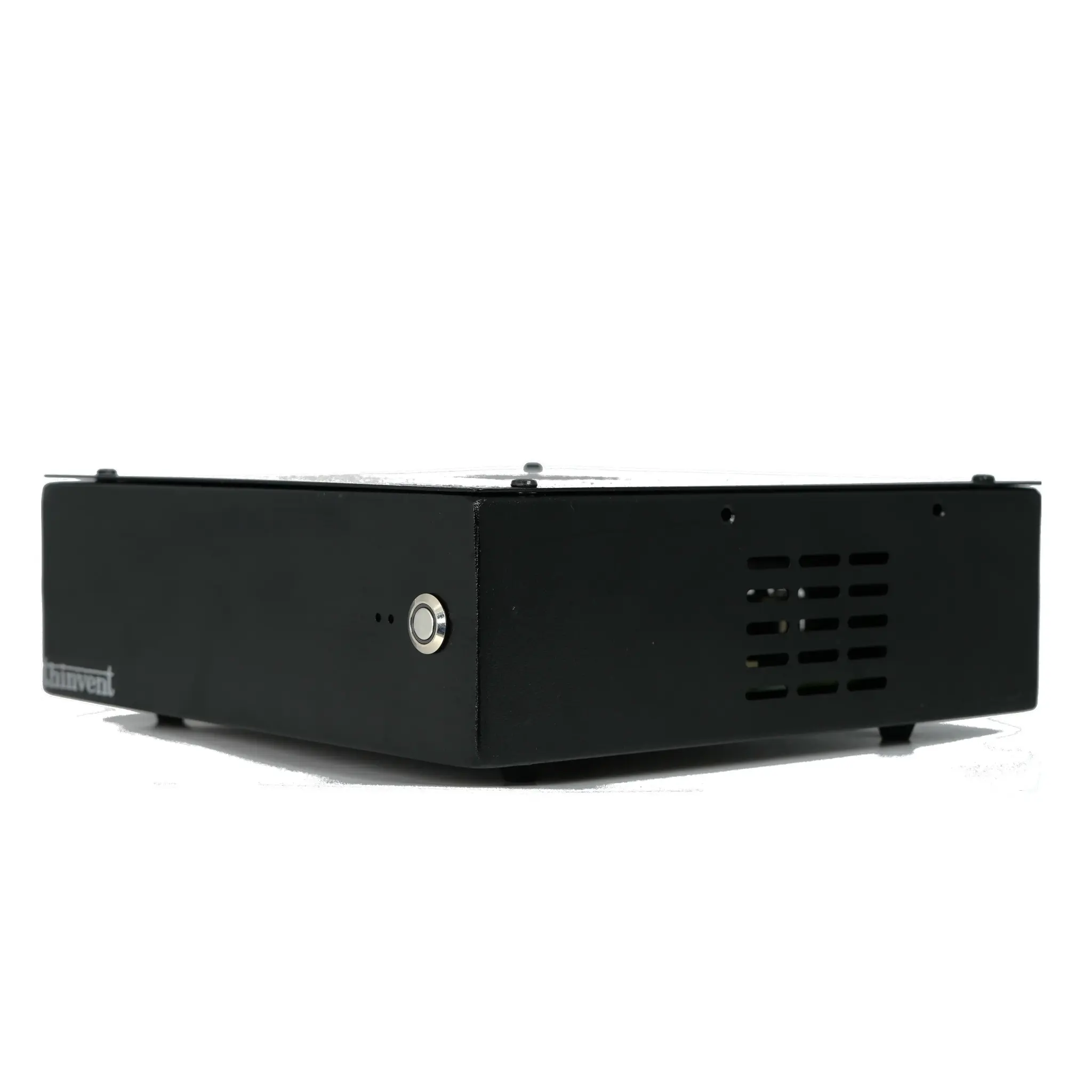
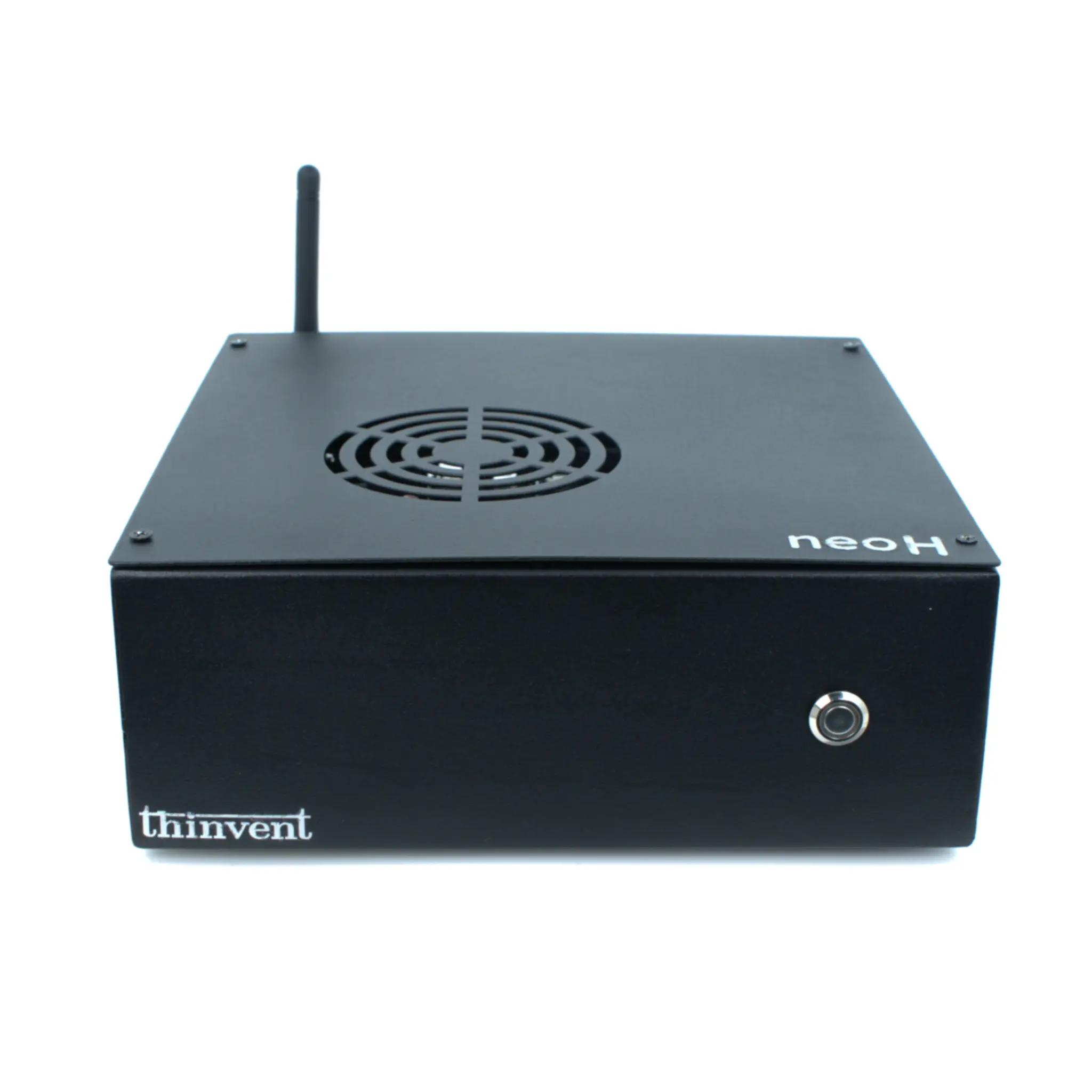
Thinvent offers a comprehensive range of office PCs designed for productivity and efficiency, from compact mini PCs and thin clients to powerful industrial systems. Our Intel-based models—such as the Aero Mini PC with Core i3/i5 processors and the Treo Mini PC with efficient N100 processors—provide the perfect balance of performance and energy efficiency for modern workplaces. All systems feature fast SSD storage, support for multiple displays, and fanless cooling options for silent operation. Whether you need a cost-effective thin client for managed environments or a full-featured desktop replacement, Thinvent has a solution tailored to your office needs.