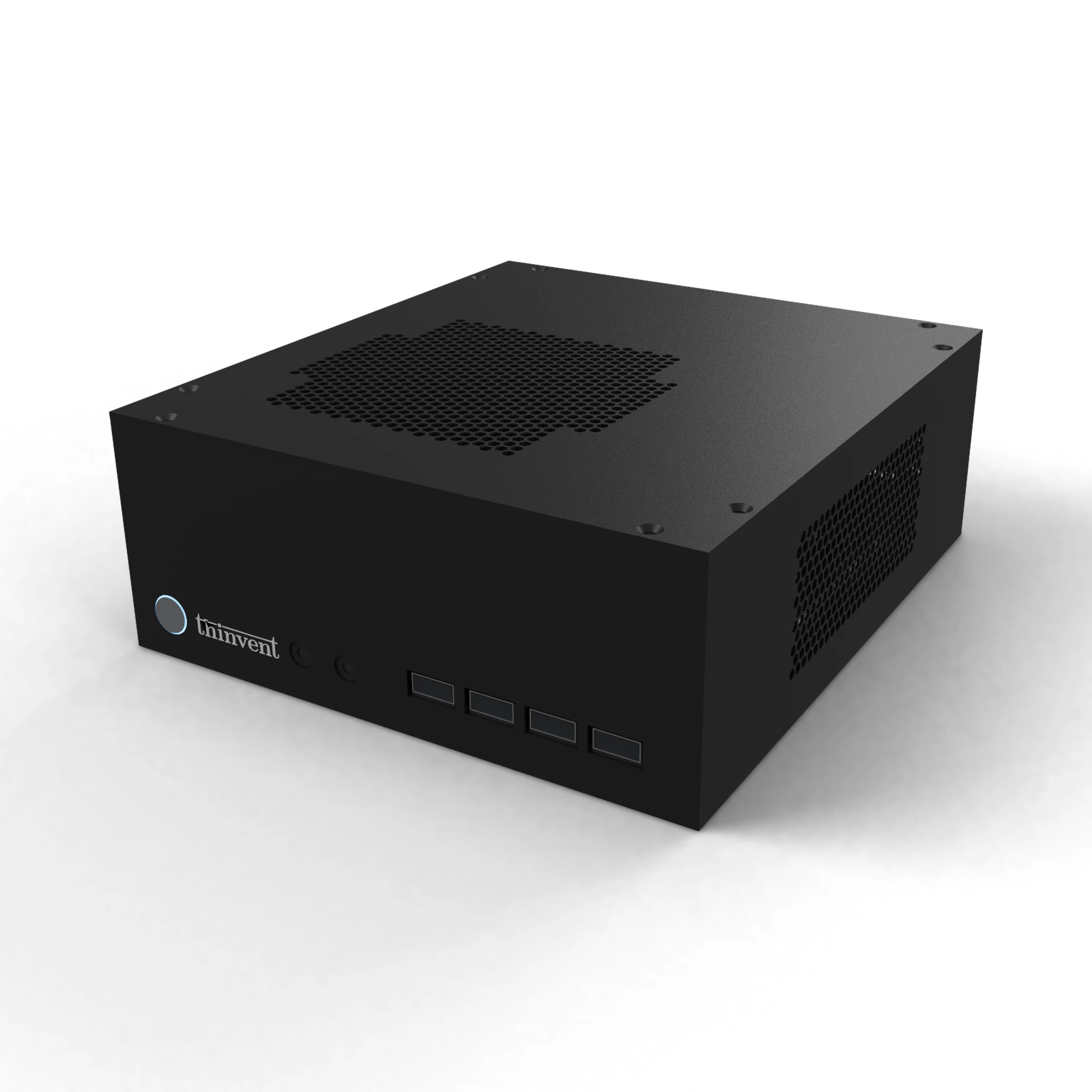
What Is a Plug and Play NAS Server?
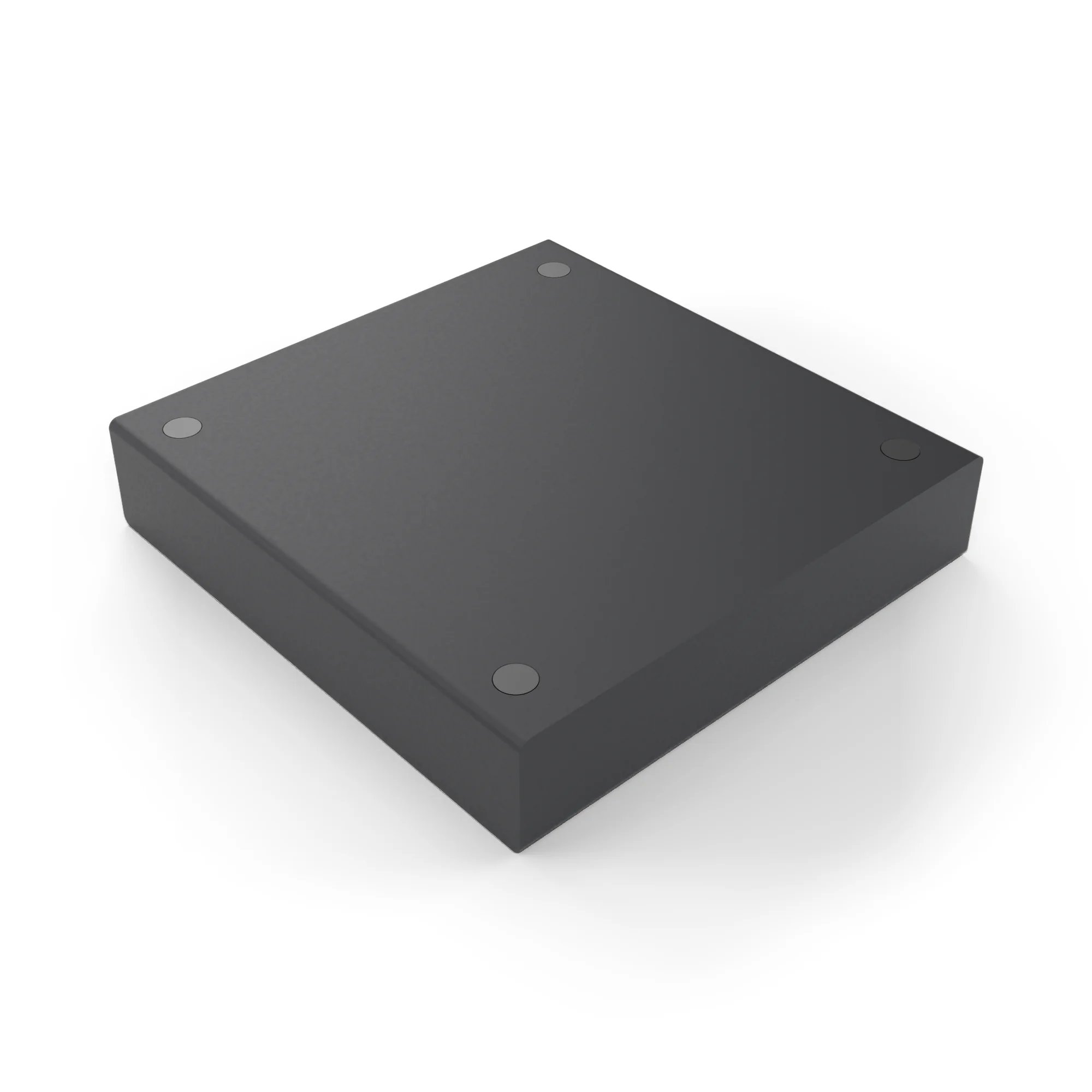
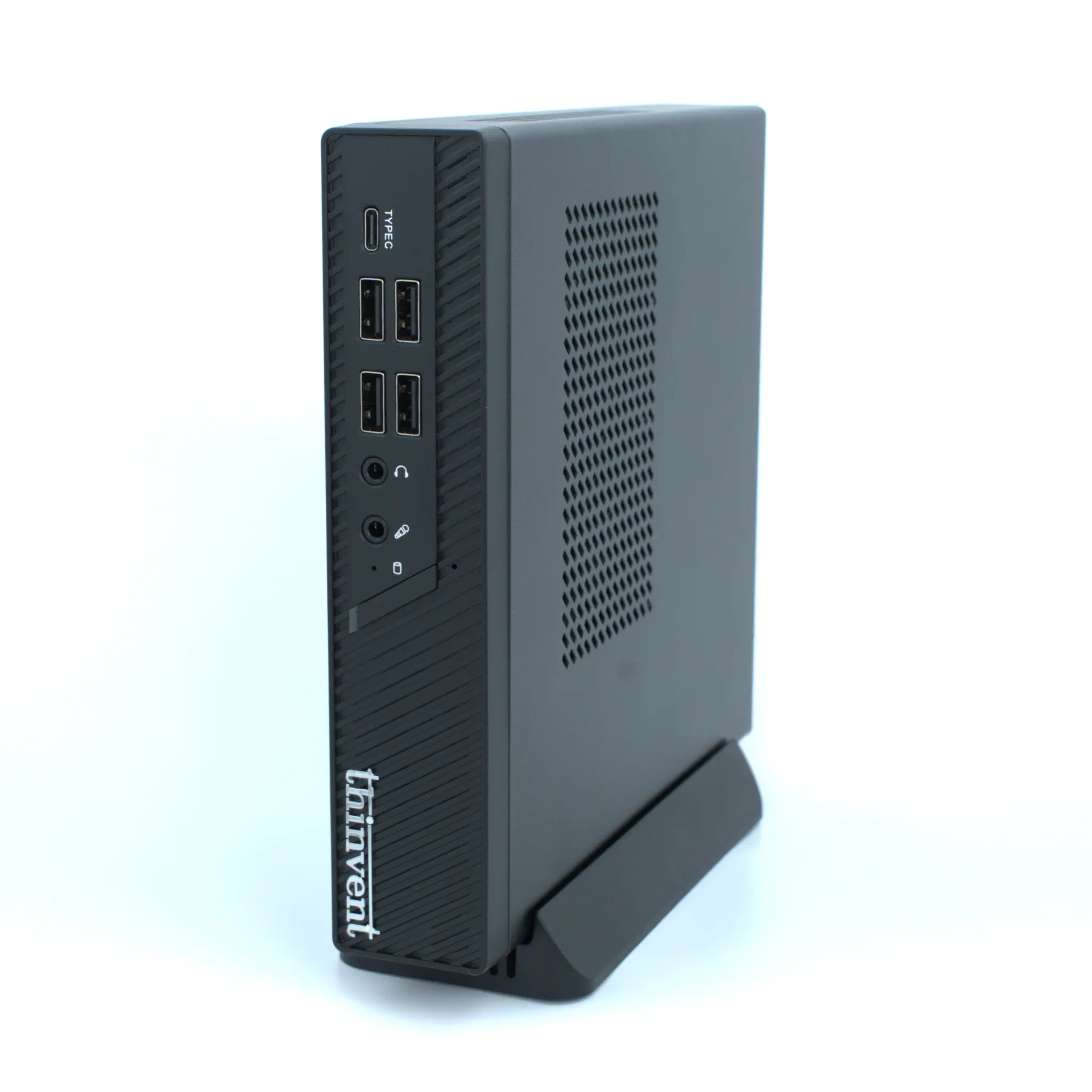
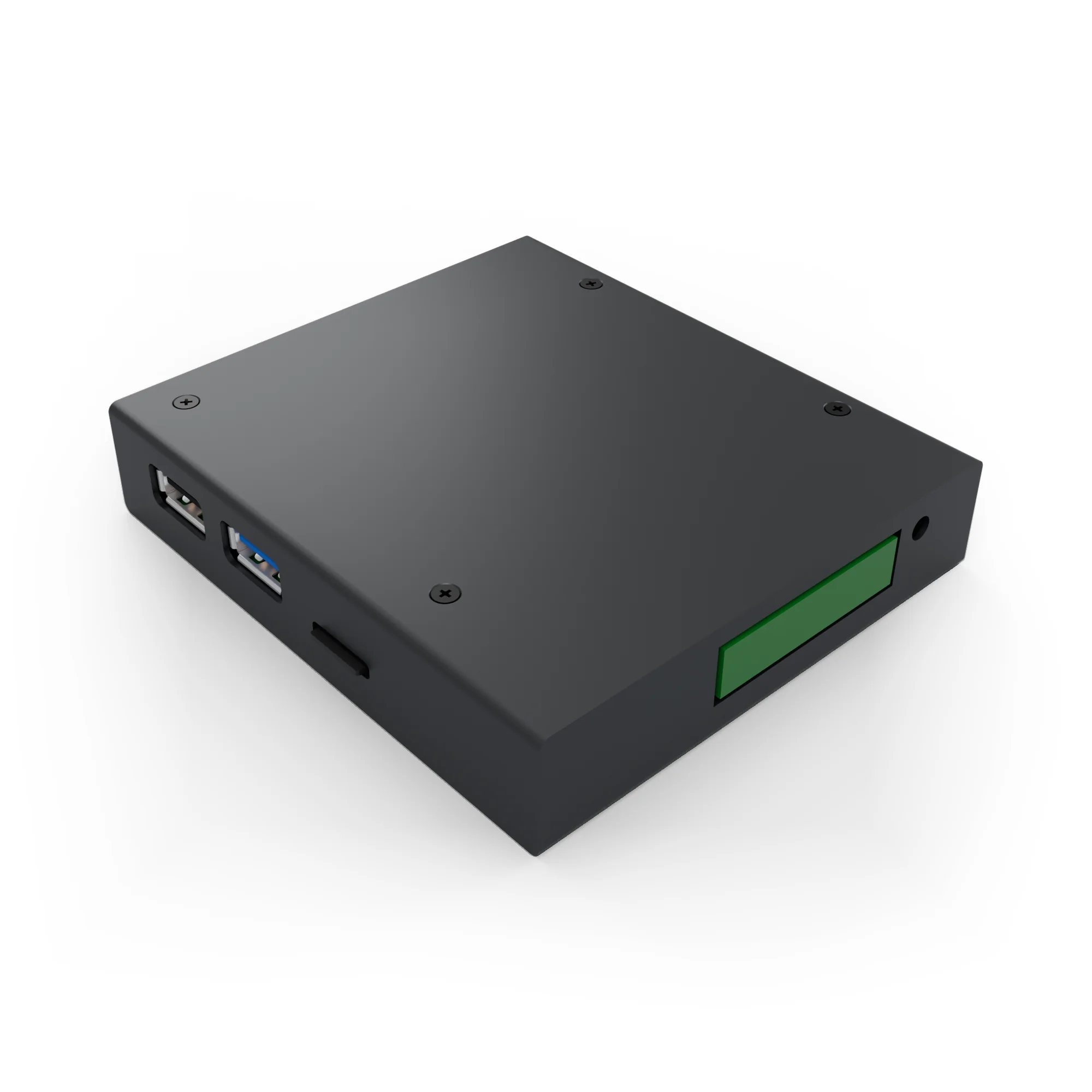
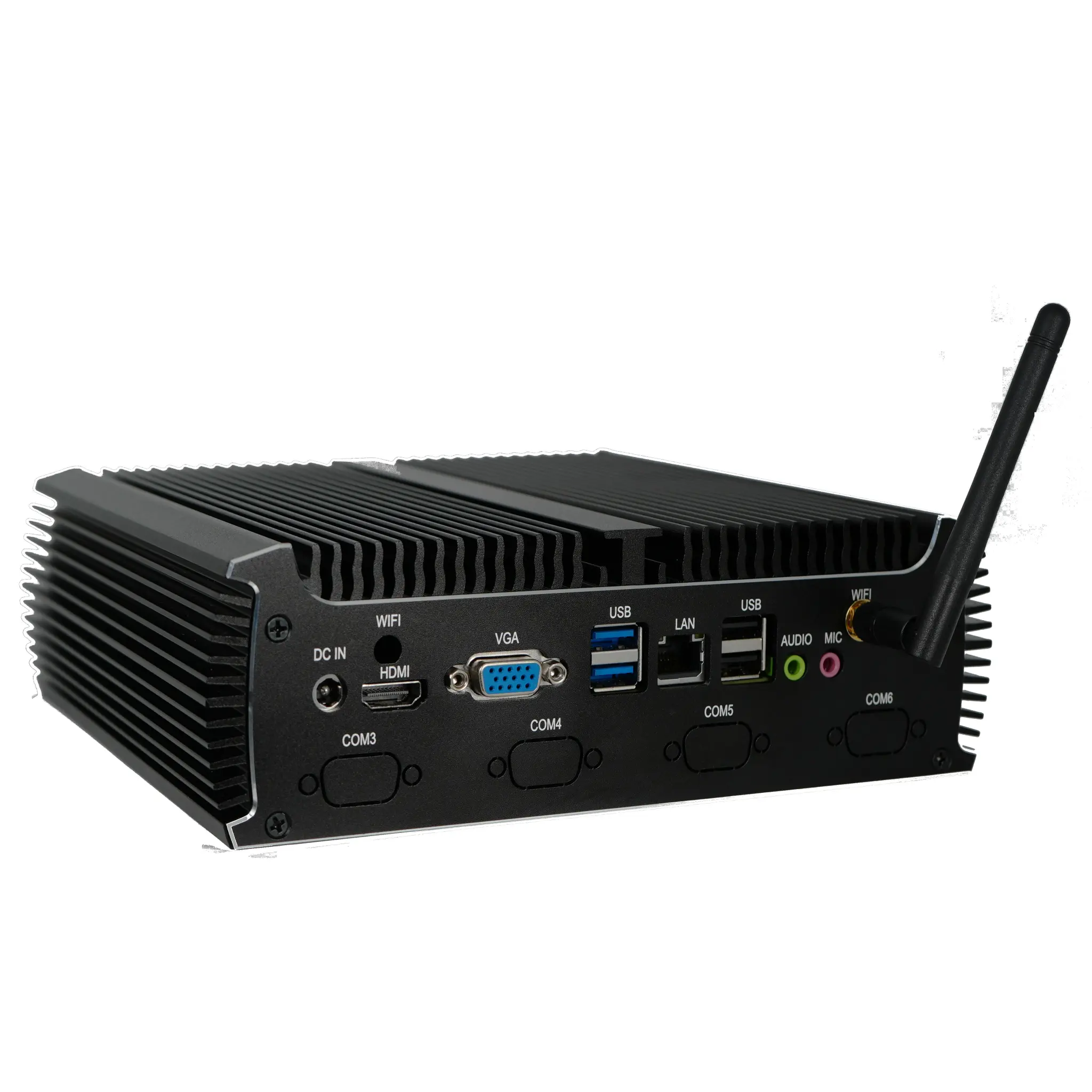
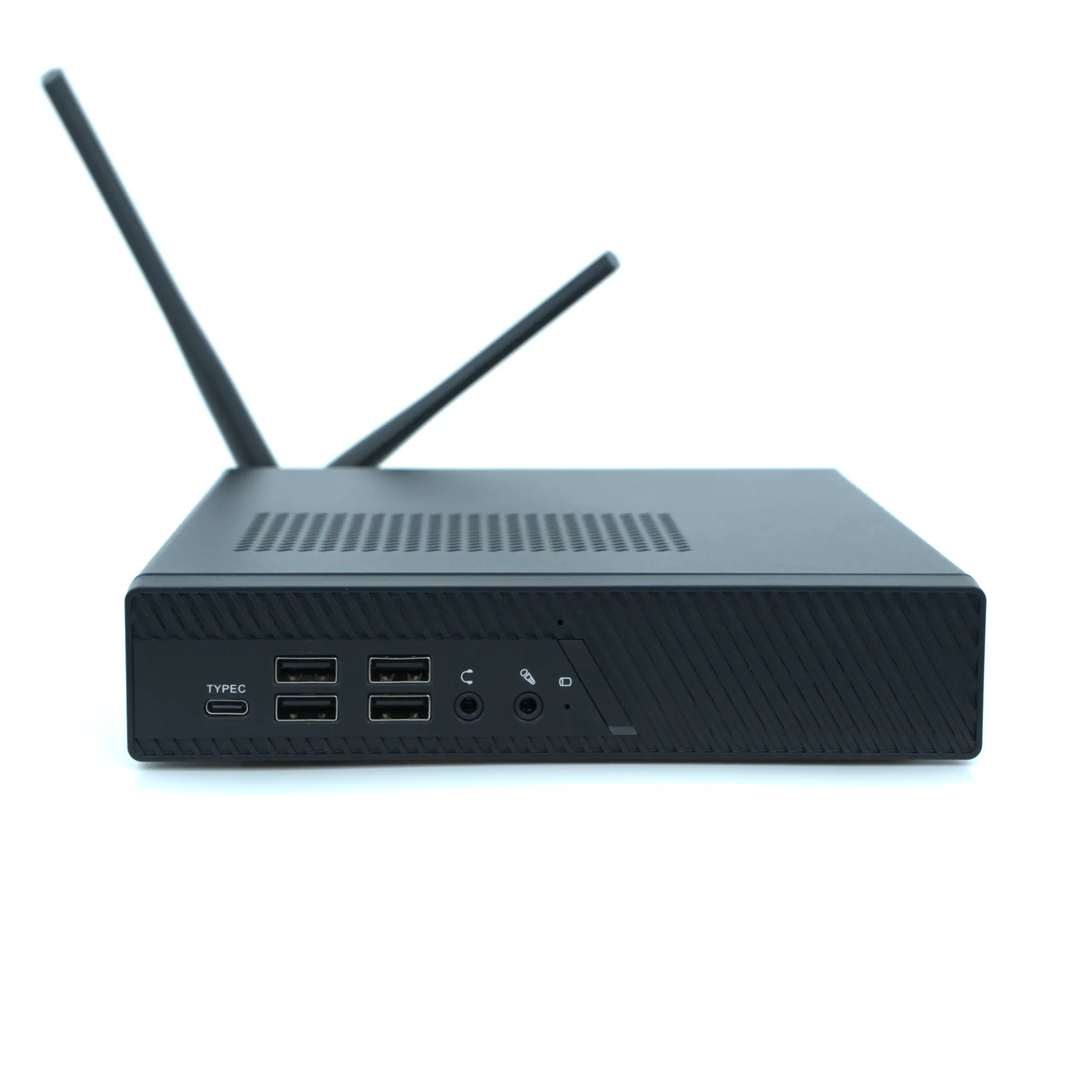
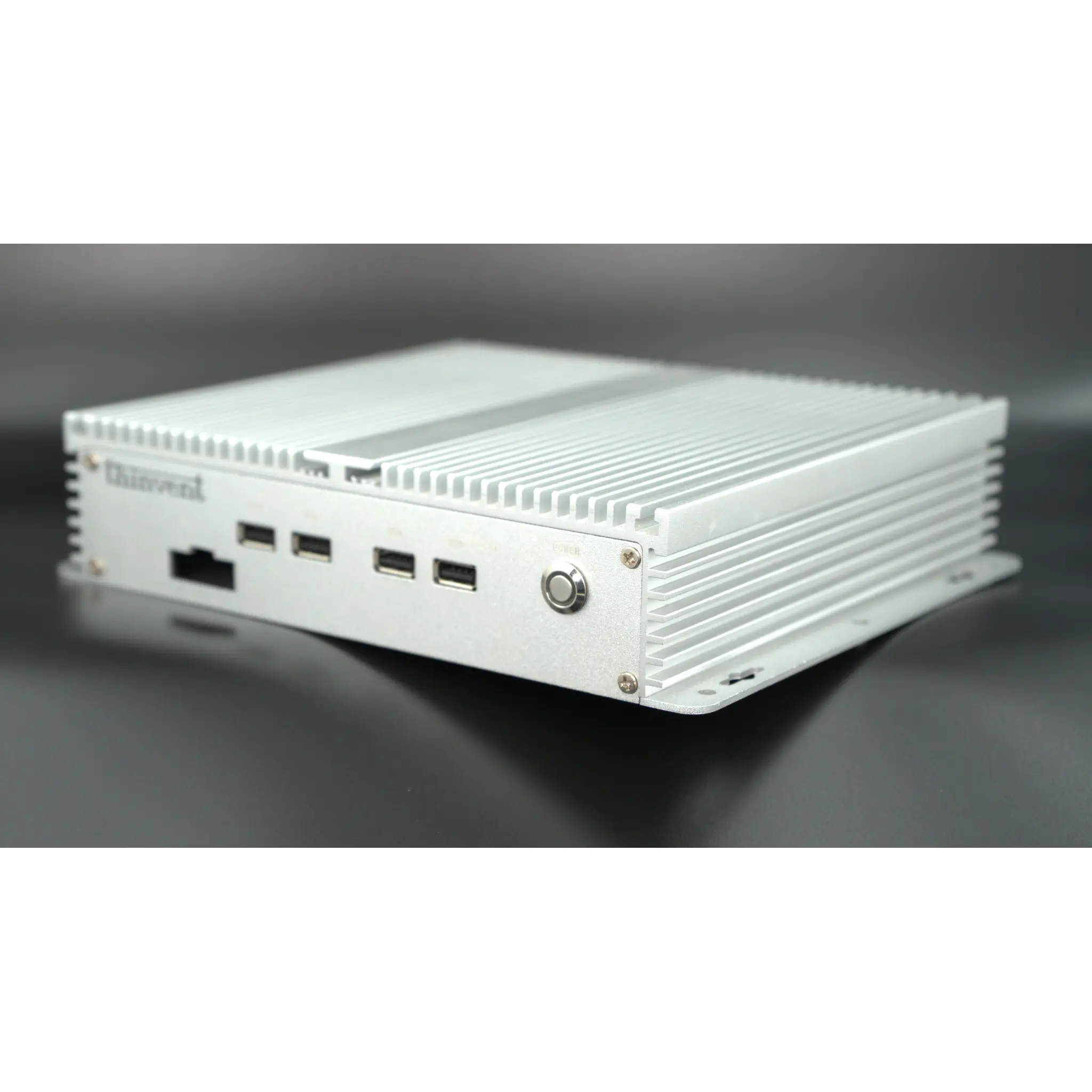
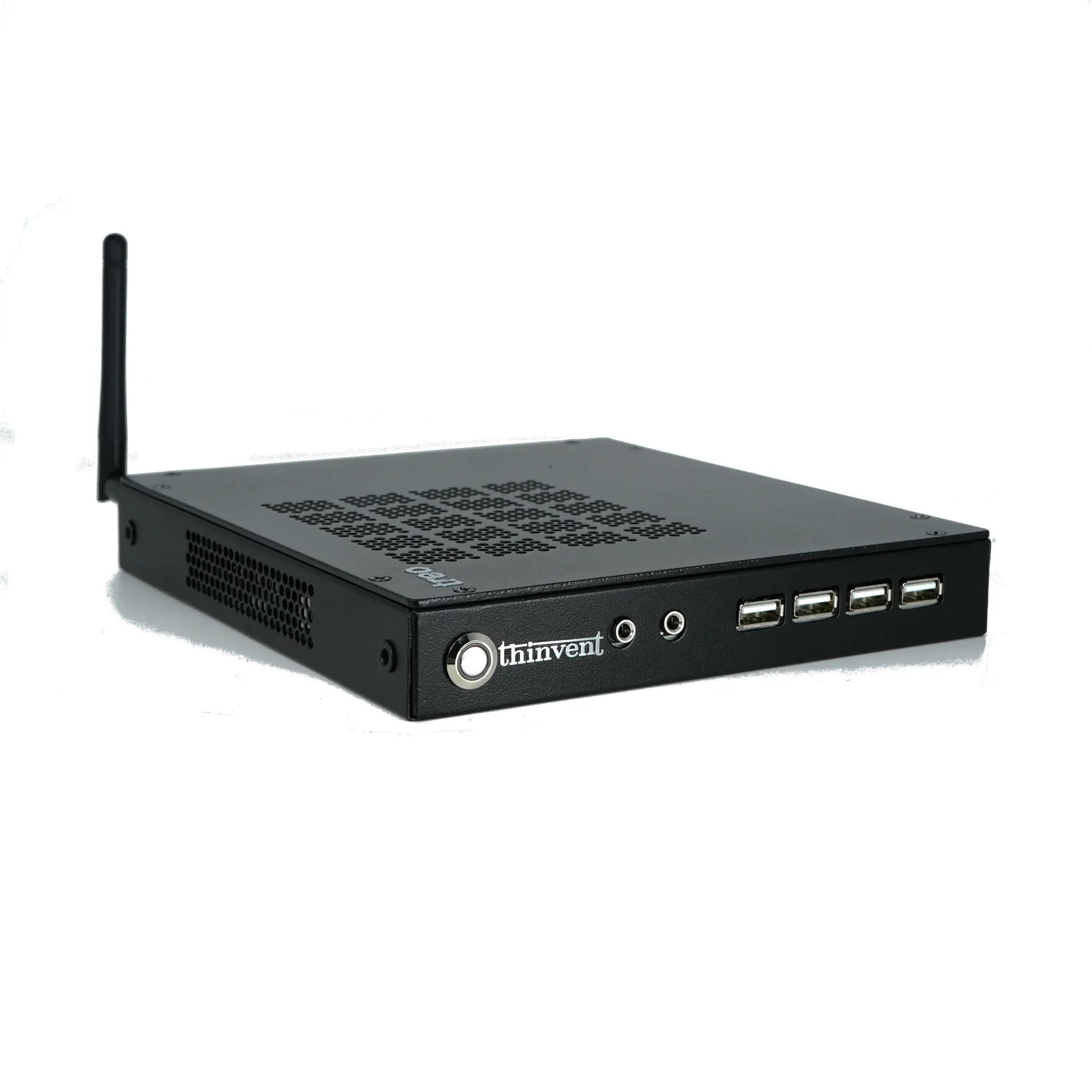
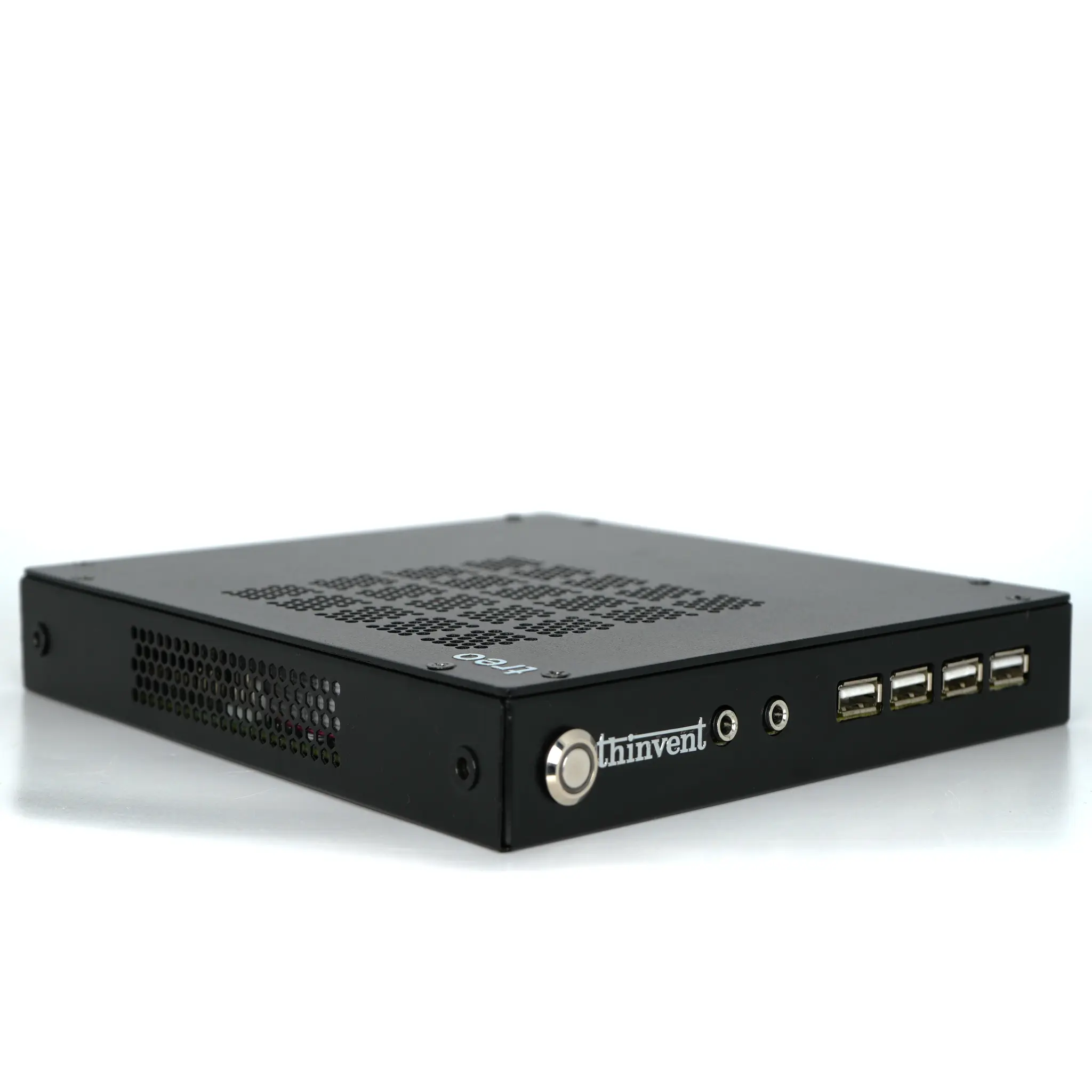
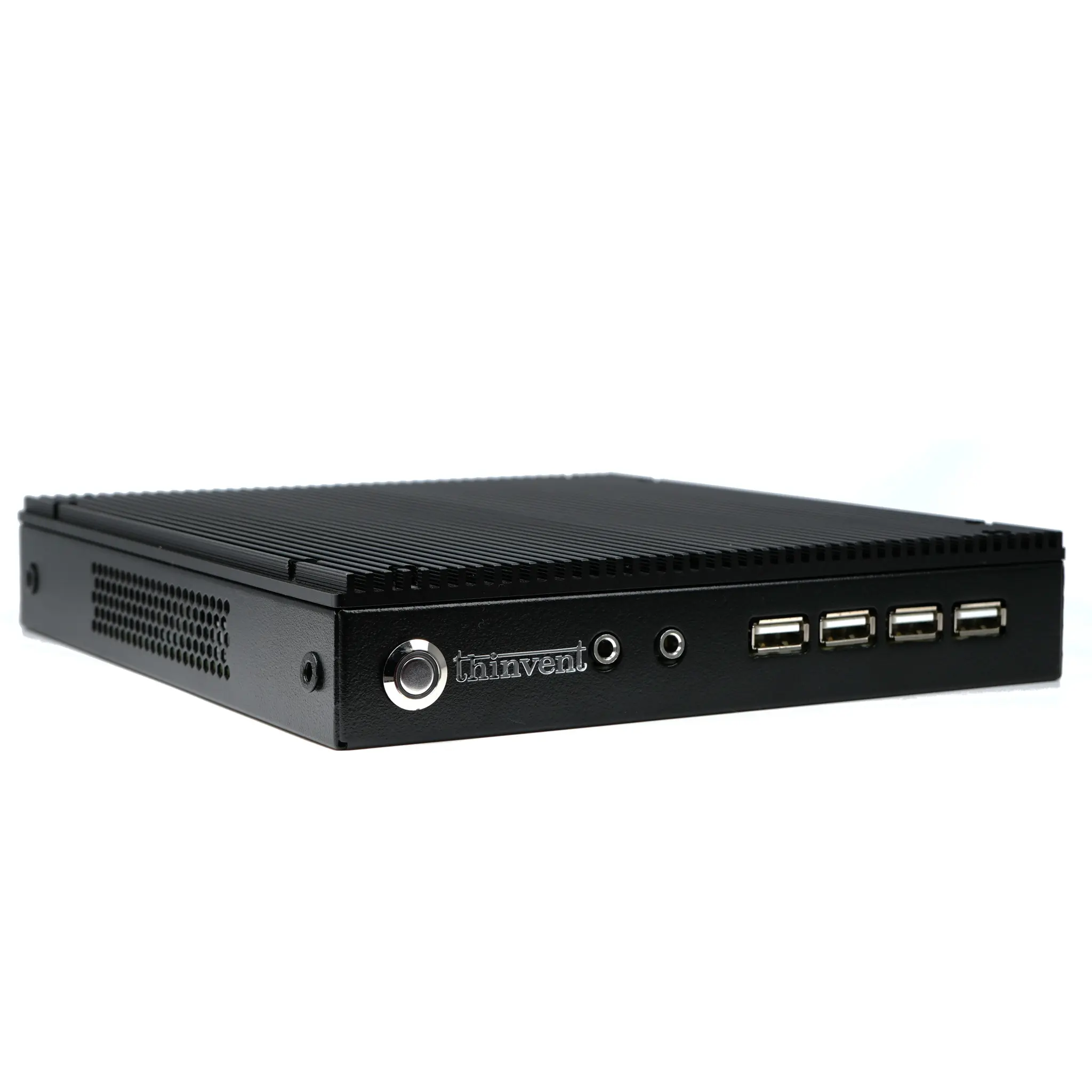
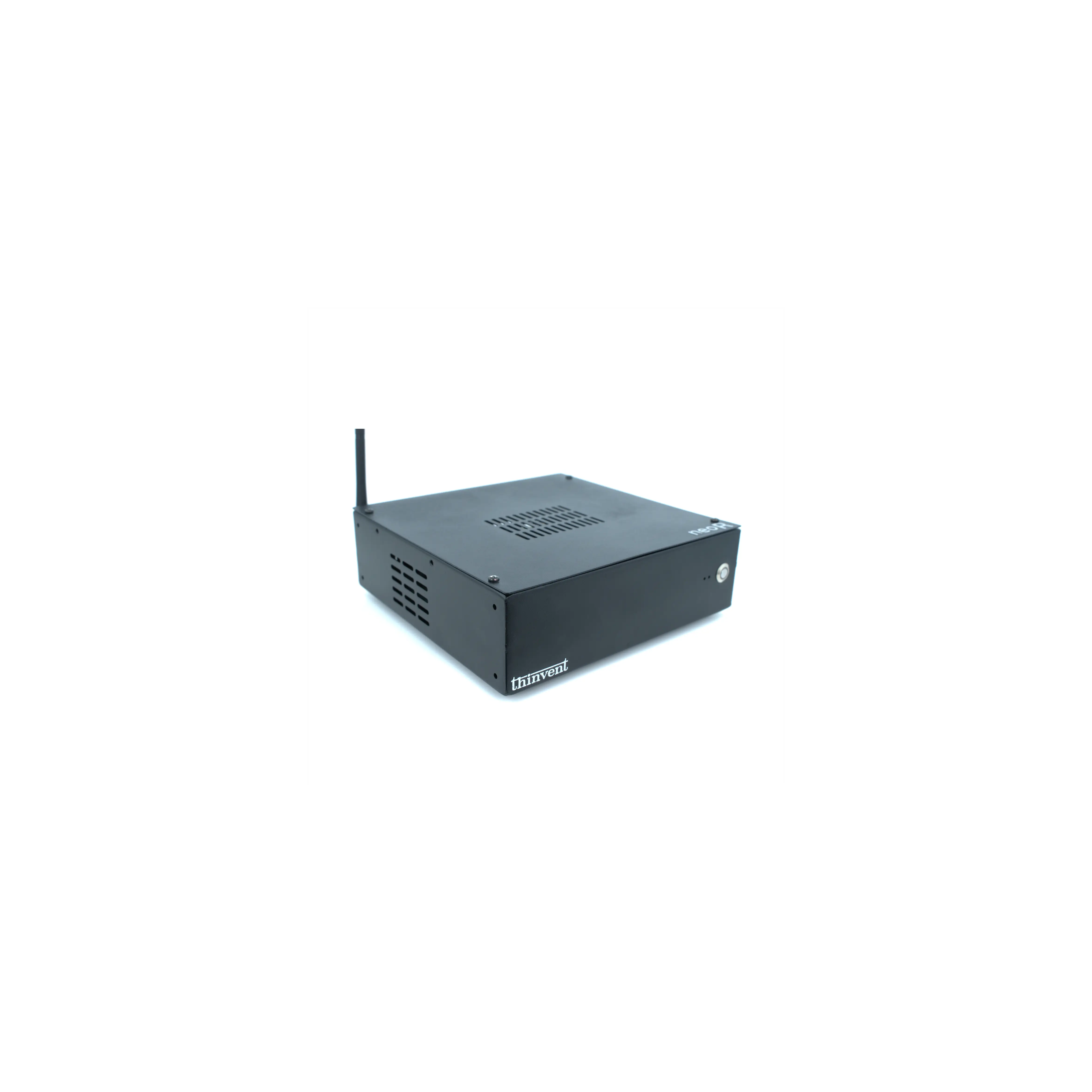
A plug and play NAS (Network Attached Storage) server is a compact computer that stores and shares files across a network with minimal setup. Instead of building a traditional tower server with RAID cards and dedicated bays, you connect a small, low-power machine to your router or switch, power it on, and it begins serving files, backups, and media to every authorised device on the network. The "plug and play" promise rests on three things: a small physical footprint, low power draw that runs quietly around the clock, and an operating system that is pre-installed and ready to configure in minutes.
Why Compact Mini PCs Suit NAS Workloads
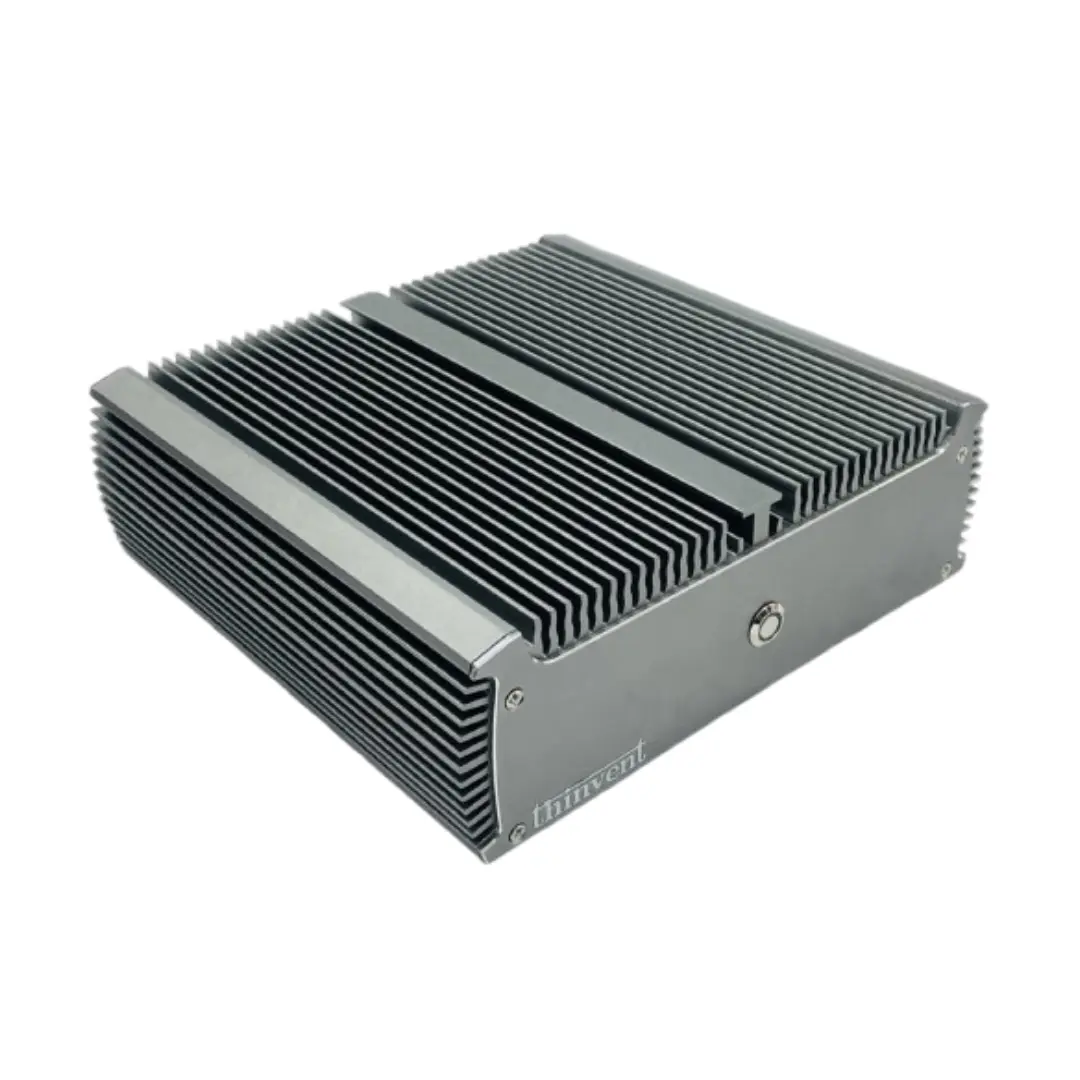
NAS duty is not compute-heavy; it is I/O and uptime-heavy. A quad-core processor with a modest clock speed handles file serving, SMB/NFS shares, scheduled backups, and light media streaming comfortably. What matters more is stable memory (8–16 GB is ample for file services and a few containers), a reliable SSD for the operating system and metadata, and a network link that does not bottleneck transfers. Gigabit Ethernet (1000 Mbps) delivers roughly 110–120 MB/s in practice, which saturates a single spinning disk and keeps SSD-to-SSD transfers brisk. Fanless or low-noise designs are popular because a NAS often lives on a desk, in a shop, or in a small office where constant fan whine is unwelcome.
Typical Specifications and Use Cases
| Attribute | Typical NAS Mini PC | Why It Matters |
|---|---|---|
| Processor | Intel quad-core, 2.0–2.9 GHz | Handles file services, containers, light transcoding |
| Memory | 8–16 GB DDR4 | File caching, virtual machines, Docker apps |
| Boot storage | 128–512 GB SSD | Fast OS, metadata, and app hosting |
| Network | 1× or 2× Gigabit Ethernet | Throughput and link redundancy |
| Display out | 1–2× HDMI | Local setup and diagnostics |
| OS options | Windows 11 Pro, Ubuntu LTS, embedded Linux, or without OS | Flexibility for TrueNAS, OpenMediaVault, Samba, or vendor tools |
| Power | 12 V DC adapter, ~10–30 W | Runs 24×7 cheaply and quietly |
Common deployments include home and small-office file sharing, automated PC and phone backups, media libraries for the living room, CCTV footage offload, point-of-sale data aggregation in retail, and edge data collection in factories or clinics. Two Ethernet ports are useful when you want to separate management traffic from storage traffic, or to bond links for higher aggregate throughput on a managed switch.
Choosing the Right Configuration
Start with the operating system you intend to run. If you plan to use Windows-based sharing or vendor backup software, choose Windows 11 Pro. If you prefer open-source NAS stacks such as Samba, OpenMediaVault, or TrueNAS, pick Ubuntu Linux or a unit supplied without an OS so you can install your preferred platform. Memory should scale with ambition: 8 GB is fine for pure file serving, while 16 GB gives headroom for containers, a small virtual machine, or a media server. Storage should be split between a fast SSD for the system and larger drives (internal or USB-attached) for bulk data, with a separate backup copy kept offline.