What Does "Pre Built PC No GPU" Mean?
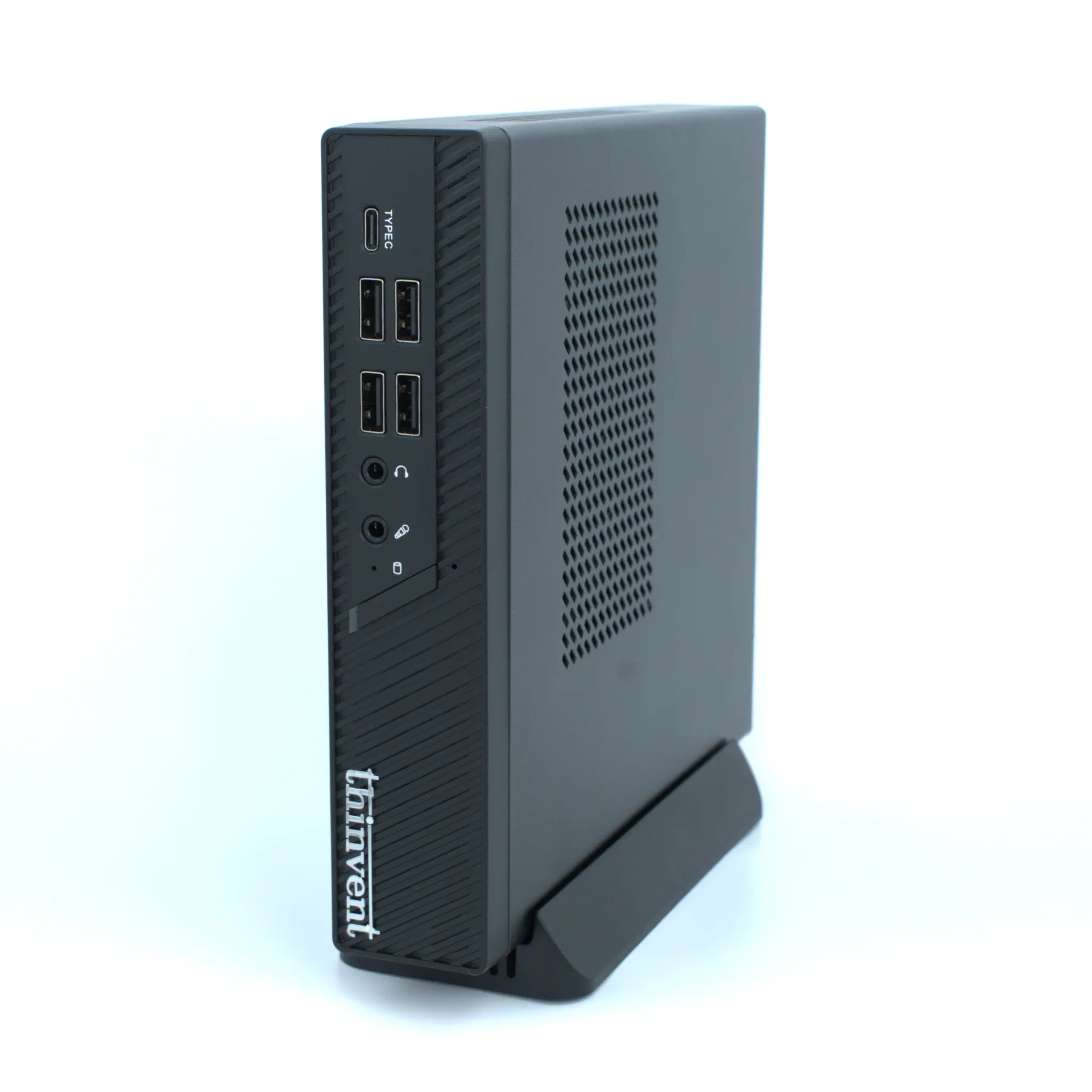
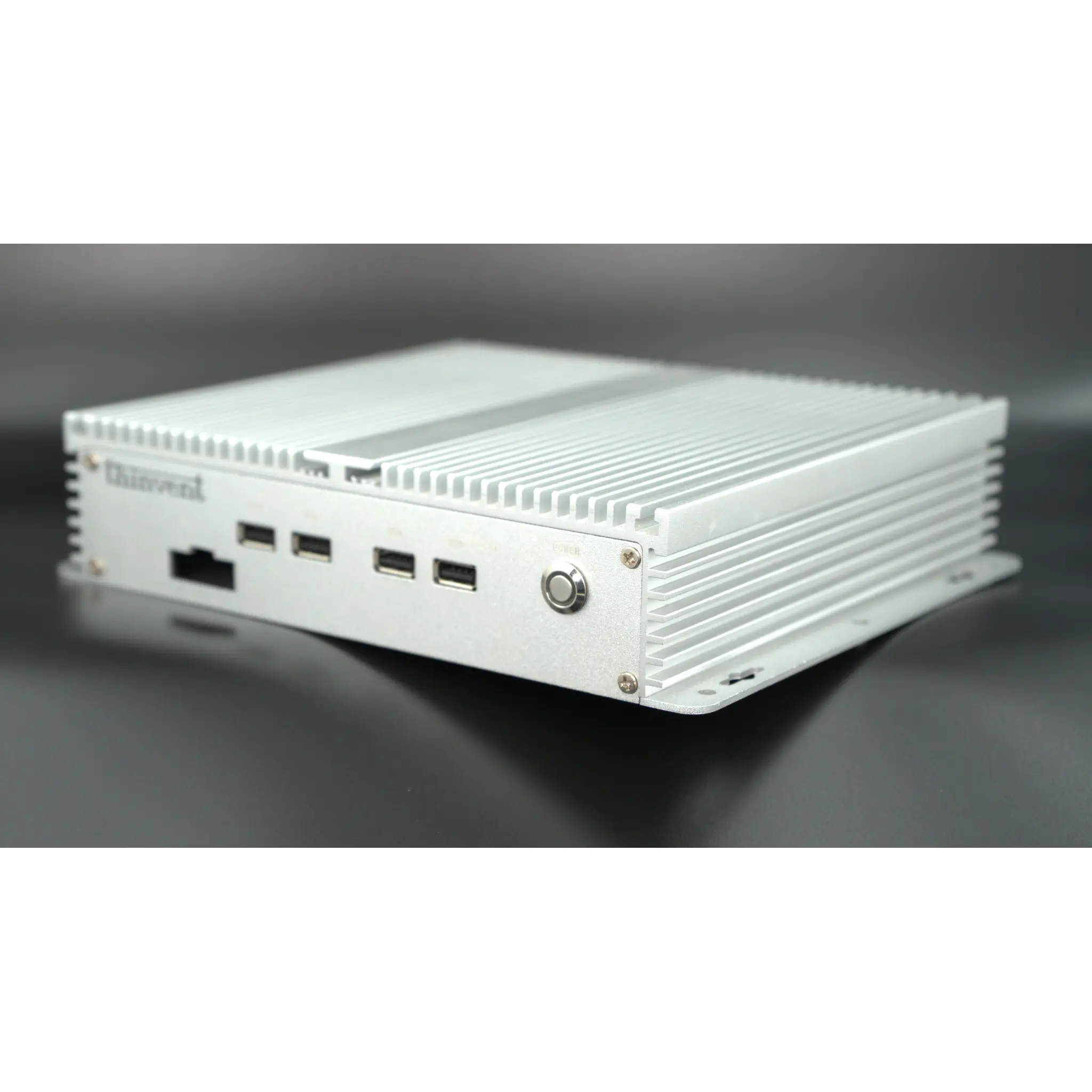
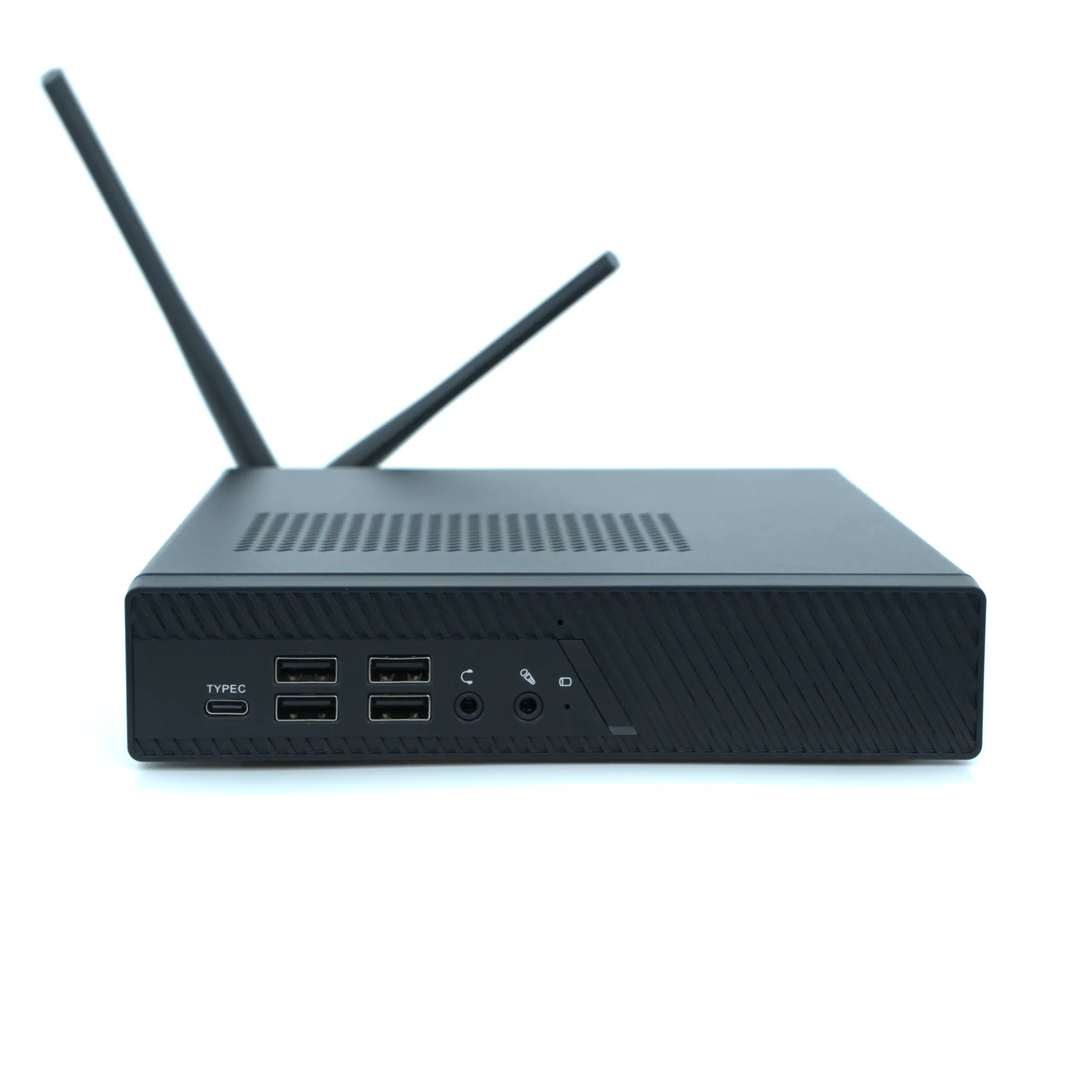
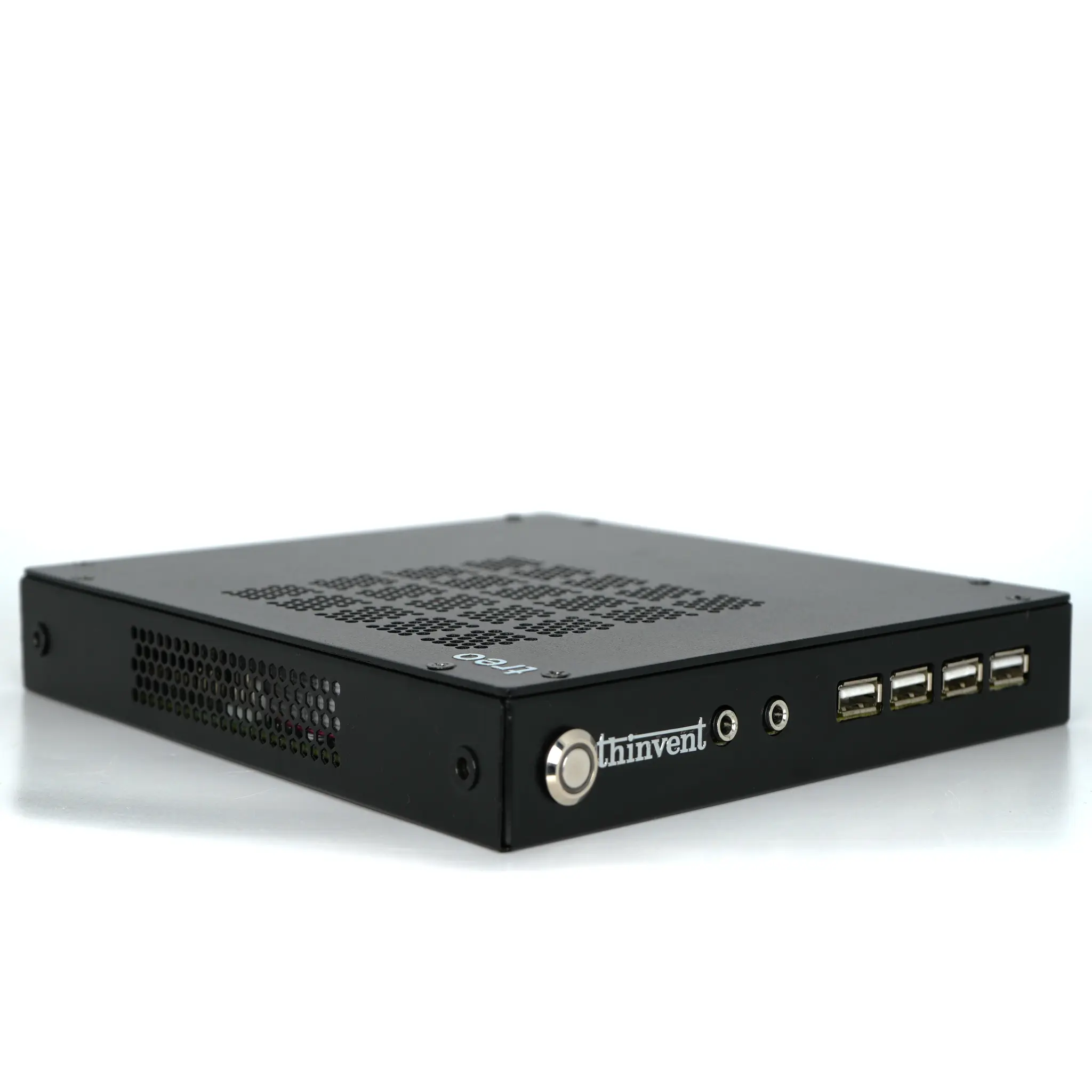
A pre built PC with no GPU (graphics card) is a fully assembled, ready-to-run computer that relies on integrated graphics built into the processor rather than a separate discrete graphics card. Instead of a dedicated add-in card, the CPU's integrated graphics engine handles display output, video decode and light 2D/3D rendering. This makes the system smaller, quieter, cooler and more energy-efficient, and it removes a common failure point in dusty or high-vibration environments.
How Integrated Graphics Works
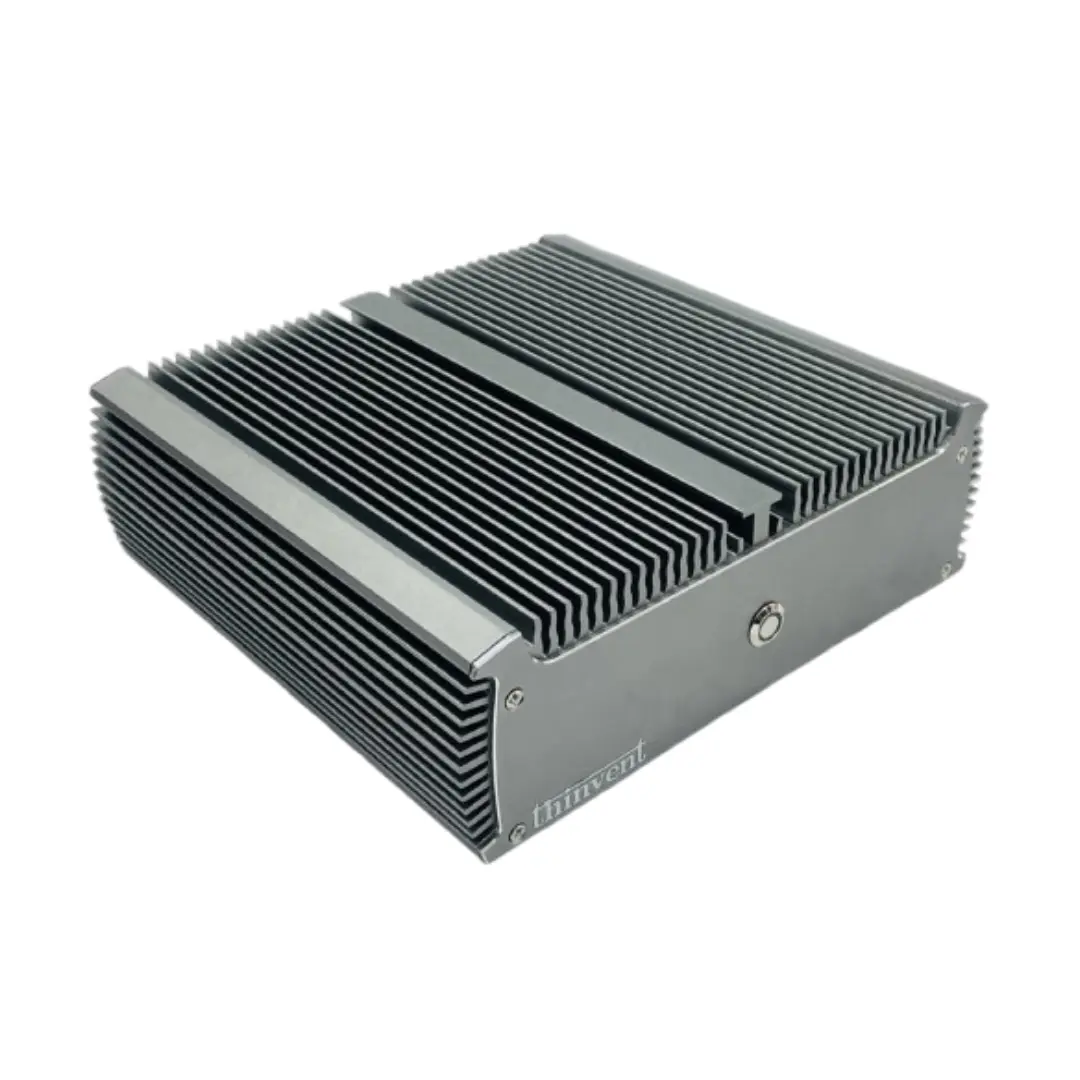
Modern Intel processors include an integrated graphics engine on the same die as the CPU cores. This engine shares system memory (RAM) rather than carrying its own dedicated video memory, and it drives the display through standard outputs such as HDMI or DisplayPort. For office productivity, browsing, point-of-sale software, digital signage, thin client sessions, kiosks and video playback, integrated graphics is more than sufficient. Because there is no separate card, the platform typically runs cooler, which allows fanless or passively cooled chassis designs that suit dusty, humid or industrial settings.
Key Specifications to Look For
| Specification | Typical Range | Why It Matters |
|---|---|---|
| Processor | Intel Celeron / N-series, Core i3 / i5 | Determines overall responsiveness |
| Integrated Graphics | Intel UHD Graphics (on-CPU) | Handles display and video decode |
| Memory | 8 GB – 16 GB DDR4 | Shared with integrated graphics |
| Storage | 128 GB – 512 GB SSD | Fast boot and app loading |
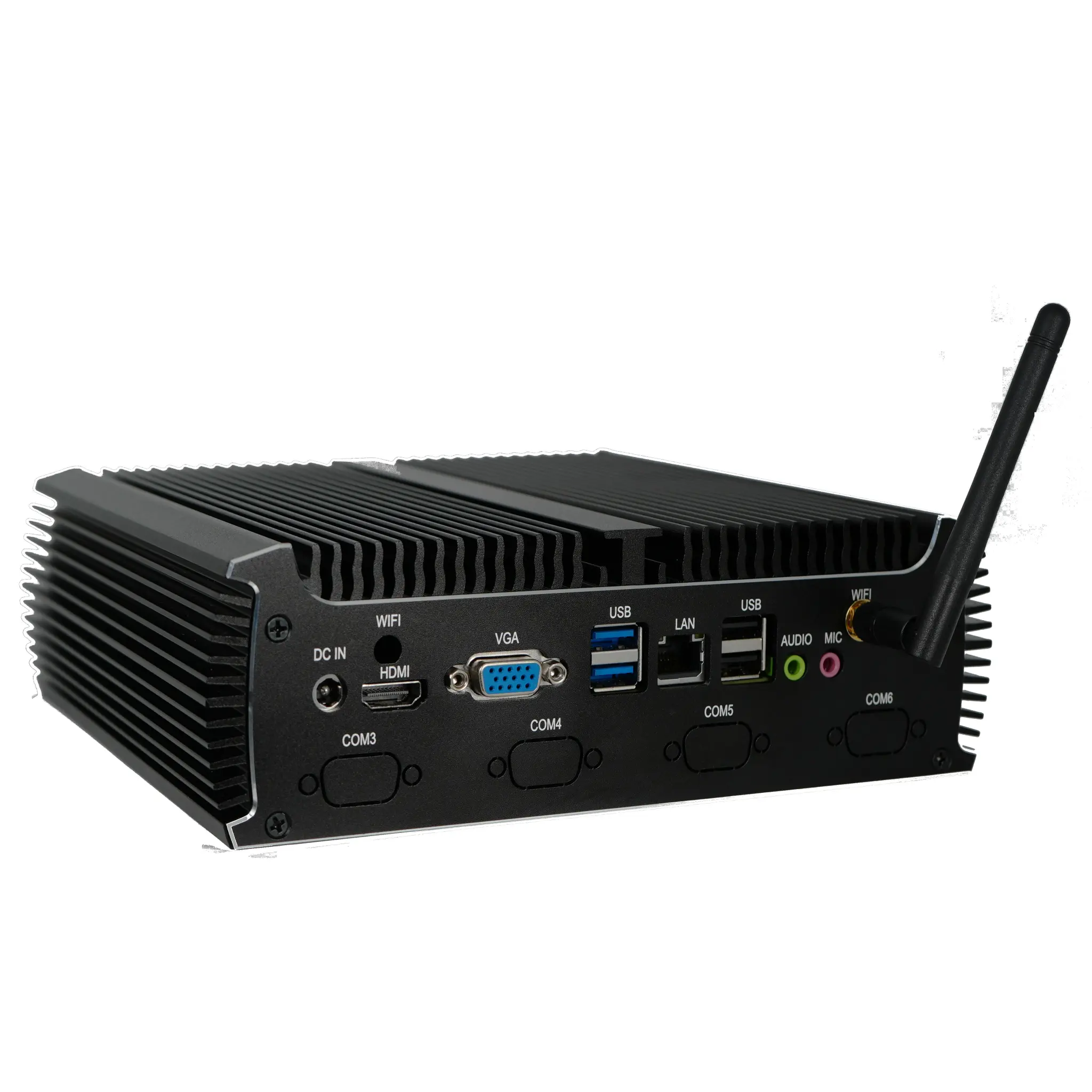
| Display Output | 1–2 × HDMI | Multi-monitor support |
| Cooling | Fanless / passive | Dust and heat tolerance |
| Power | 12V DC adapter | Low power draw |
Use Cases and Applications
Pre built no-GPU systems are ideal where reliability and low maintenance matter more than 3D rendering power. Common deployments include office desktops and workstations for documentation, ERP and CRM software; thin client and VDI endpoints; retail point-of-sale terminals; kiosks and self-service booths; digital signage players; and industrial control or data-logging stations. Because they draw little power and produce little heat, they can run continuously in enclosed cabinets, on shop floors or in remote branch offices without dedicated cooling.
Choosing the Right Configuration
Match the processor tier to the workload: entry Celeron and N-series chips suit browsing, terminals and signage, while Core i3 or i5 models handle heavier multitasking, multiple browser tabs and light content work. Choose 8 GB of RAM for basic tasks and 16 GB for smoother multitasking, and select an SSD size that leaves headroom for the operating system and local data. If the machine will sit in a dusty or hot location, prioritise a fanless design; if it will drive two screens, confirm the unit offers two display outputs.
Thinvent's Range of No-GPU Computers
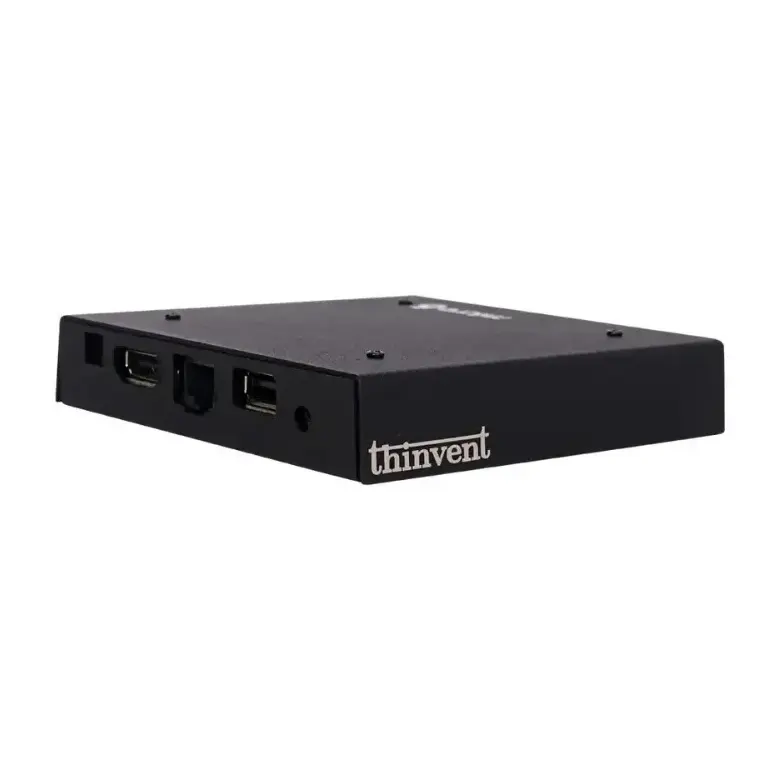
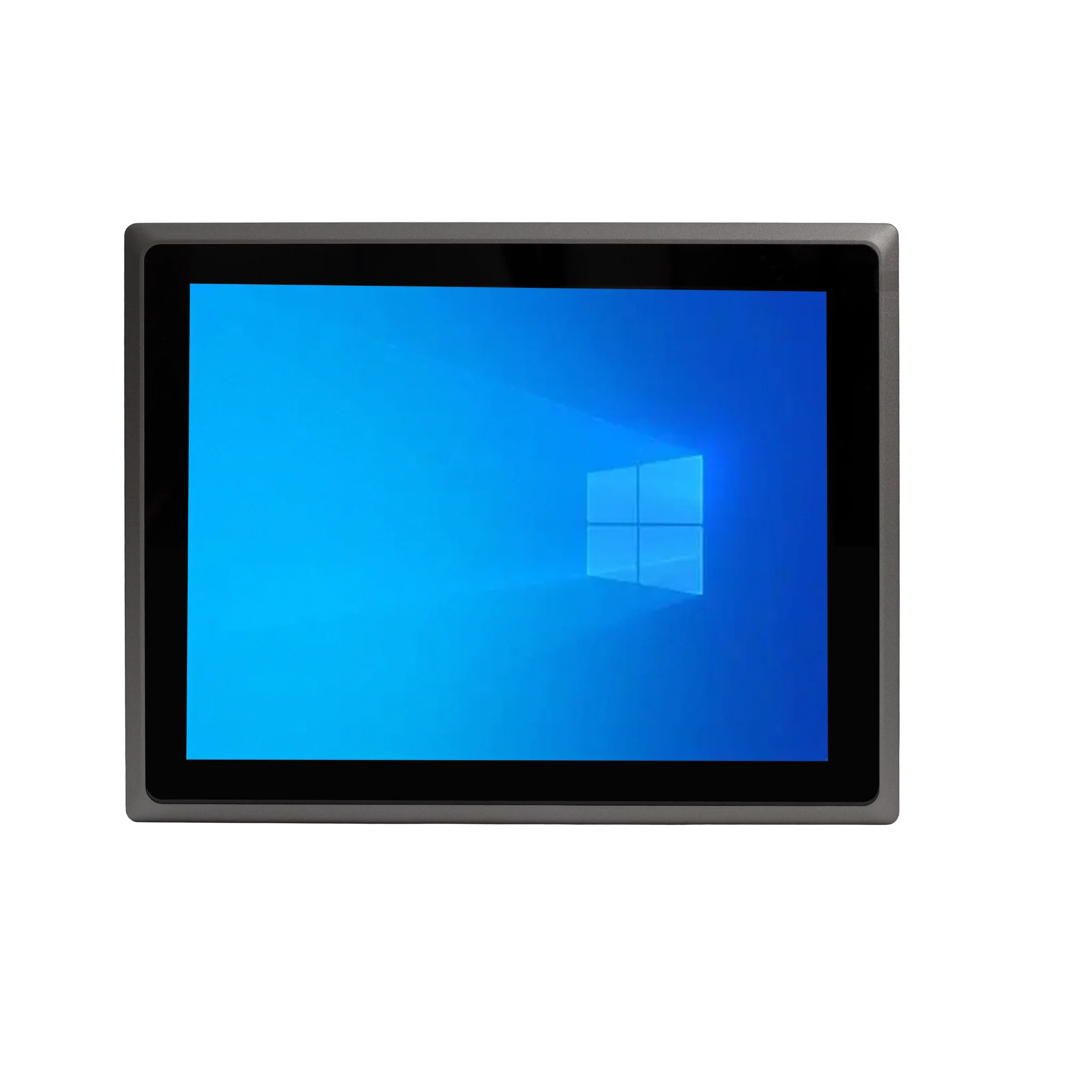
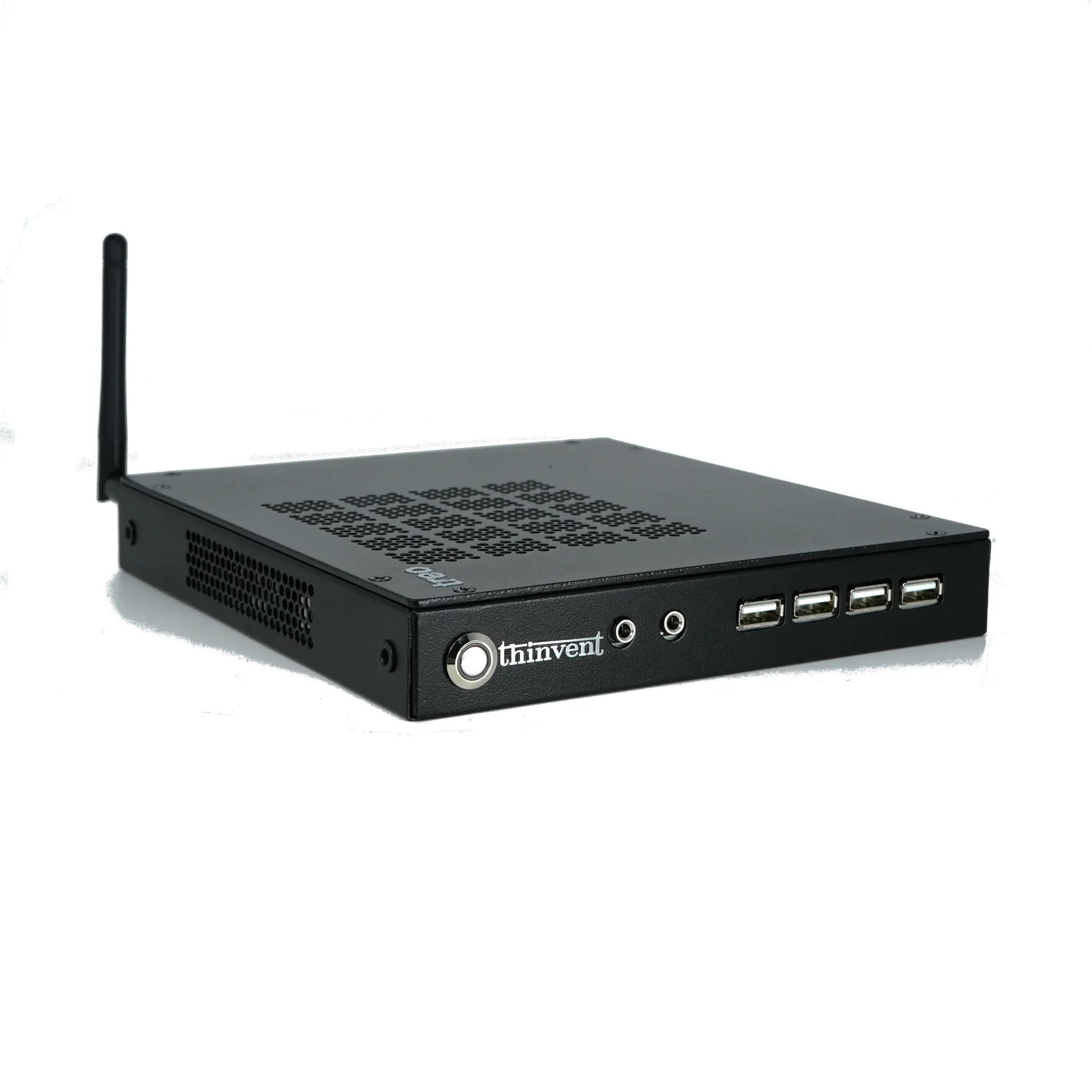
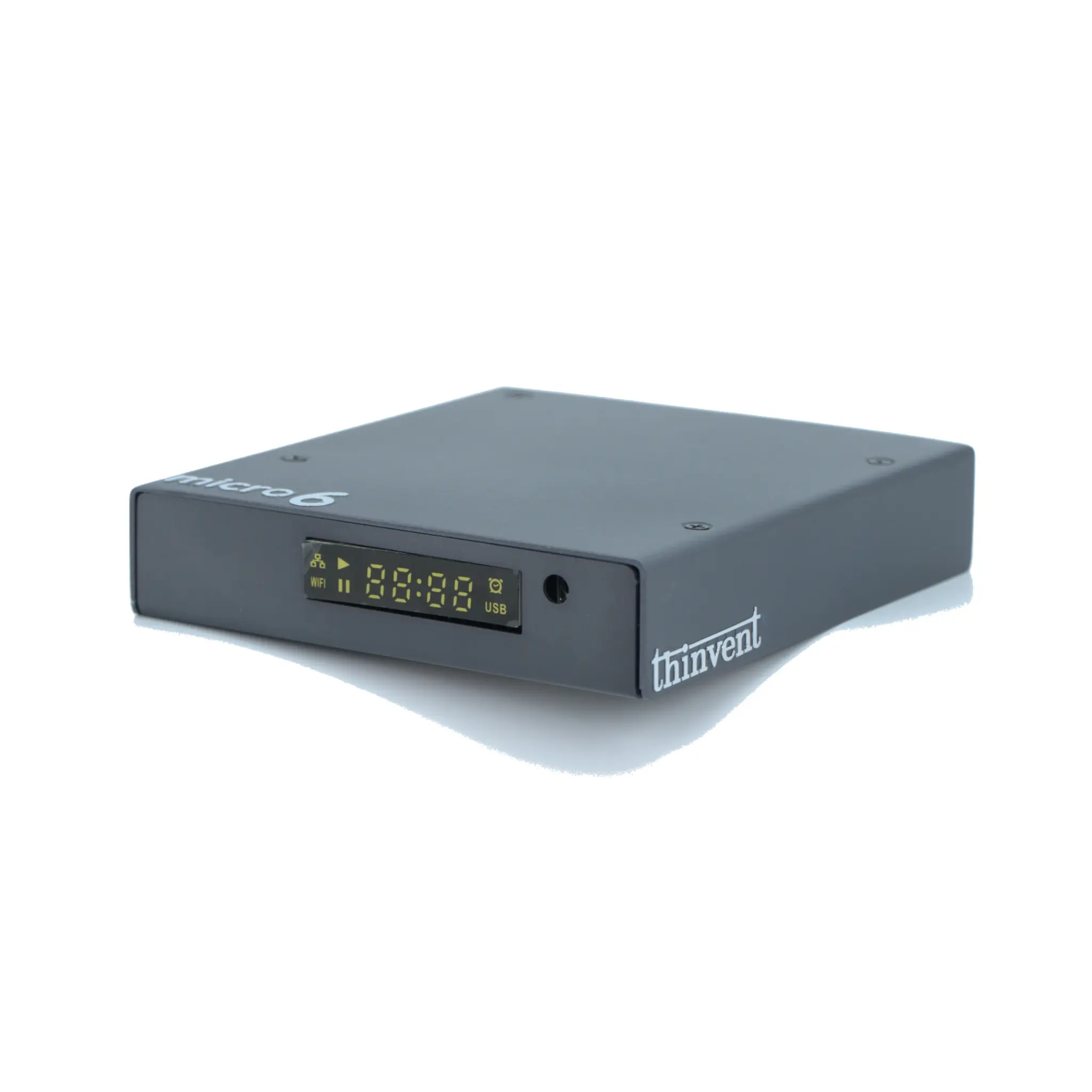
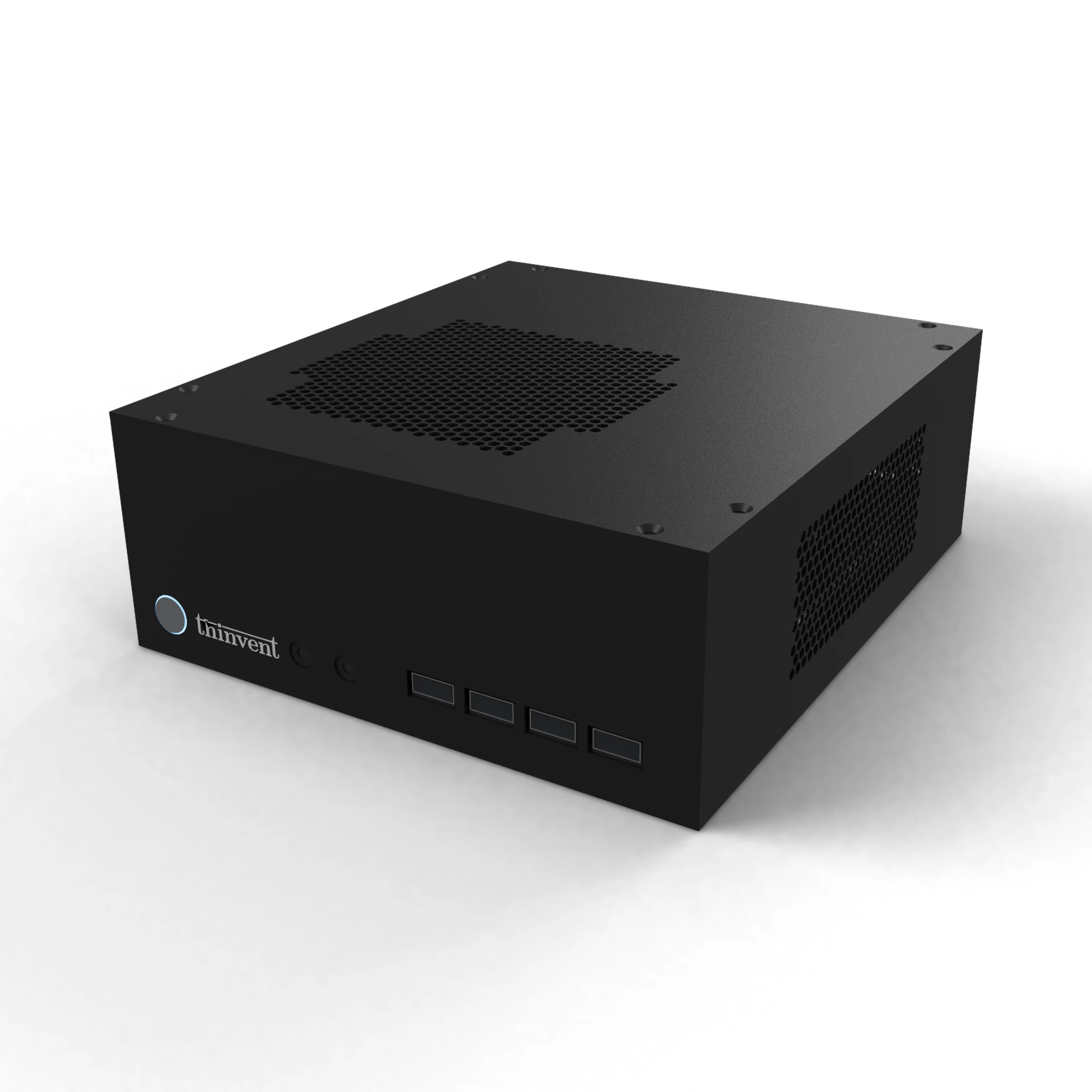
Thinvent builds a full range of pre built, integrated-graphics systems for exactly these workloads. The Aero Mini PC family pairs Intel processors with DDR4 memory, SSD storage and a compact, low-power 12V design, and is available with Windows 11 Pro, Windows 11 IoT, DOS or Thinux™ Embedded Linux, with or without a keyboard and mouse set. Alongside the Mini PC line, Thinvent offers thin clients, all-in-one PCs and industrial computers — all fanless or passively cooled options that keep running in demanding environments without a discrete graphics card.