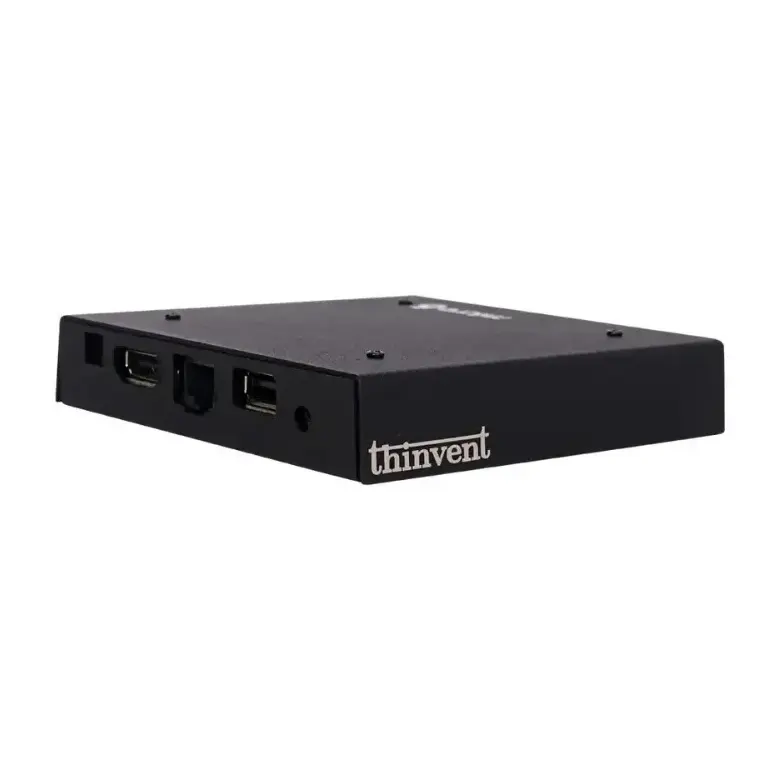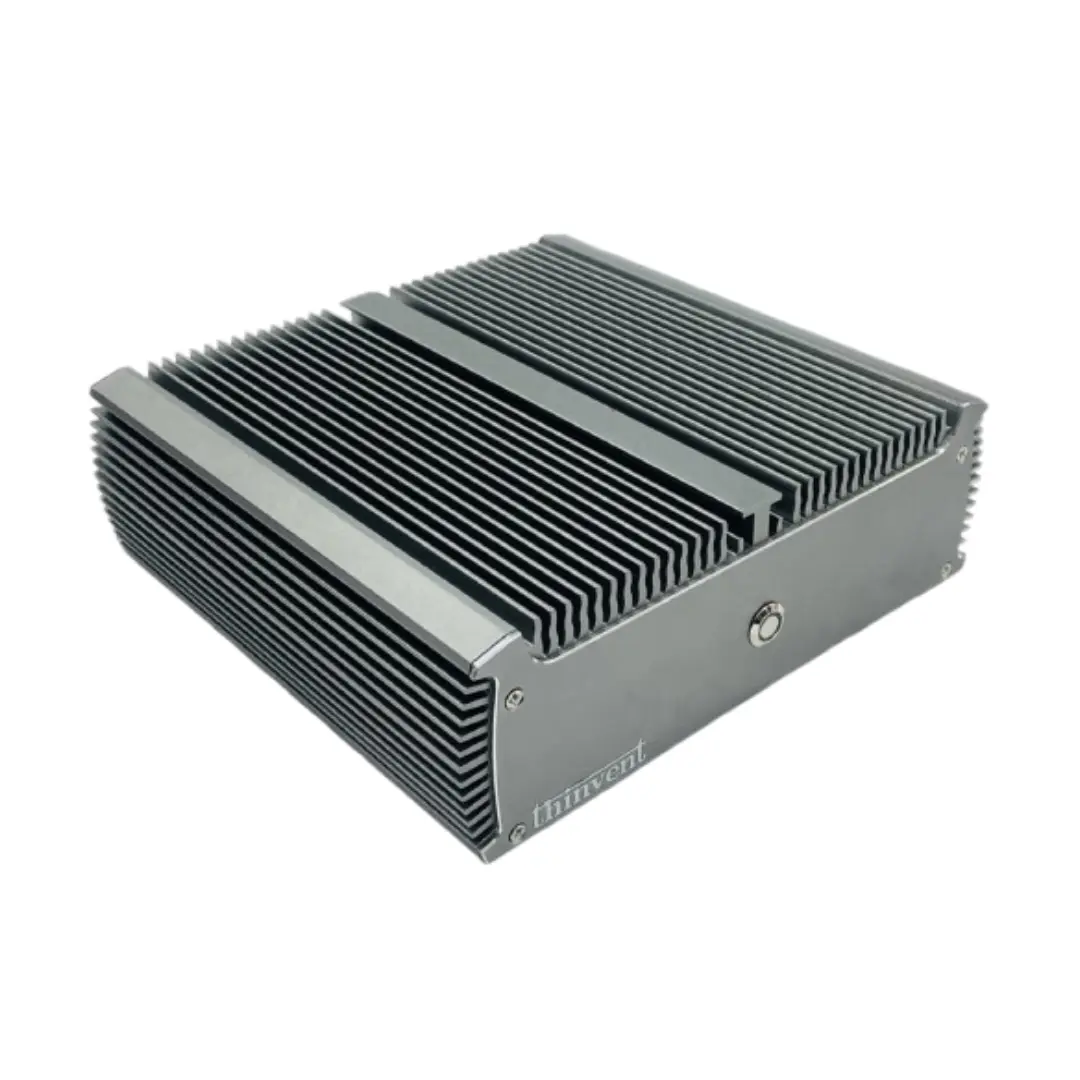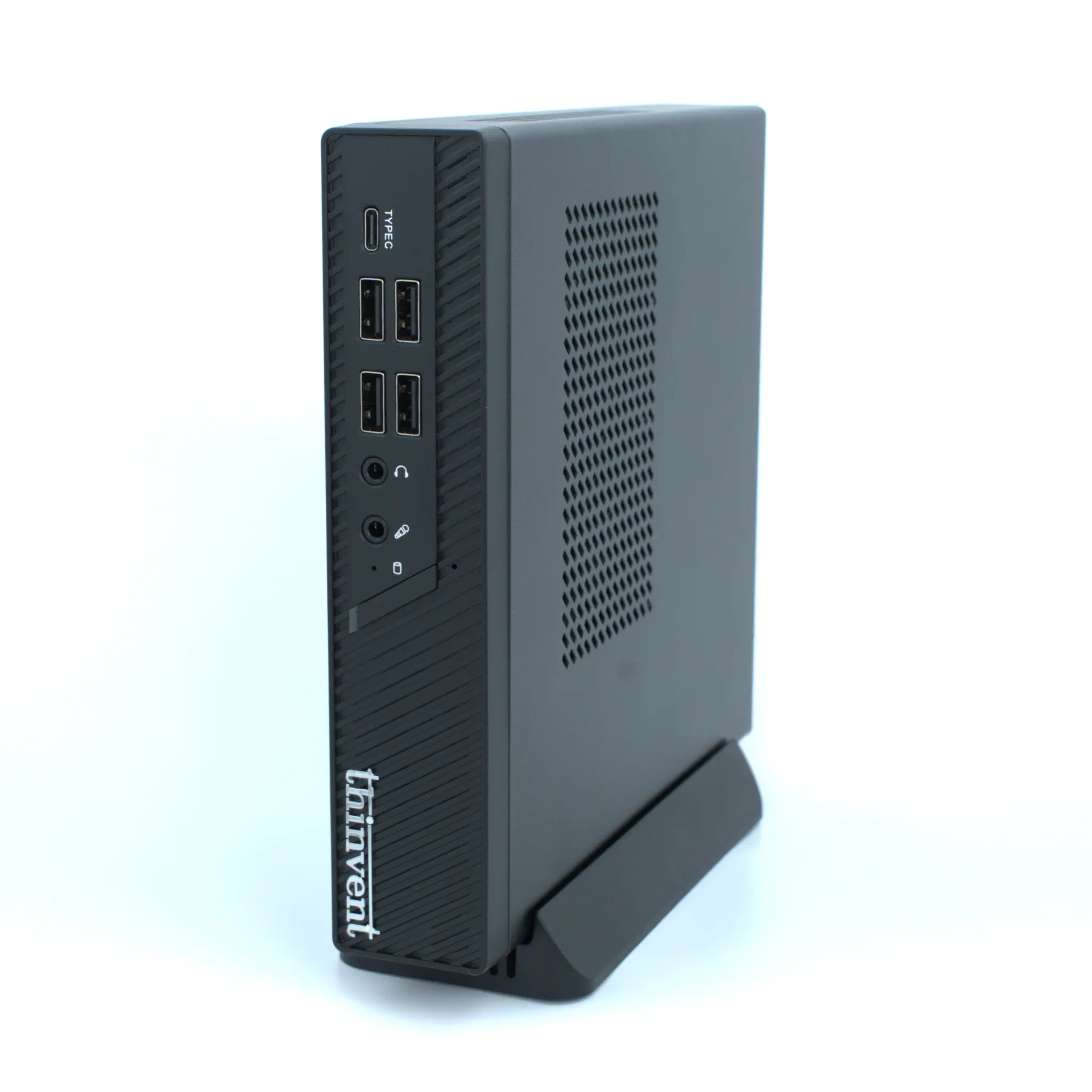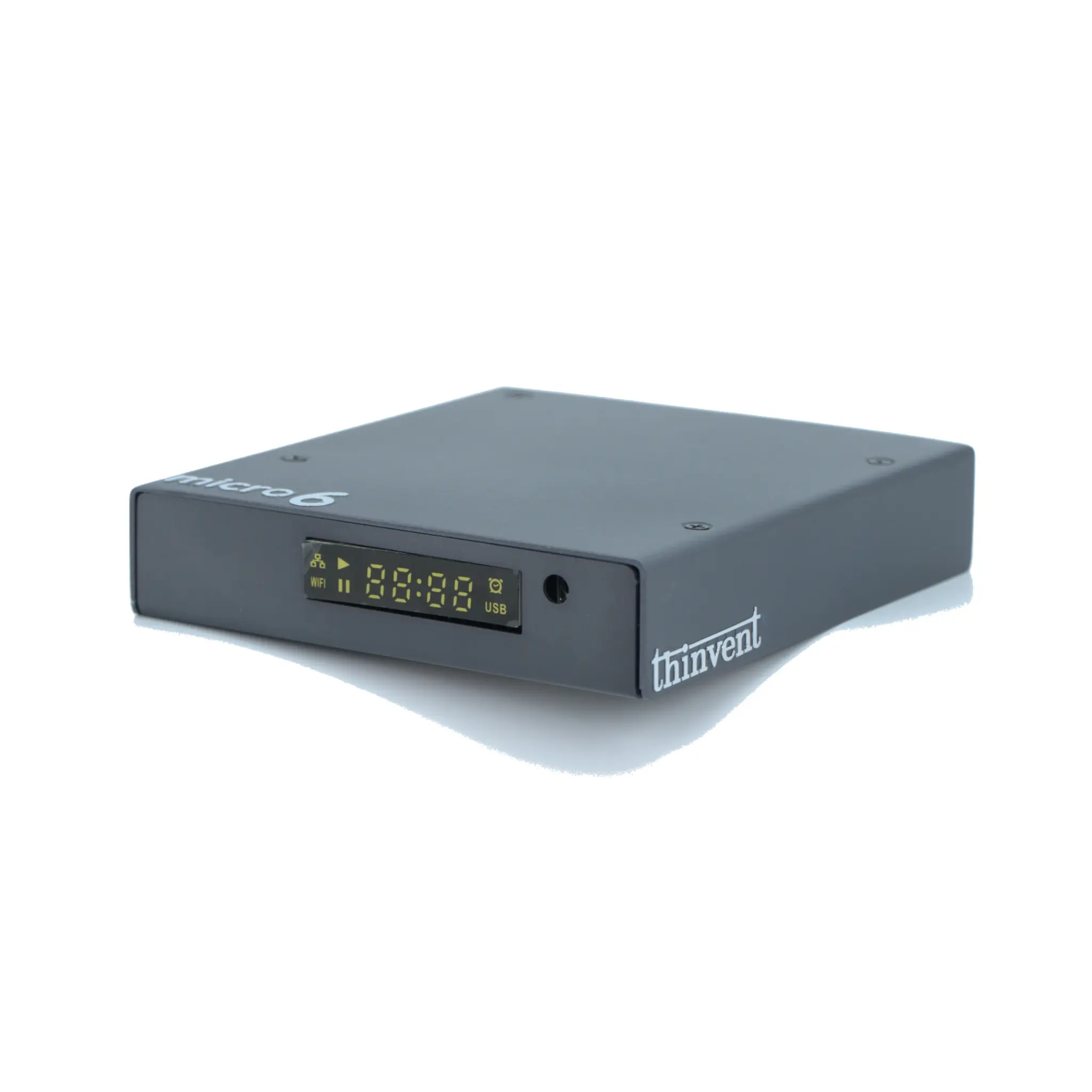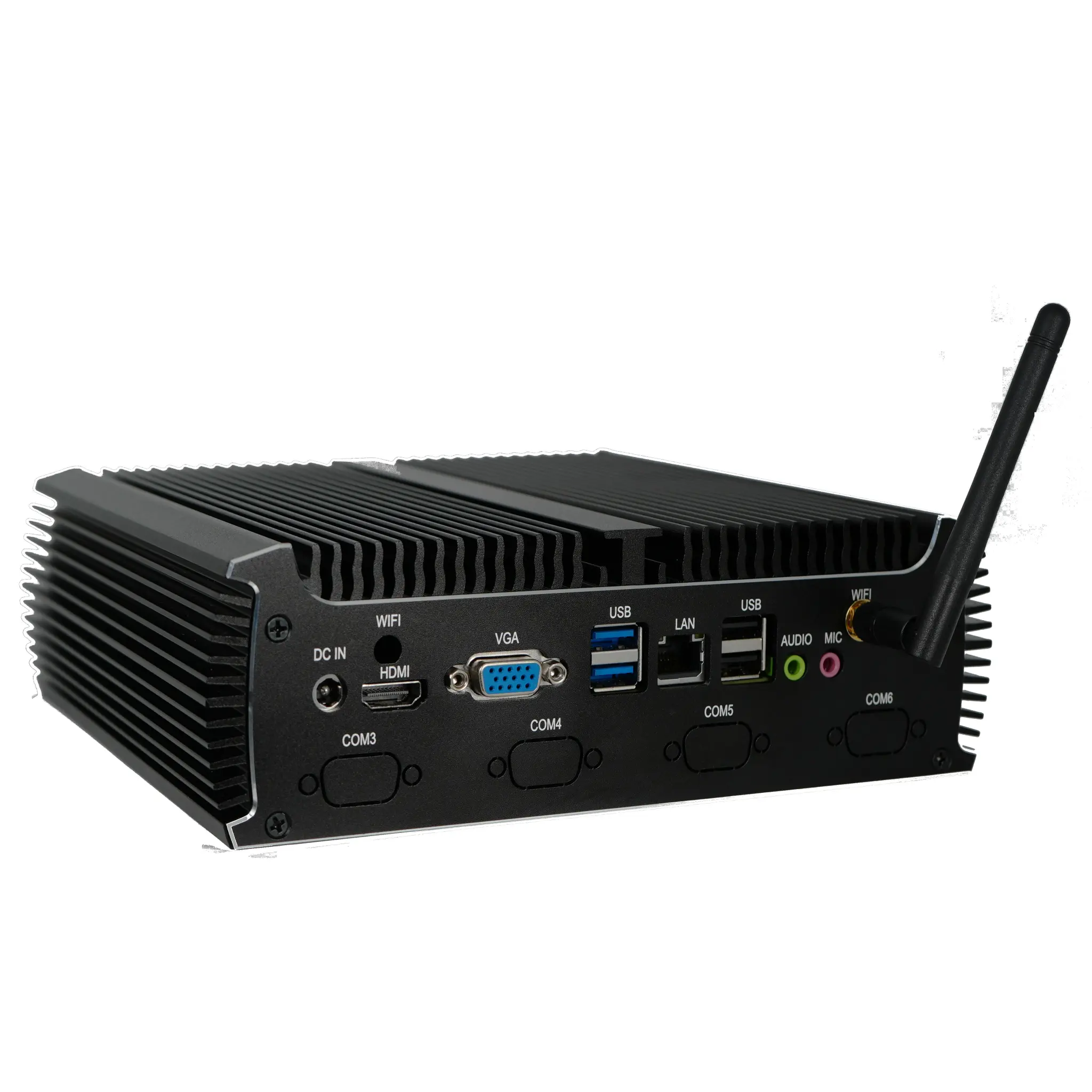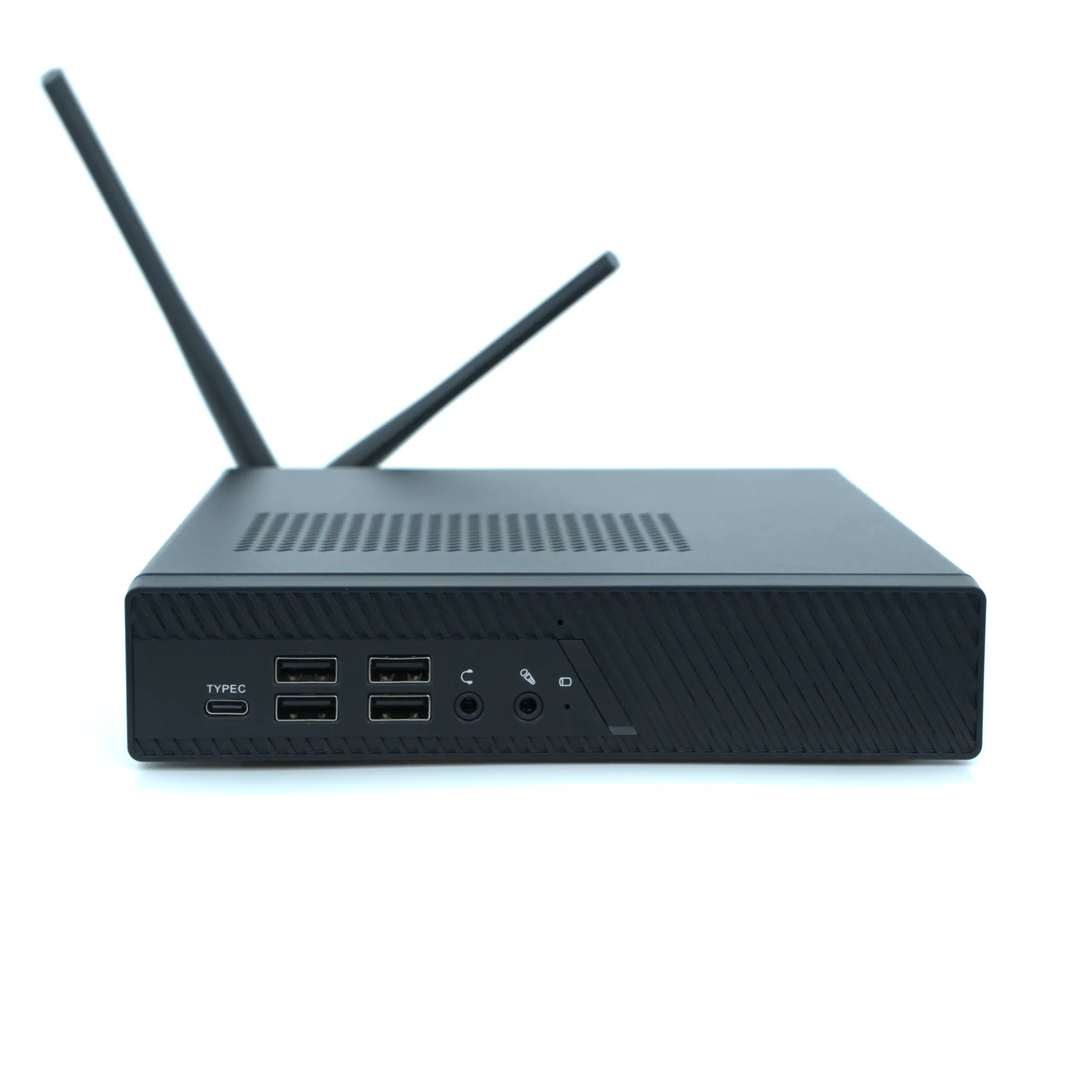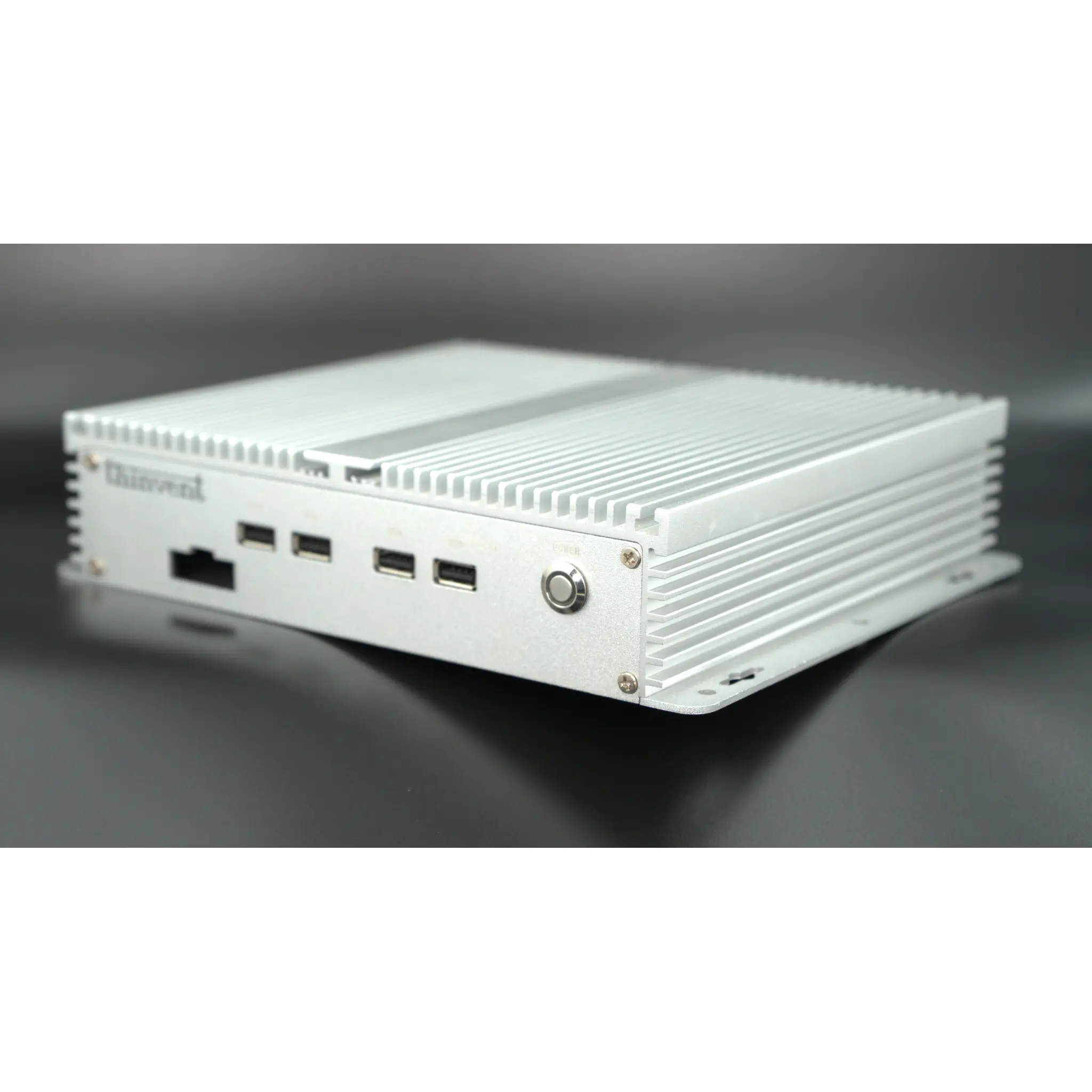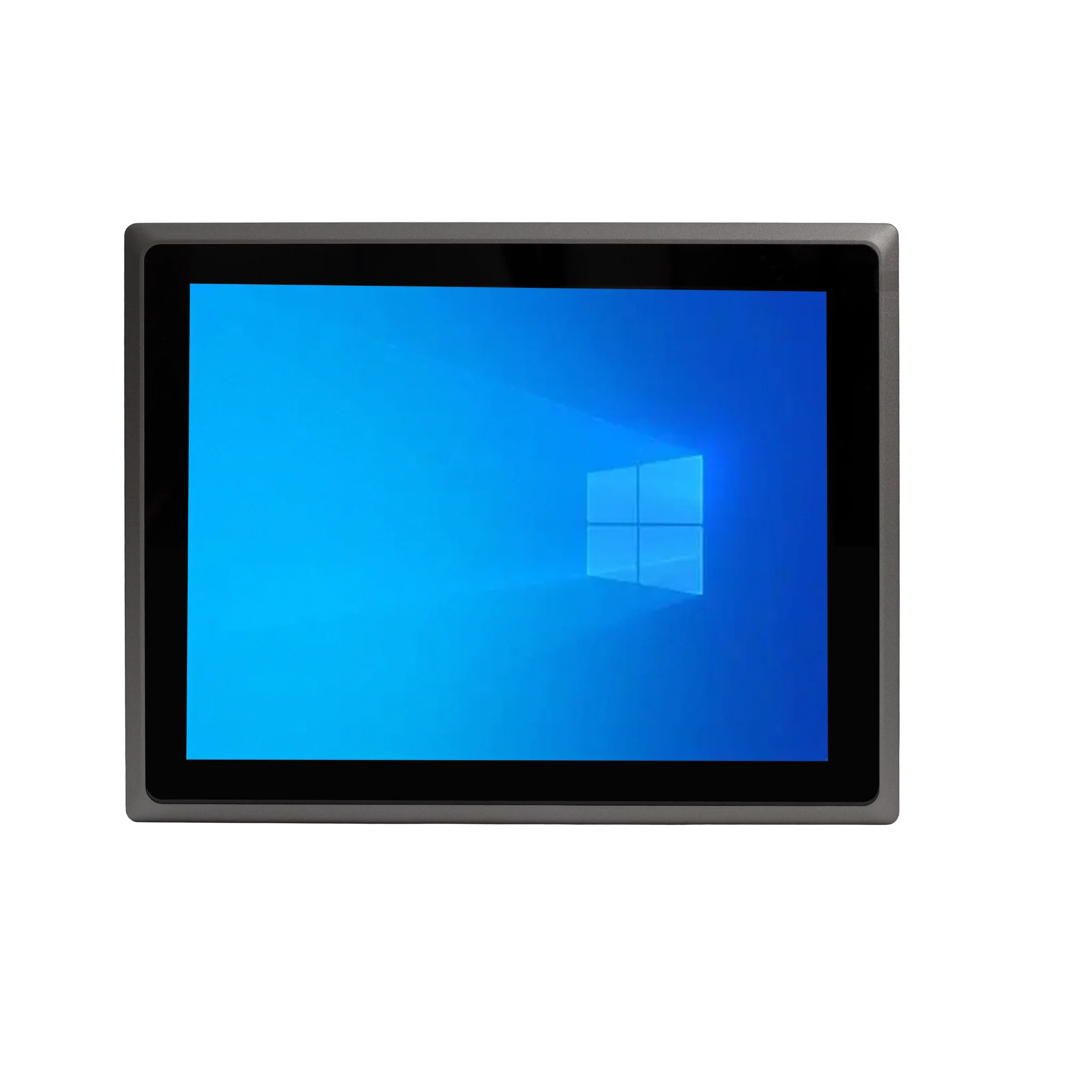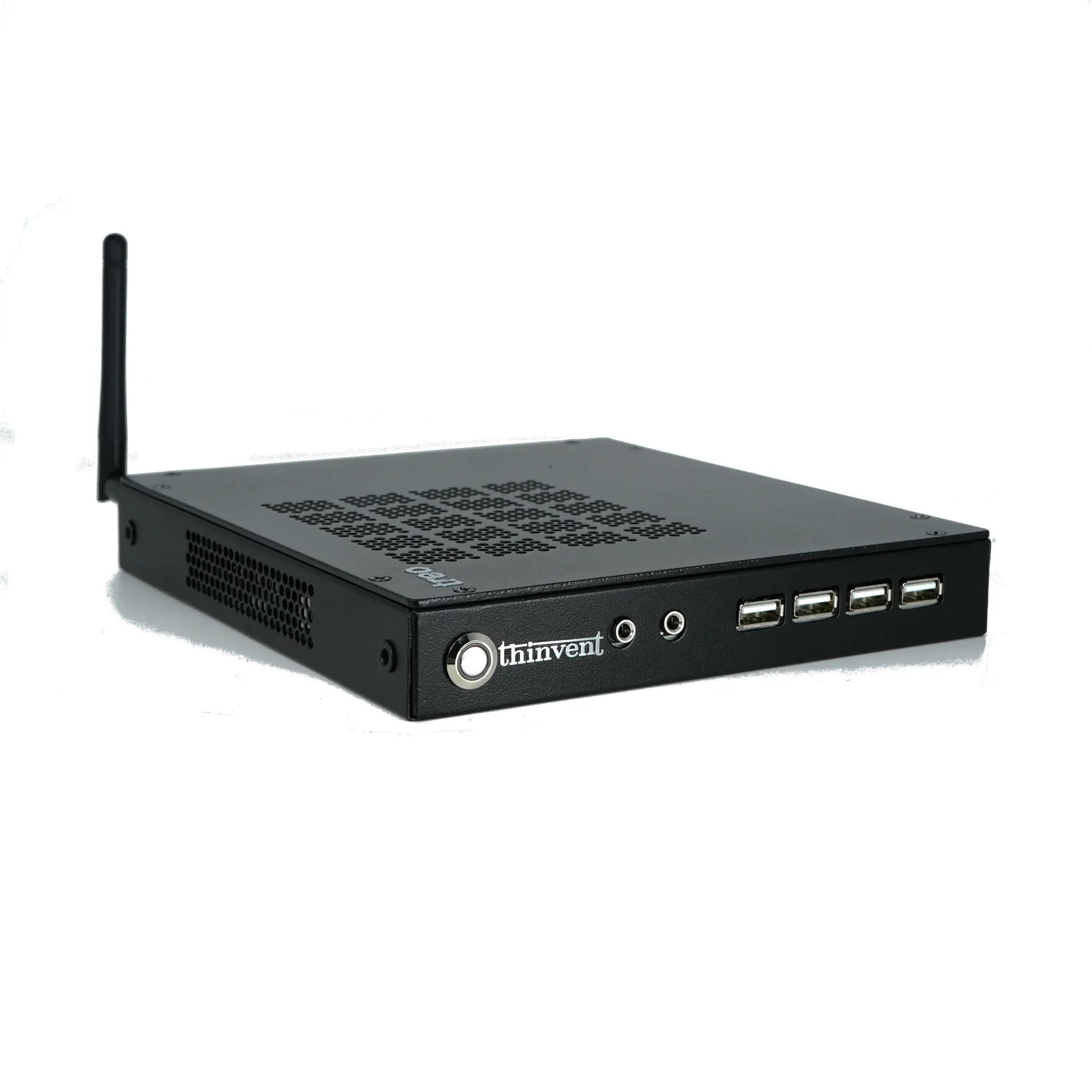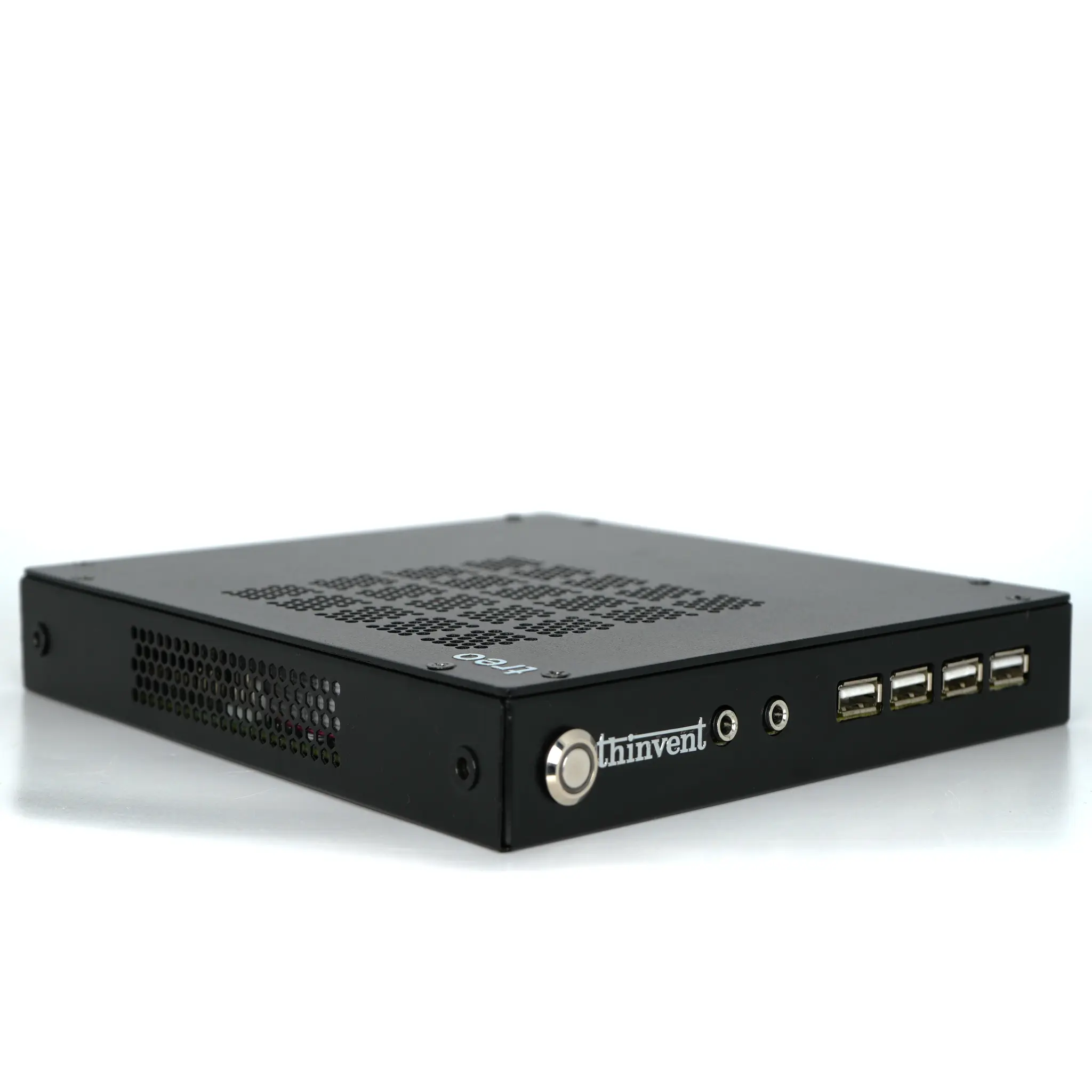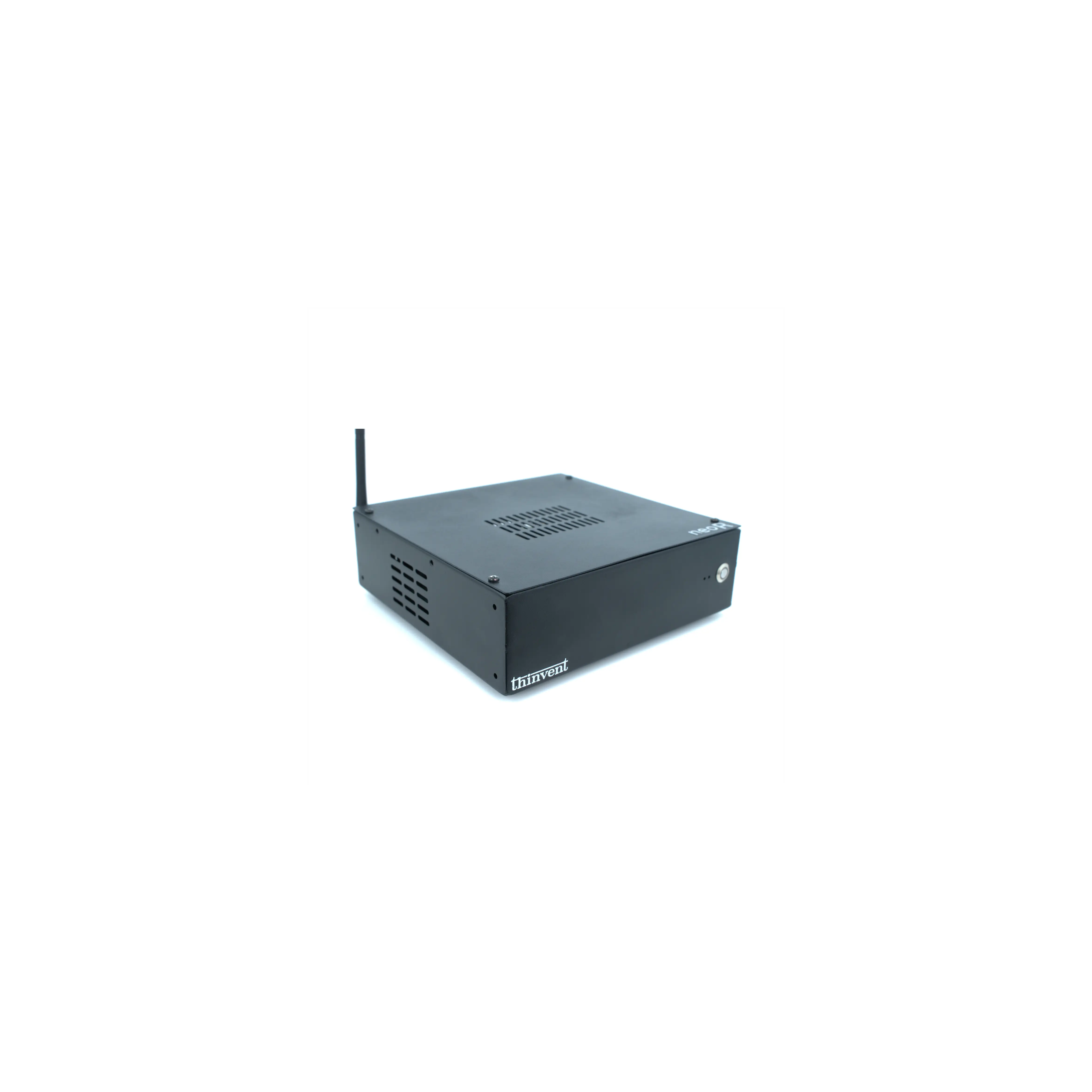
The Lenovo ThinkCentre neo 30s Gen 5 (model 13DG001BVN) is a compact desktop with an Intel Core i5-13420H processor, 8 GB of DDR5 memory and a 256 GB SSD, running Windows 11 Home. The Thinvent Treo Mini PC with Intel Core i5-1335U is the closest match in this comparison, with a 10-core processor, a 2 TB SSD and up to 64 GB of RAM.
Lenovo ThinkCentre neo 30s vs Thinvent Treo Mini PC (Intel i5-1335U)
| Lenovo ThinkCentre neo 30s Gen 5 (13DG001BVN) | Thinvent Treo Mini PC, Intel i5 13th 1335U | |
|---|---|---|
| Processor | Intel Core i5-13420H | Intel Core i5-1335U |
| Cores/Threads | 8 cores (4P + 4E) / 12 threads | 10 cores |
| RAM | 8 GB DDR5-5200 (1 x 8 GB) | Up to 64 GB DDR4 |
| Storage | 256 GB SSD (M.2 2280 PCIe 4.0 NVMe) | Up to 2 TB SSD |
| Form Factor | Desktop | Mini PC |
| Operating System | Windows 11 Home | Windows 11 Pro (other options: Windows 11 IoT Value, Ubuntu Linux, Thinux Embedded Linux, Without OS, DOS) |
Key differences
-
Thinvent Treo supports up to 64 GB of RAM, while we could not confirm the maximum RAM of the 13DG001BVN configuration in the product details provided.
-
Thinvent Treo supports up to 2 TB of SSD storage, against the 256 GB SSD in this configuration.
-
The Thinvent Treo has a choice of operating systems, including Windows 11 Pro, Ubuntu Linux and Thinux Embedded Linux.
-
The Thinvent Treo has an M.2 slot for its SSD and a 1000 Mbps Ethernet port, and it includes a VESA mount.
-
The Lenovo ThinkCentre neo 30s Gen 5 runs the Intel Core i5-13420H, which is a different processor from the Treo's i5-1335U; the two chips differ in core layout and clock speeds.
-
Lenovo lists a 12 MB Intel Smart Cache and integrated Intel UHD Graphics; we could not confirm the Treo's graphics details.
Which one should you choose?
Choose the Lenovo ThinkCentre neo 30s if you want a Lenovo desktop with Windows 11 Home and a 256 GB SSD in one configuration. Choose the Thinvent Treo Mini PC if you need more memory and storage, a choice of operating systems, or a mini PC for embedded and industrial use.