What Does "Turnitin" Mean for Computer Hardware?
Turnitin is a widely used cloud-based plagiarism detection and academic integrity platform. It compares submitted student work against a vast database of web content, journals and prior submissions, and it is typically accessed by exam administrators, invigilators and faculty through a standard web browser. Because the heavy processing happens on Turnitin's own servers, the local machine's job is simply to load the browser reliably, keep the session stable and stay online for the duration of an exam or assessment window.
In practice, "Turnitin" as a hardware requirement translates into a dependable, always-on desktop or lab machine: a modern multi-core processor, enough RAM to keep several browser tabs and invigilation tools responsive, a wired network connection that does not drop mid-session, and an operating system that supports current browser versions. It is not a demanding workload — a mid-range system is more than sufficient — but it is a reliability workload. A machine that reboots, overheats or loses its network connection during a timed assessment causes real disruption.
Hardware Requirements for Exam and Assessment Labs
Exam halls, computer labs and test centres that run Turnitin sessions typically need machines that can be deployed in volume, powered on for long hours, and serviced without downtime. Key considerations include:
| Requirement | Why It Matters | Typical Specification |
|---|---|---|
| Multi-core CPU | Smooth browser + invigilation software | Intel Core i3 / N-series, 4–6 cores |
| Memory | Multiple tabs, lockdown browser tools | 8–16 GB DDR4 |
| Wired Ethernet | Stable, uninterrupted submission | Gigabit (1000) Ethernet |
| Storage | Local caching, OS and app images | 256 GB – 1 TB SSD |
| OS support | Current browser and security updates | Windows 11 Pro, Ubuntu Linux 24.04 LTS |
| Thermal design | Long exam sessions, dusty labs | Fanless or industrial-grade cooling |
| Mounting / I/O | Kiosk, desk or rack installation | VESA mount, serial and USB ports |
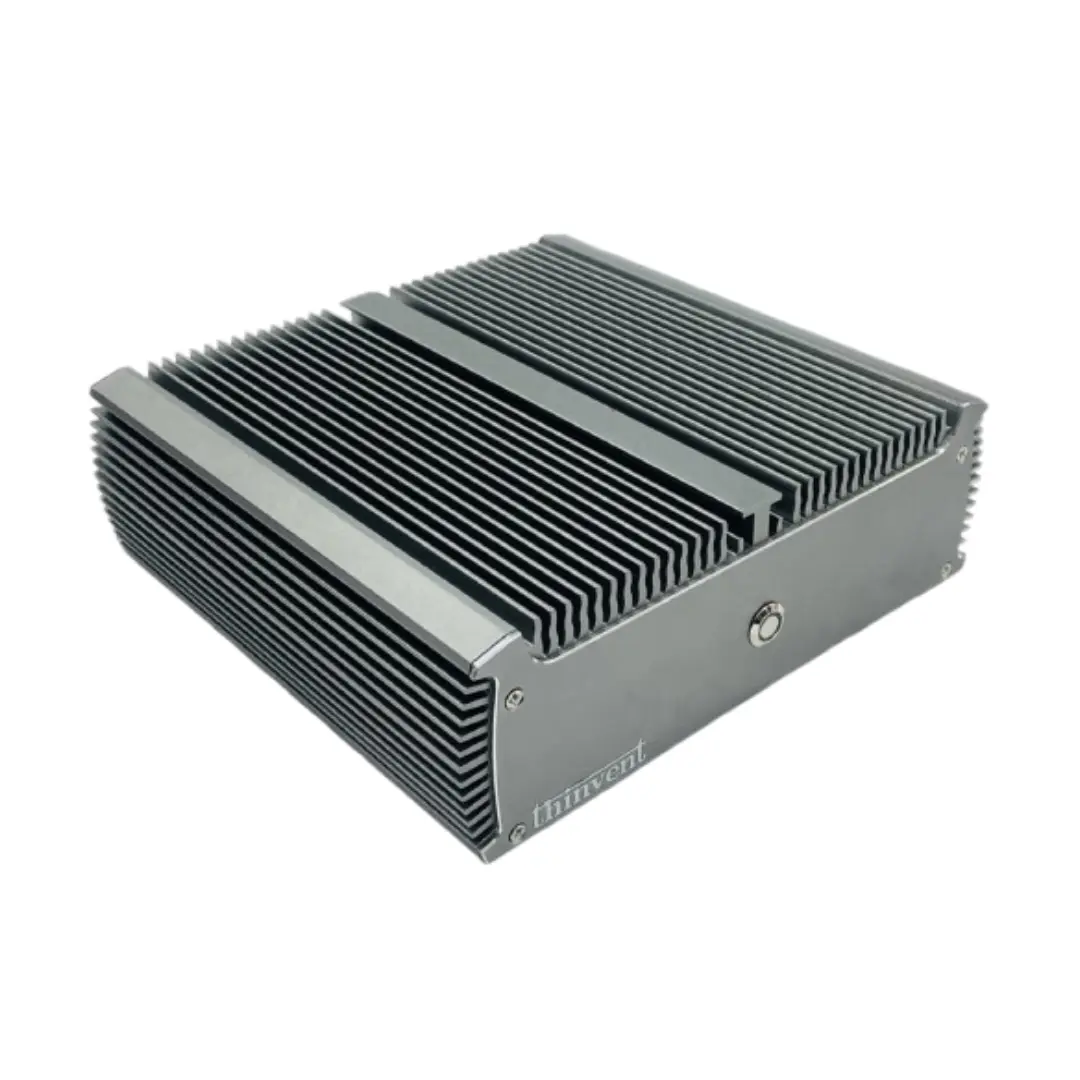
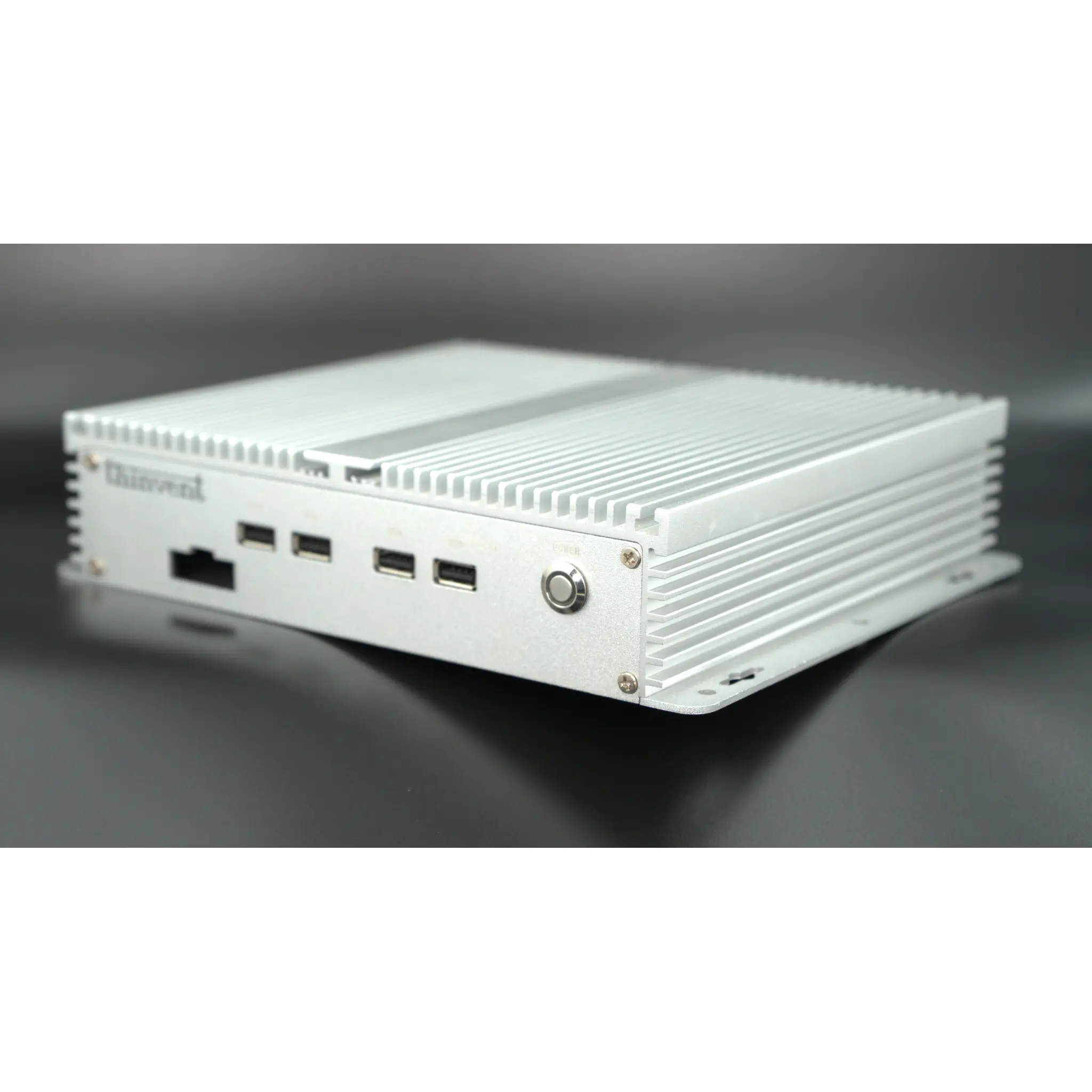
Fanless designs are particularly attractive for exam environments: with no moving fan, there is no dust ingress, no audible noise to distract candidates, and far less to fail over years of continuous operation. Industrial-grade enclosures also tolerate warm, crowded rooms and the vibration of shared desks.
Deployment Scenarios
Beyond the exam hall itself, Turnitin workflows appear in university computer labs, school assessment rooms, remote proctoring stations, library study terminals and corporate training centres. In each case the pattern is similar: a fixed workstation or kiosk that boots quickly, presents a locked-down browser, and submits reliably over the campus network. Thin clients and mini PCs are often chosen for these roles because they are compact, low-power and easy to replace or reimage between sessions.
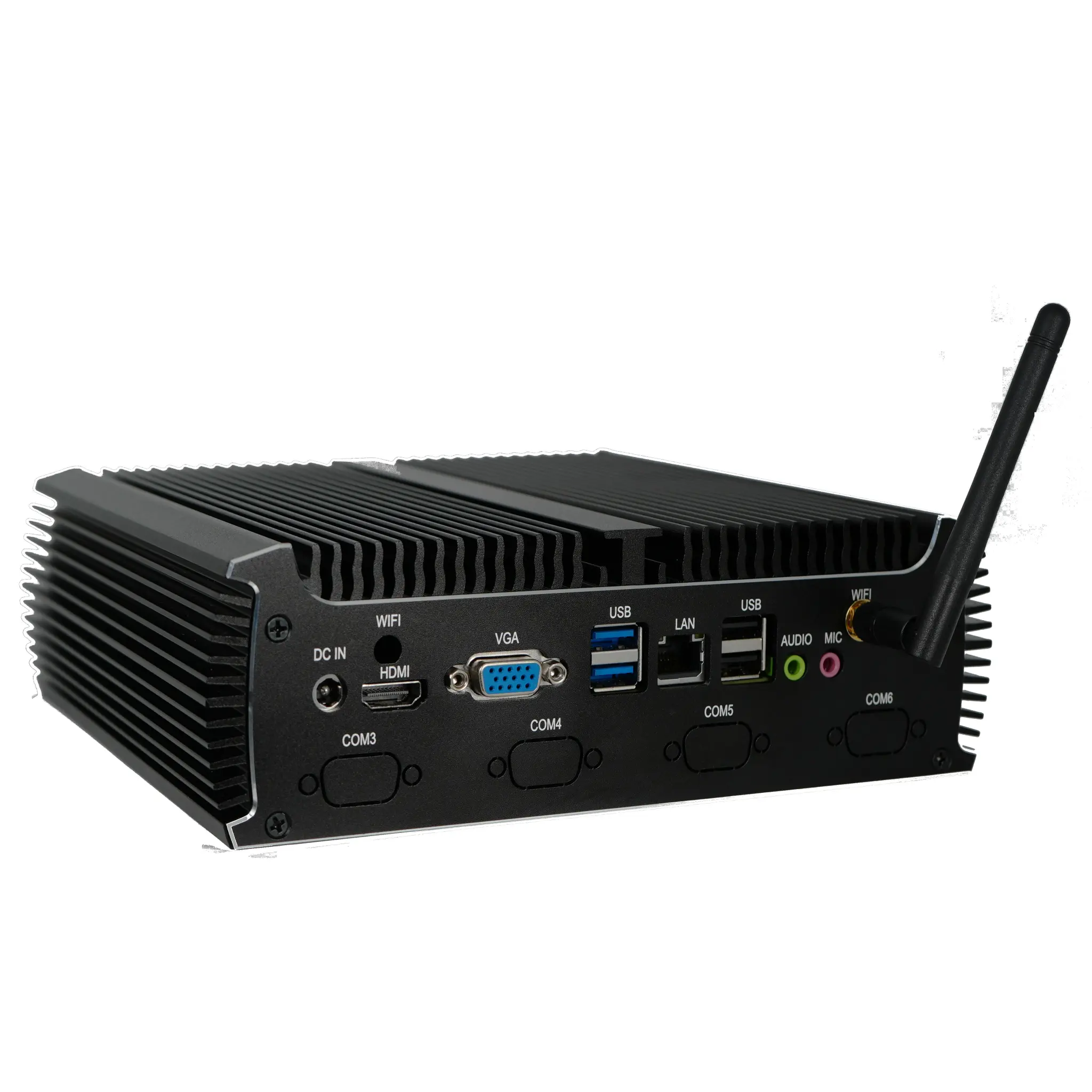
For institutions that also run legacy assessment or attendance hardware alongside the browser session, serial (DB9) ports and multiple USB ports can be useful for connecting card readers, scanners or control equipment at the same desk.
Choosing the Right Form Factor
-
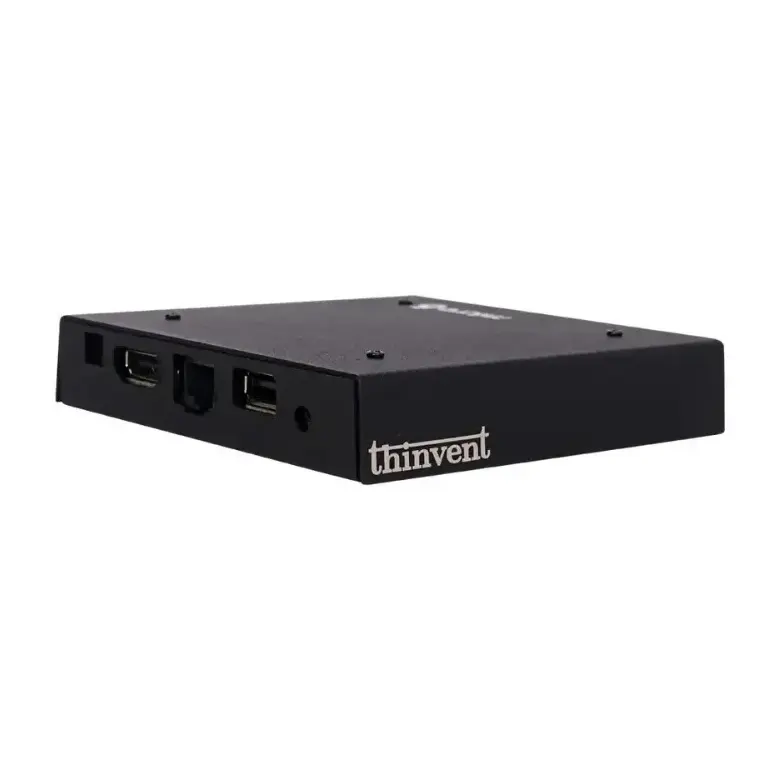
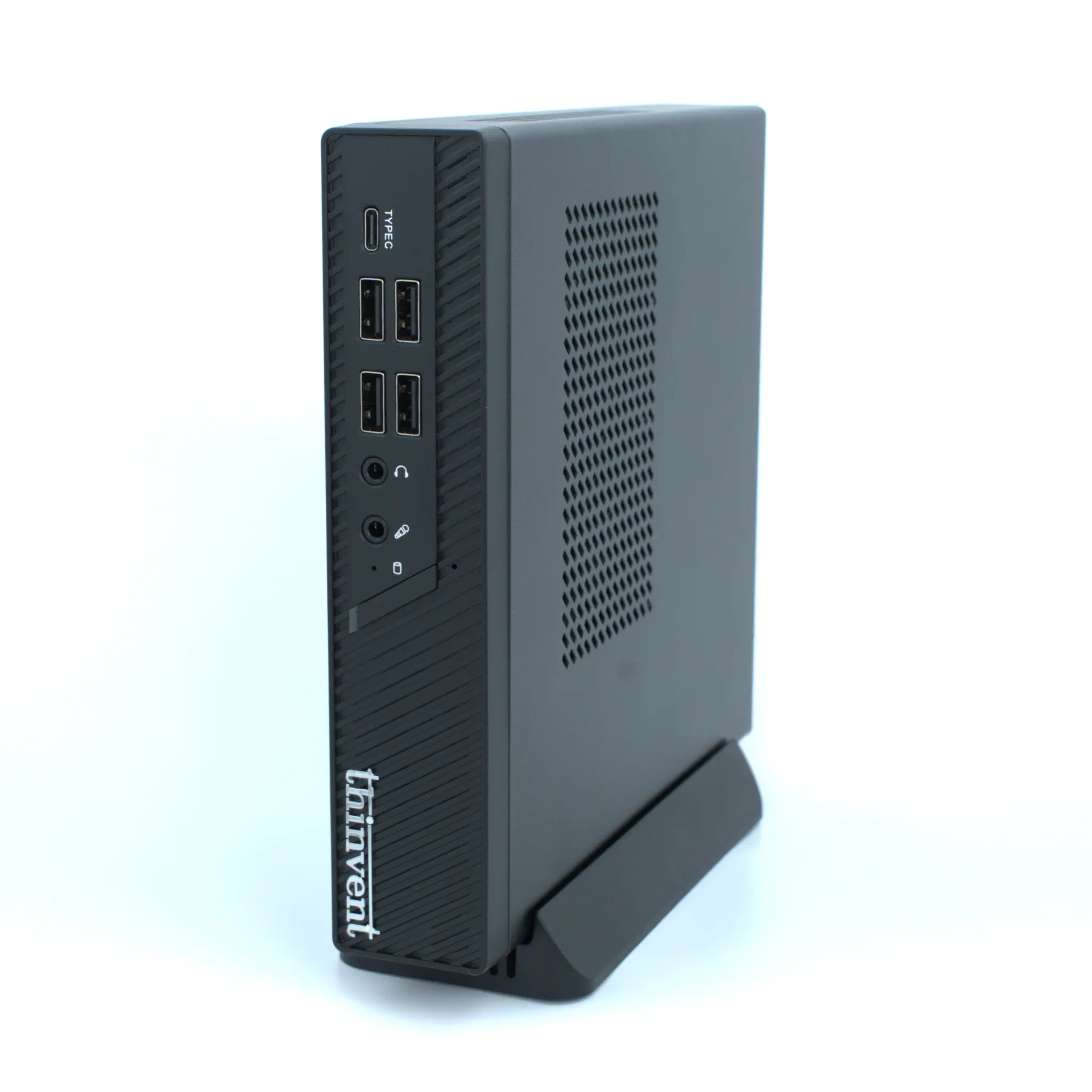
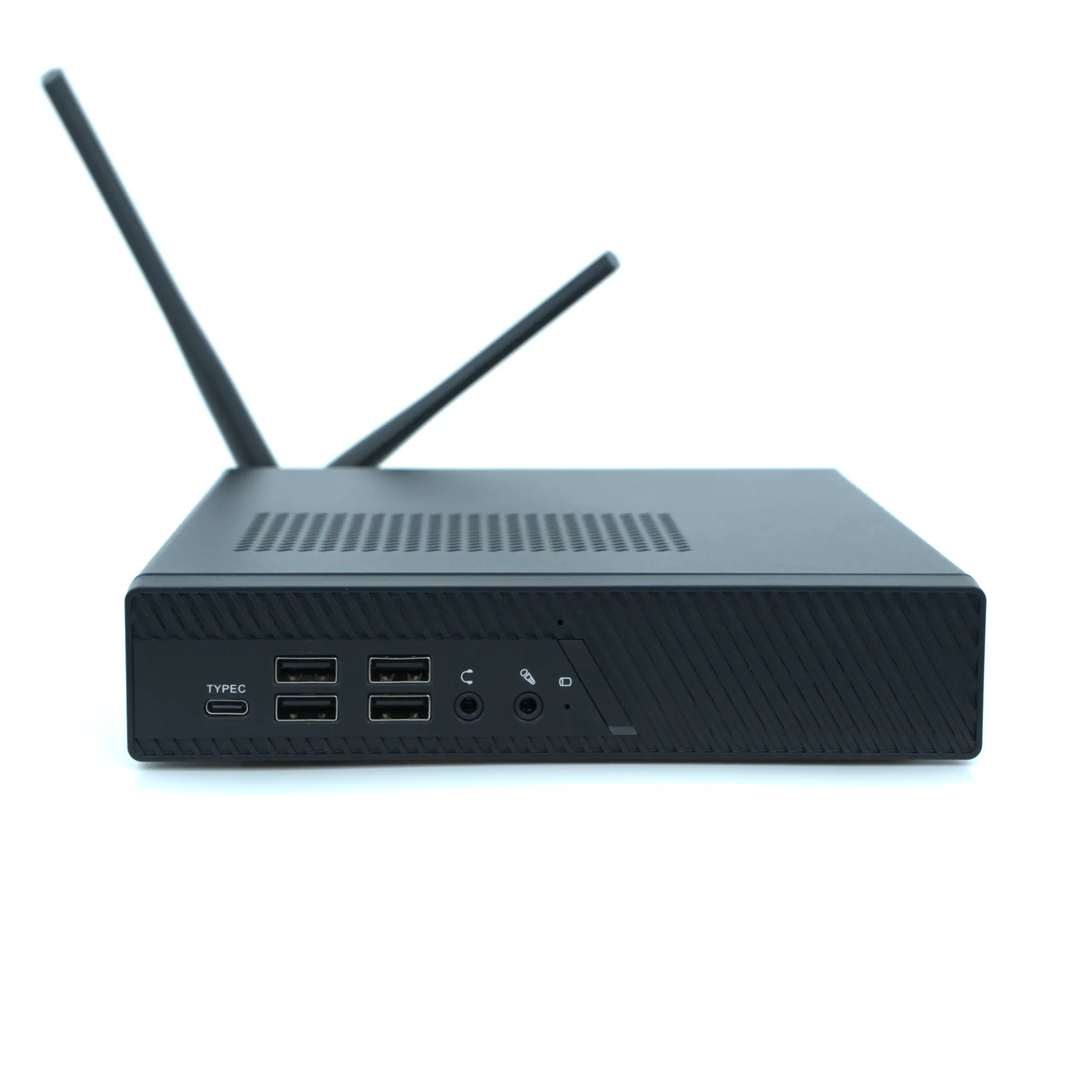
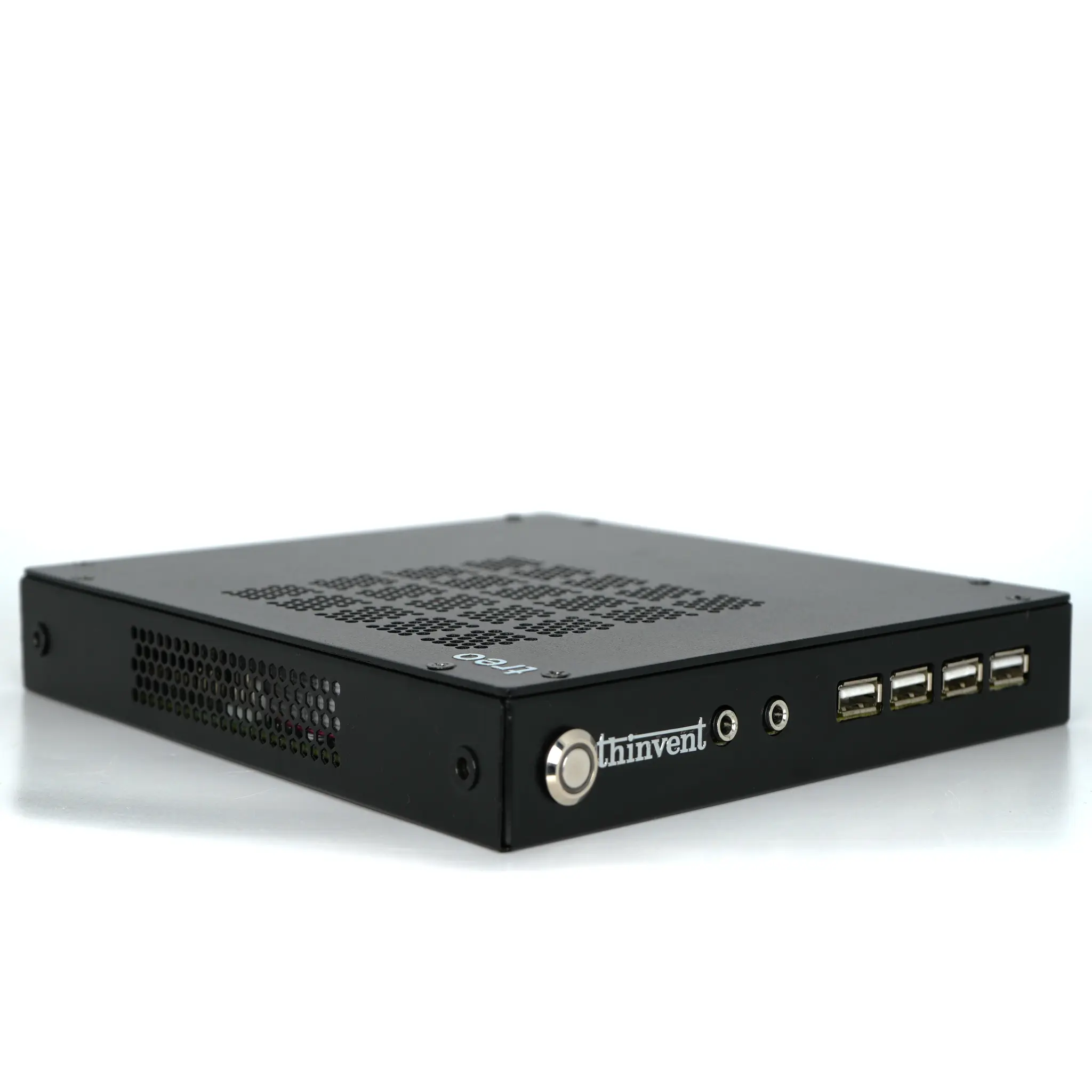
Mini PC / Thin Client — ideal for dense lab benches and kiosks; low power, VESA-mountable.
-
Industrial PC — best where machines run continuously in warm or dusty rooms, or need serial and industrial I/O.
-
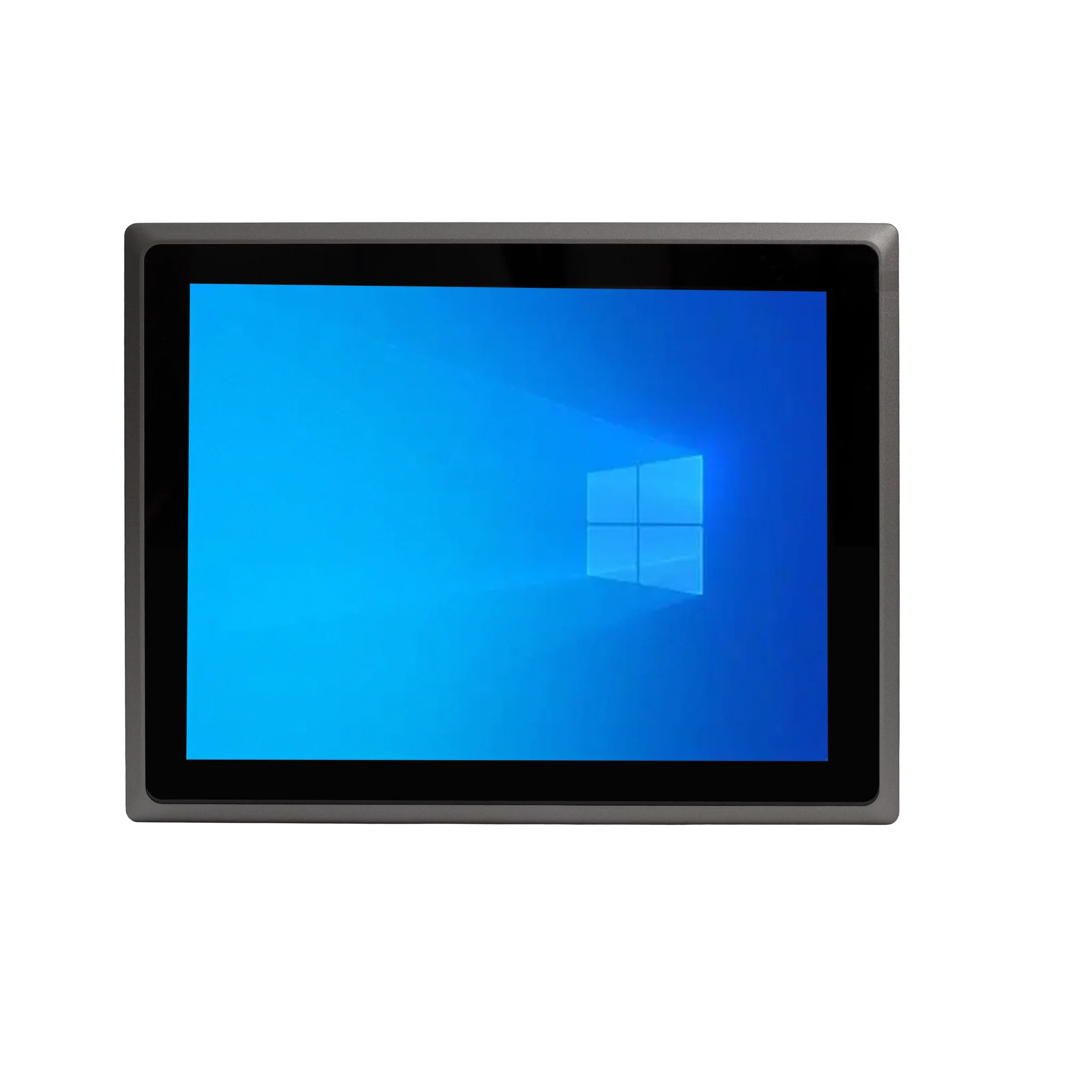
All-in-One — a tidy single-cable solution for reception desks, invigilation stations and small assessment rooms.
When specifying for a Turnitin lab, prioritise a wired gigabit connection, a current-generation Intel processor, at least 8 GB of RAM and SSD storage, and an OS that continues to receive browser updates.
Thinvent Systems for Assessment and Exam Labs
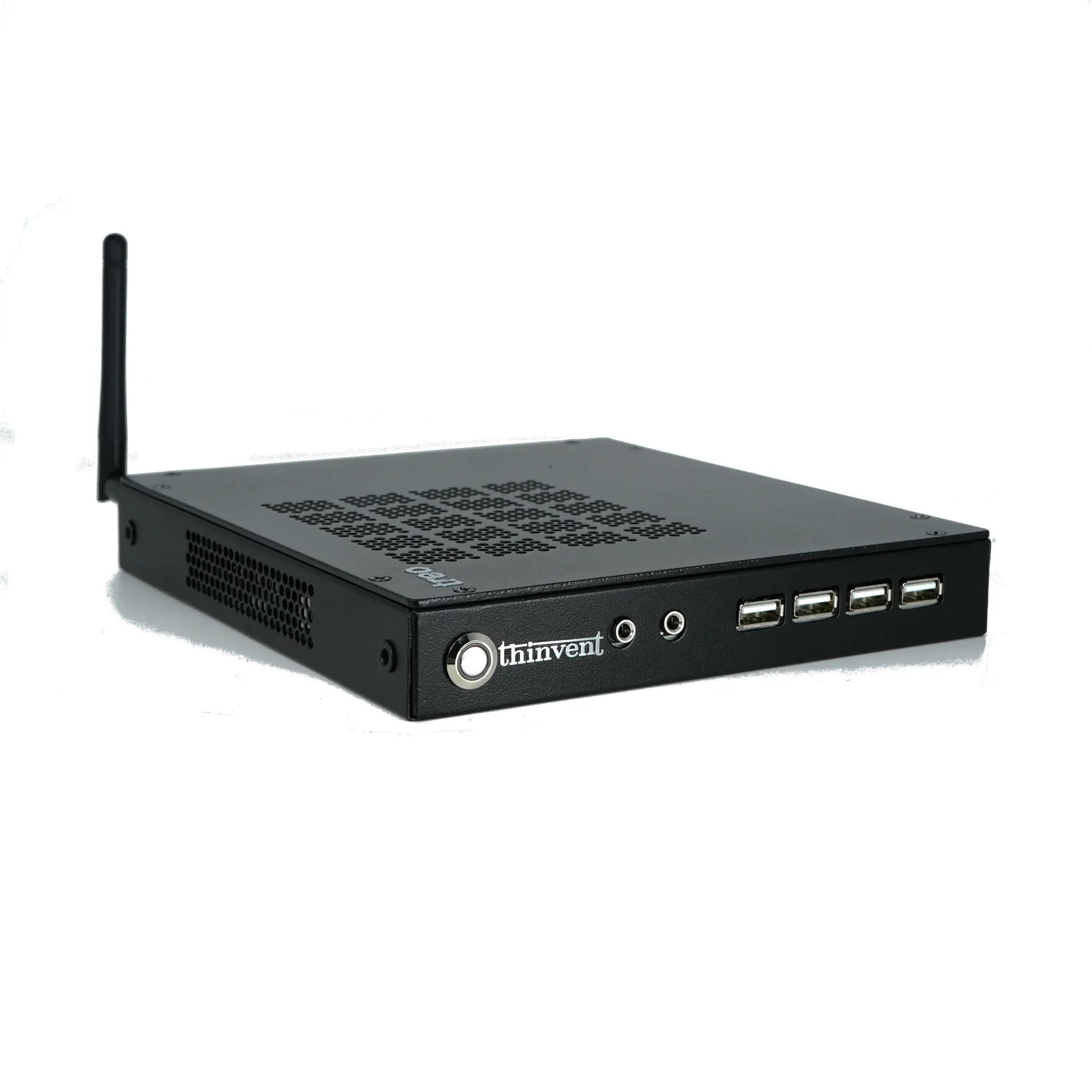
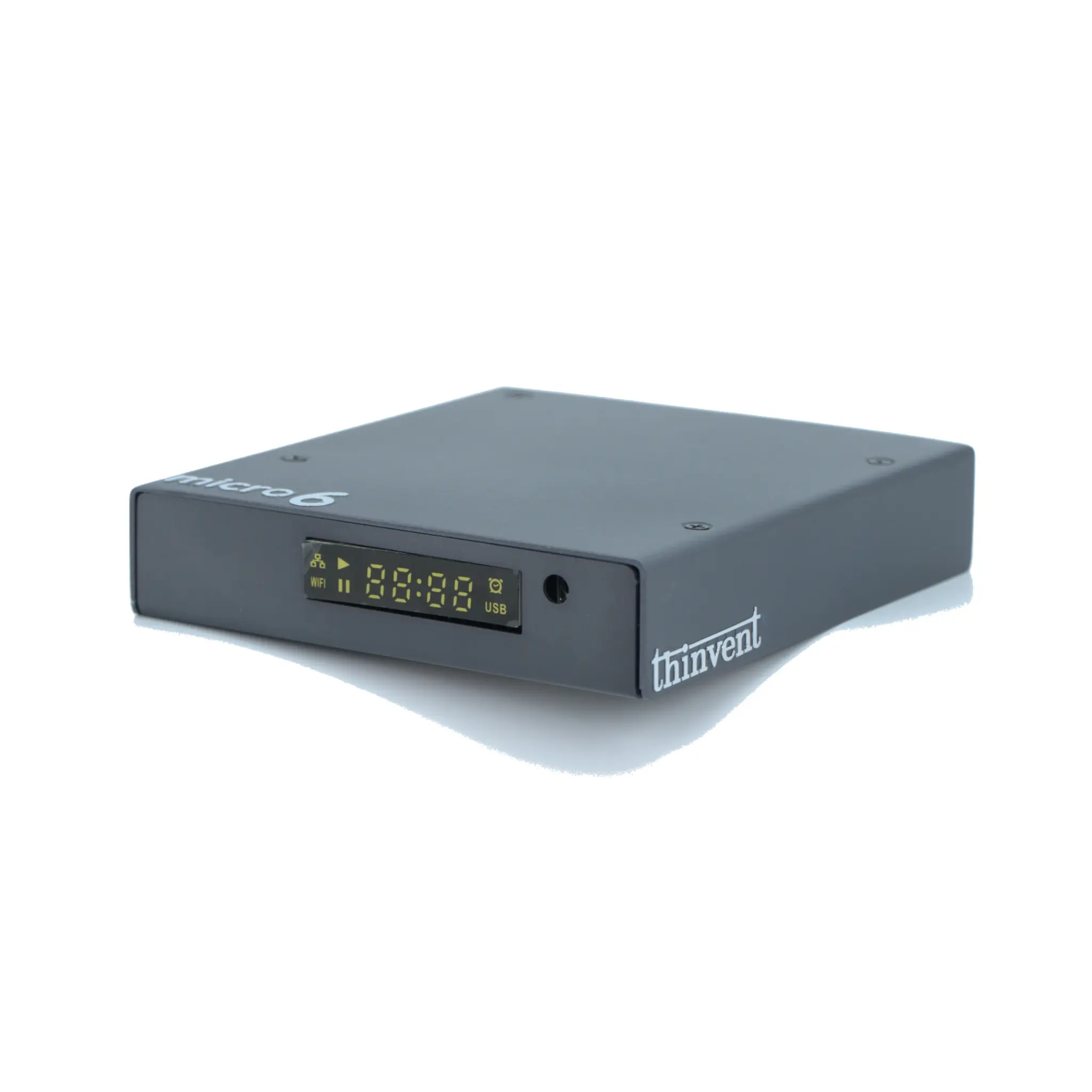
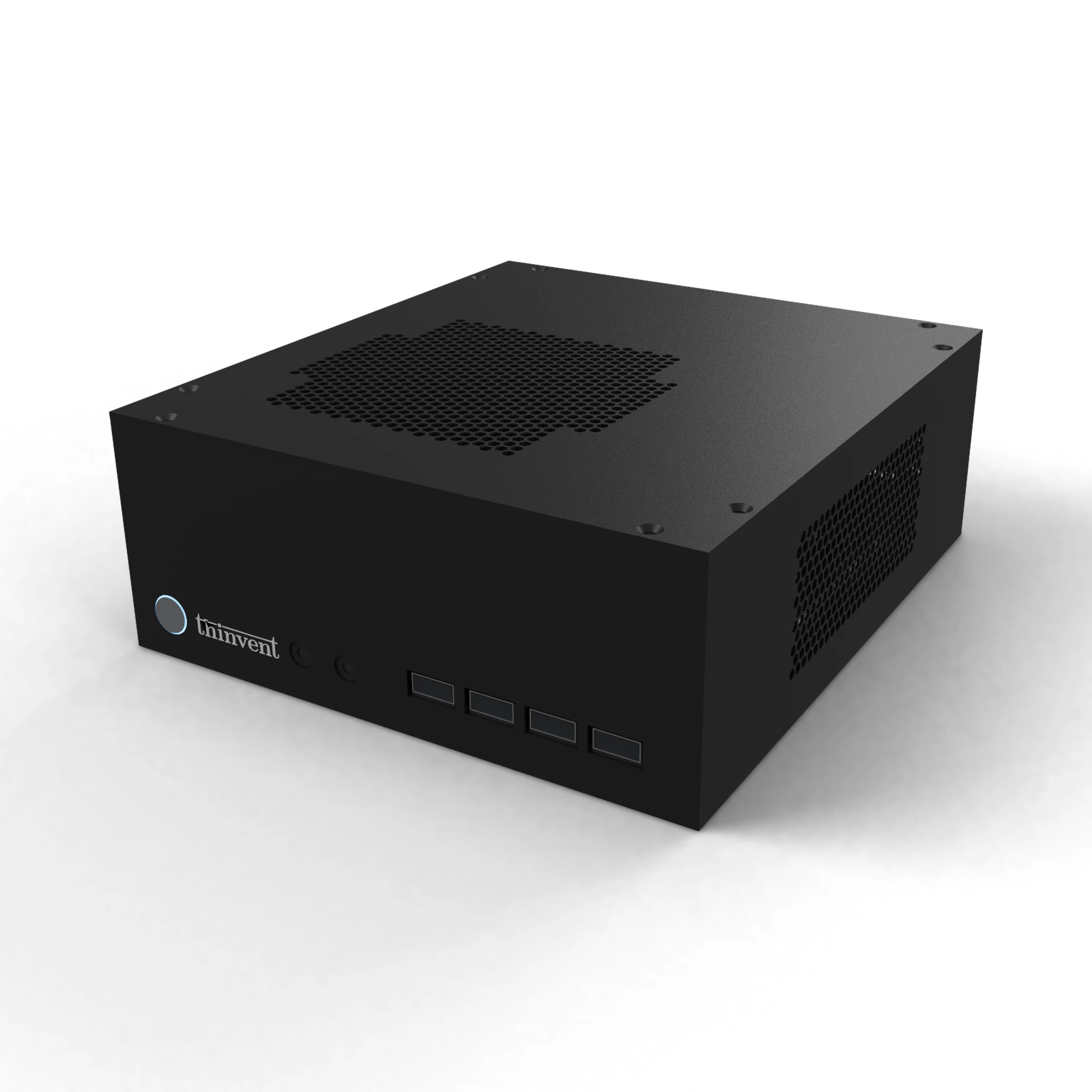
Thinvent builds fanless industrial computers, mini PCs, thin clients and all-in-one PCs suited to exactly this kind of always-on, low-noise deployment. The Thinvent IPC3 industrial PC, for example, pairs an Intel Core i3-1215U processor (6 cores, up to 4.4 GHz, 10 MB cache) with 16 GB DDR4 RAM, up to 1 TB SSD, gigabit Ethernet and optional quad DB9 serial ports, and is available with Windows 11 Pro, Windows 11 IoT Value, DOS or Thinux embedded Linux. For lab benches and kiosks, Thinvent's mini PC and thin client range offers the same reliability in a smaller, lower-power footprint, while our all-in-one PCs give invigilators and front-desk staff a clean single-cable workstation. Across the range, the emphasis is the same: quiet fanless cooling, stable wired networking and long service life.