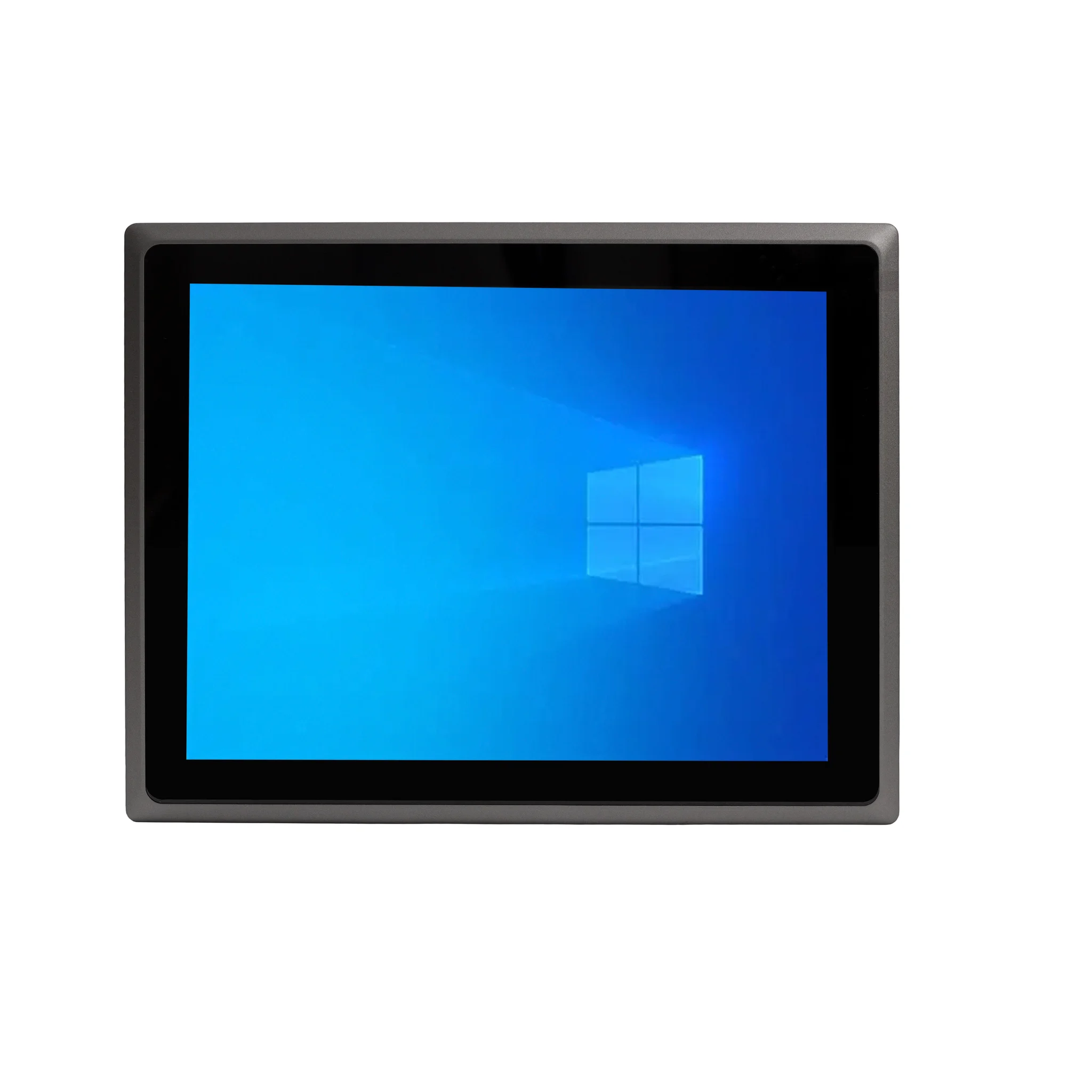
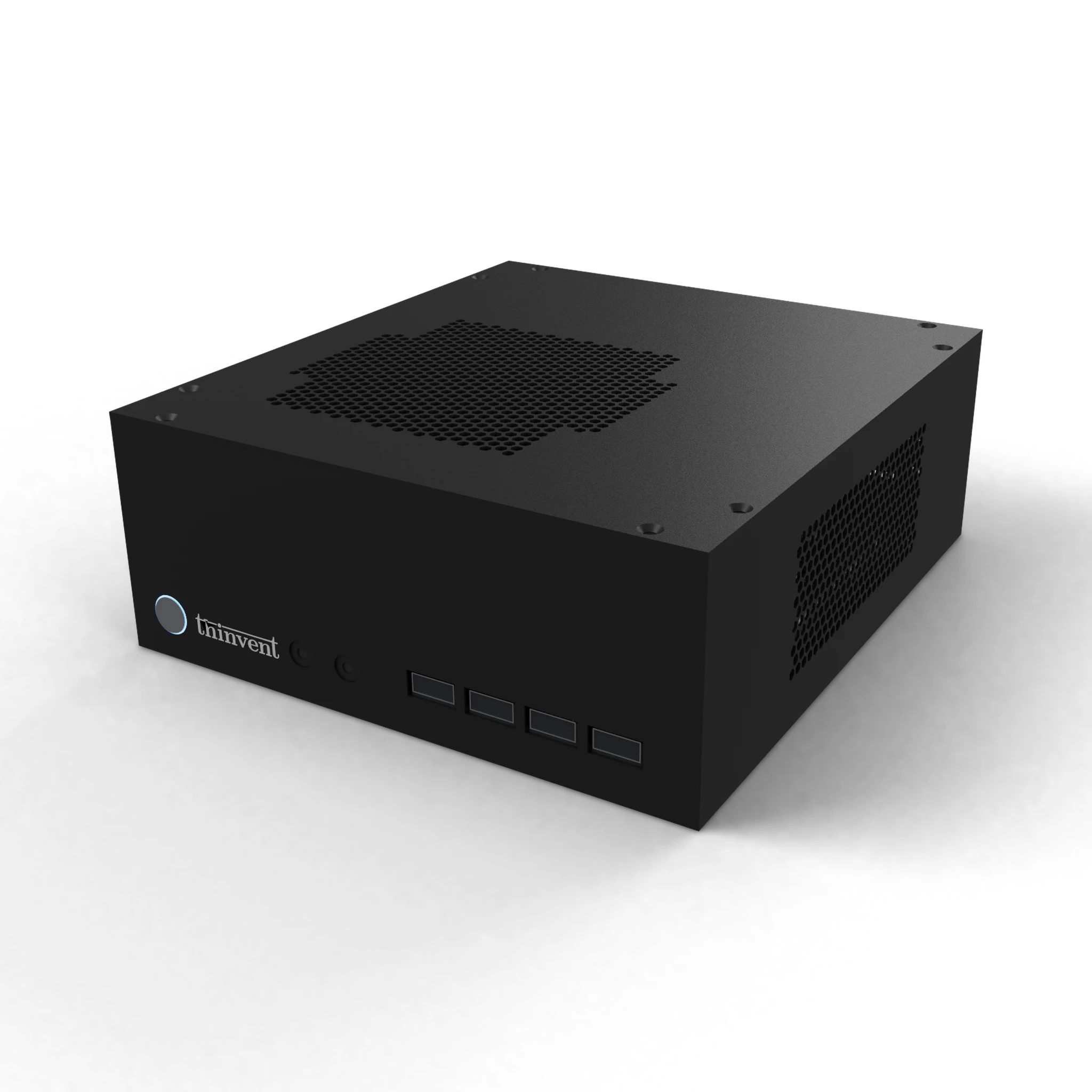
The Dell Wyse 3040 is a thin client that runs hardened Wyse ThinLinux or virus-resistant Wyse ThinOS, and it can be reset to factory defaults by restarting it and continuously tapping the G key during startup. If you are looking for a replacement or an alternative to the Wyse 3040, the Thinvent® Neo S Thin Client and the Thinvent® Micro 5R Thin Client are the closest matches for thin client use, and the Thinvent® Treo Mini PC range offers a higher-performance option.
Dell Wyse 3040 vs Thinvent Thin Client Alternatives
| Dell Wyse 3040 | Thinvent Neo S Thin Client, Intel Celeron J1900 | Thinvent Micro 5R Thin Client, ARM Cortex A53 | Thinvent Treo Mini PC, AMD Ryzen 5 7430U | |
|---|---|---|---|---|
| Processor | Not stated | Intel Celeron J1900 | ARM Cortex A53 | AMD Ryzen 5 7430U |
| Cores/Threads | Twice the CPU cores of a standard single-core thin client (exact count not stated) | 4 cores | 4 cores | 6 cores |
| RAM | Not stated | 4 GB to 8 GB | 2 GB | Up to 64 GB |
| Storage | Not stated | 32 GB to 256 GB SSD | 16 GB eMMC | 128 GB to 2 TB SSD |
| Form Factor | Thin client | Thin client | Thin client | Mini PC |
| Operating System | Wyse ThinLinux or Wyse ThinOS | DOS | Thinux Embedded Linux | DOS |
| Wireless | Not stated | No WiFi | Wi-Fi 6 and Bluetooth | No WiFi or dual band Wi-Fi |
Key differences
-
The Thinvent Treo Mini PC with AMD Ryzen 5 7430U supports up to 64 GB of RAM and up to 2 TB of SSD storage, a wider range than the Thinvent thin clients.
-
The Thinvent Neo S Thin Client with Intel Celeron J1900 offers 4 cores and up to 256 GB of SSD storage with up to 8 GB of RAM.
-
The Thinvent Micro 5R Thin Client provides Wi-Fi 6 and Bluetooth, which the Neo S does not offer.
-
The Thinvent Treo Mini PC is the stronger performer for multitasking, with 6 cores and a higher maximum RAM capacity than the thin client options.
-
The Thinvent thin clients are compact endpoint devices, while the Treo Mini PC is a full mini PC form factor.
Which one should you choose?
Choose the Thinvent Neo S Thin Client or the Thinvent Micro 5R Thin Client if you need a thin client for basic productivity and want a direct replacement in that form factor. Choose the Thinvent Treo Mini PC with AMD Ryzen 5 7430U if you need more RAM, storage and processing power for heavier multitasking.