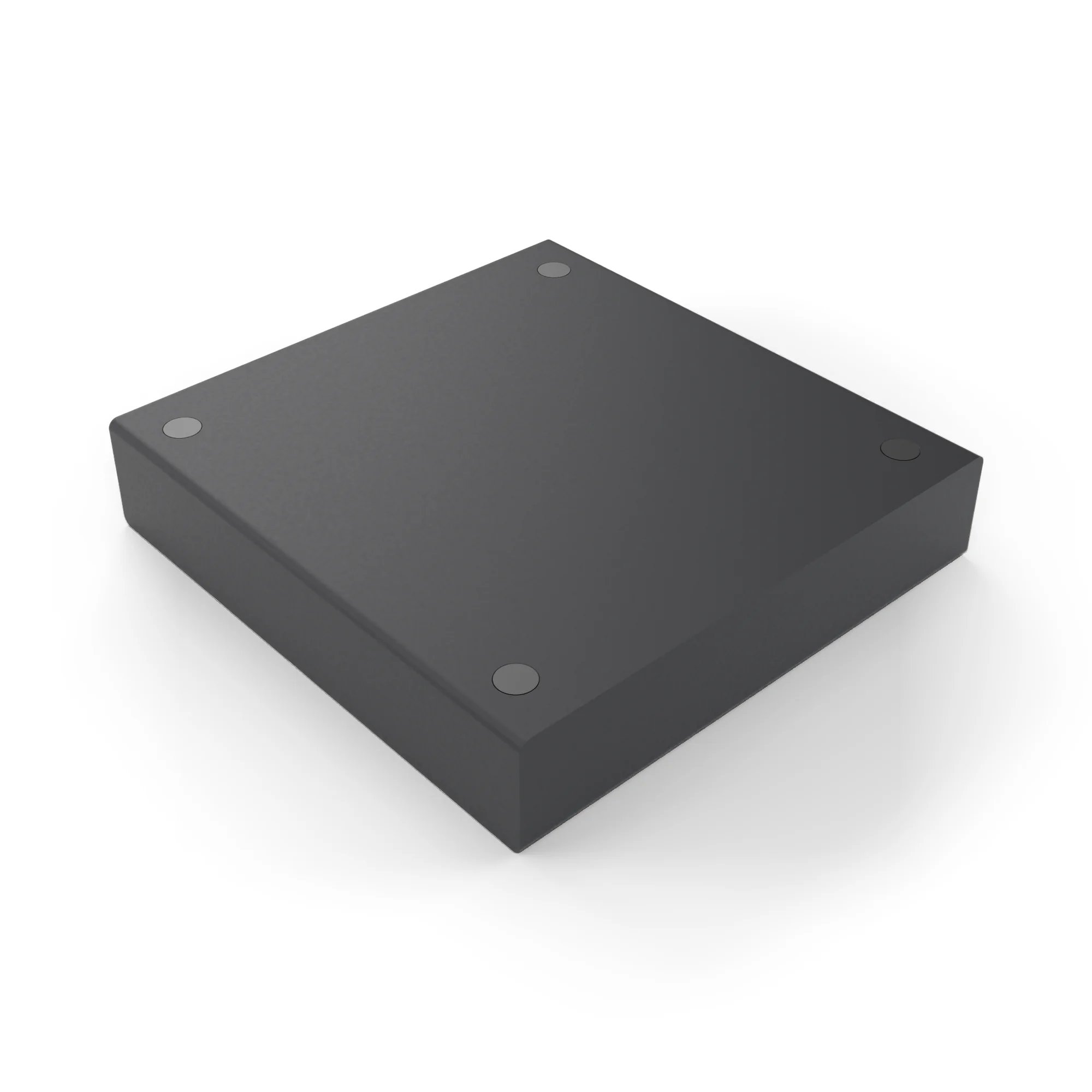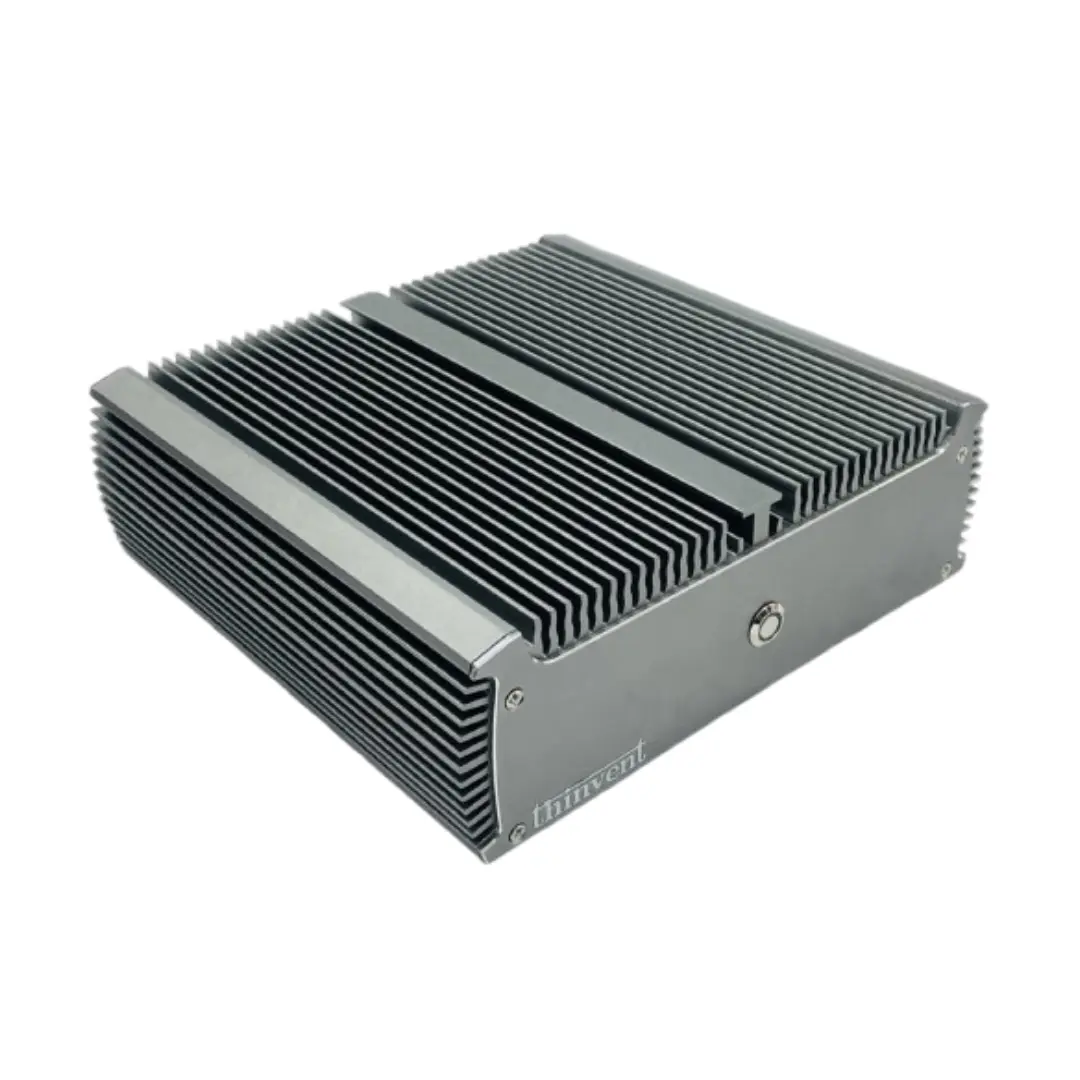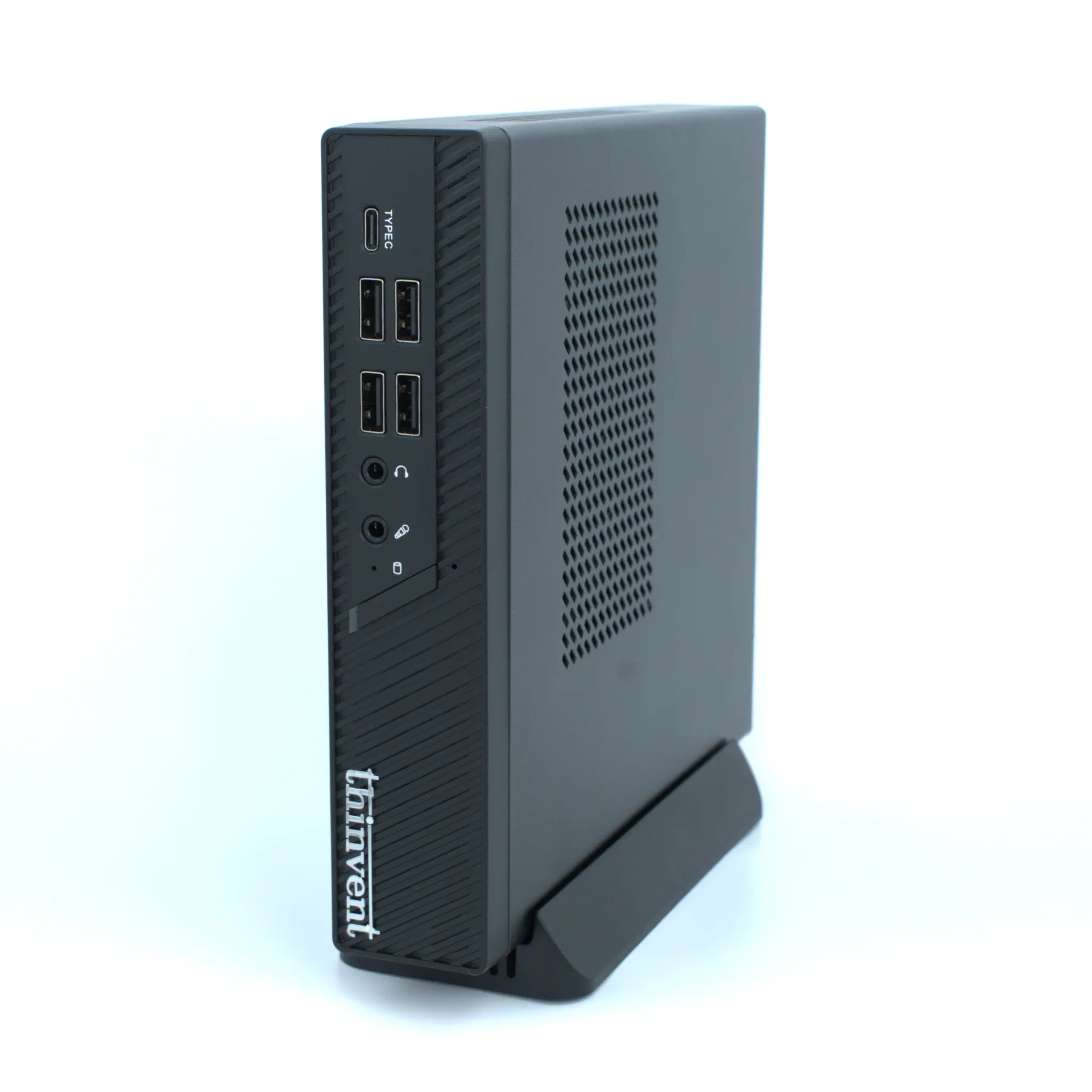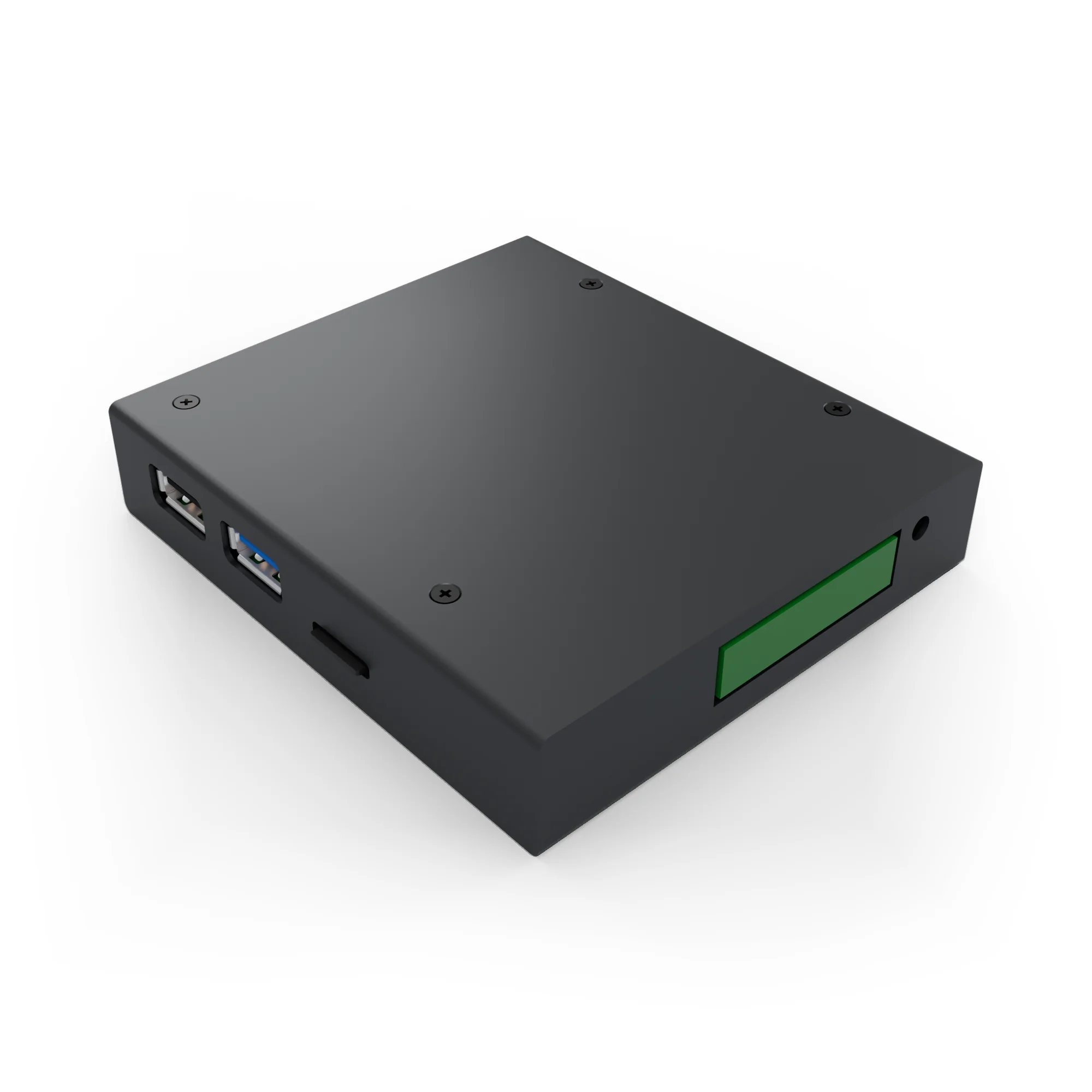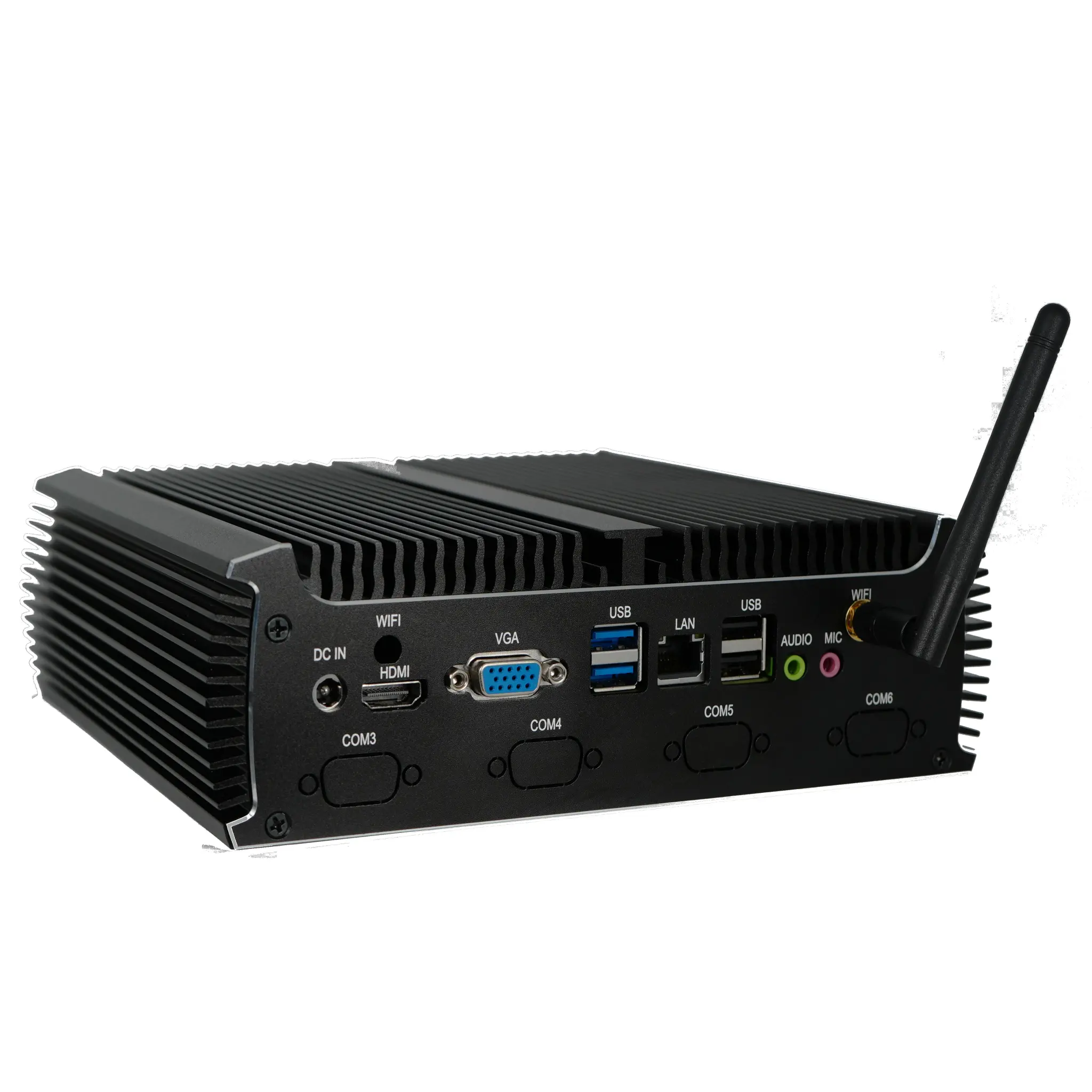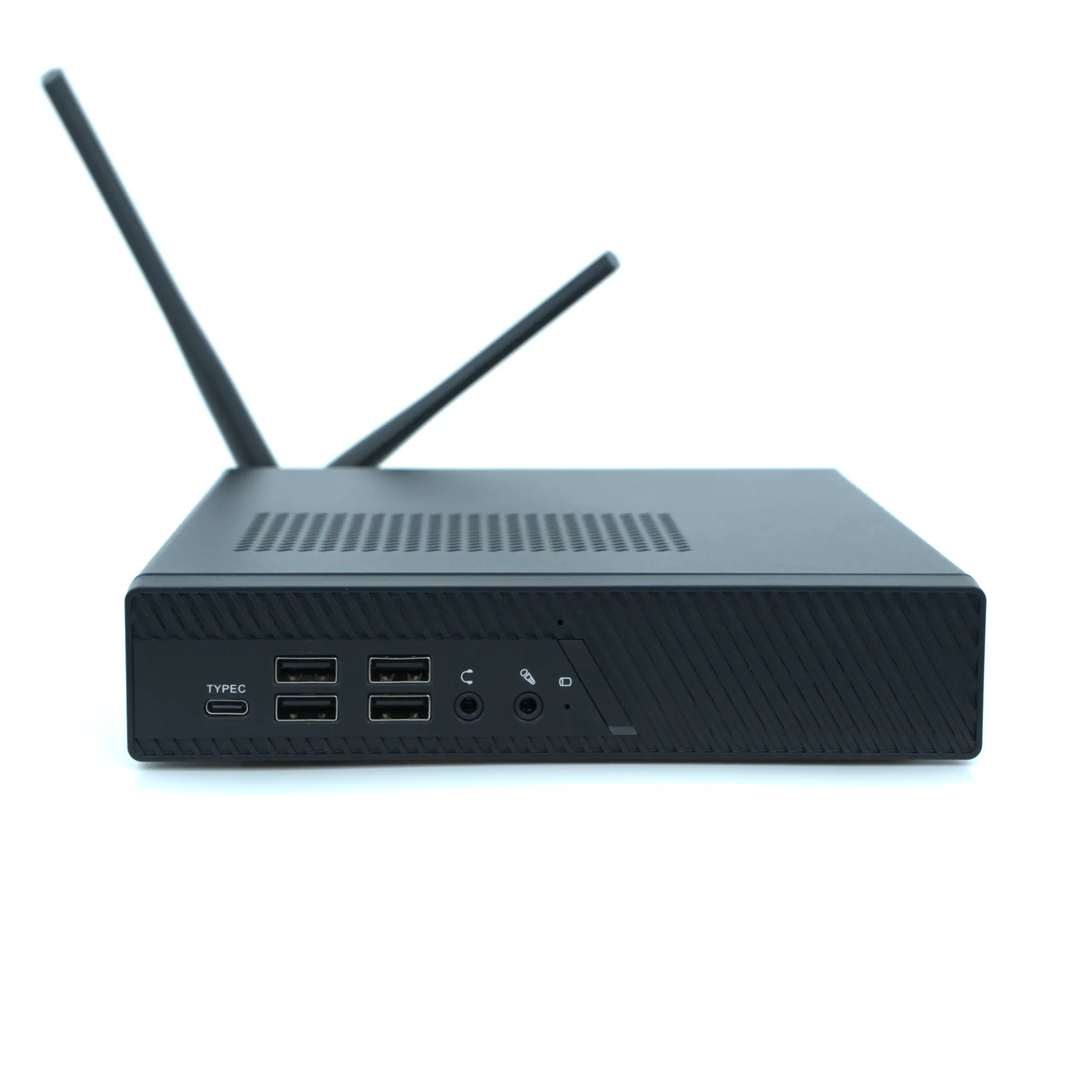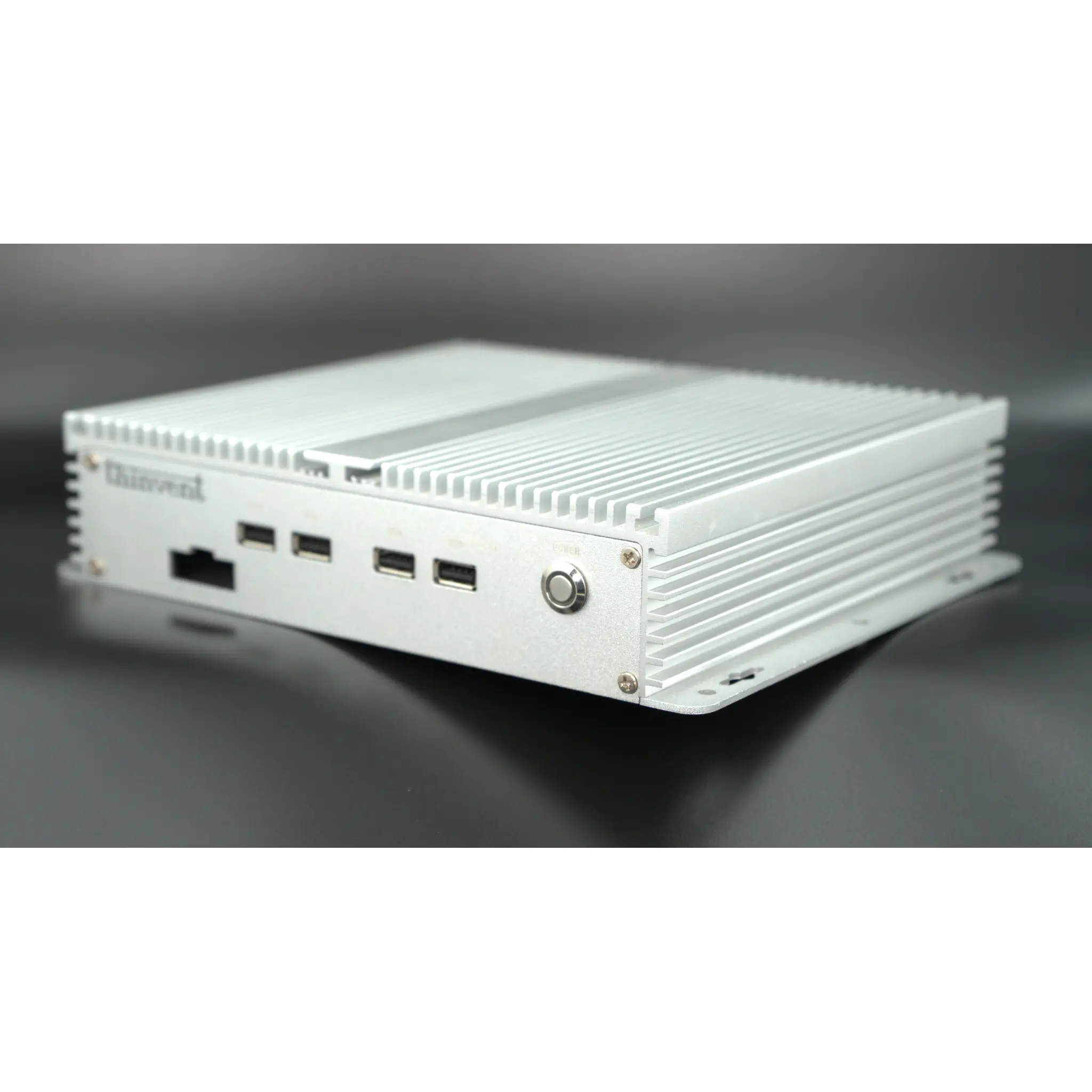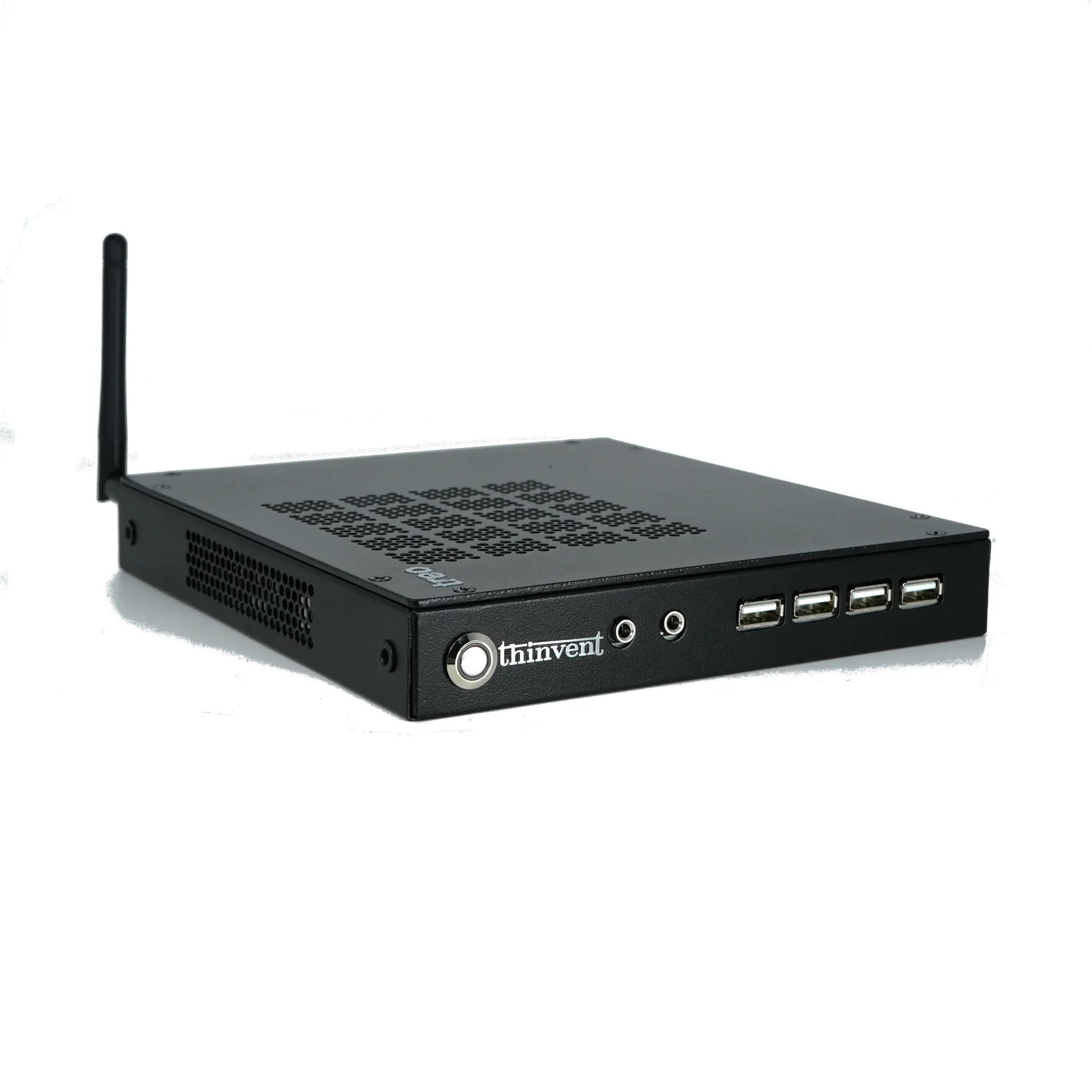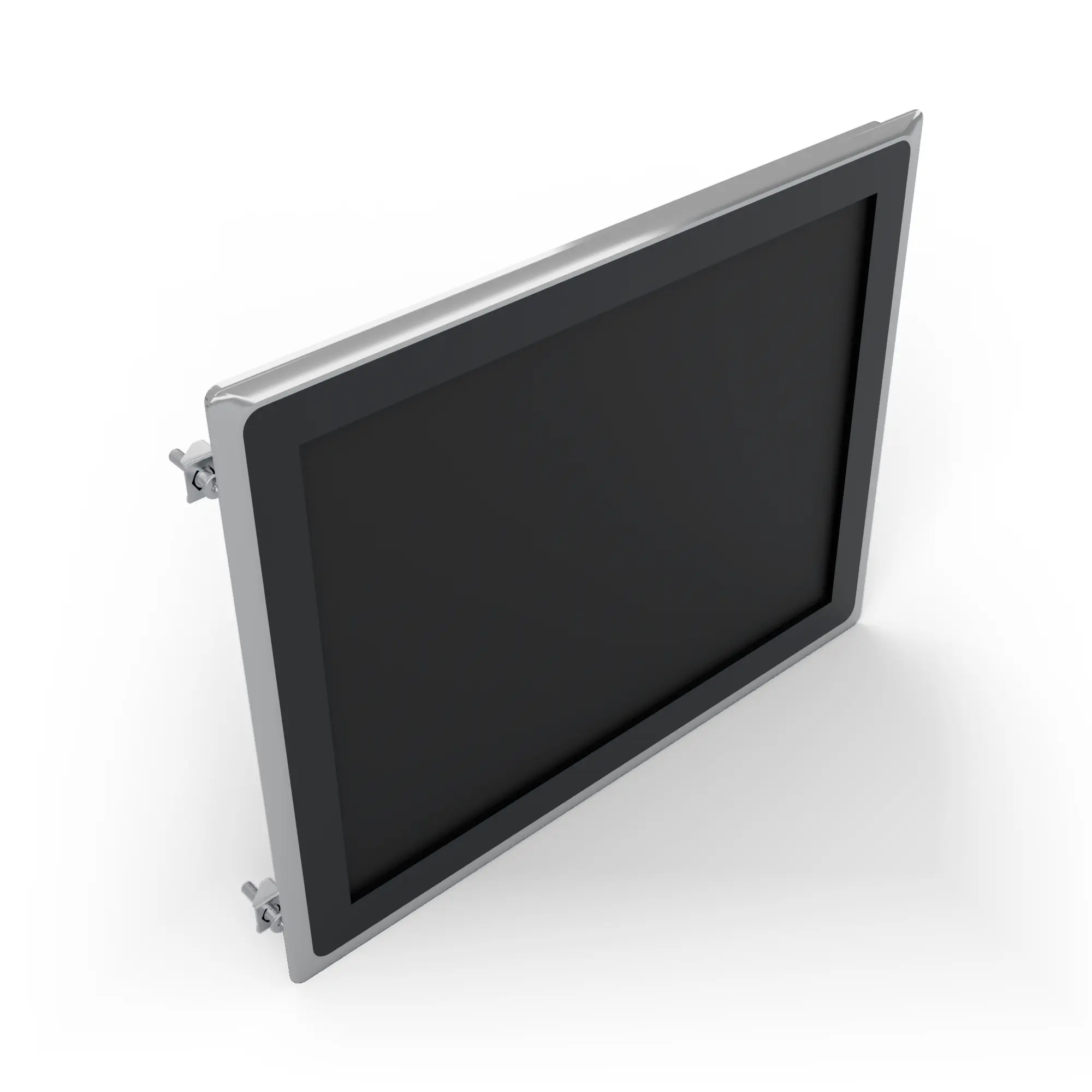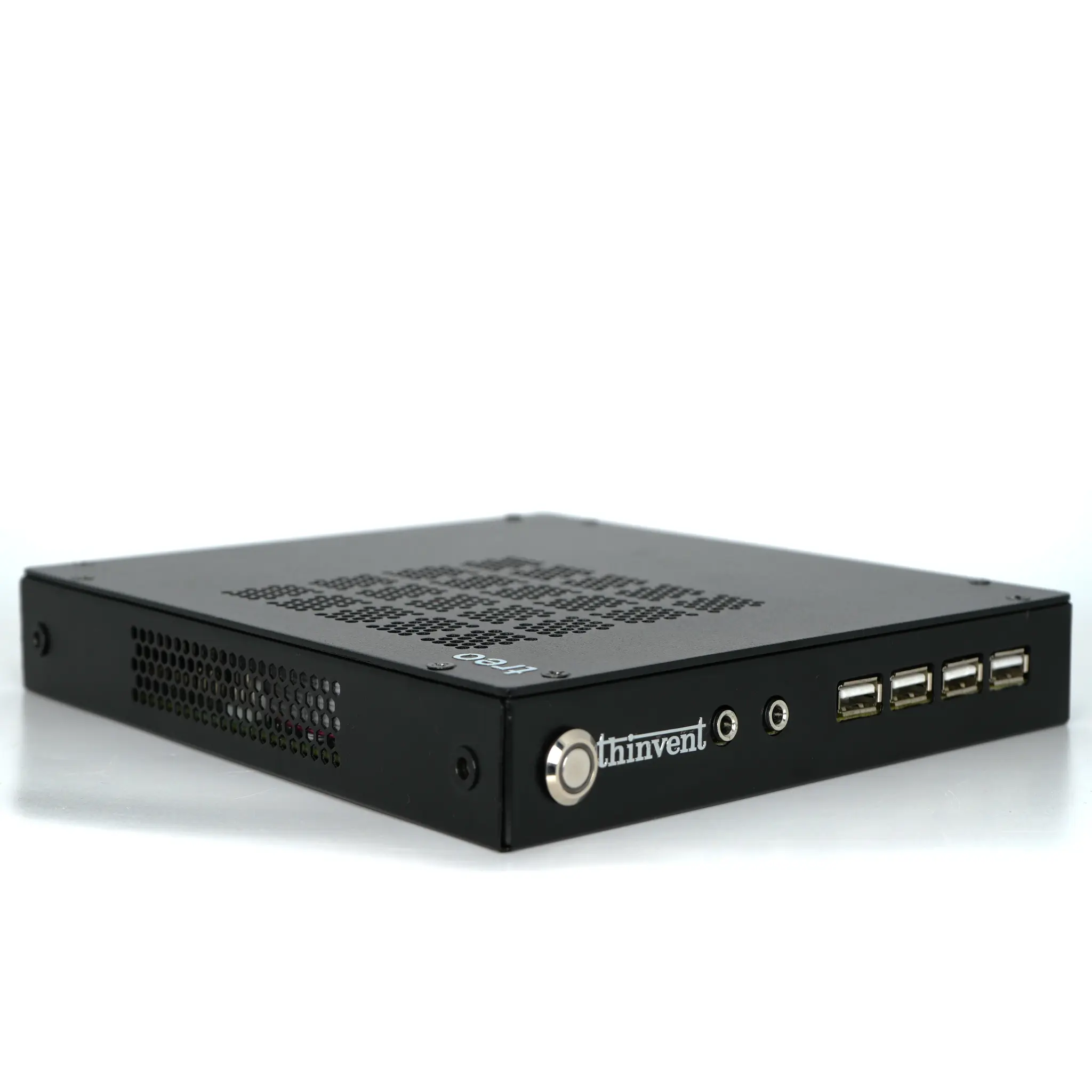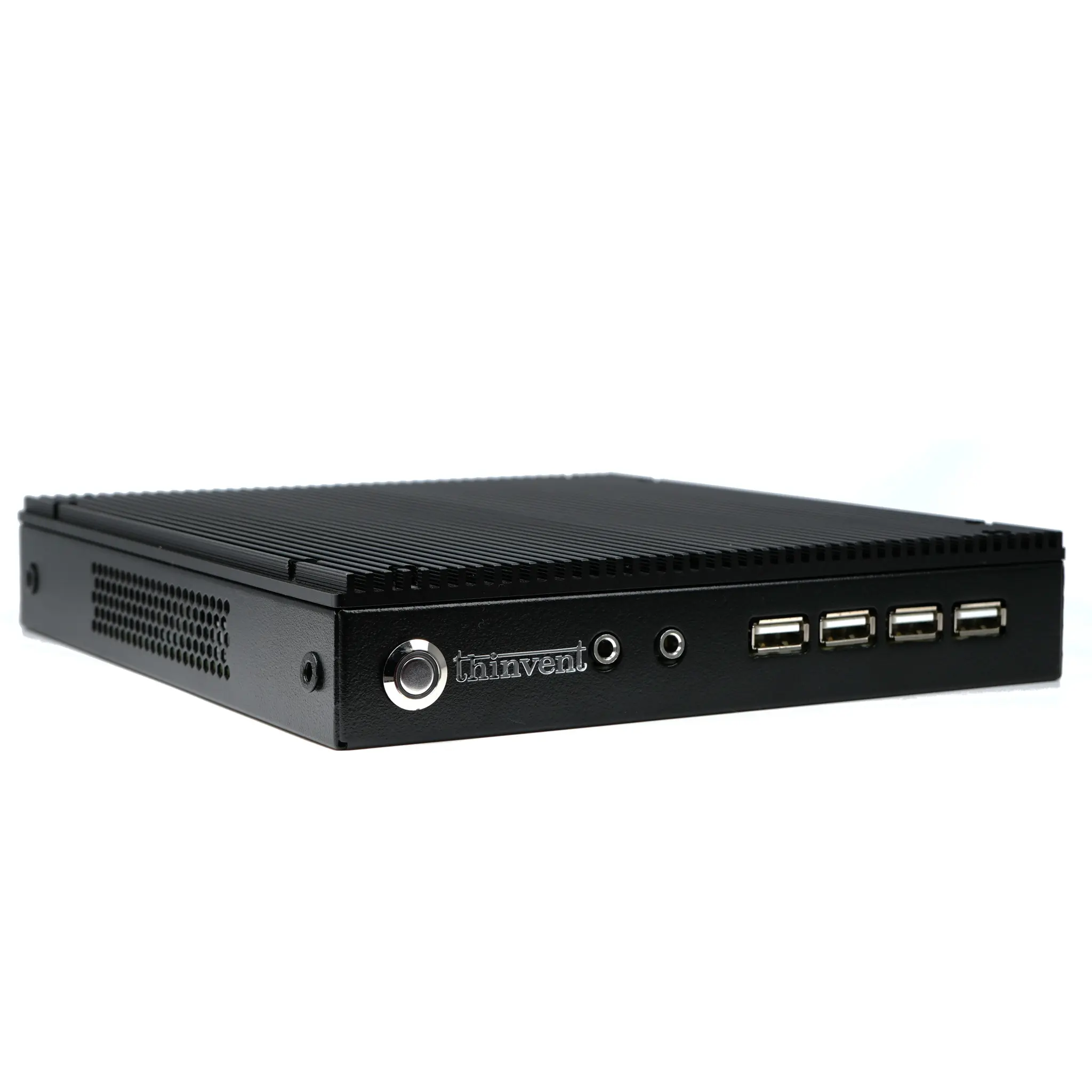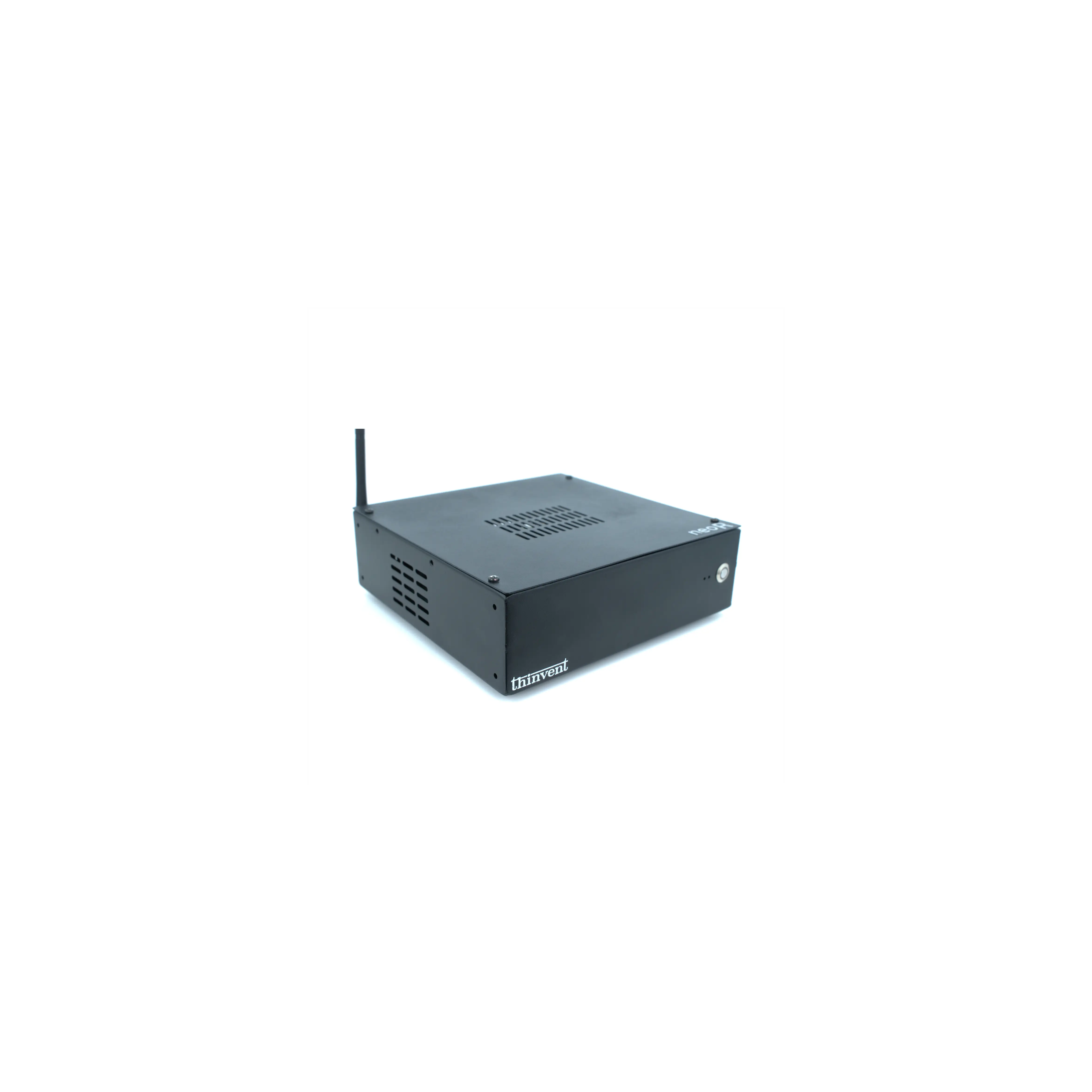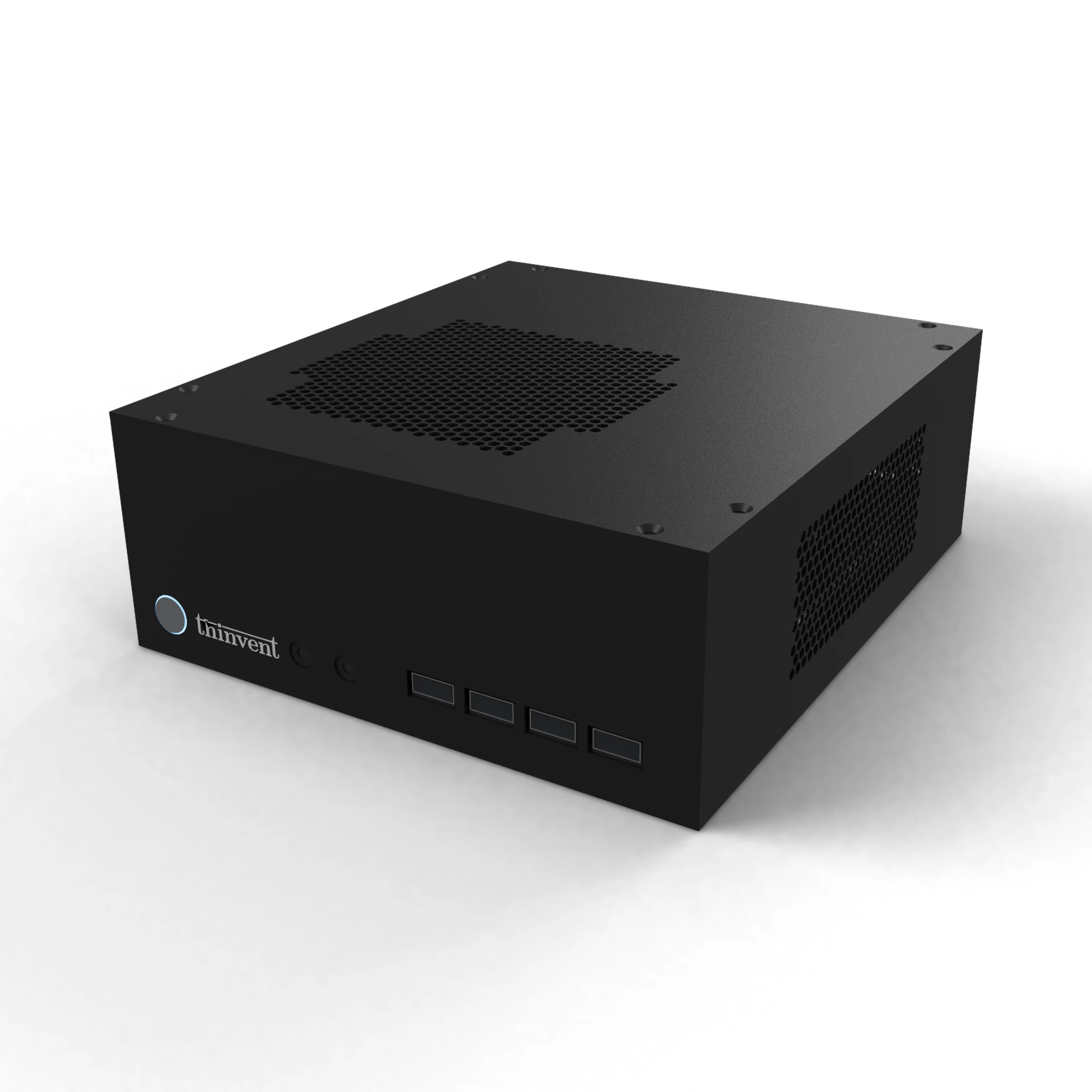
The Dell Wyse 3040 is a compact, low-cost thin client with a quad-core Intel Atom x5-Z8350 processor, up to 2 GB of RAM and Wyse ThinOS or Wyse ThinLinux. The closest Thinvent match is the Thinvent Neo S Thin Client, which uses a quad-core Intel Celeron J1900 and has more memory and storage.
Dell Wyse 3040 vs Thinvent Neo S Thin Client
| Dell Wyse 3040 | Thinvent Neo S Thin Client | |
|---|---|---|
| Processor | Intel Atom x5-Z8350 | Intel Celeron J1900 (7th gen) |
| Cores/Threads | 4 cores | 4 cores |
| RAM | Up to 2 GB | 4 GB |
| Storage | Up to 16 GB eMMC | 128 GB SSD |
| Form Factor | Thin Client | Thin Client |
| Operating System | Wyse ThinOS or Wyse ThinLinux | Windows 11 Pro (also Windows 11 IoT, Ubuntu Linux, Thinux Embedded Linux, Without OS, DOS) |
Key differences
-
Thinvent advantage: the Neo S has 4 GB of RAM, twice the 2 GB maximum of the Wyse 3040.
-
Thinvent advantage: the Neo S has a 128 GB SSD, against a 16 GB maximum on the Wyse 3040.
-
Thinvent advantage: the Neo S runs Windows 11 Pro, and the buyer can also choose Windows 11 IoT, Ubuntu Linux, Thinux Embedded Linux, Without OS or DOS.
-
The Neo S has a VGA port, a parallel port and two DB9 serial ports, which the Wyse 3040 does not have. The Wyse 3040 has a 1 Gb/s Ethernet port and two DisplayPort 1.2 outputs, while the Neo S has HDMI and VGA video outputs.
-
The Wyse 3040 has optional dual-band Wi-Fi with Bluetooth 4.0. The Neo S has no WiFi.
-
The Neo S uses fanless passive cooling and has a steel housing.
Which one should you choose?
Choose the Dell Wyse 3040 if you need a very small, low-power client that runs Wyse ThinOS or Wyse ThinLinux with optional Wi-Fi. Choose the Thinvent Neo S Thin Client if you need more memory and storage, a choice of Windows or Linux operating systems, and legacy serial and parallel ports.